How to Access General Setting
2 min
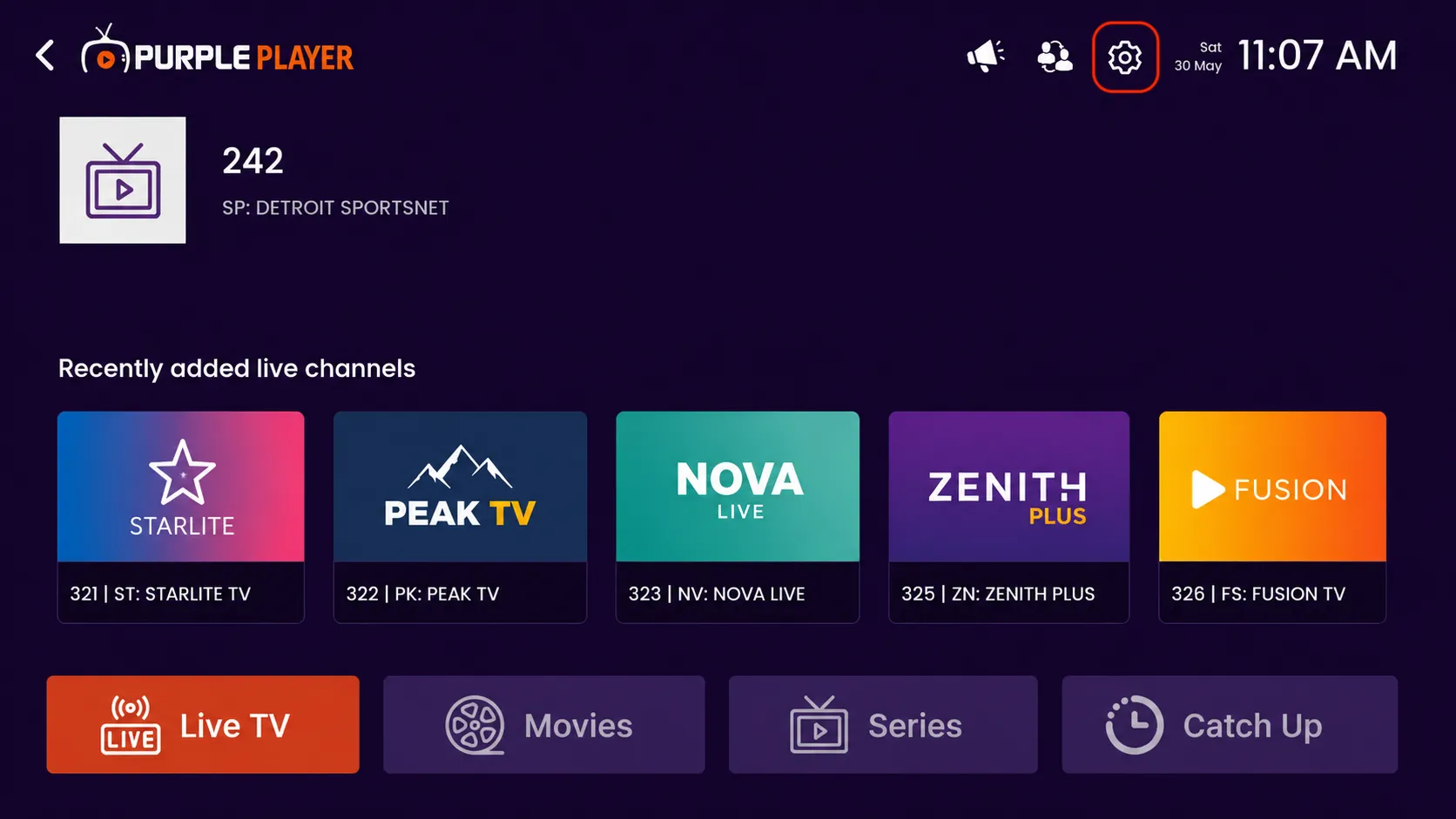
Step 1: Open Settings
Click on the highlighted settings icon from the top-right corner of the home screen to access the app settings and customization options.
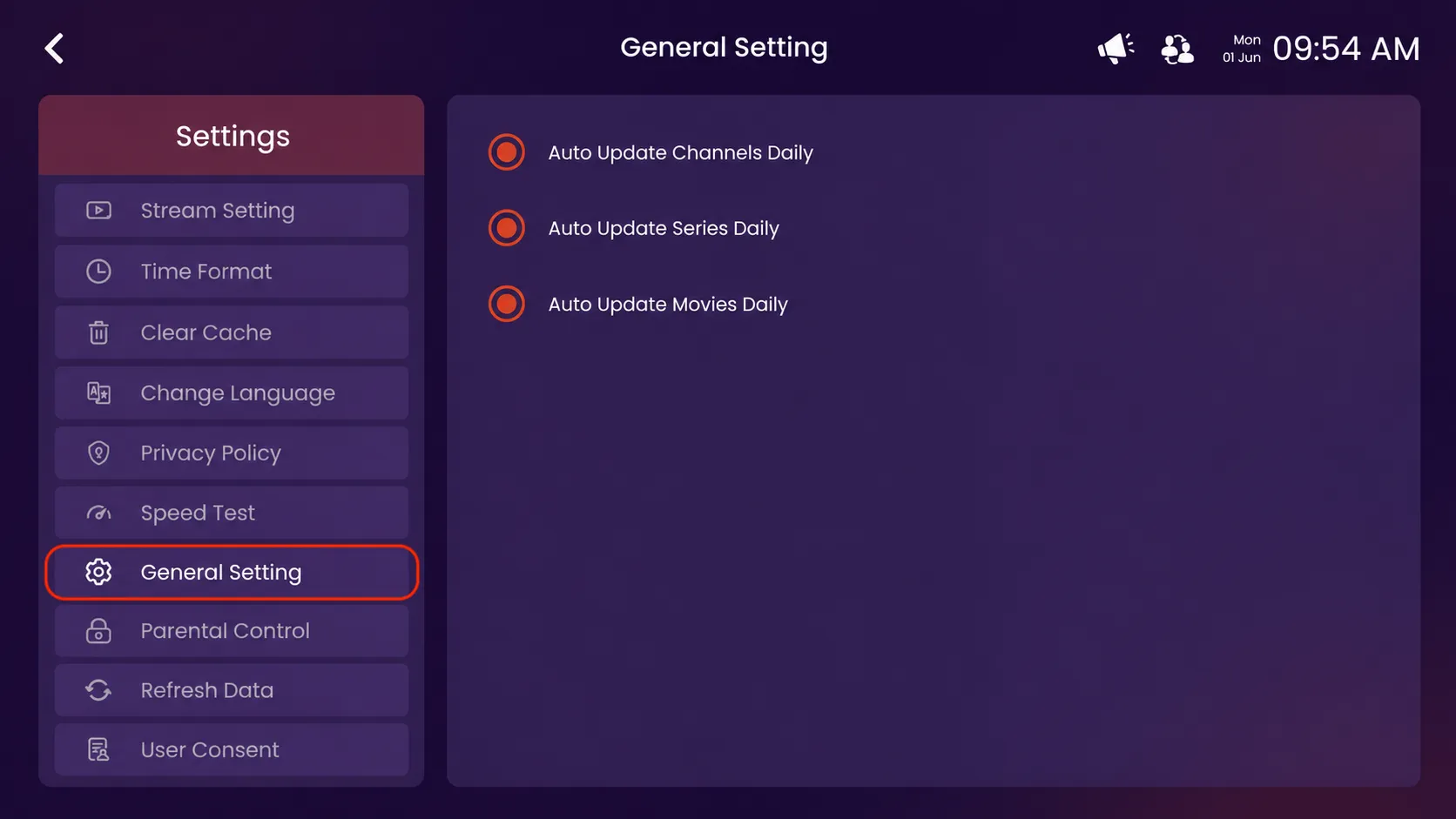
Step 2: Click on General Settings
Click on the highlighted General Settings option from the Settings menu.
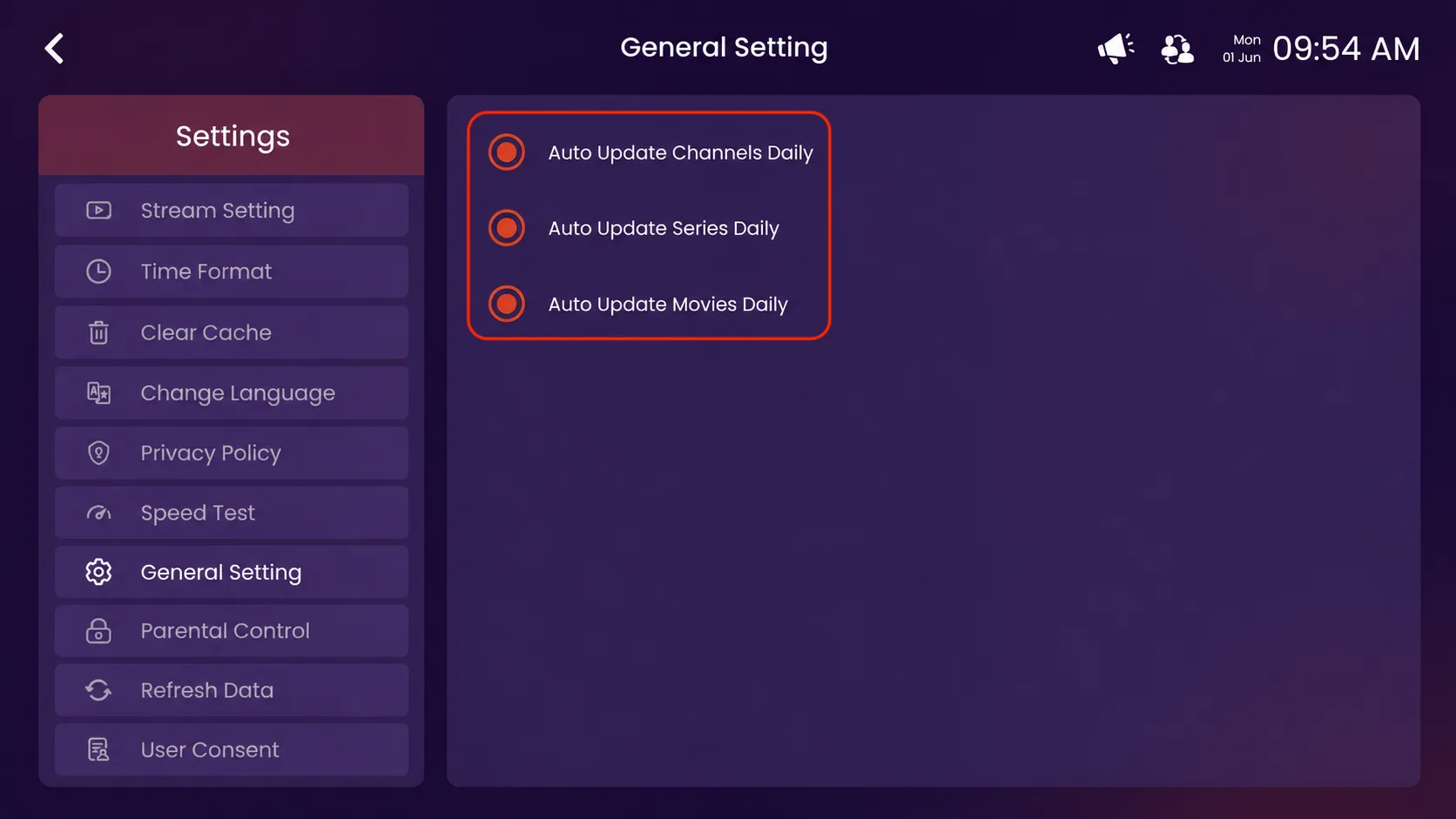
Step 3: Manage Auto Update Settings
Use the highlighted options to enable or disable automatic daily updates for channels, series, and movies. This helps keep your content library updated automatically with the latest available content.