How to Set Parental Control
5 min
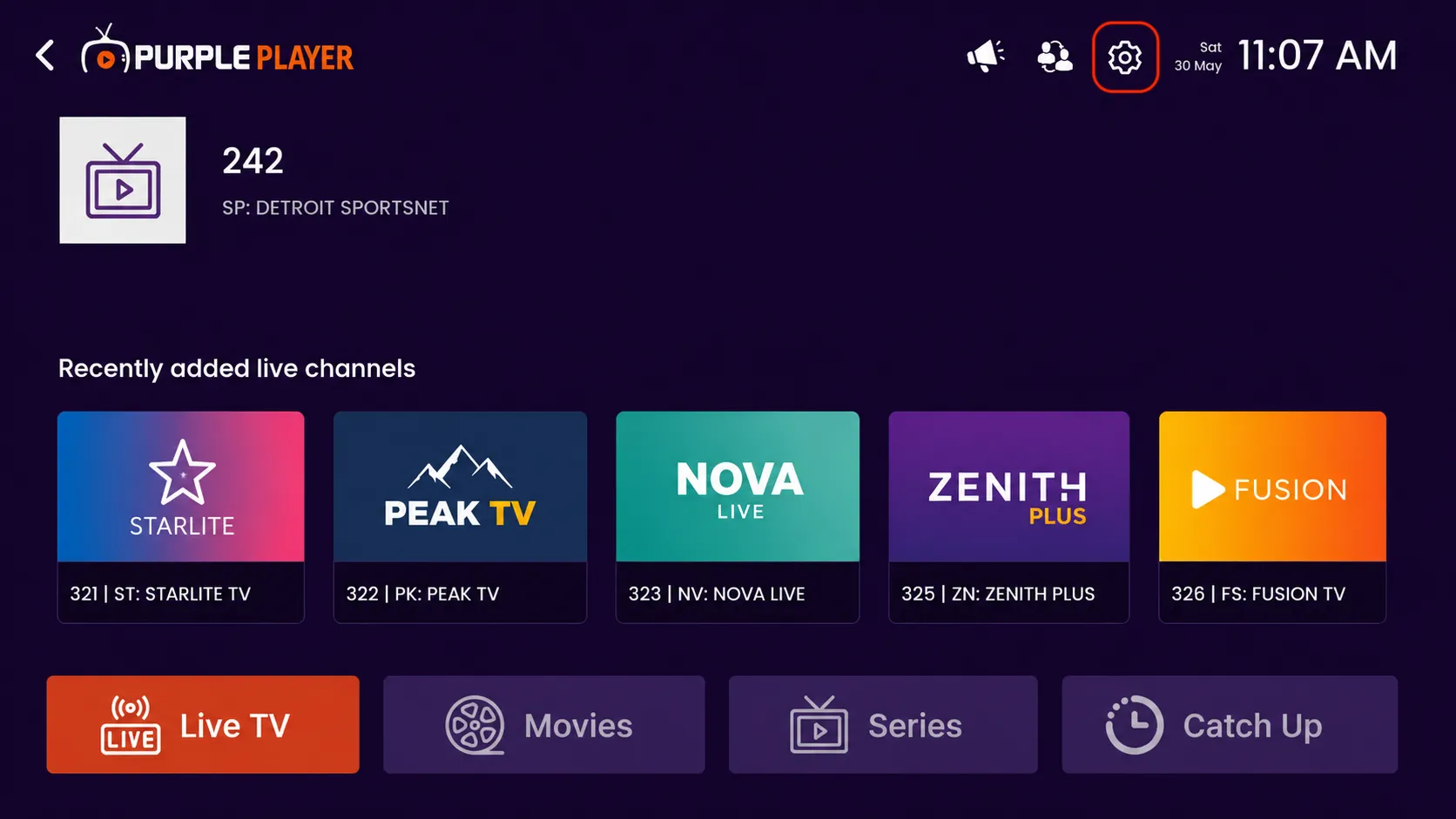
Step 1: Open Settings
Click on the highlighted settings icon from the top-right corner of the home screen to access the app settings and customization options.
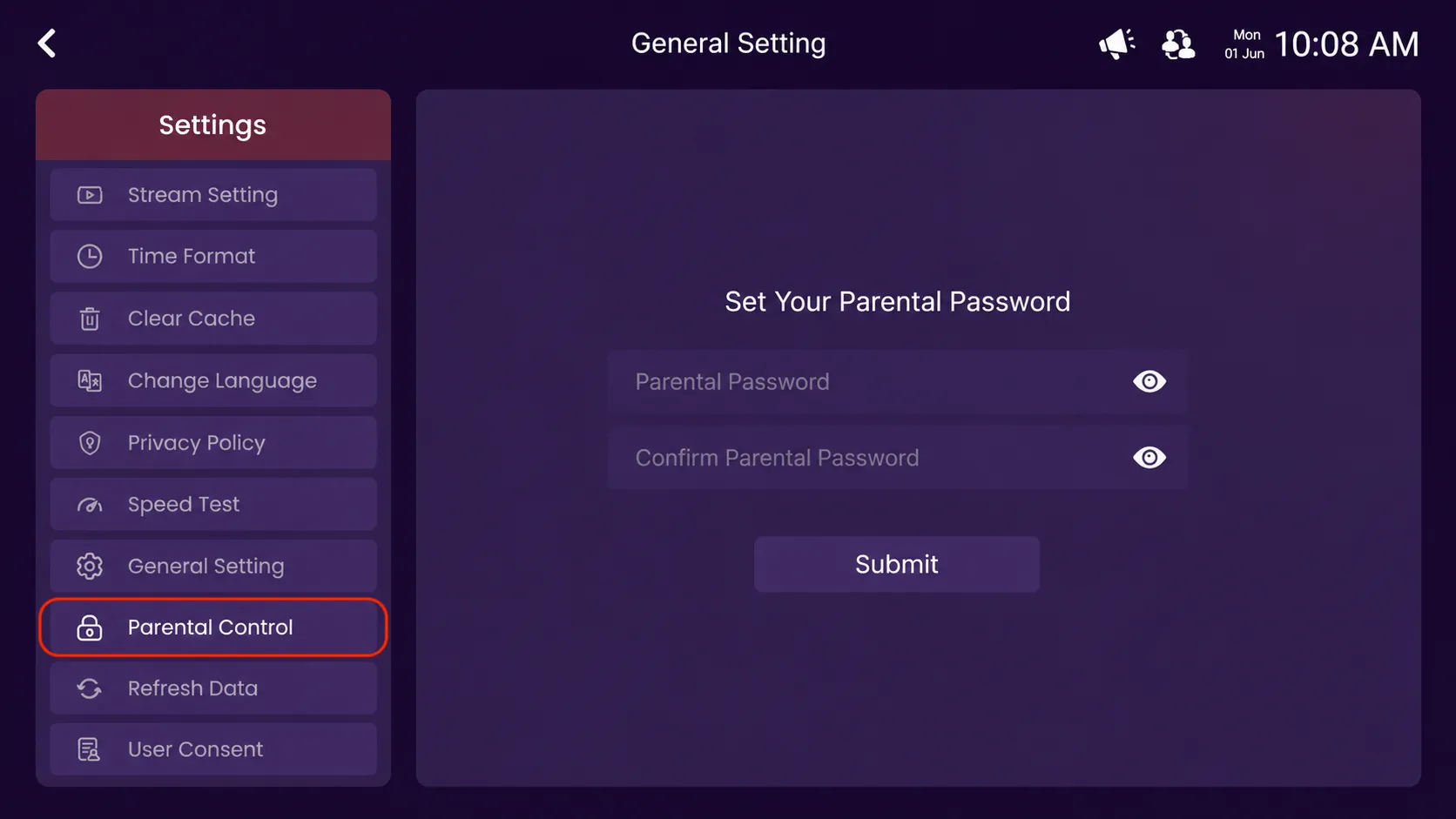
Step 2: Click on Parental Control
Click on the highlighted Parental Control option from the Settings menu.
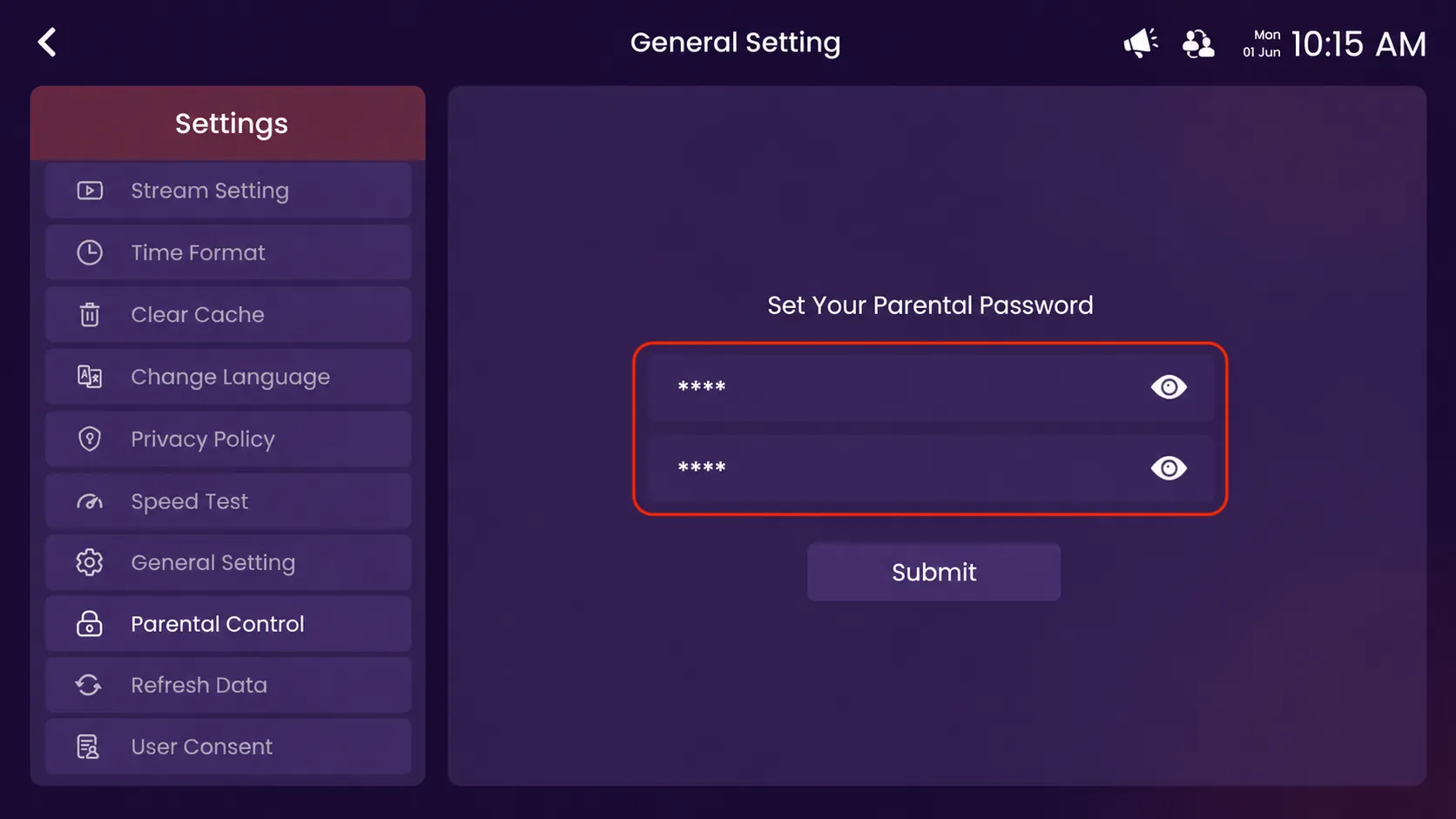
Step 3: Enter the Password
Enter your preferred parental password in both password fields to confirm, then click the Submit button to save and activate the parental control settings.
Step 4: Click on Confirm
Enter your parental password in the password field, then click on the Confirm button to unlock and access the parental control settings.
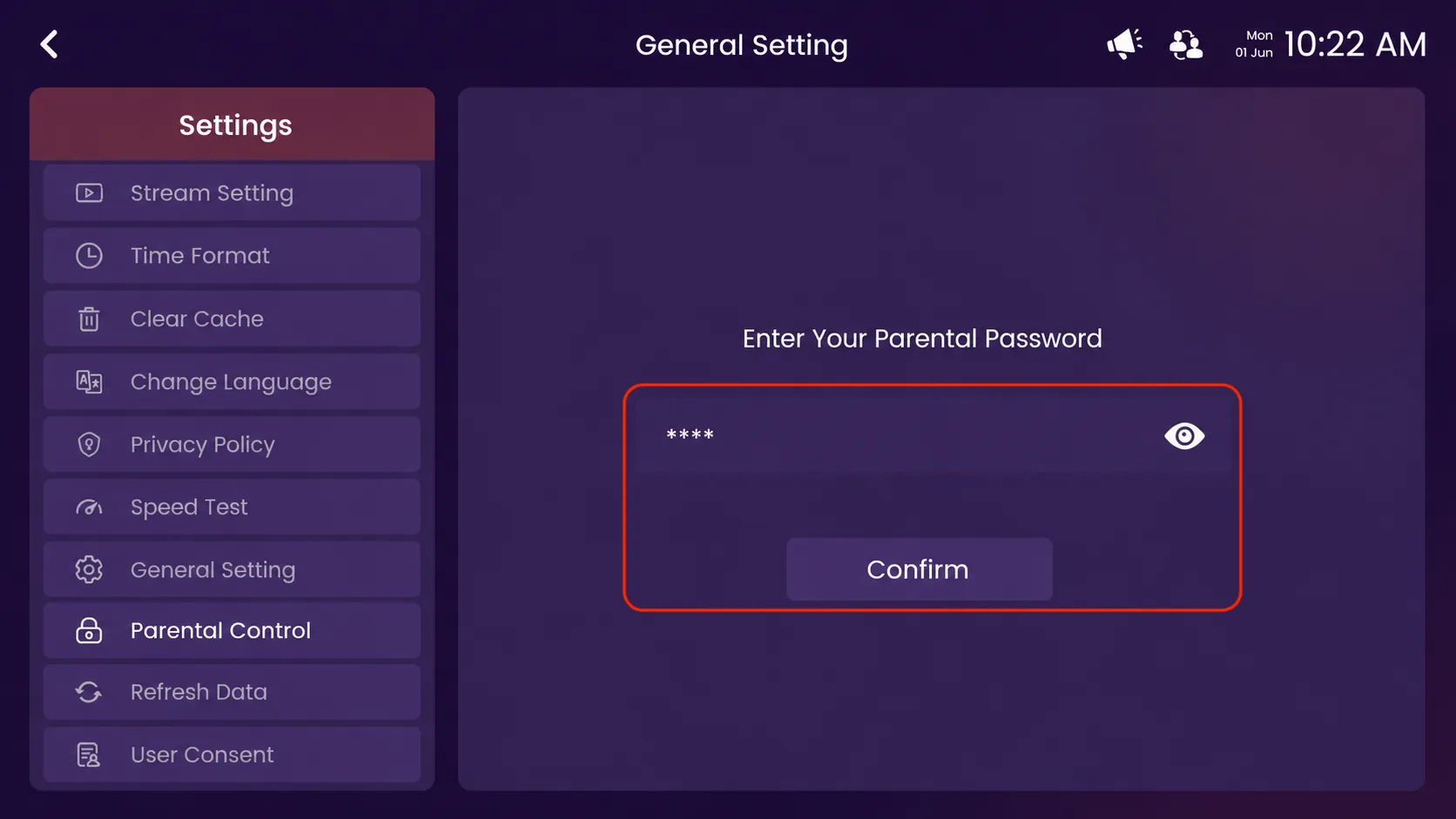
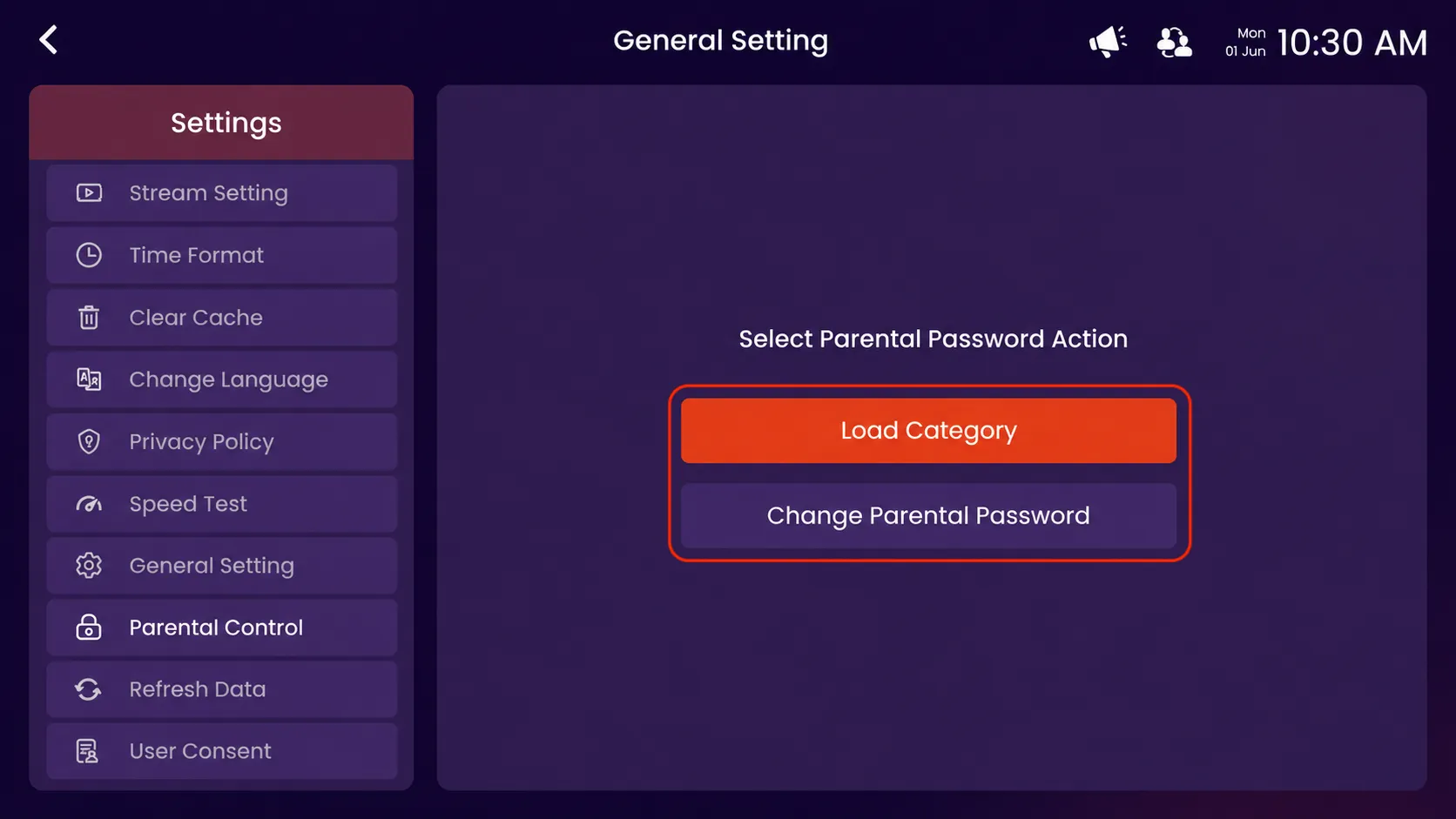
Step 5: Select Parental Pin Action
Click on Load Categories.
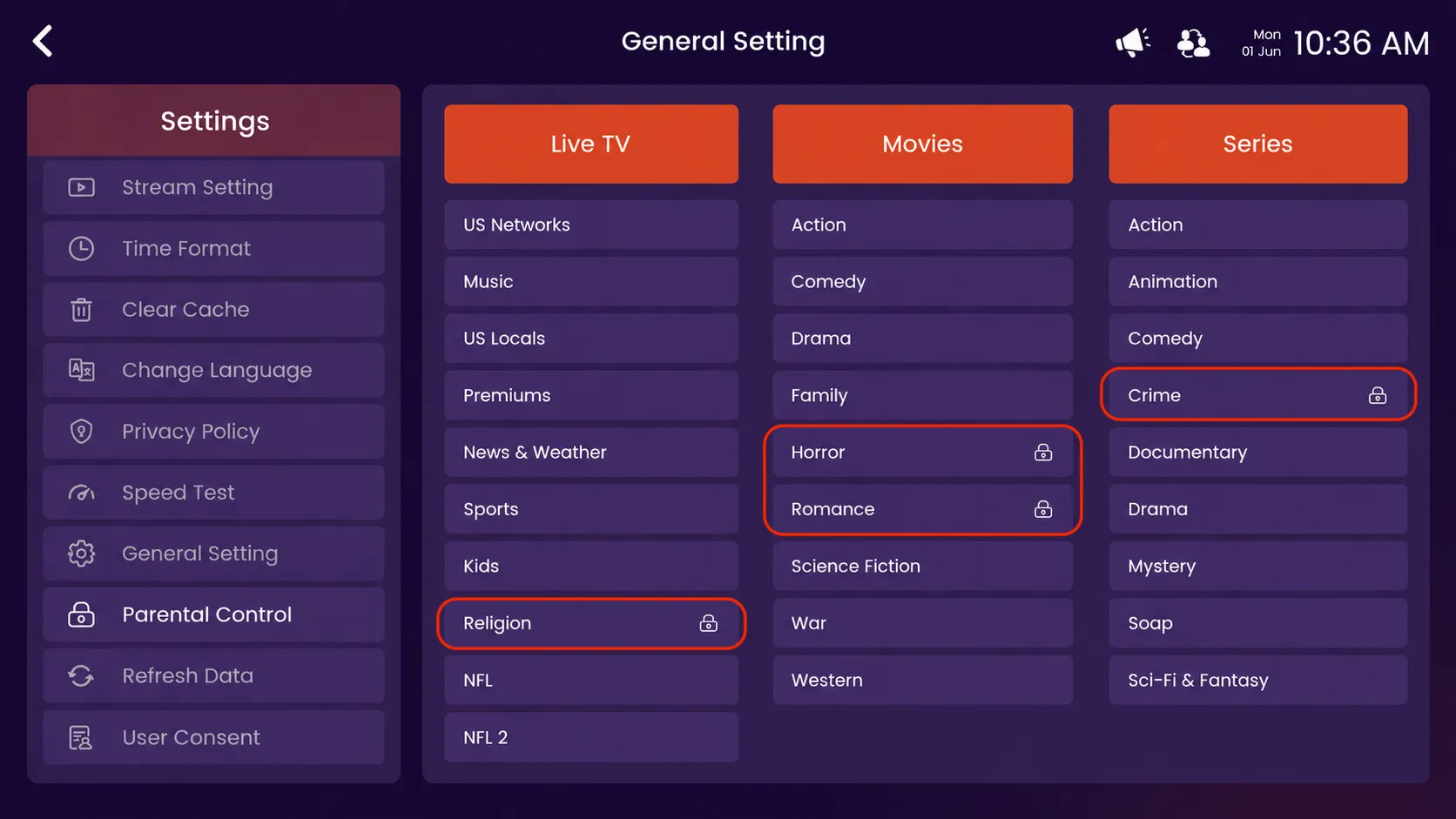
Step 6: View the Locked Categories
After loading the parental control categories, all available Live TV, Movies, and Series category options will appear on the screen. The categories marked with a lock icon will require the parental password to access.