How to Run Speed Test
3 min
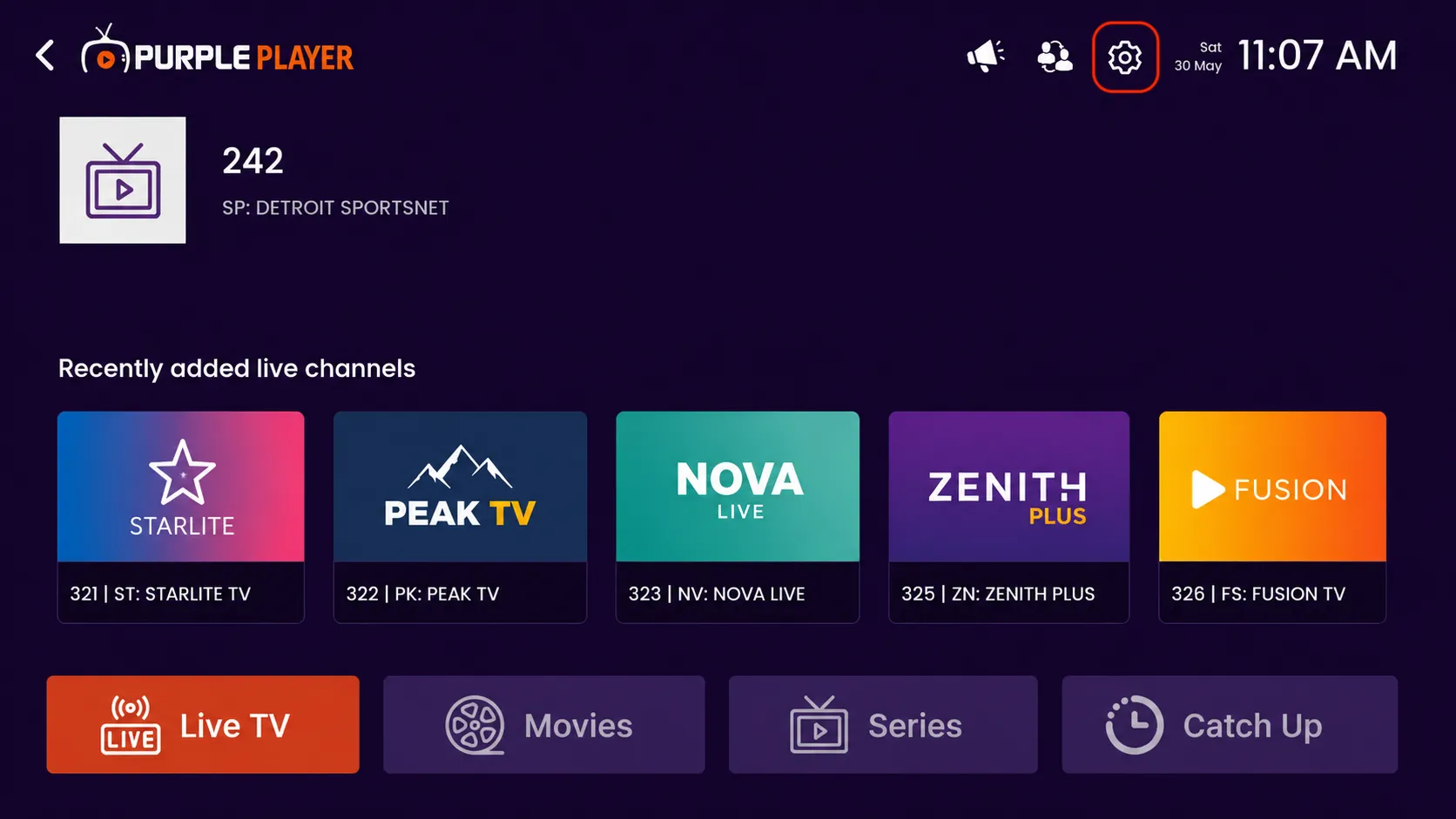
Step 1: Open Settings
Click on the highlighted settings icon from the top-right corner of the home screen to access the app settings and customization options.
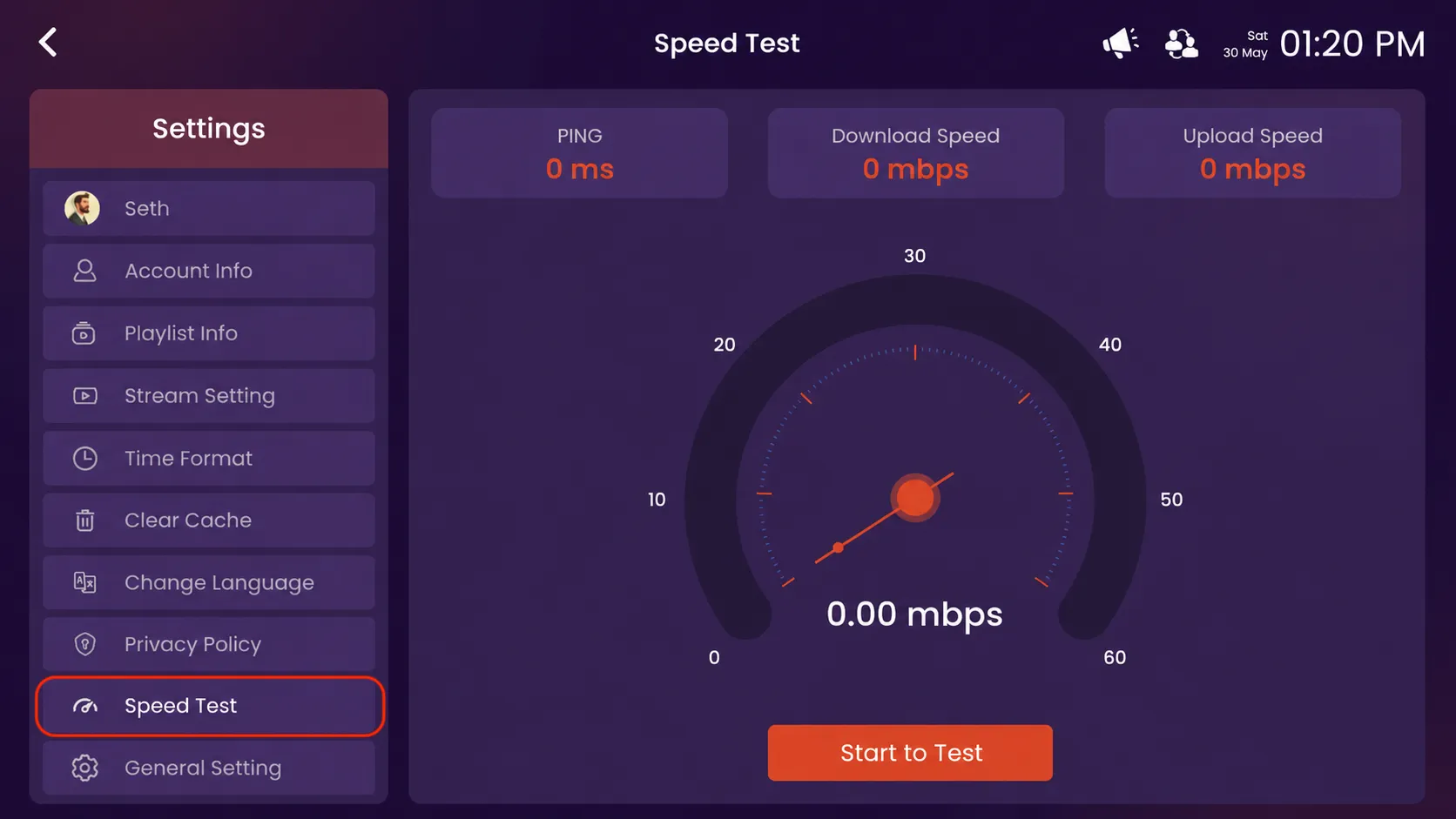
Step 2: Click on Speed Test
Click on the highlighted Speed Test option from the Settings menu.
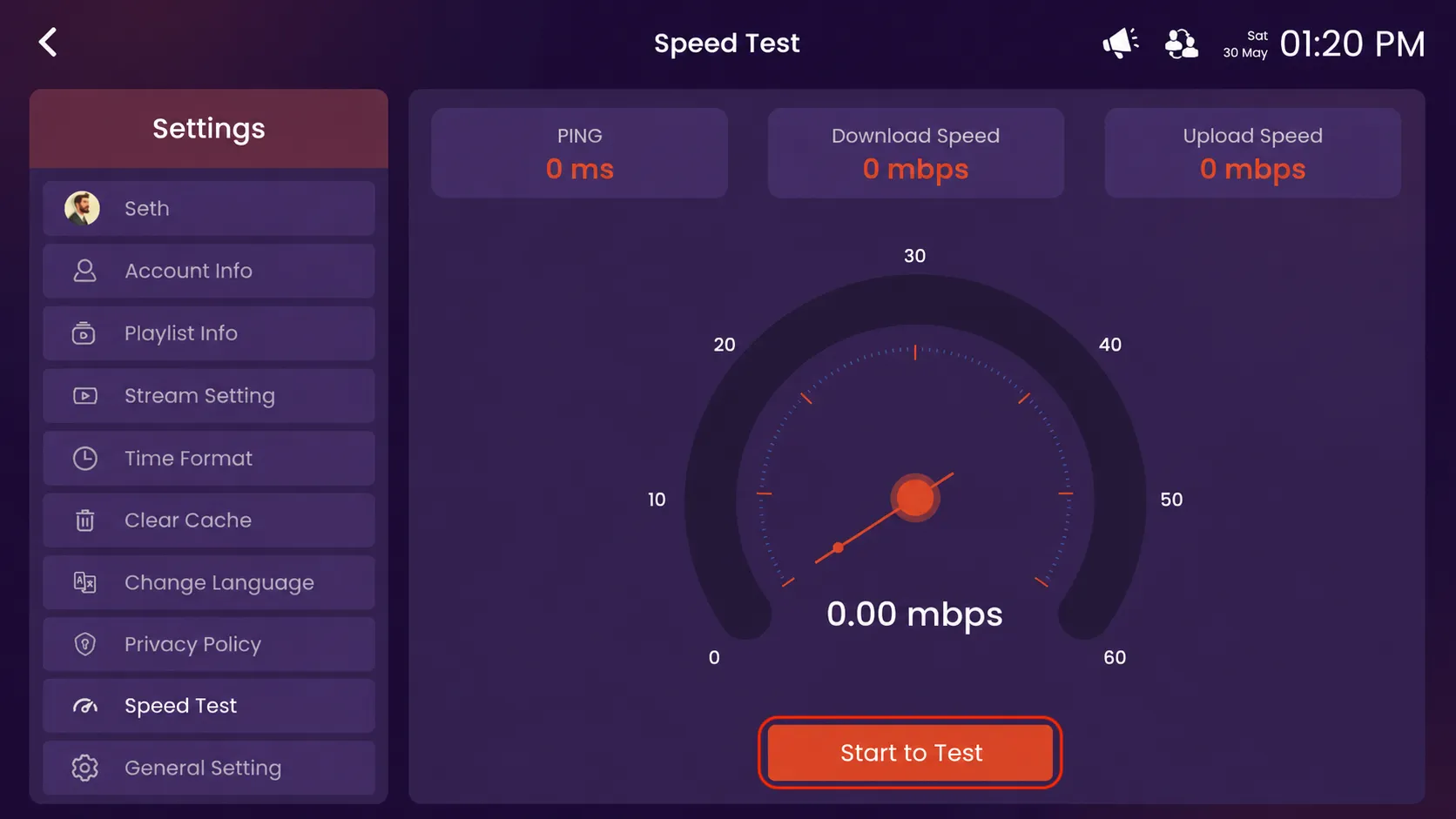
Step 3: Click on Start to Test
Click on the highlighted Start to Test button.
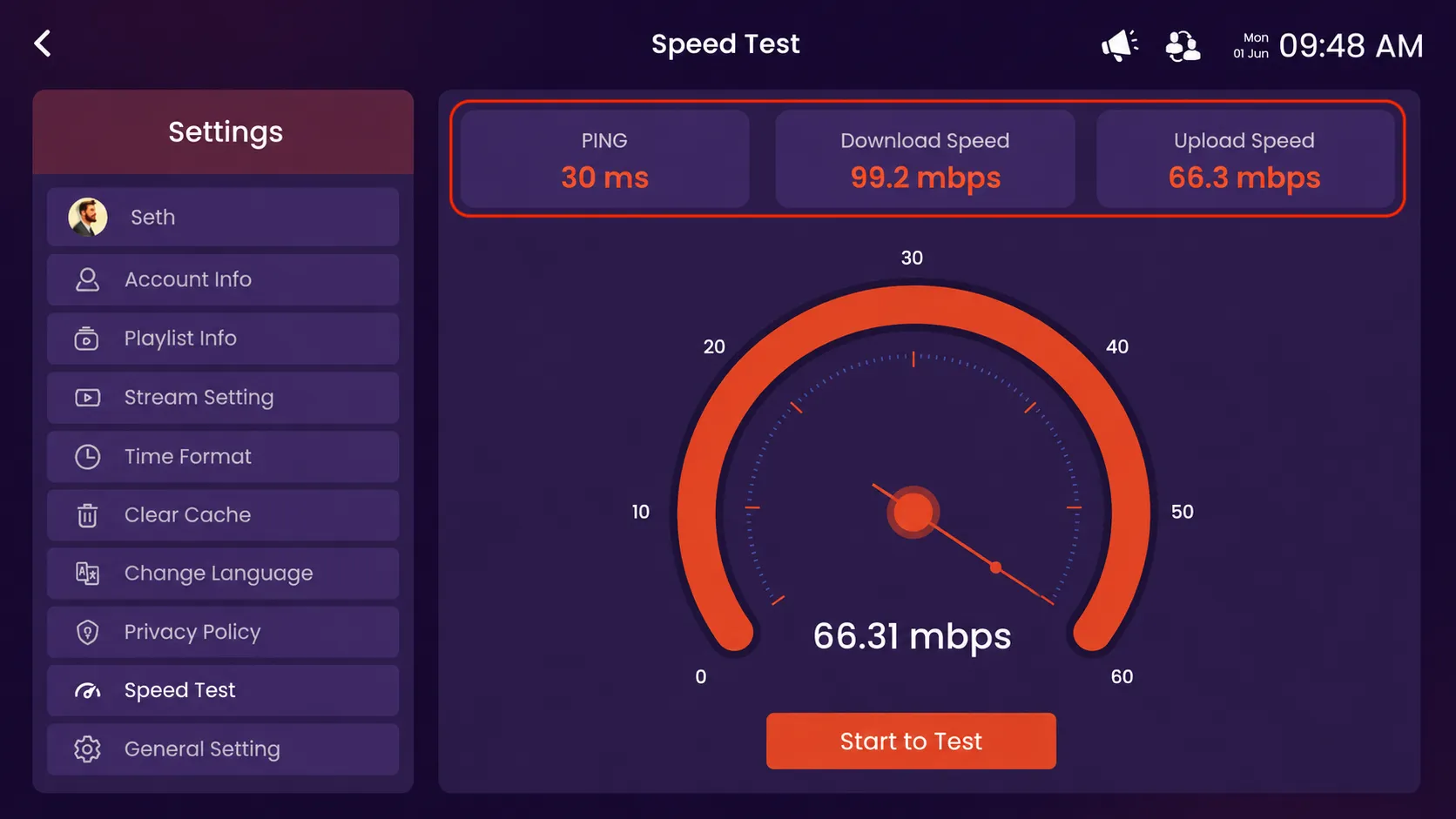
Step 4: View Speed Test Results
After clicking on Start to Test, the app will automatically measure your internet connection and display the current Ping, Download Speed, and Upload Speed results on the screen.