How to view and export coupon list
5 min
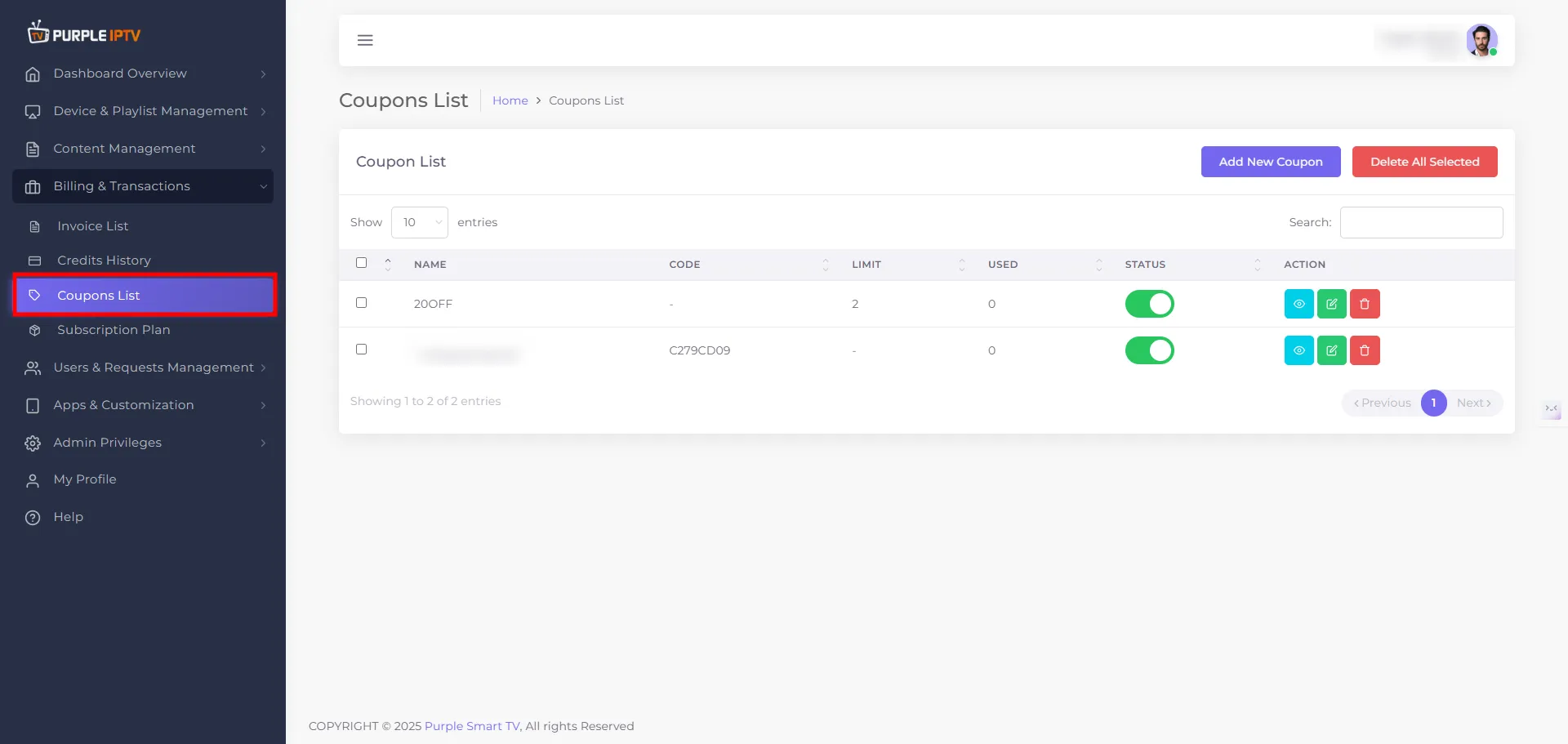
Step: 1 Go to the Billing & Transactions → Coupons
After successfully Login into Purple Admin Panel, Click on "Billing & Transactions → Coupons List section", as seen in the below image.
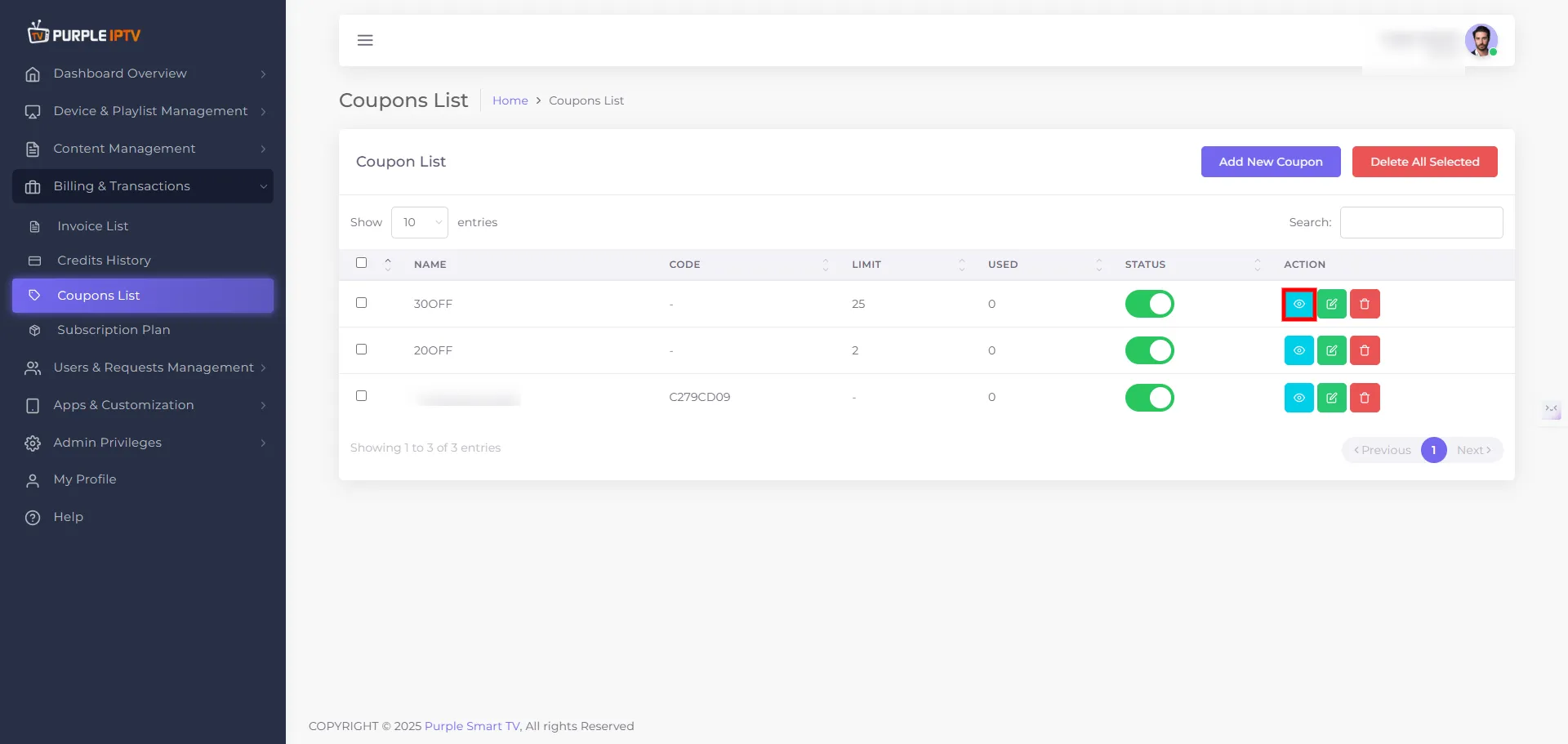
Step: 2 View Icon
Click on the VIEW icon ✏️, as shown in the image below, marked in red.
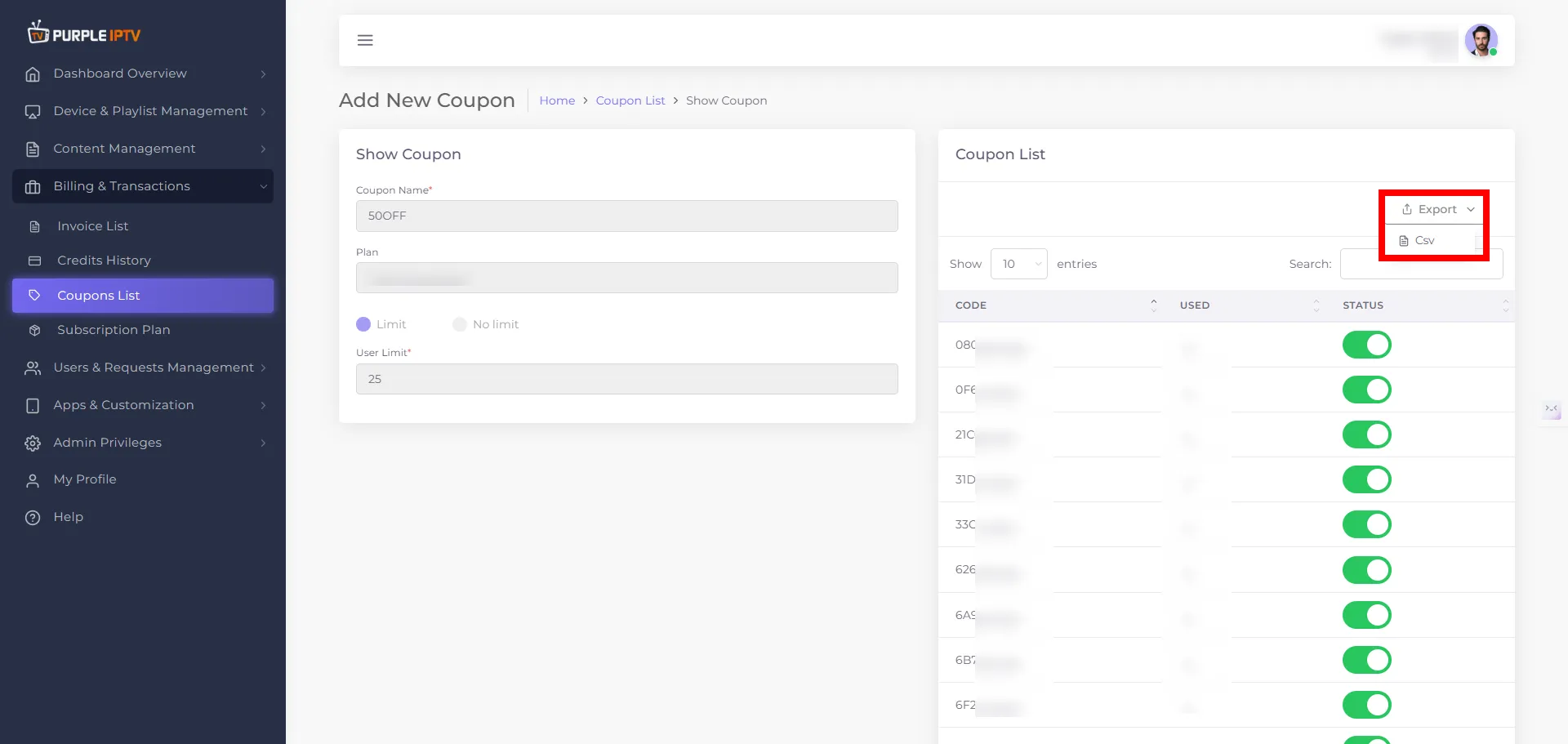
Step: 3 Show Coupon
- Coupon List This section shows all the coupons you have created in the Purple IPTV panel in a table format. Each row displays key details like coupon name, code, plan, limit, usage, and status, so you can quickly review and manage your active and past promotions. From here, you can search coupons.
- Export (CSV) This section shows all the coupons you have created in the Purple panel in a table format. You can also export this list in a CSV format for easy download and offline access. Each row displays key details like coupon name, code, plan, limit, usage, and status, so you can quickly review and manage your active and past promotions. From here, you can search coupons.
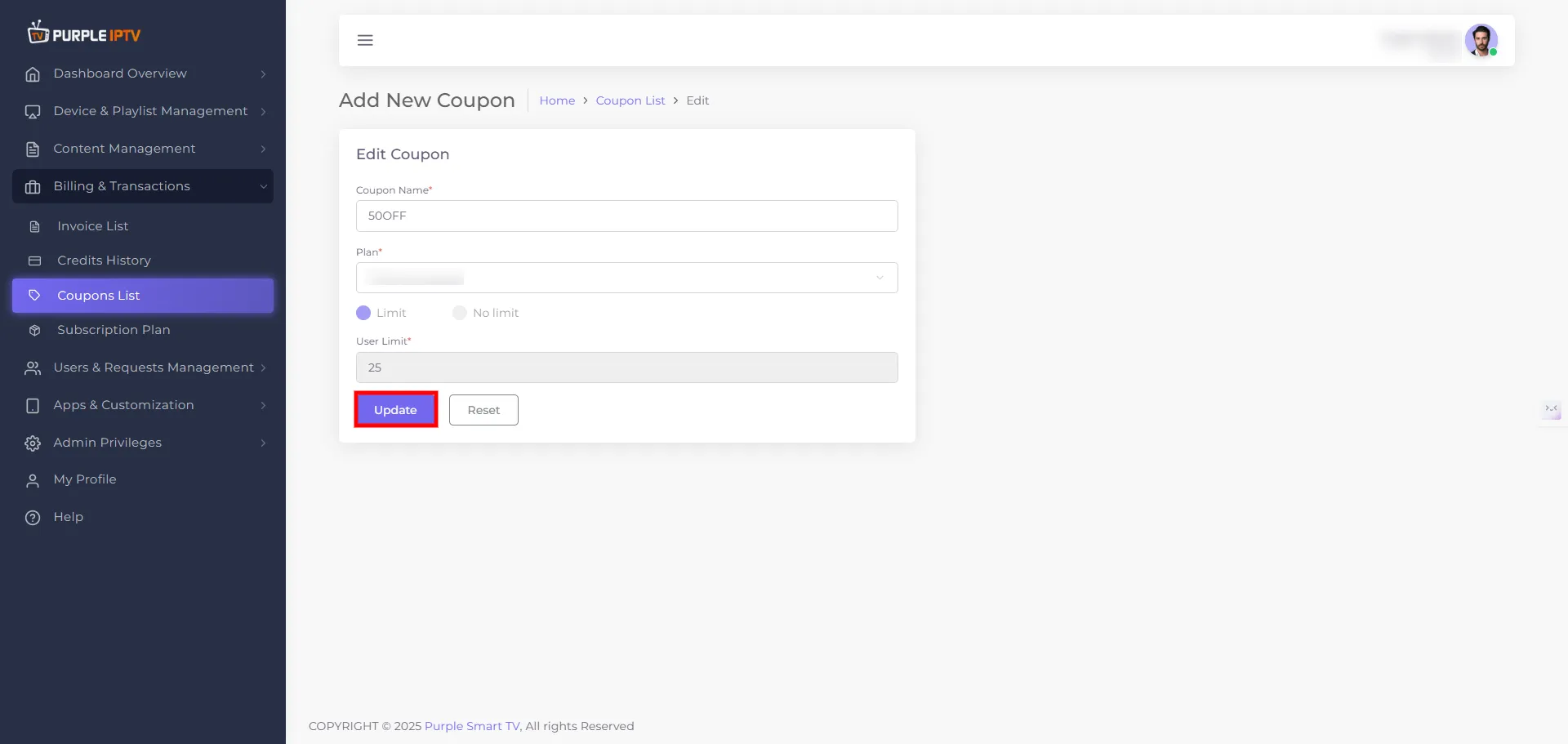
Step: 4 Update Your Changes
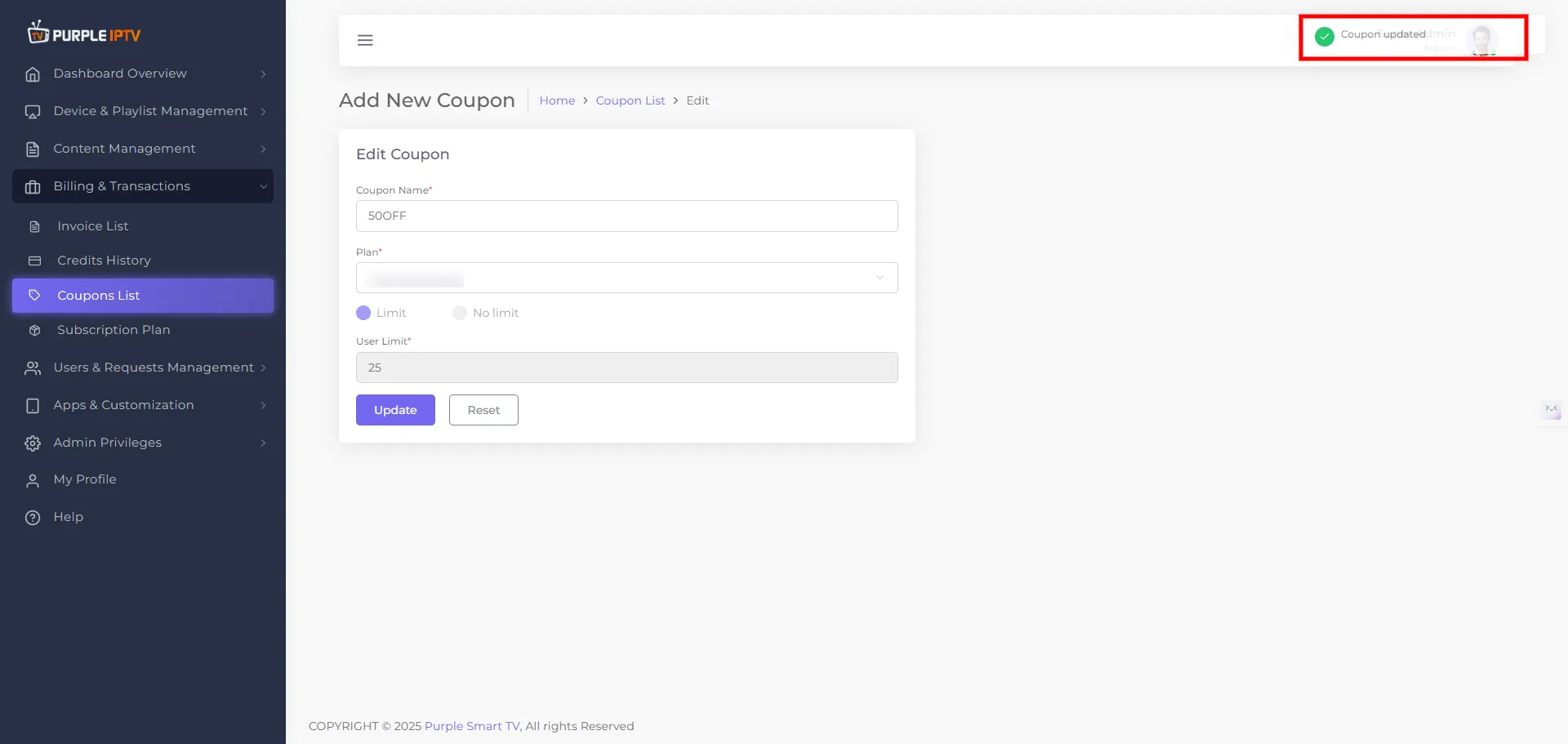
Click on the Update button to make the necessary changes. A toast message will pop up: "Coupon Updated."?