How to Refresh Series
2 min
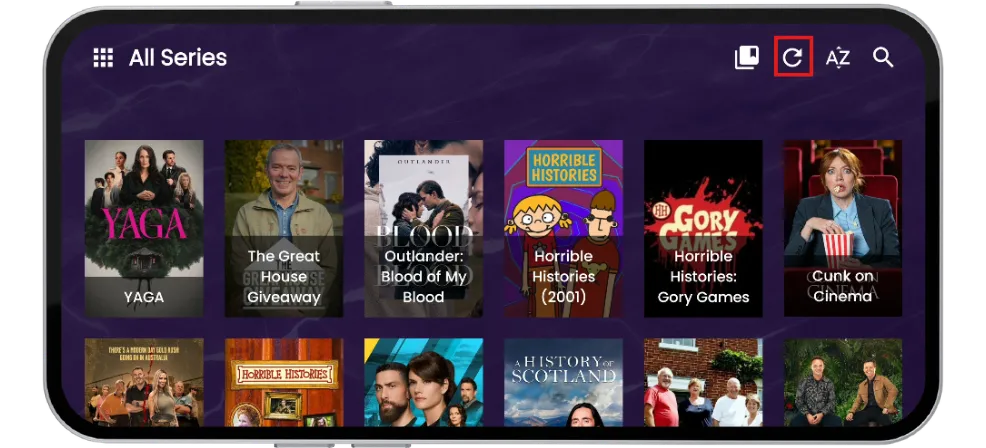
Step 1: Select Refresh
Tap the Refresh icon in the top-right corner of the Series screen to update your series collection.
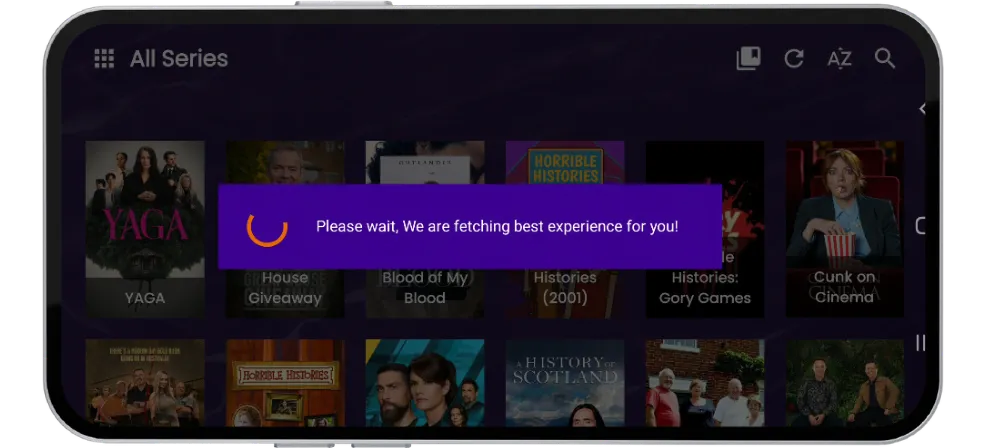
Step 2: Fetch Series Data
Wait while Purple VOD fetches the latest series data from your playlist. Once completed, the updated series collection will be displayed.