How to Edit or Switch Profile
2 min
Step 1: Open Settings
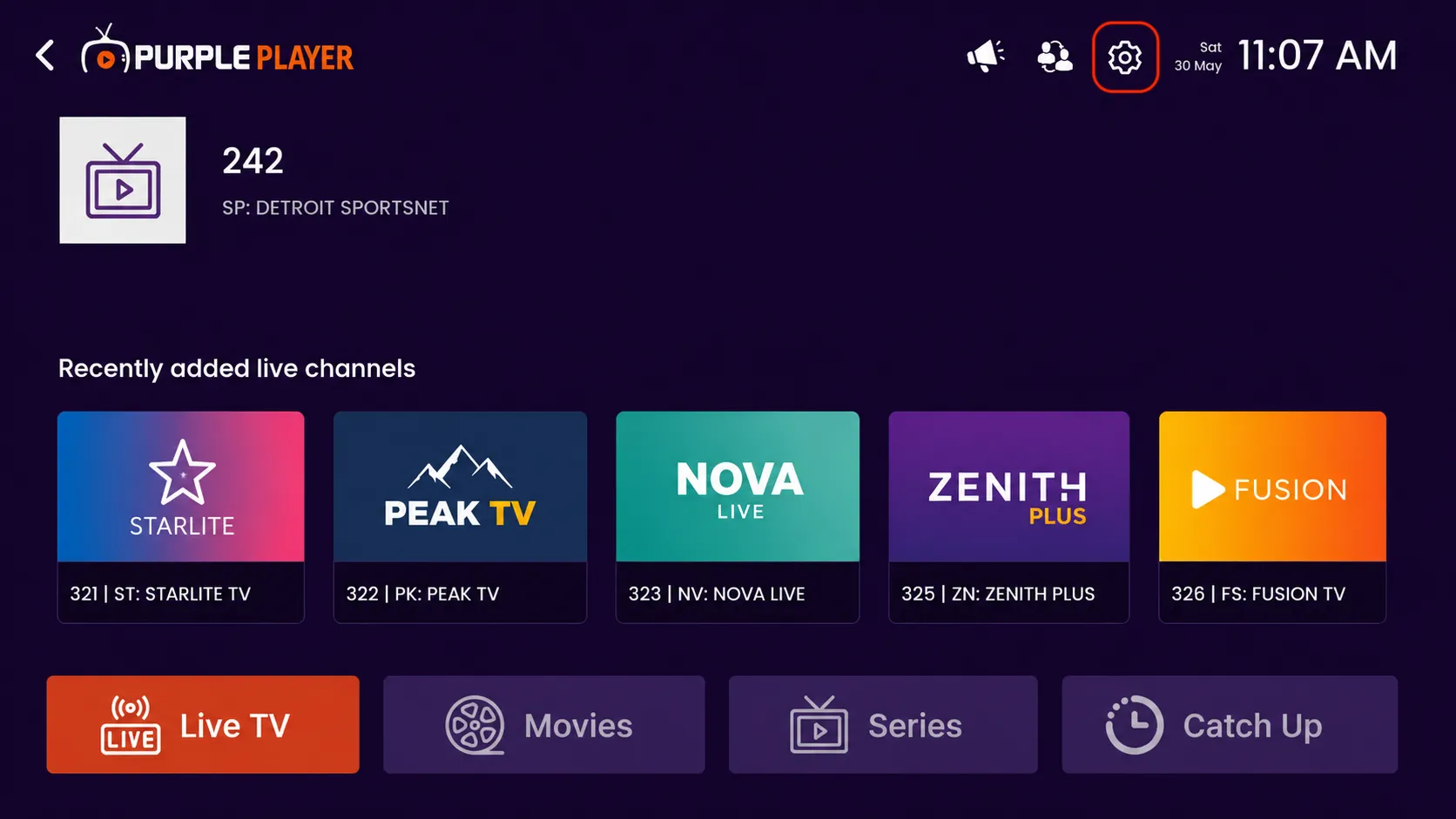
Click on the highlighted settings icon from the top-right corner of the home screen to access the app settings and customization options.
Step 2: Click on Profile
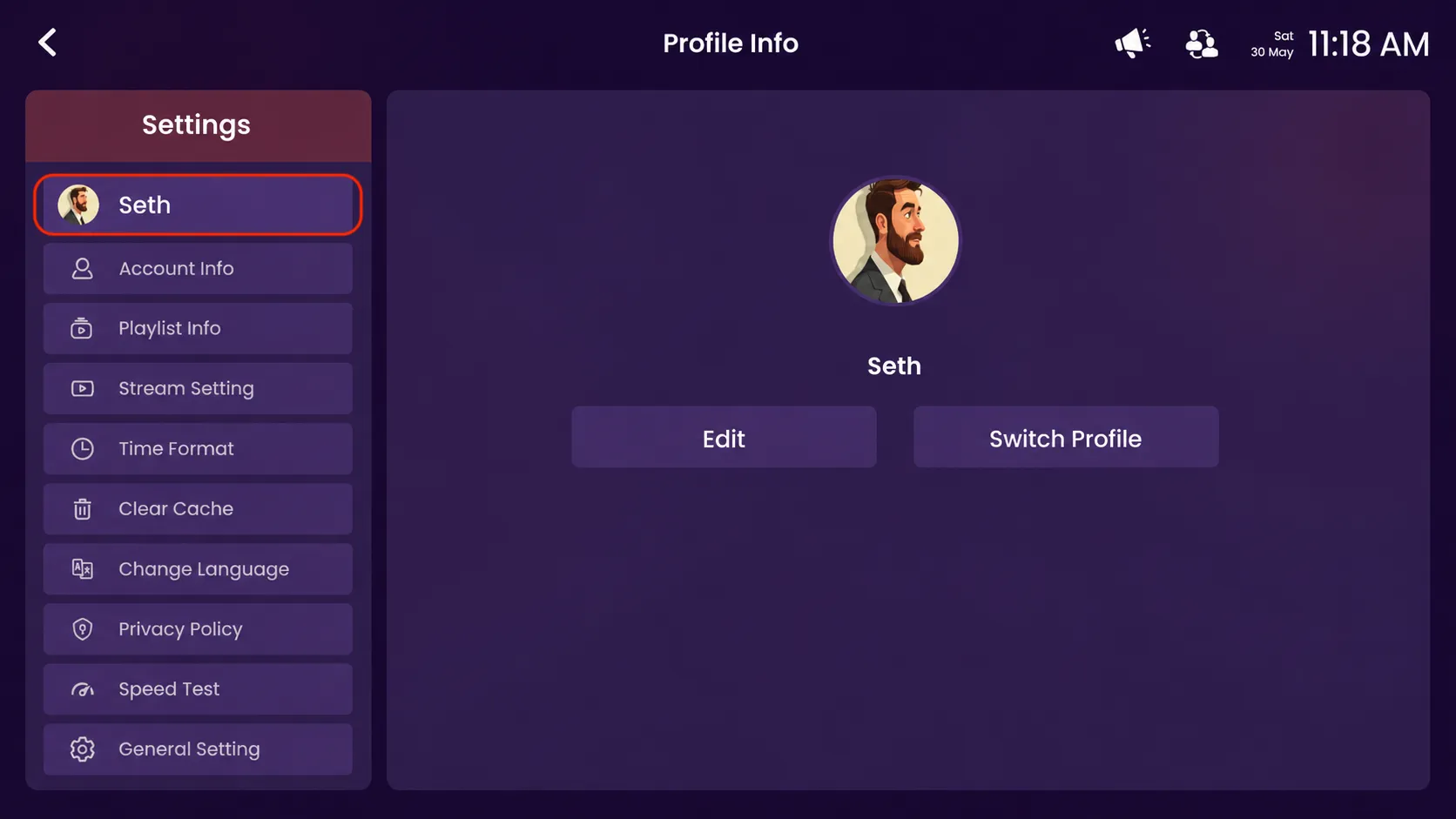
Click your profile on the Profile Info screen to access your profile settings.
Step 3: Edit or Switch Profile
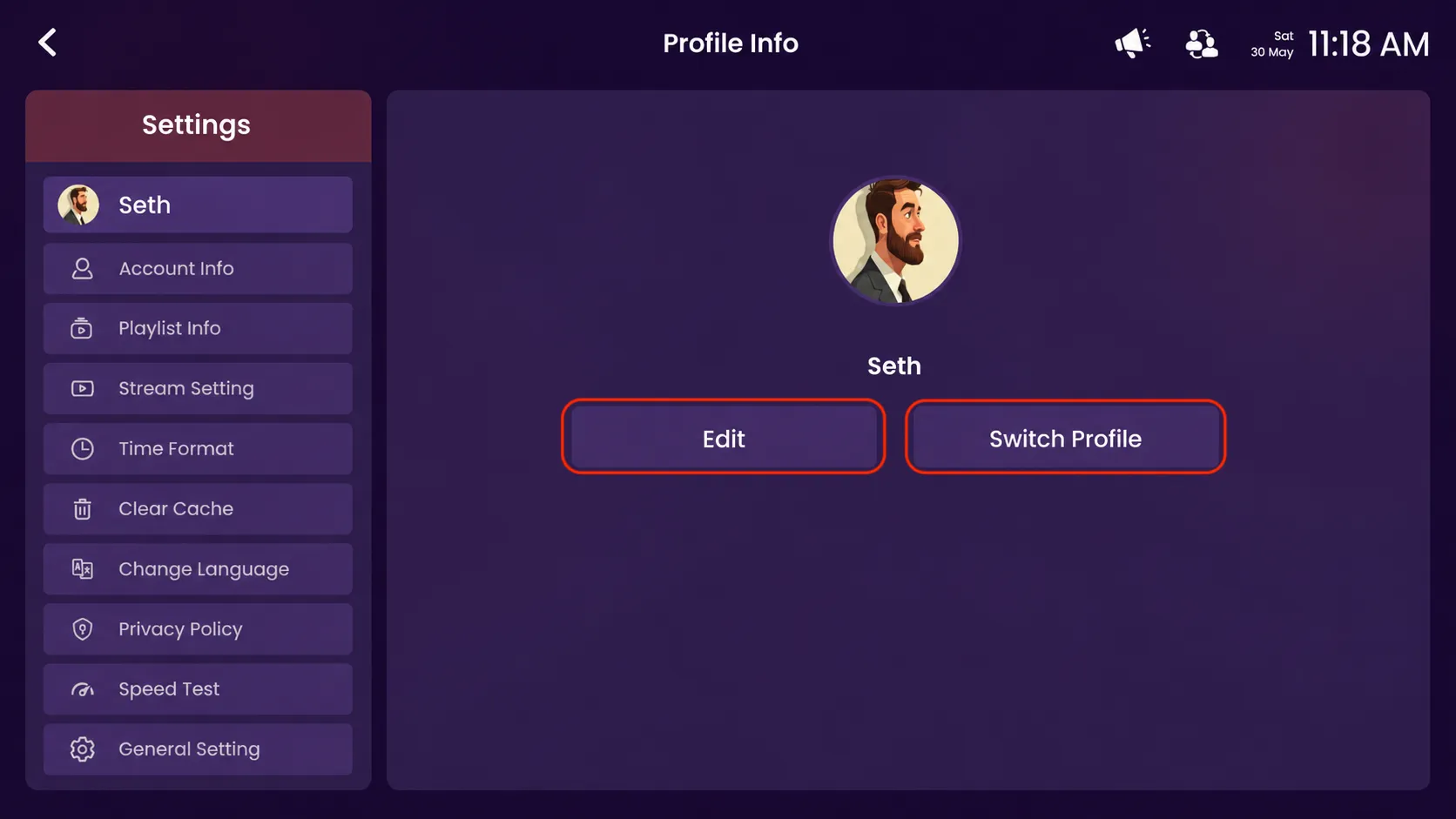
From the Profile Info screen, click "edit" to modify your profile details or click "switch profile" to switch to another available profile.