How to Add M3U Playlist
3 min
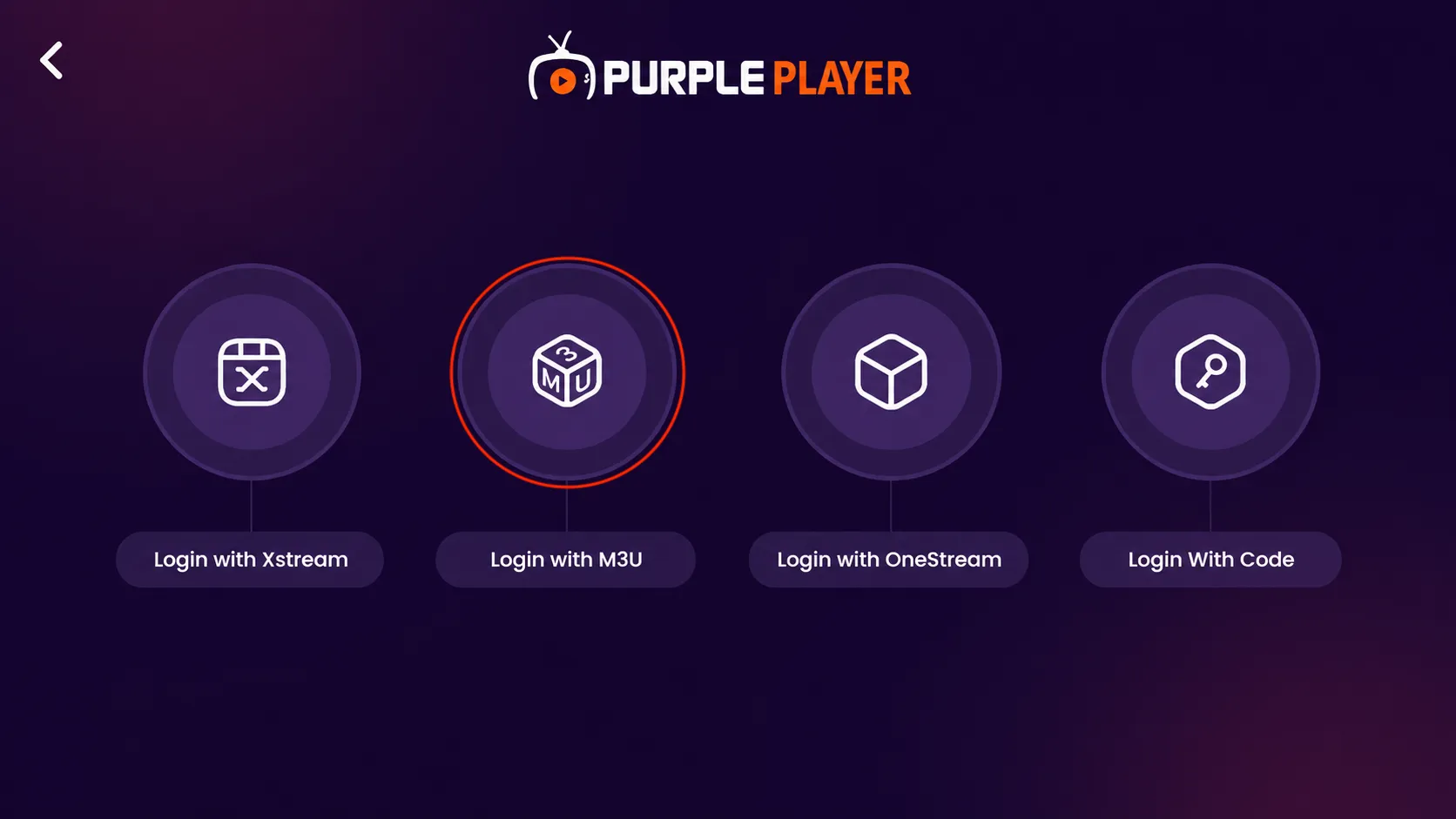
Step 1: Select M3U Playlist
Click on "M3U Playlist," then enter the required details to proceed.
Step 2: Log in with M3U Playlist
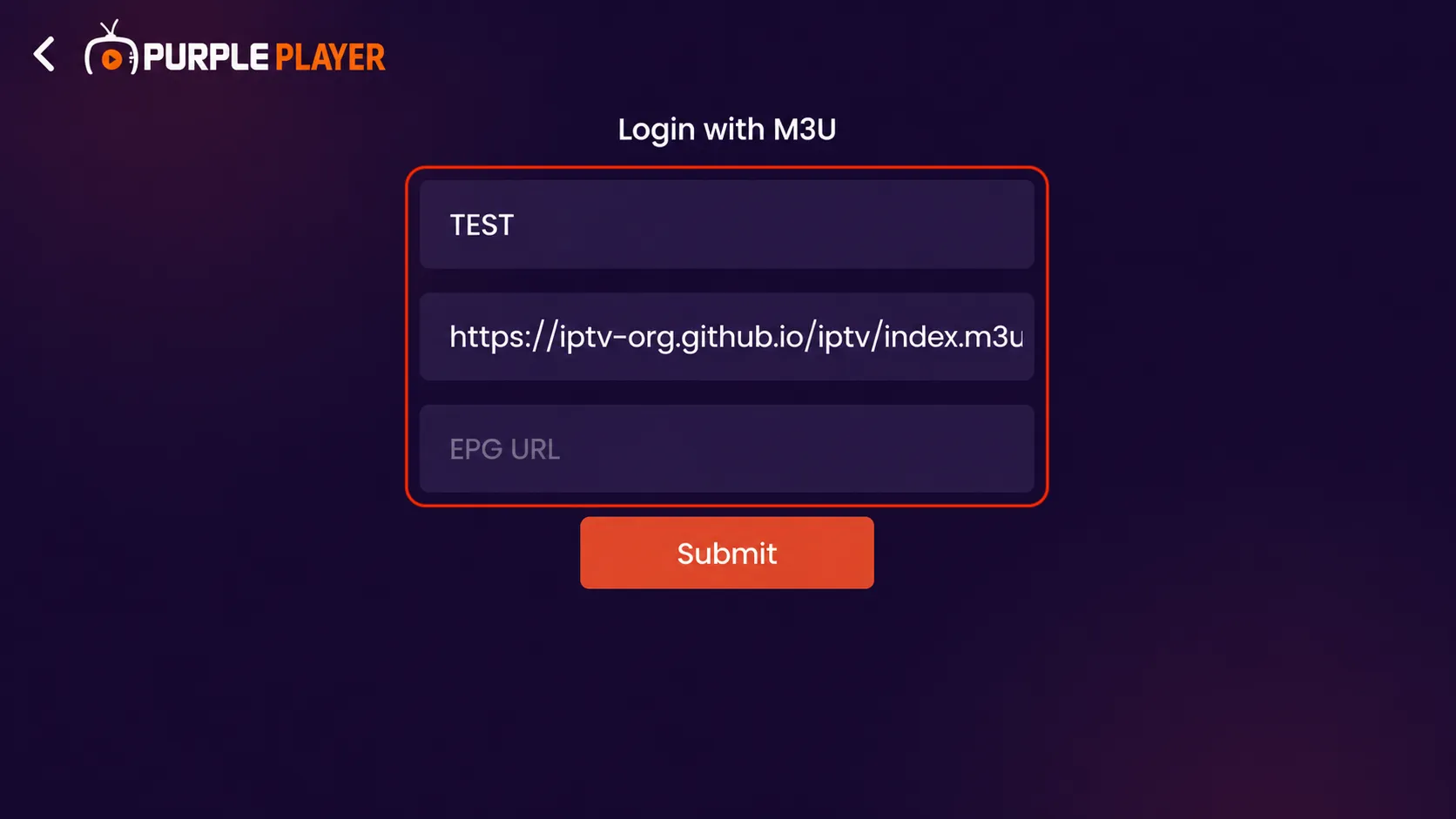
Enter your playlist name in the first field to easily identify your playlist.
Paste your M3U playlist URL in the playlist URL field exactly as provided by your service provider.
Optionally, enter the EPG URL to enable TV guide and program schedule support.
Verify all playlist details carefully before proceeding.
Click on the “Submit” button to add and connect your M3U playlist successfully.
Step 3: Playlist Added Successfully
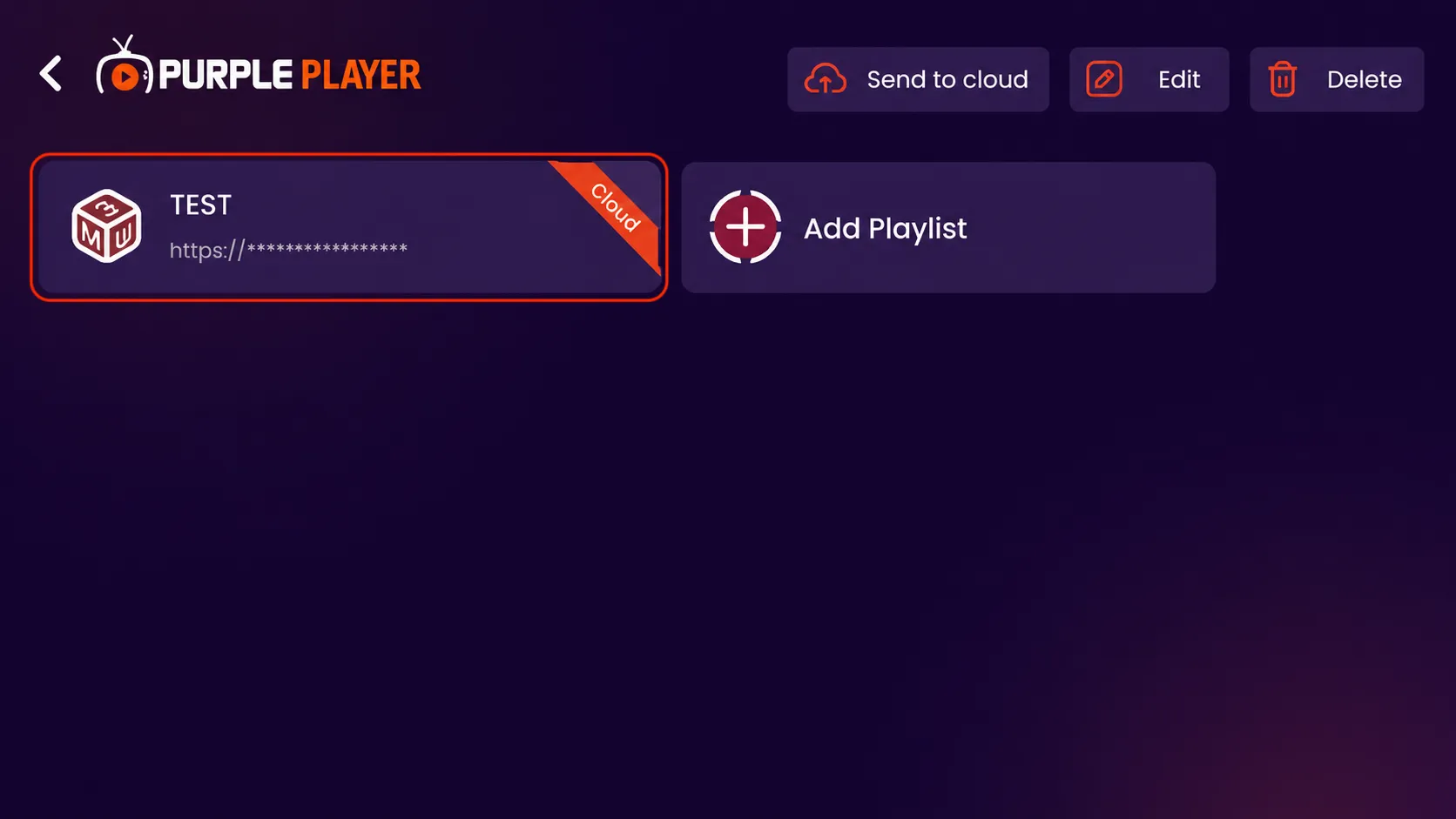
Your M3U playlist has been added successfully and is now available on the home screen.
- Click on the added playlist to open and access your content.
- Use the “Send to cloud” option to sync your playlist with your cloud account.
- Click on “Edit” if you want to update your playlist details later.
- Click on “Delete” to remove the playlist from the app if no longer needed.