
How to edit device
Step: 1 Go to Device
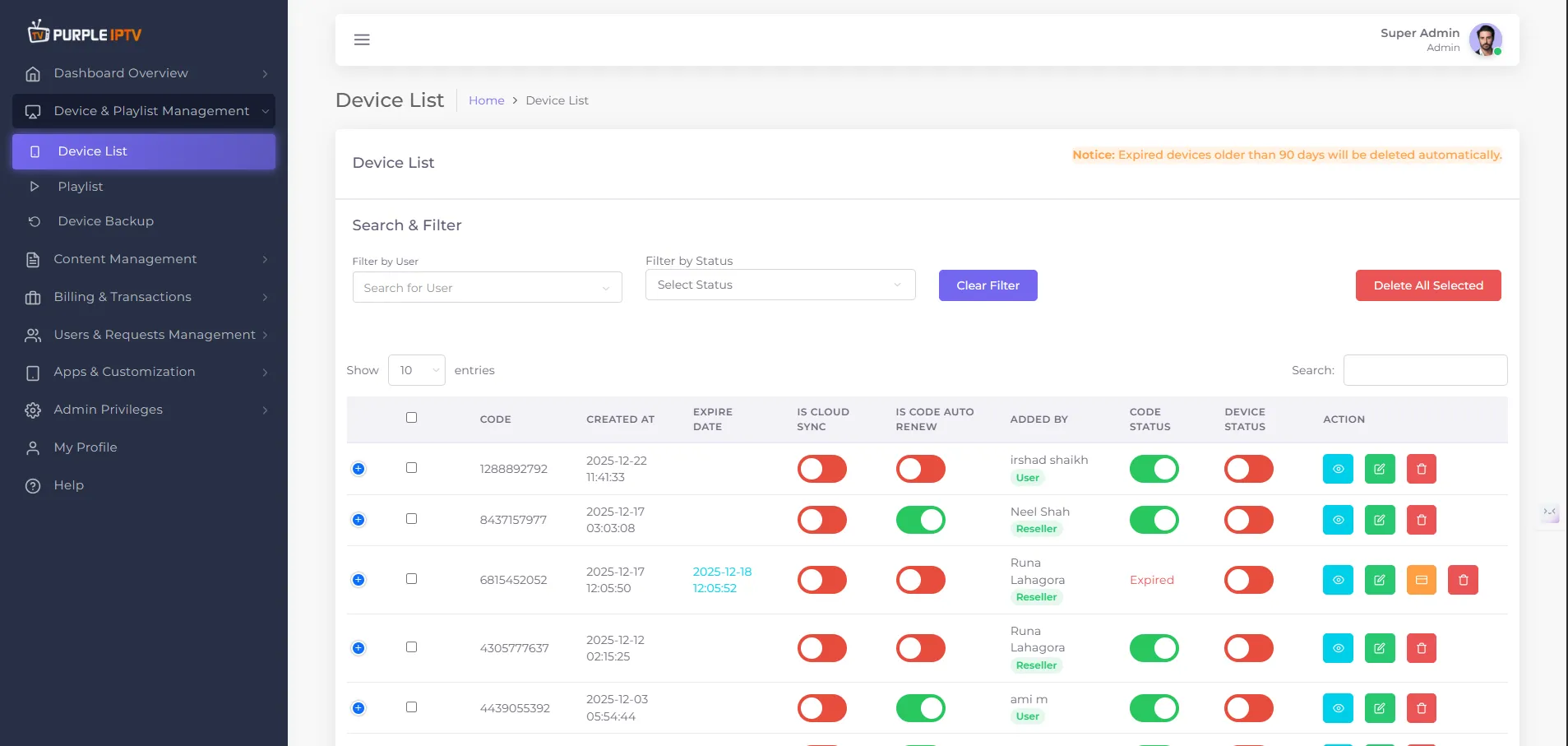
Go to my 'Devices List' tab under the Dashboard section.
Step: 2 Edit Icon
Click on the EDIT icon ✏️, as shown in the image below, marked in red.
Step: 3 Edit Device
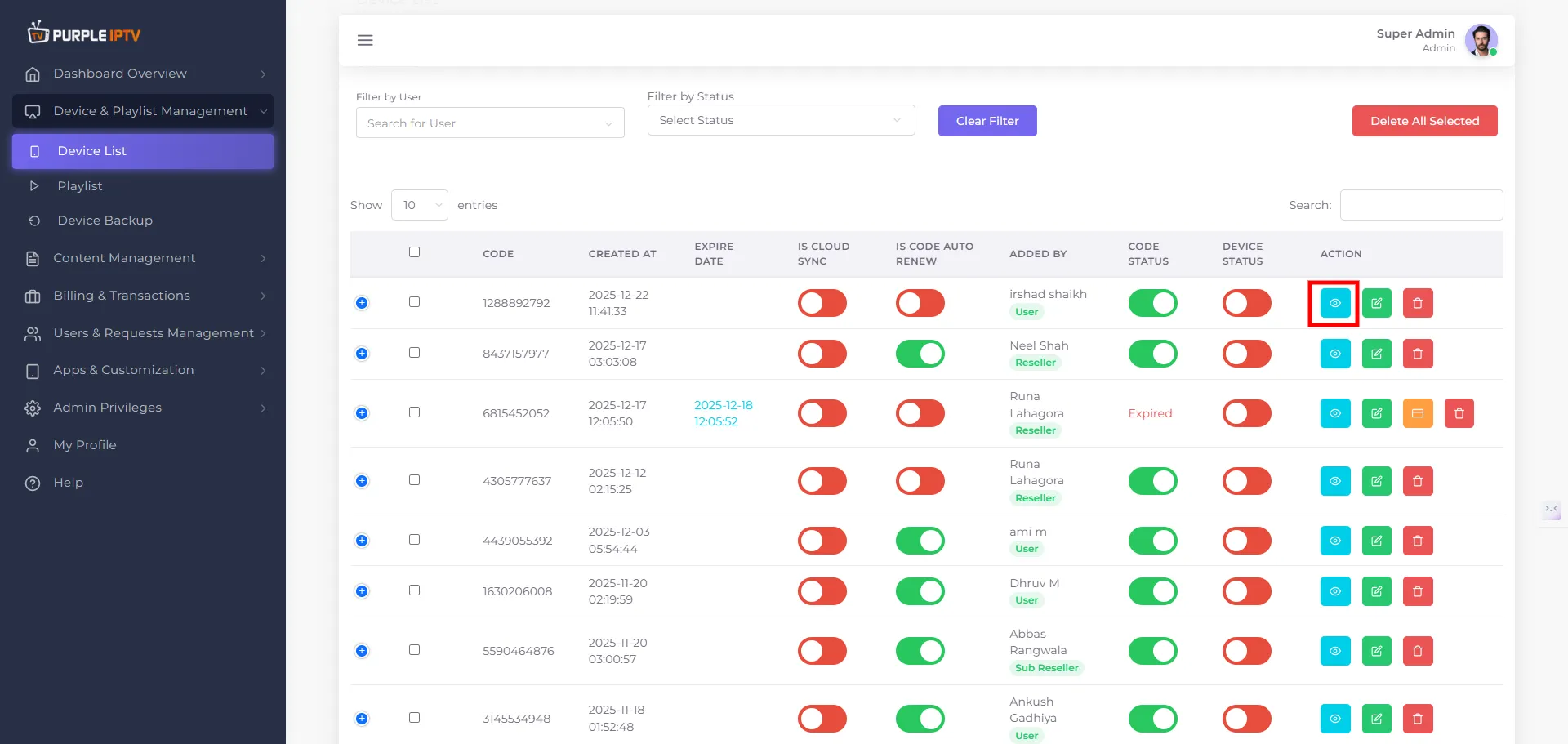
Use the Edit Device screen to update the details and settings of an existing device in your Purple Panel account. This helps you manage access, identify devices easily, and adjust connection options when needed.
After clicking on Edit Device Icon, you will be redirected to the next screen.
Device Title - Set a friendly name for the device so you can recognize it easily in your dashboard.
Manage Playlist - Select the playlist you want to edit you can select multiple playlist also.
MAC ID - Enter the device’s MAC address
MAC Key - Enter the MAC key (unique hardware ID).
Code Status - In the dropdown it shows whether the code is Active or Expired.
VPN Location - Select the VPN server location (country/region) this device will use.
Notes - Add any internal notes about this device.
Device Type
Step: 1 Select Device
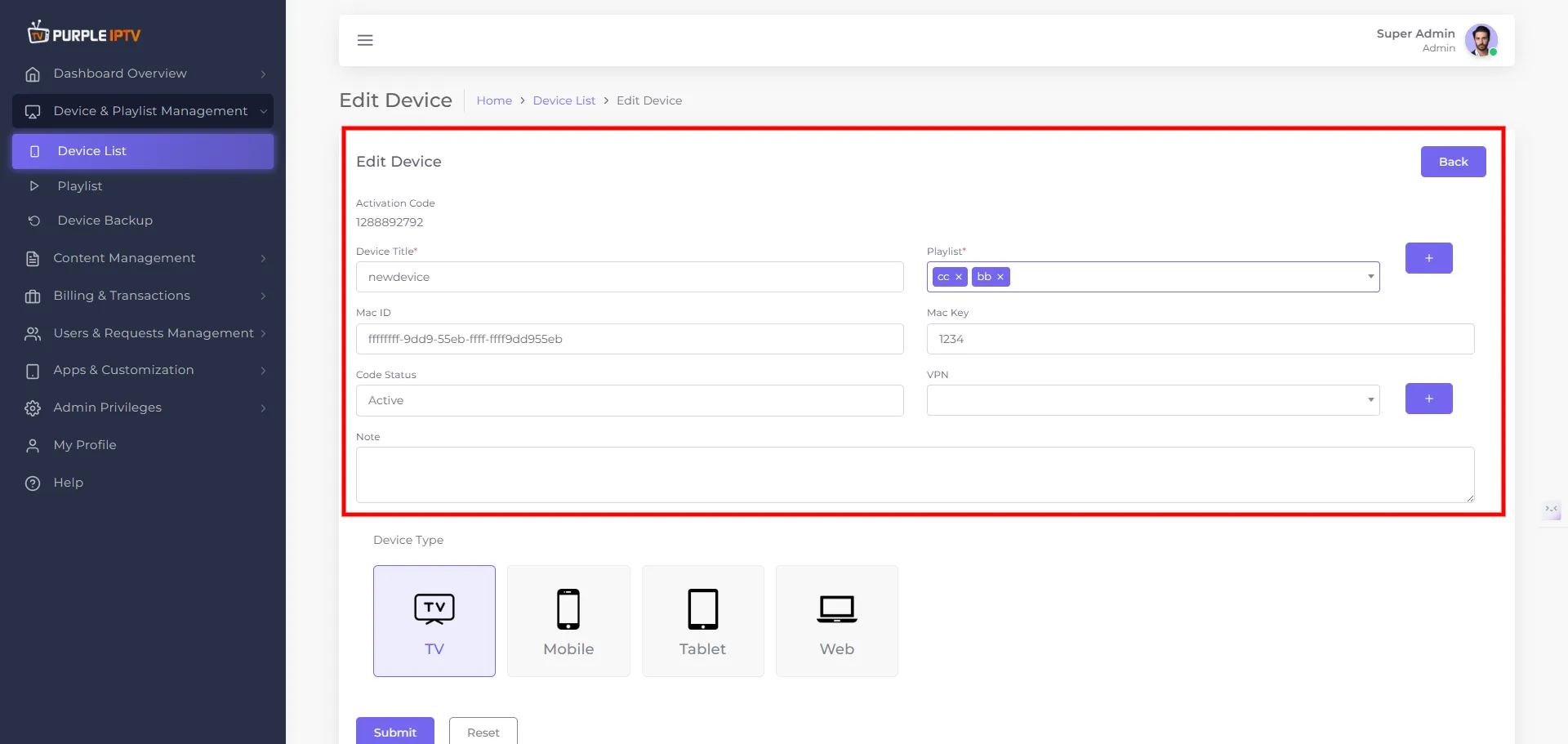
Select device type you want to edit TV, Mobile, Tablet, Web
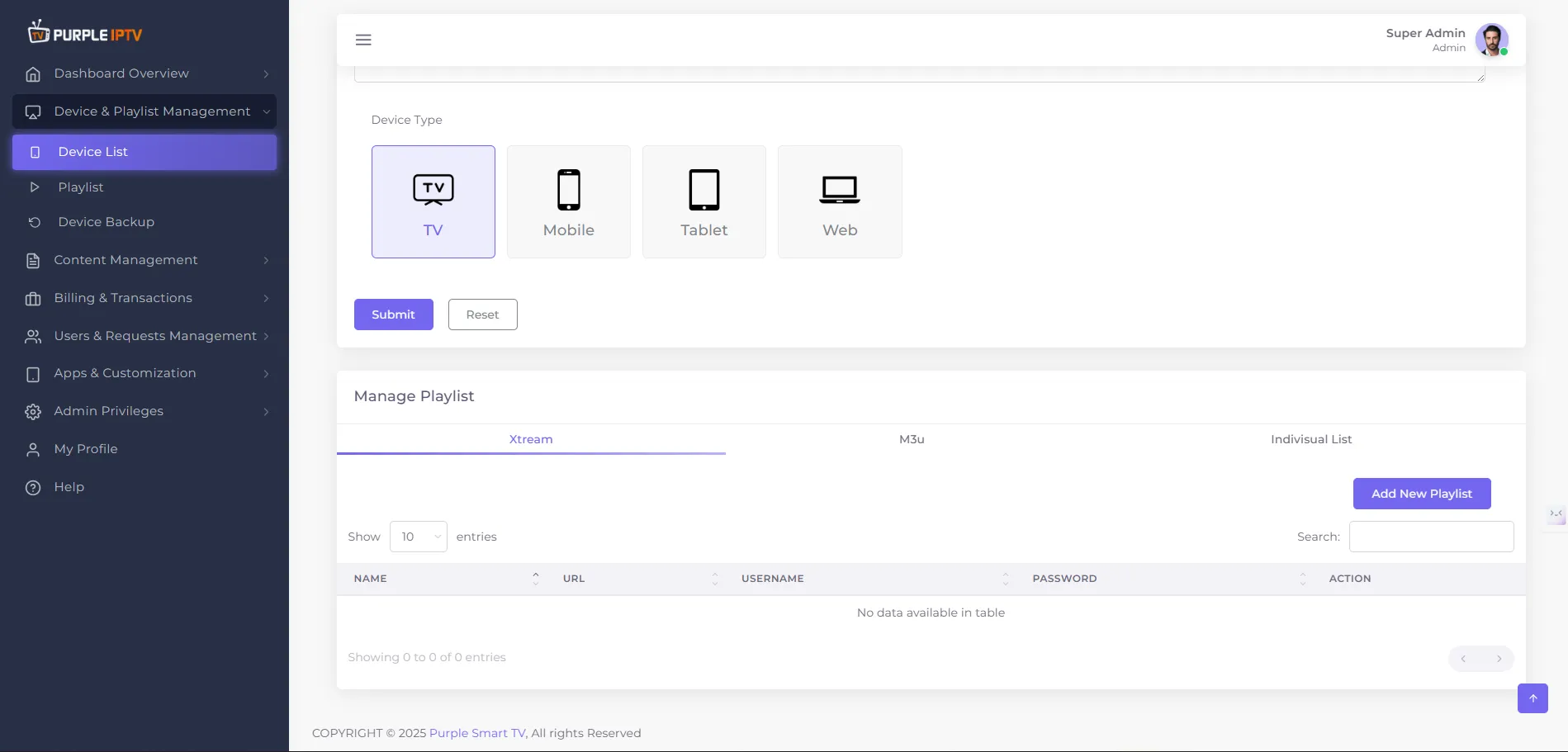
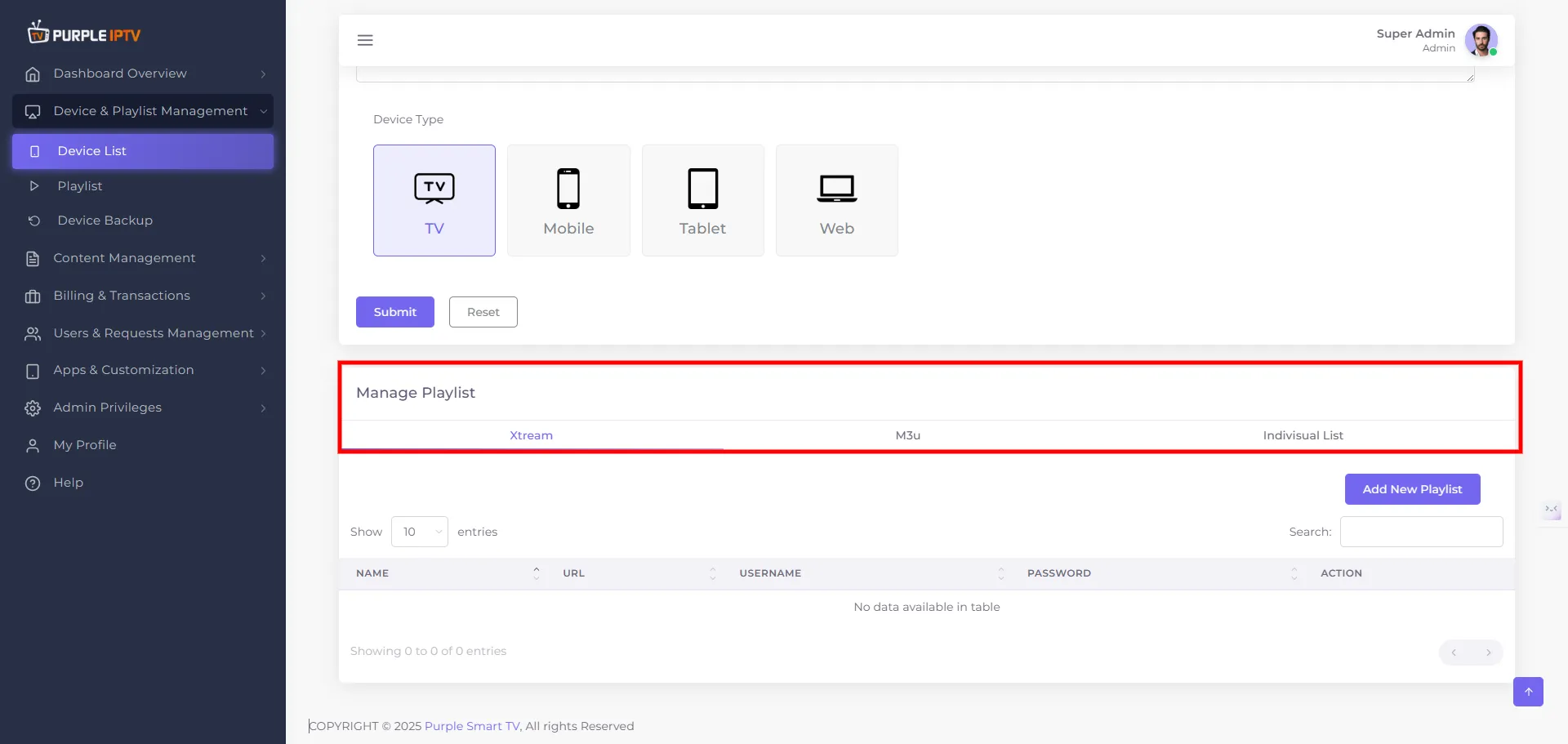
- “Manage Playlist” This section covers -
- Viewing existing playlists
- Searching playlists
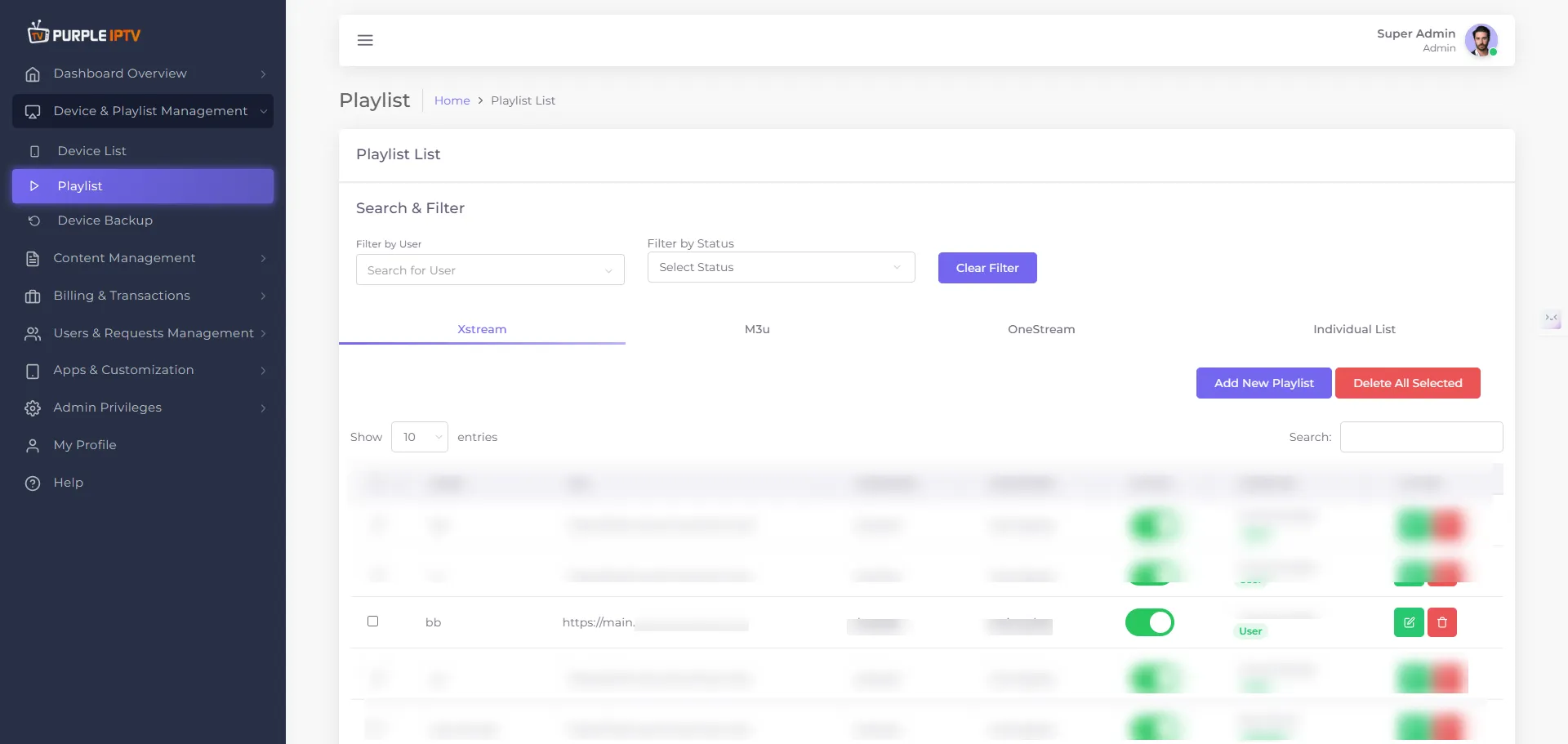
- Adding a new playlist entry
- "Select Playlist"
- Choose from playlists like Xtream, M3U or Individual.
- Searching playlists.
- Adding a new playlist entry.
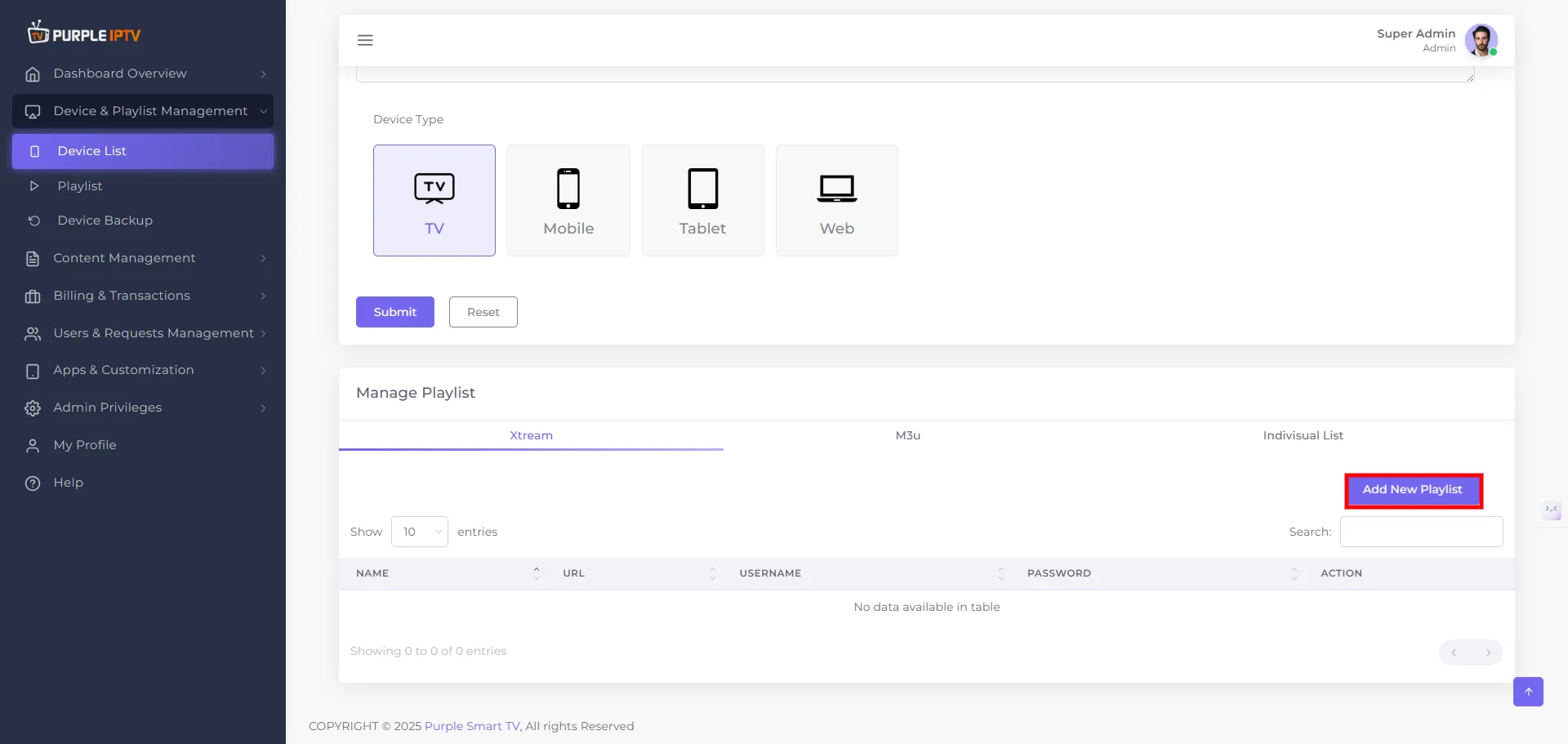
Step: 2 Add Playlist
Click on "Add New Playlist", as seen in the below image
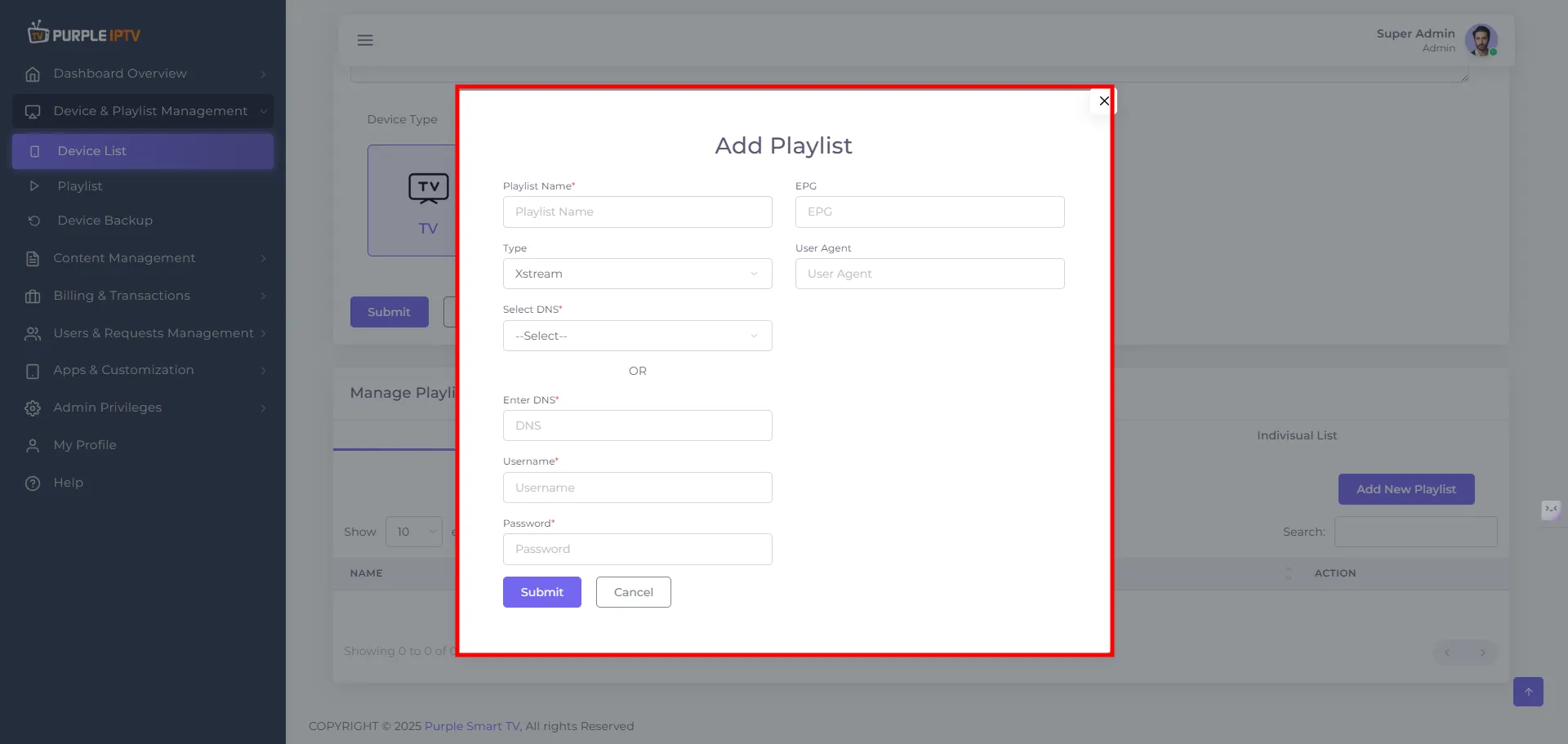
Step: 3 Fill in the Details
After selecting "Add New Playlist," a pop-up will appear. Fill in the required details, as seen in the below image.
- Playlist Name - Mandatory Filling
- Type - Mandatory Filling
- DNS - Mandatory Filling
- Username - Mandatory Filling
- Password - Mandatory Filling
- EPG - Optional Filling
- User Agent - Optional Filling
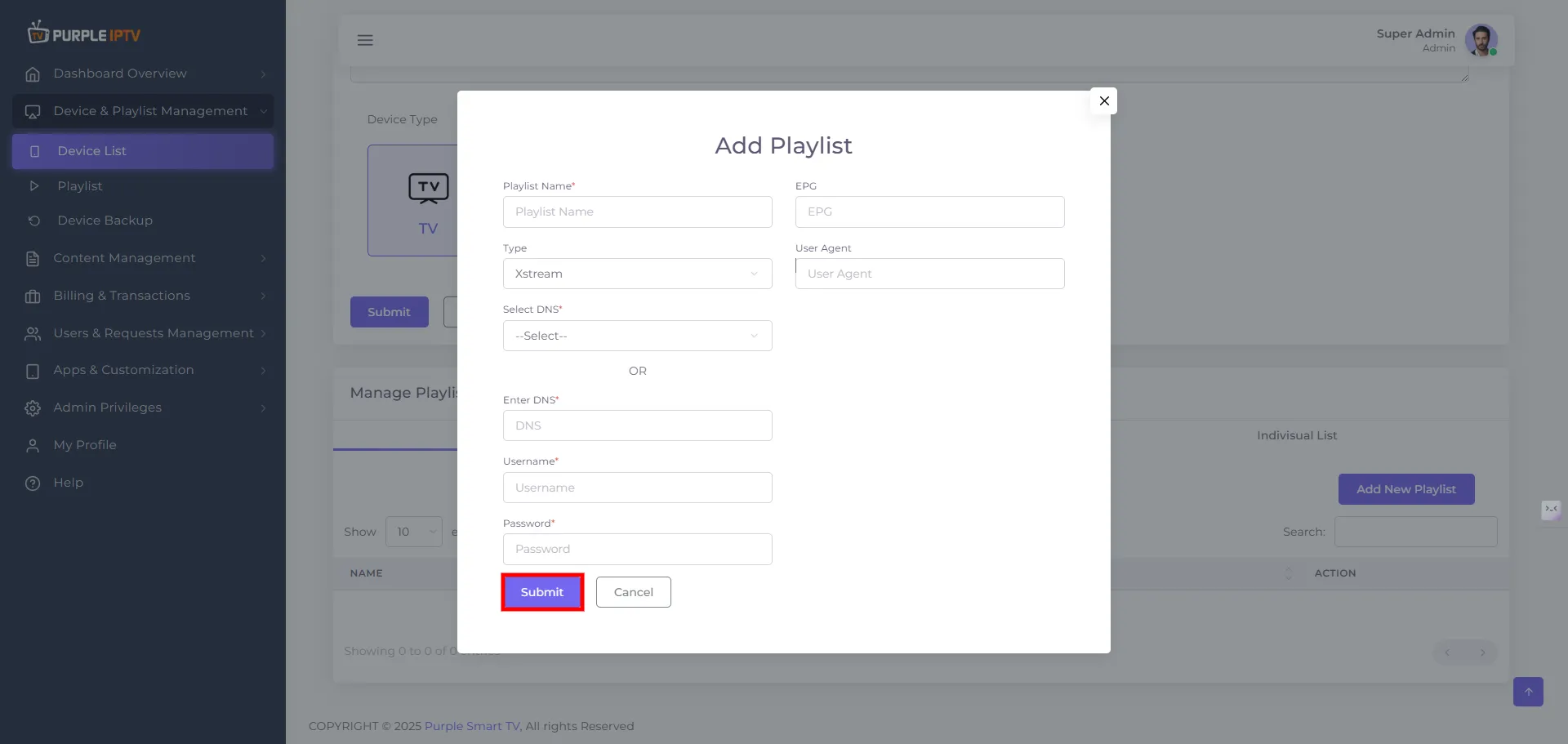
Step: 4 Click on Submit Button
Finally, click on the "Submit Button", as seen in the below image (marked in red)
Step: 5 Successfully Playlist Added
After clicking on Submit, your Playlist will be Successfully Added, as seen in the below image (marked in red)
Note: Purple Smart TV Products and services do not provide any content or playlists