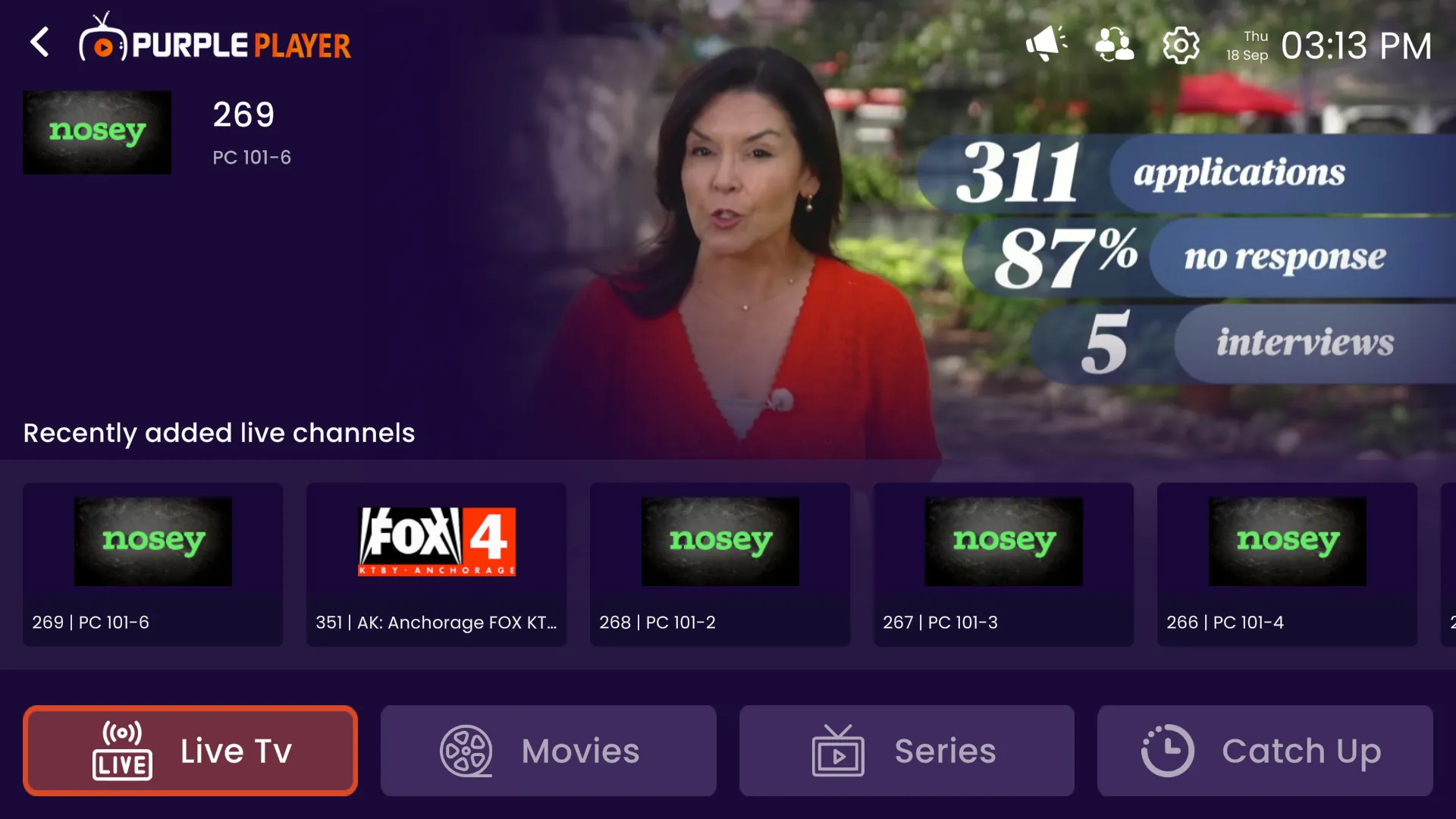
How To Login Adding Xtream
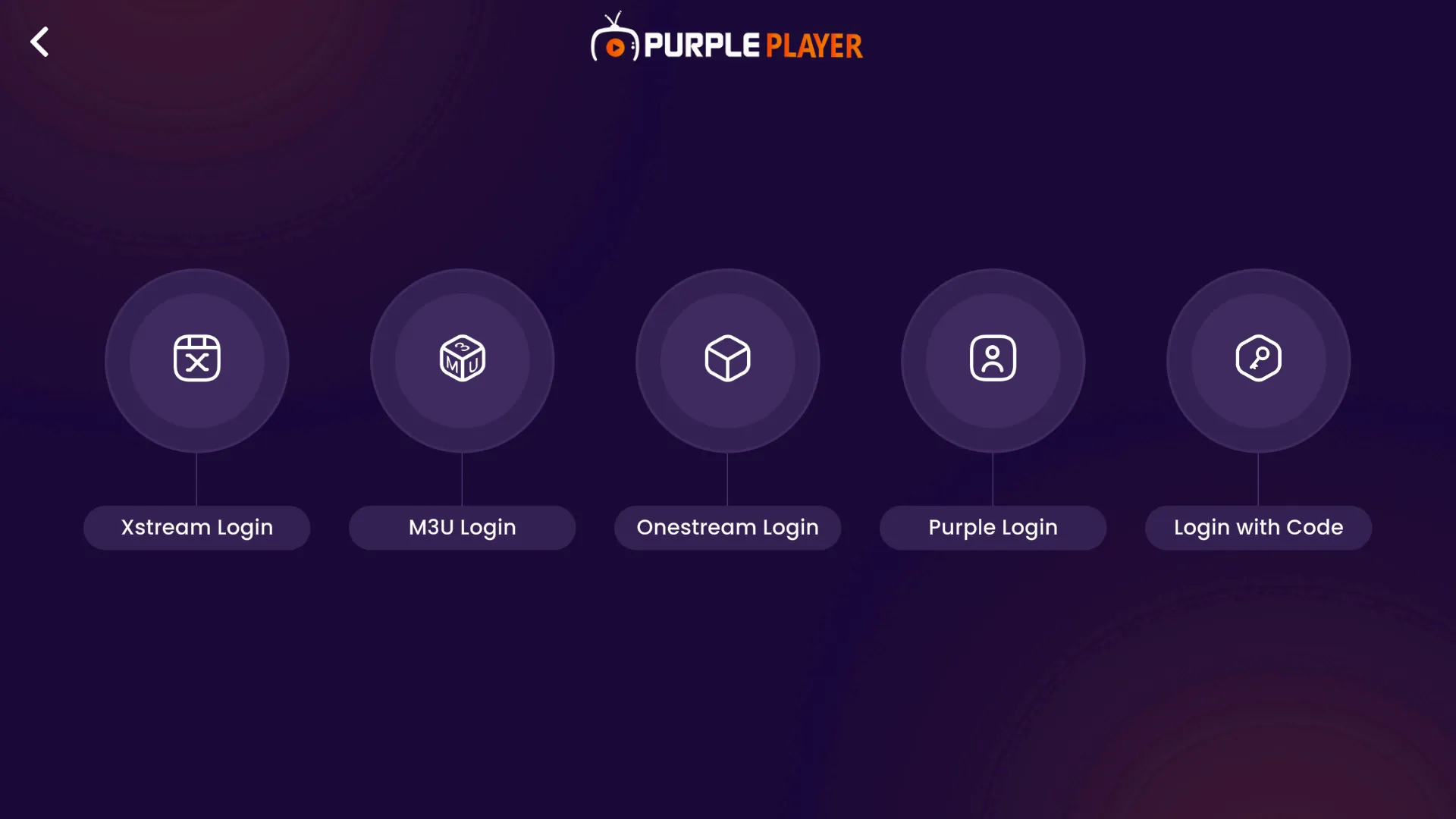
Step 1: Xstream Playlist
Click on Xstream Playlist, as seen in the below image (marked in red)
Step 2: Playlist Name
Click on "Playlist Name", Type in the desired name (Any Name will do), as seen in the below image (marked in red)
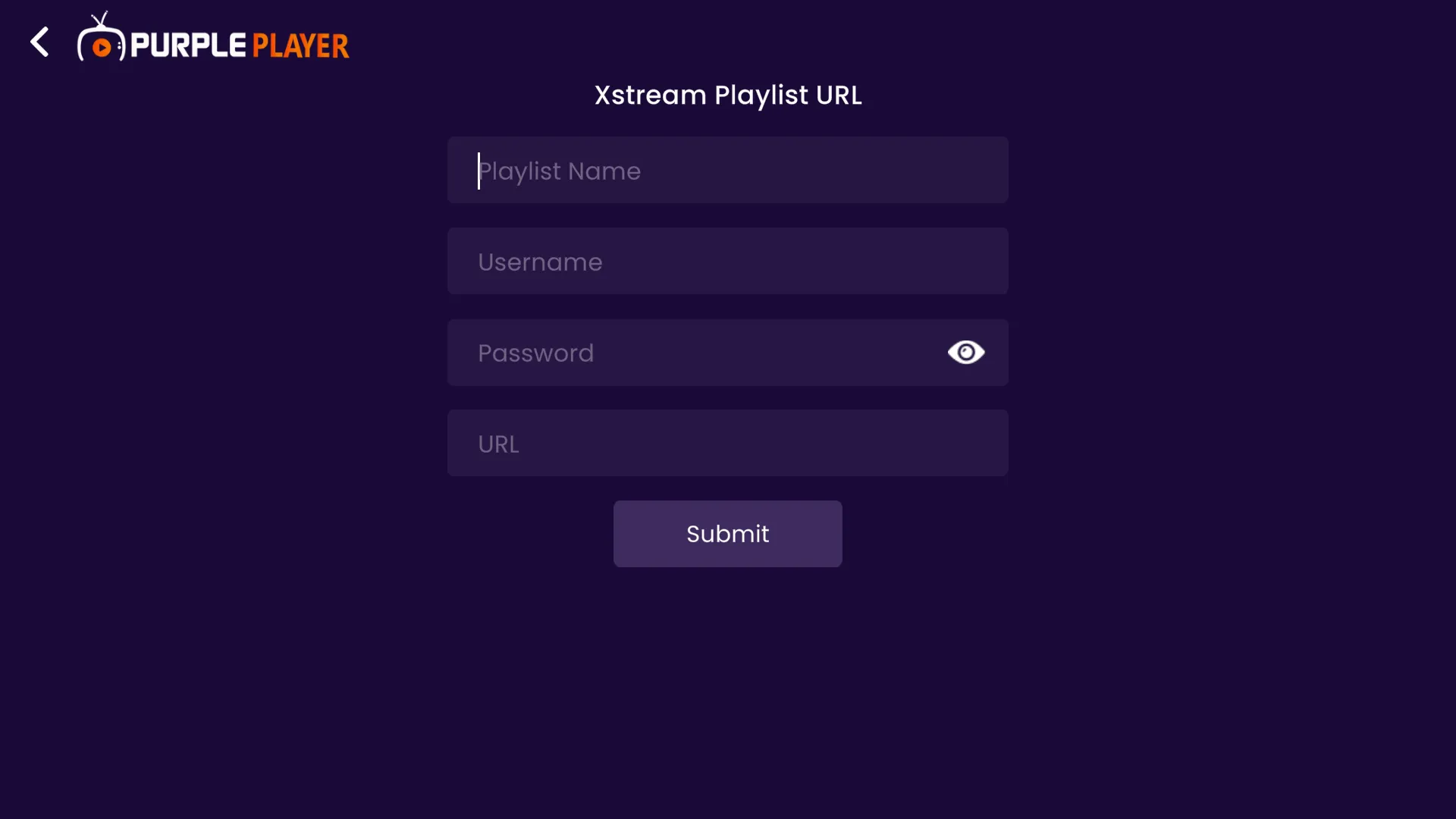
Step 3: Username
Click on "Username". Type in the Username provided by your "IPTV Provider", as seen in the below image (marked in red)
Step 4: Password
Click on "Password". Type in the Password provided by your "IPTV Provider", as seen in the below image (marked in red)
Step 5: Playlist URL
Click on "Playlist URL" Type in the Playlist URL provided by your "IPTV Provider", as seen in the below image (marked in red)
Step 6: Submit
Click on "Submit", as seen in the image below (marked in red)
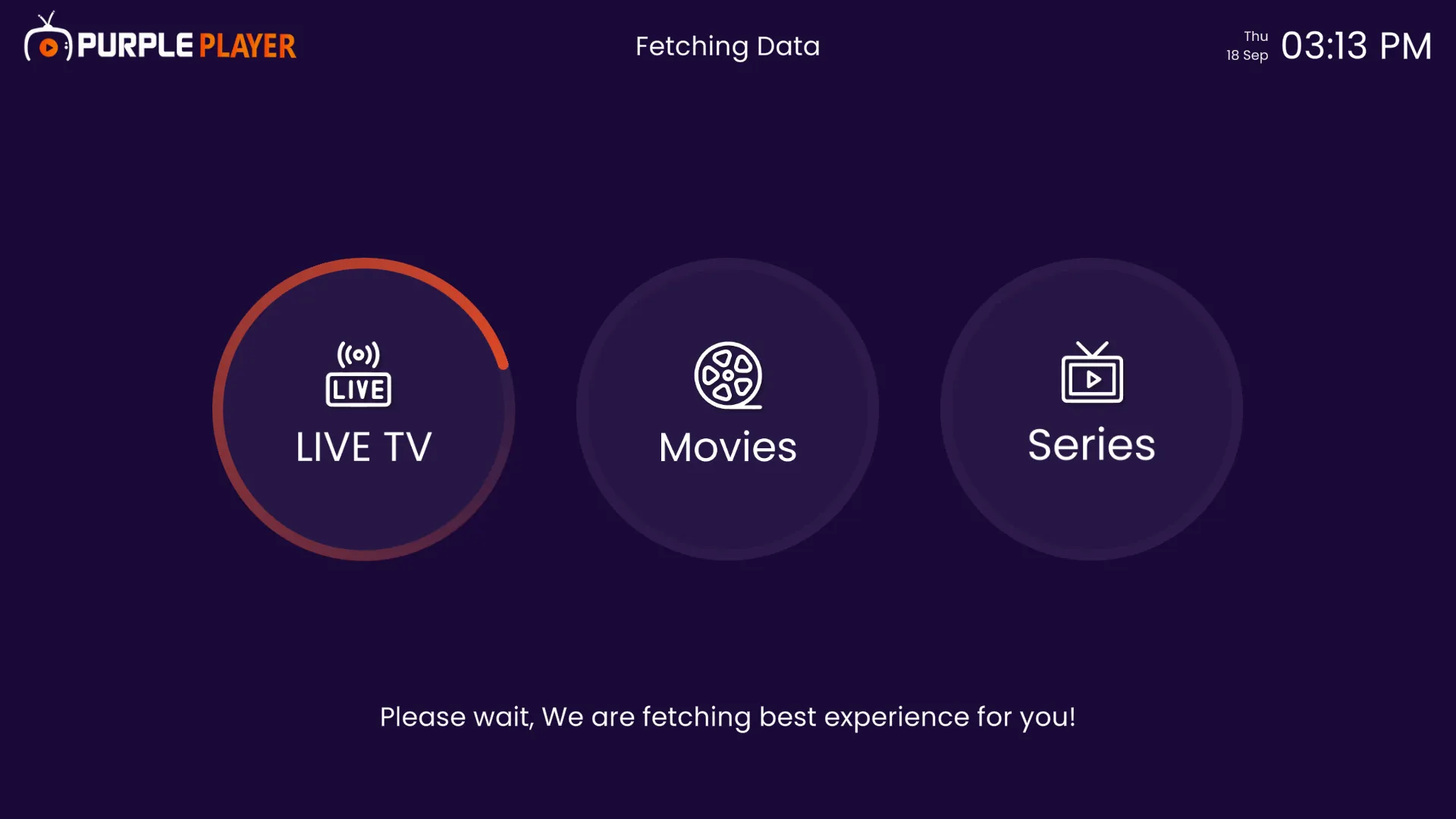
Step 7: Fetching Data
After clicking on Submit, M3u URL data will be Fetched, as seen in the below image.
Step 8: Home Screen
After completing the above steps, users will be directed to the Easy Player "Home Screen", as seen in the below image.