How to Watch Live TV Channels
2 min
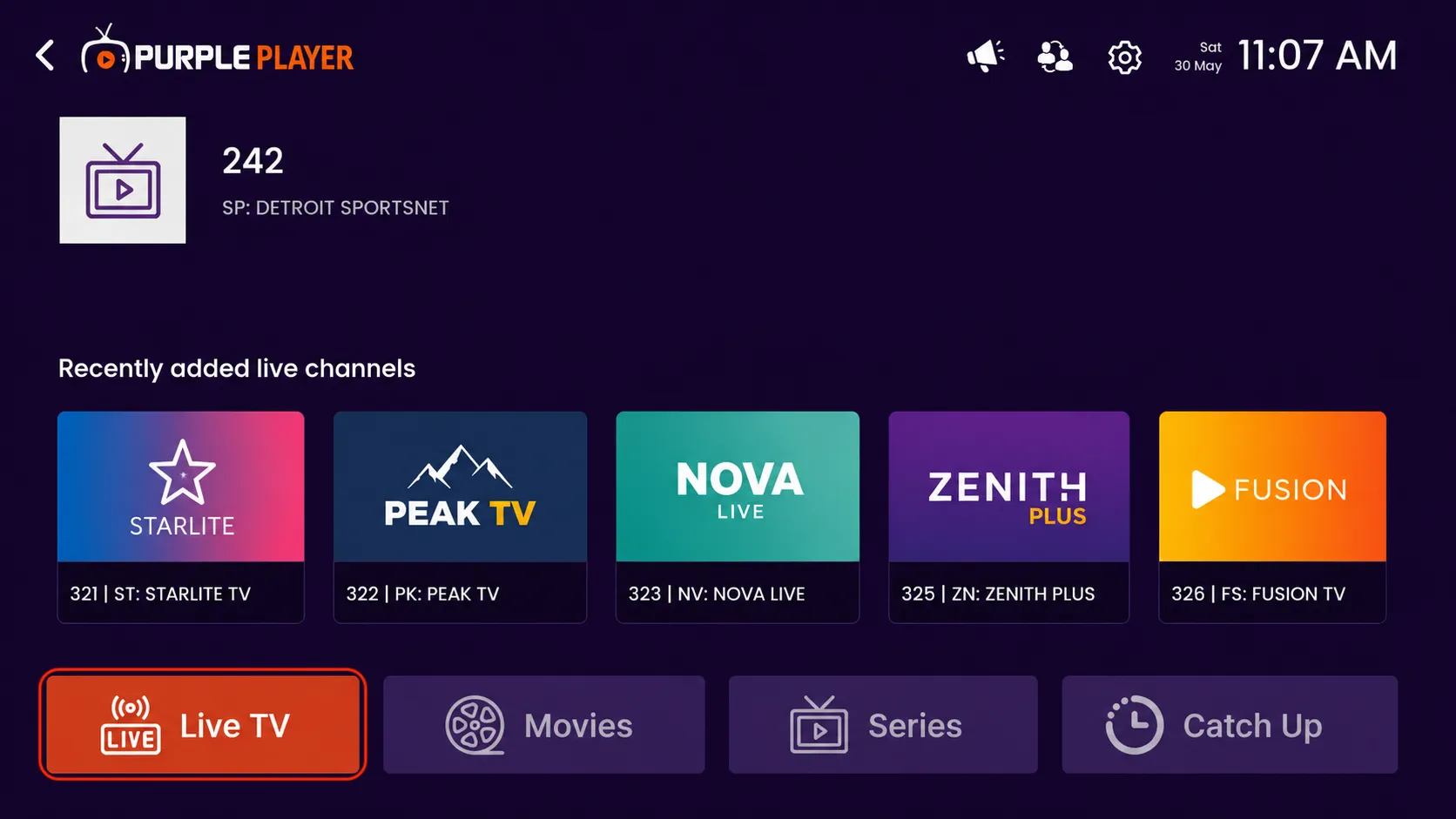
Step 1: Click on Live TV
Click on the Live TV option from the home screen to access live channels.
Step 2: Watch Live TV Channels
After clicking on the “Live TV” section, you will see the list of available TV channel categories and channels.
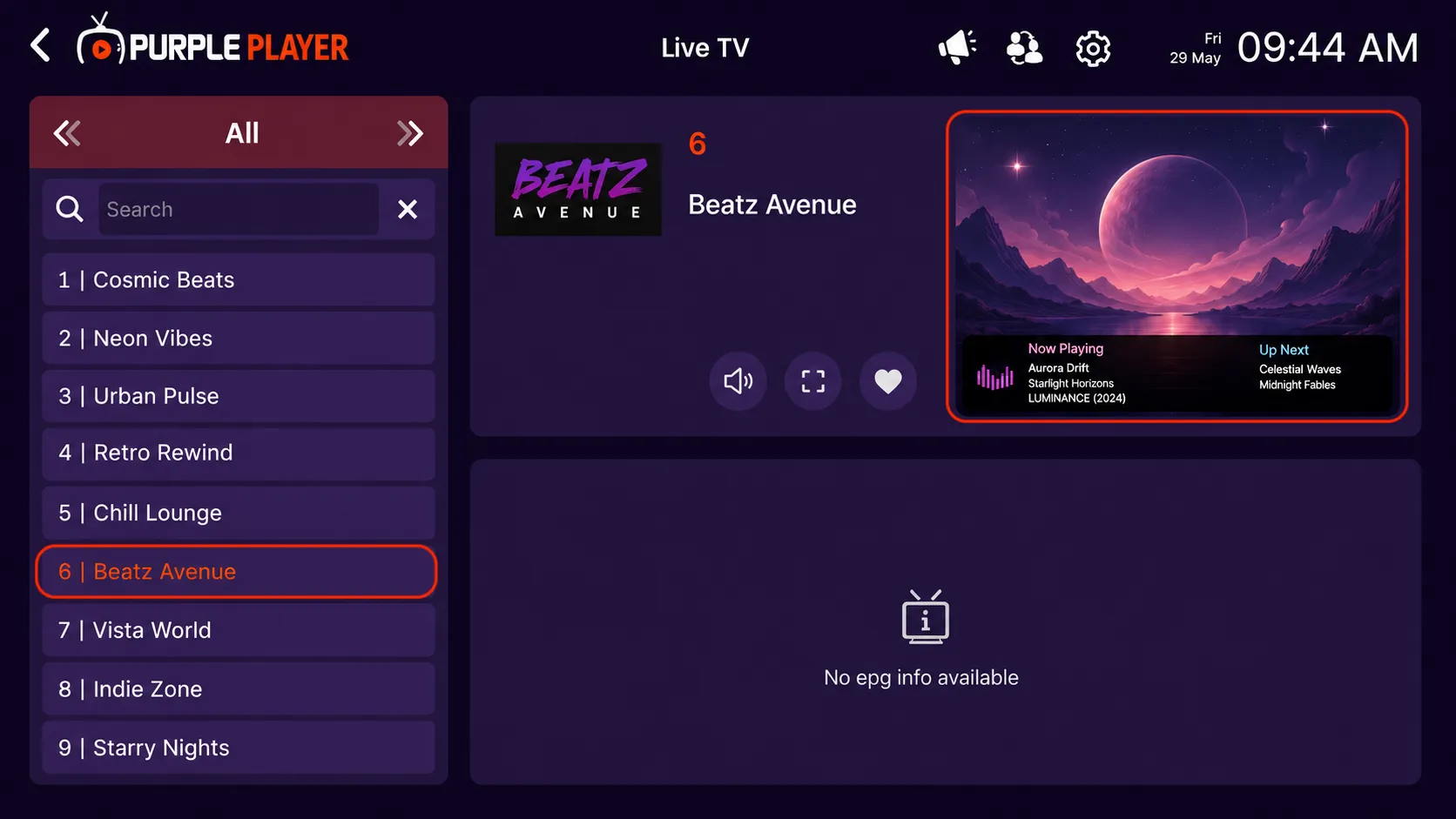
Step 3: Start Watching the Selected Channel
After clicking on your preferred channel, the channel player screen will open automatically. You can now watch the selected Live TV channel in full-screen mode.