How To Use Different Functions in Catch Up
3 min
Step 1: Start Streaming
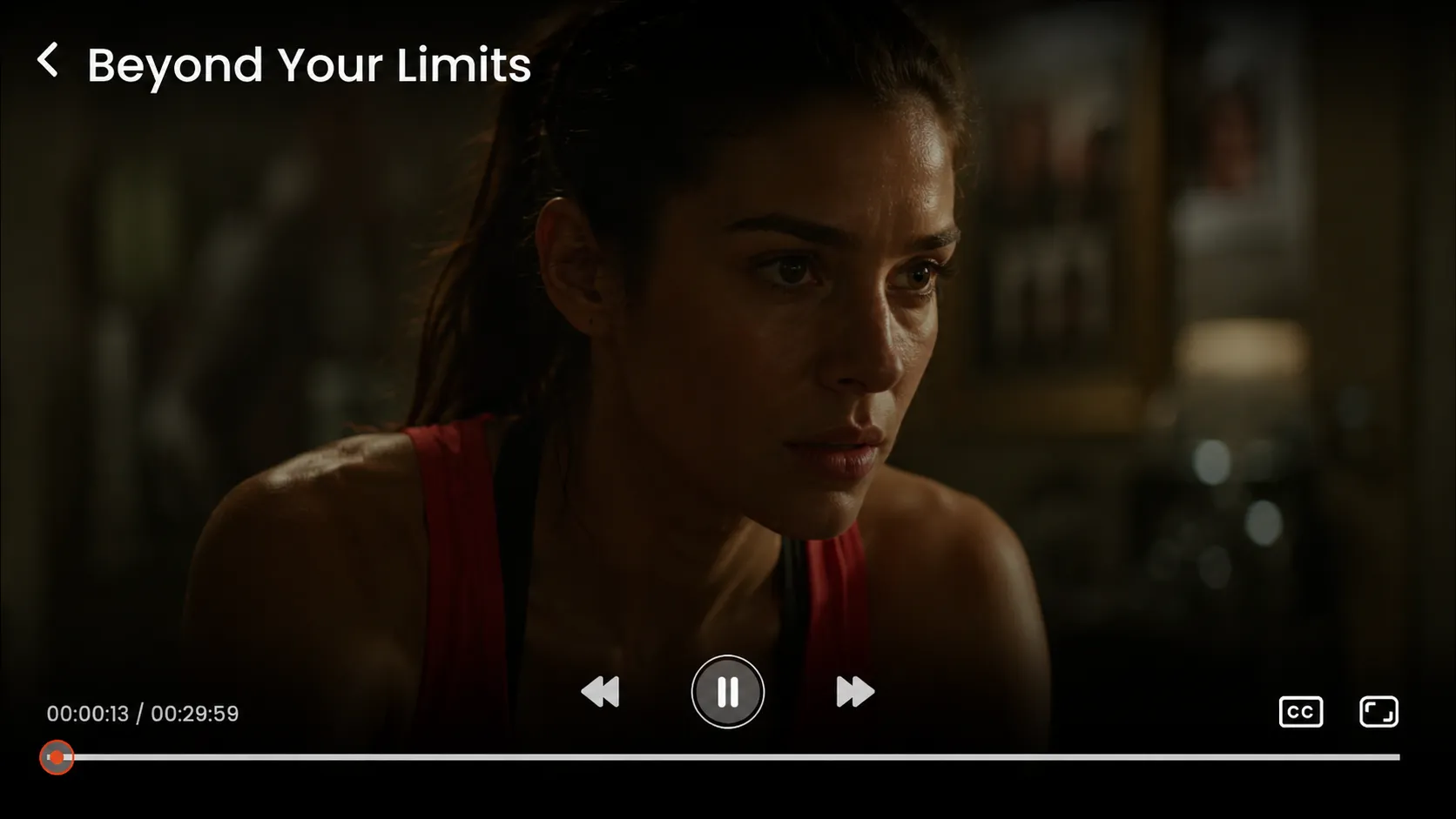
The selected catch-up content will start playing automatically.
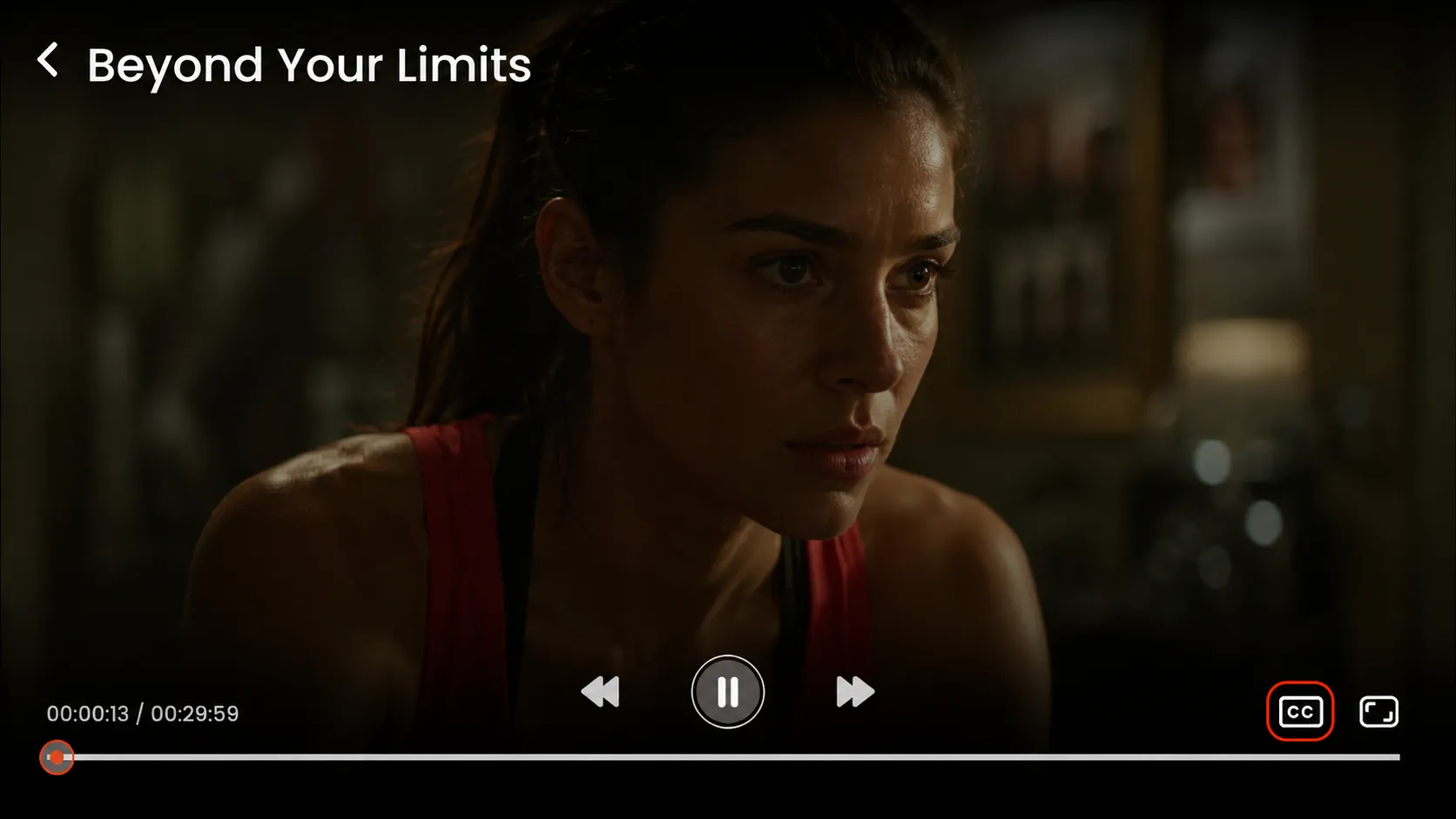
Step 2: Enable Subtitles
Click on the Subtitles (CC) icon in the player controls to turn on captions.
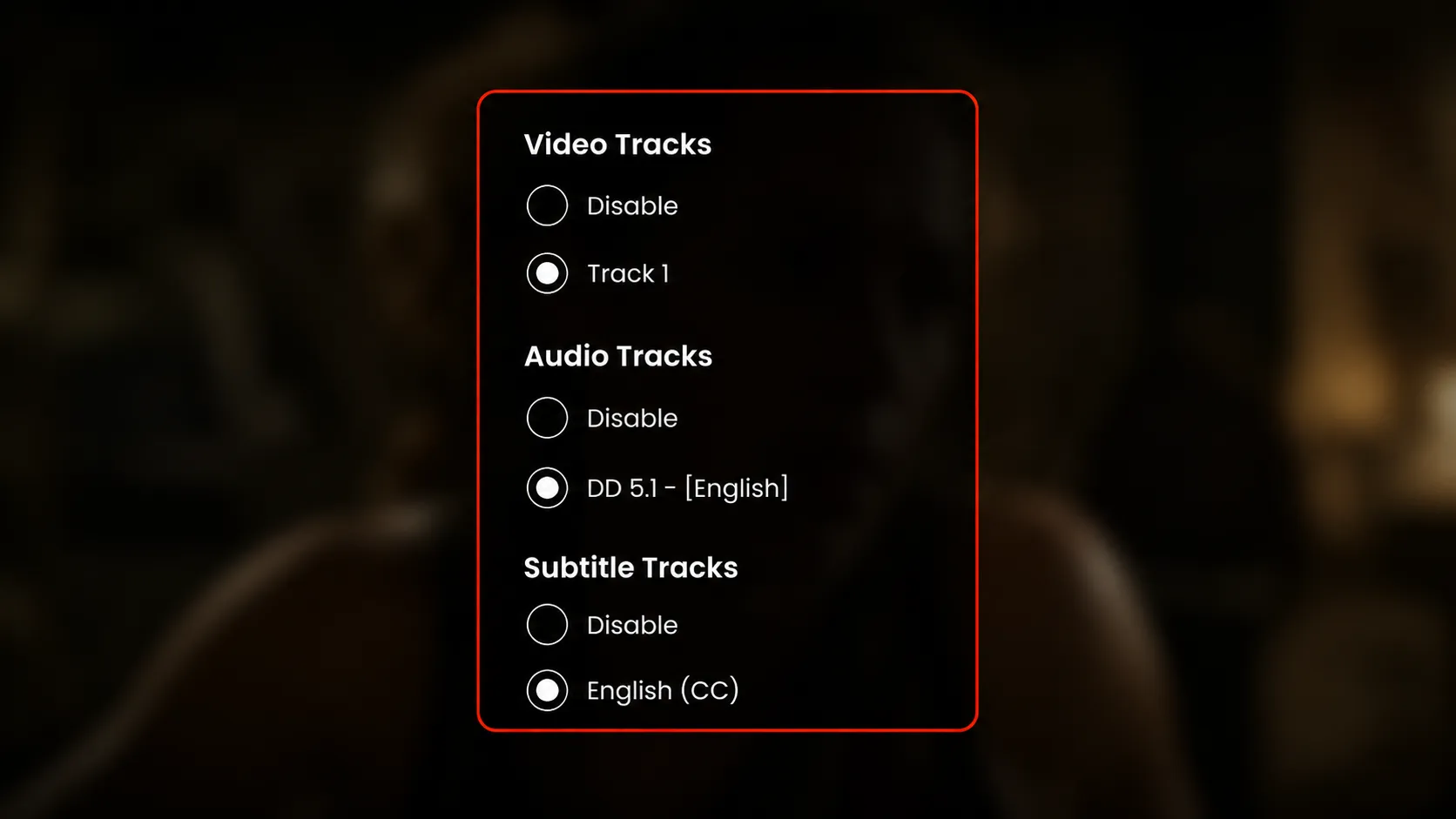
Click on the highlighted settings option to open the subtitle and track selection menu.
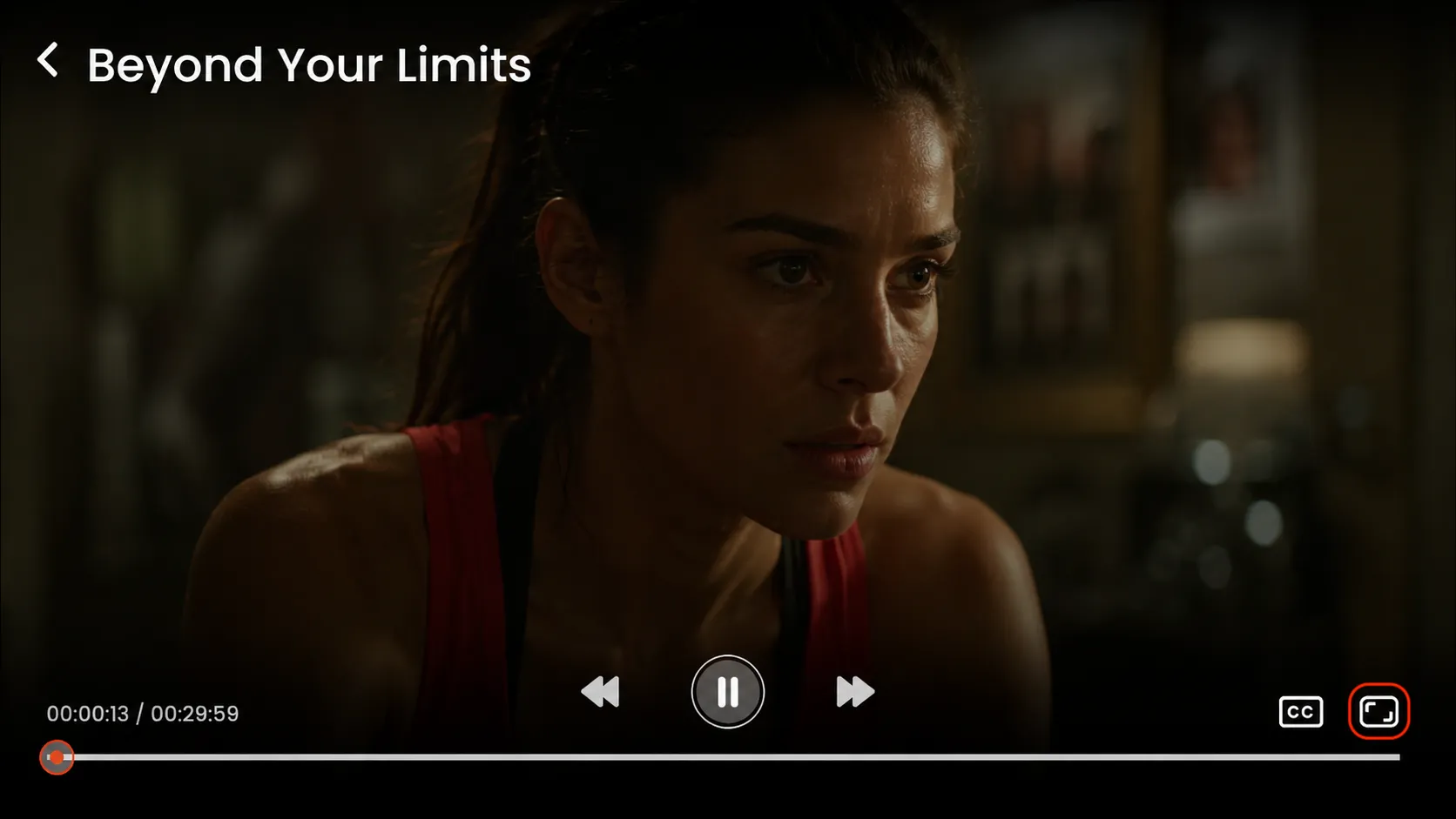
Step 3: Change Aspect Ratio
Click on the aspect ratio icon in the player controls to adjust the screen size and viewing format. (e.g., Zoom, Fit, Fill)