How to Select a Theme
2 min
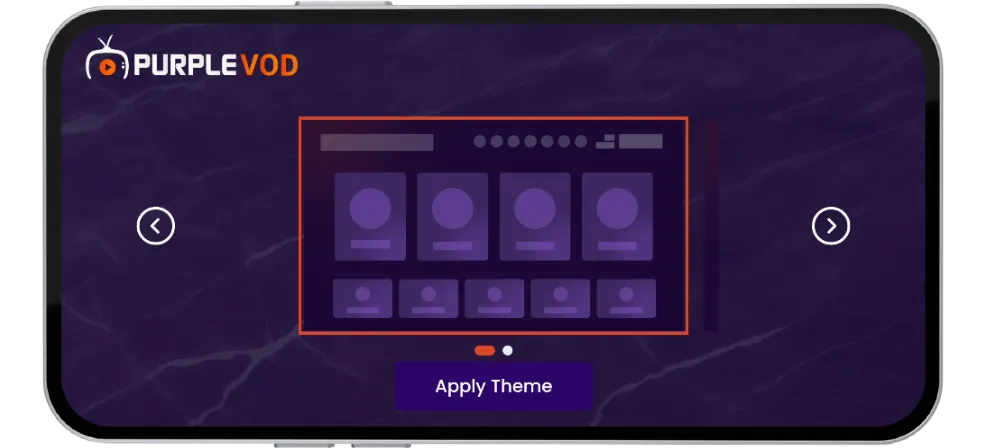
Step 1: Select Default Theme
Browse the available dashboard themes using the left and right arrows. Select your preferred theme and tap Apply Theme to apply the selected layout.
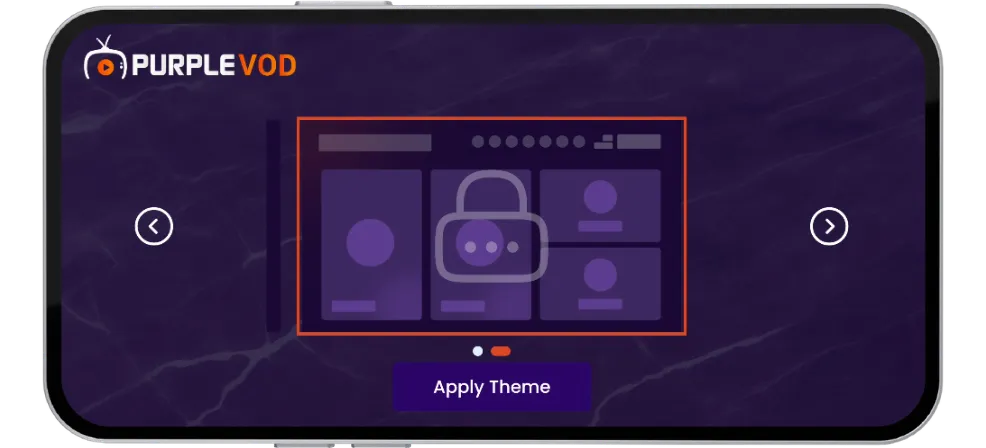
Step 2: Explore Locked Themes
Use the navigation arrows to explore additional dashboard themes. A lock icon indicates that the selected theme requires activation before it can be applied.