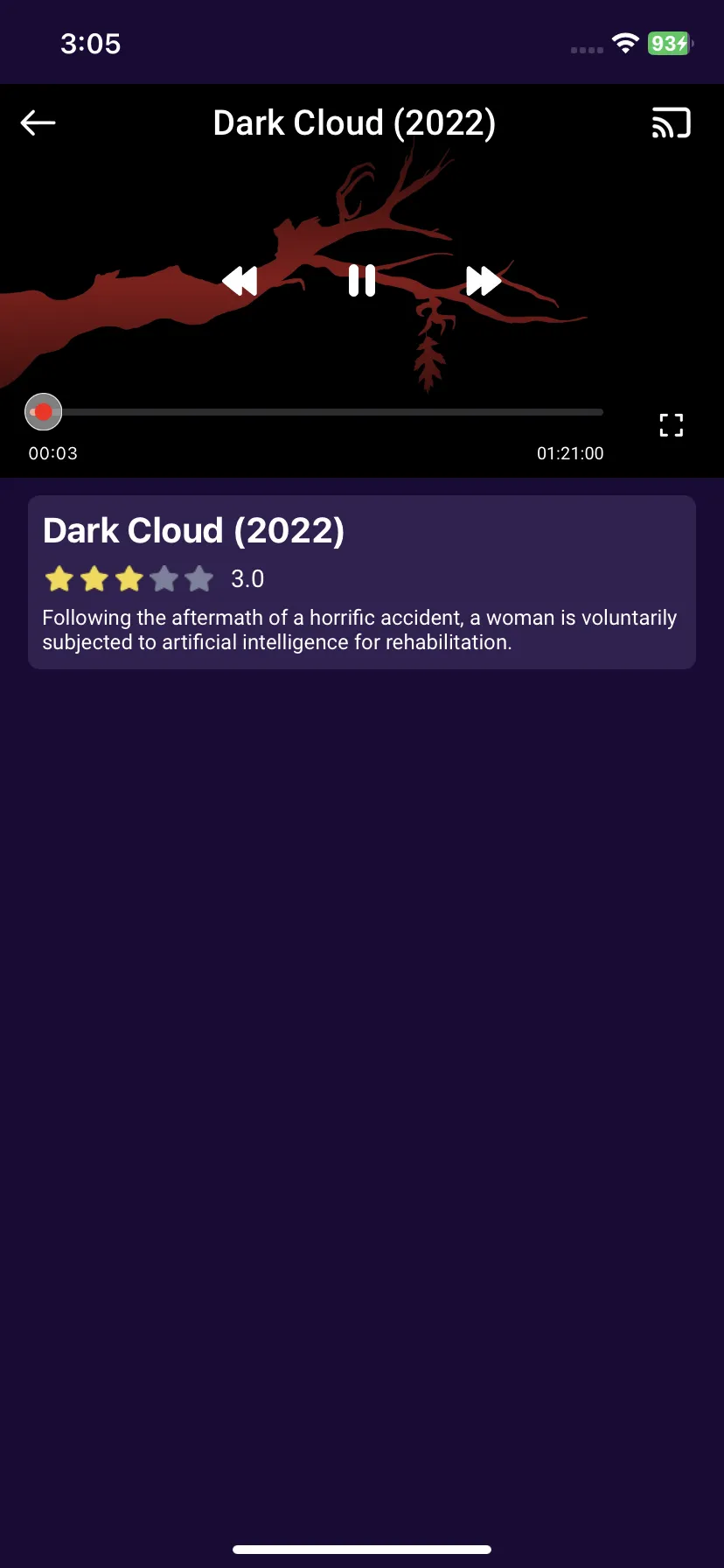
How To Play Movies in Purple Player in Purple iOS v3
6 min
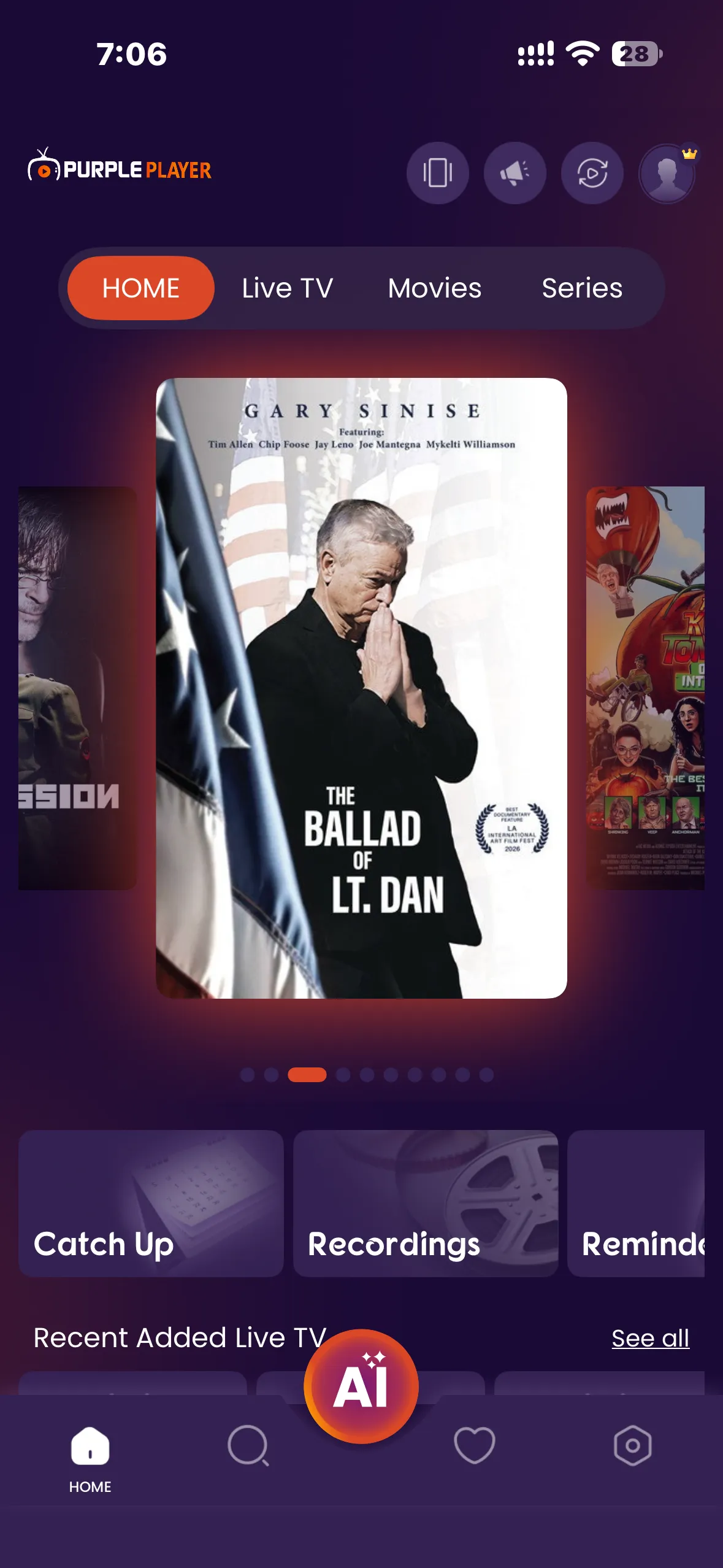
Step 1: Home screen
After Successfully adding your Playlist, users will be greeted by Purple iOS v3 Home Screen
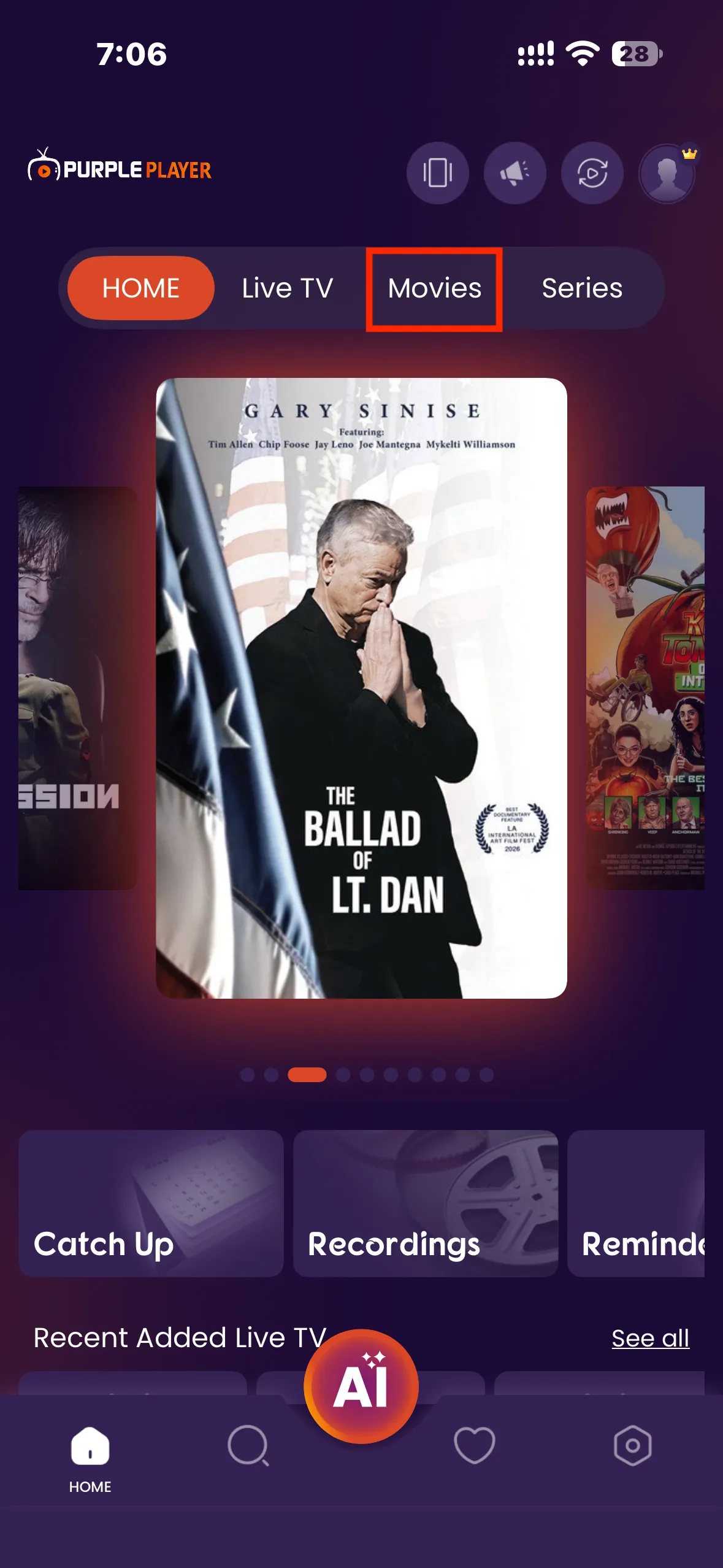
Step 2: Watch Movies
Navigate to the screen and click on the Watch Movies Button, as seen in the image below (marked in red)
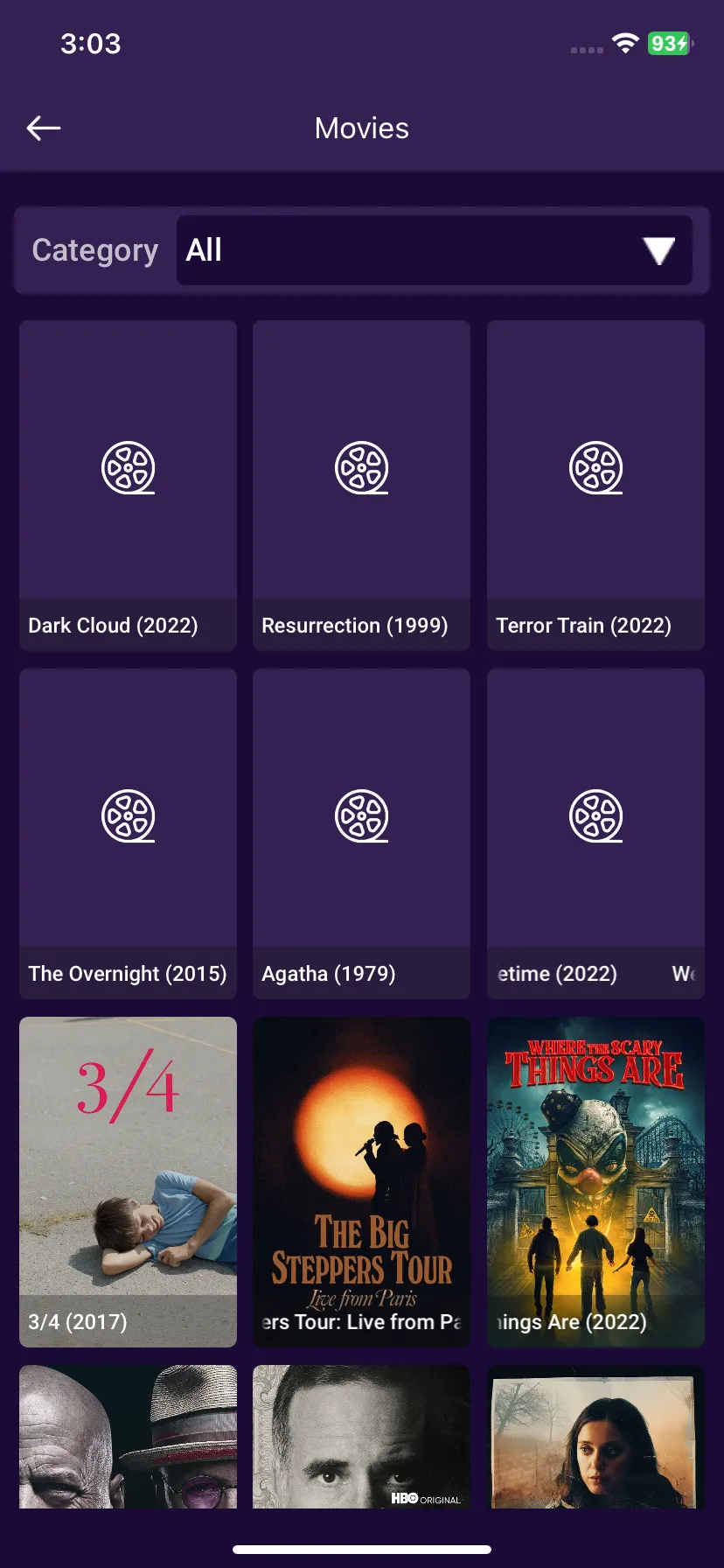
Step 3: Movie Selection
After clicking on Watch Movies Button, users can select any desired Movie to play.
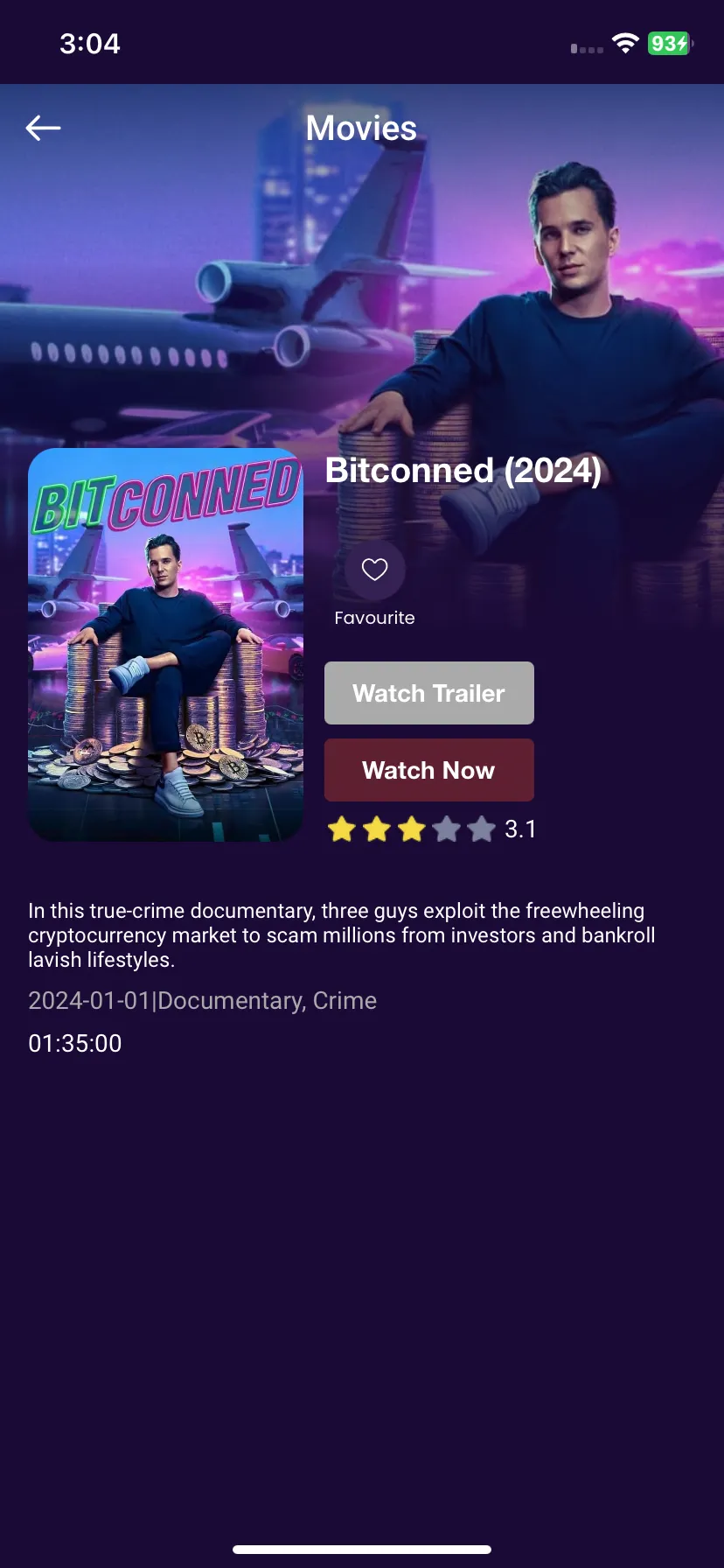
Step 4: Movie Options
After clicking on the desired movie, Users have three options to either, Watch Trailer, Watch Now, or Add a Movie to their favorite list, as seen in the image below (marked in red)
Step 5: Play a Movie
Click on the Watch Now button to Watch a movie.