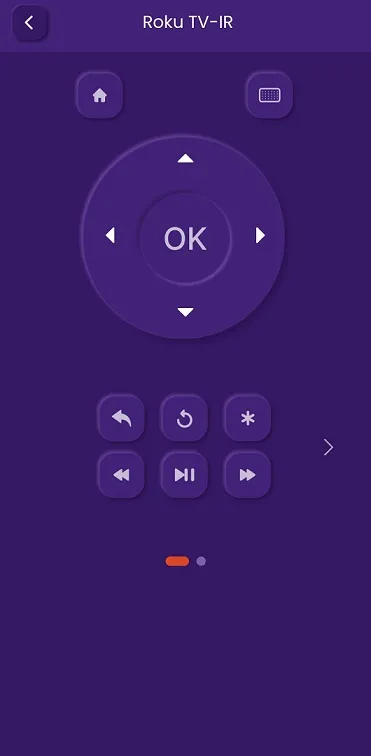
How to connect to Roku TV-IR
1 min
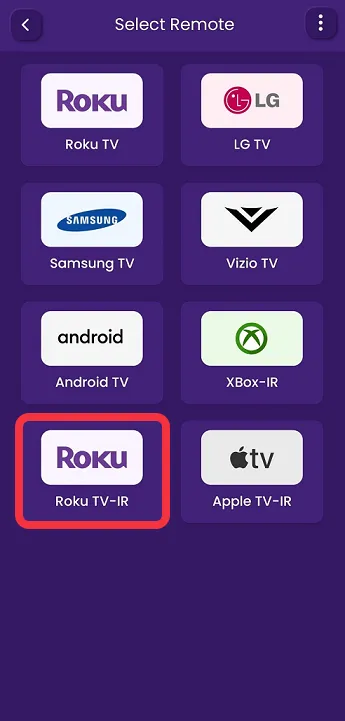
STEP 1- After successfully installing the application, Click on Roku TV-IR, as seen in the image below (marked in red) Note: - ( Make sure your phone and TV are both connected to the same Wi-Fi network)
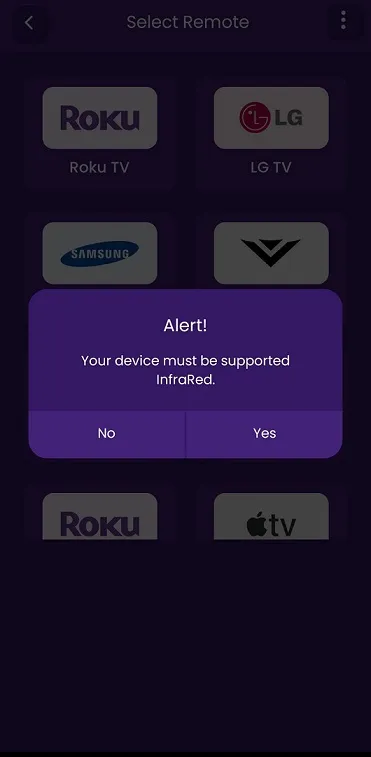
STEP 2- An Alert Message with a Yes And No Options is Displayed
Click on the Yes Button to connect to Roku TV-IR
Step 3 Once you’ve connected to your TV, Users will be greeted by Roku TV-IR