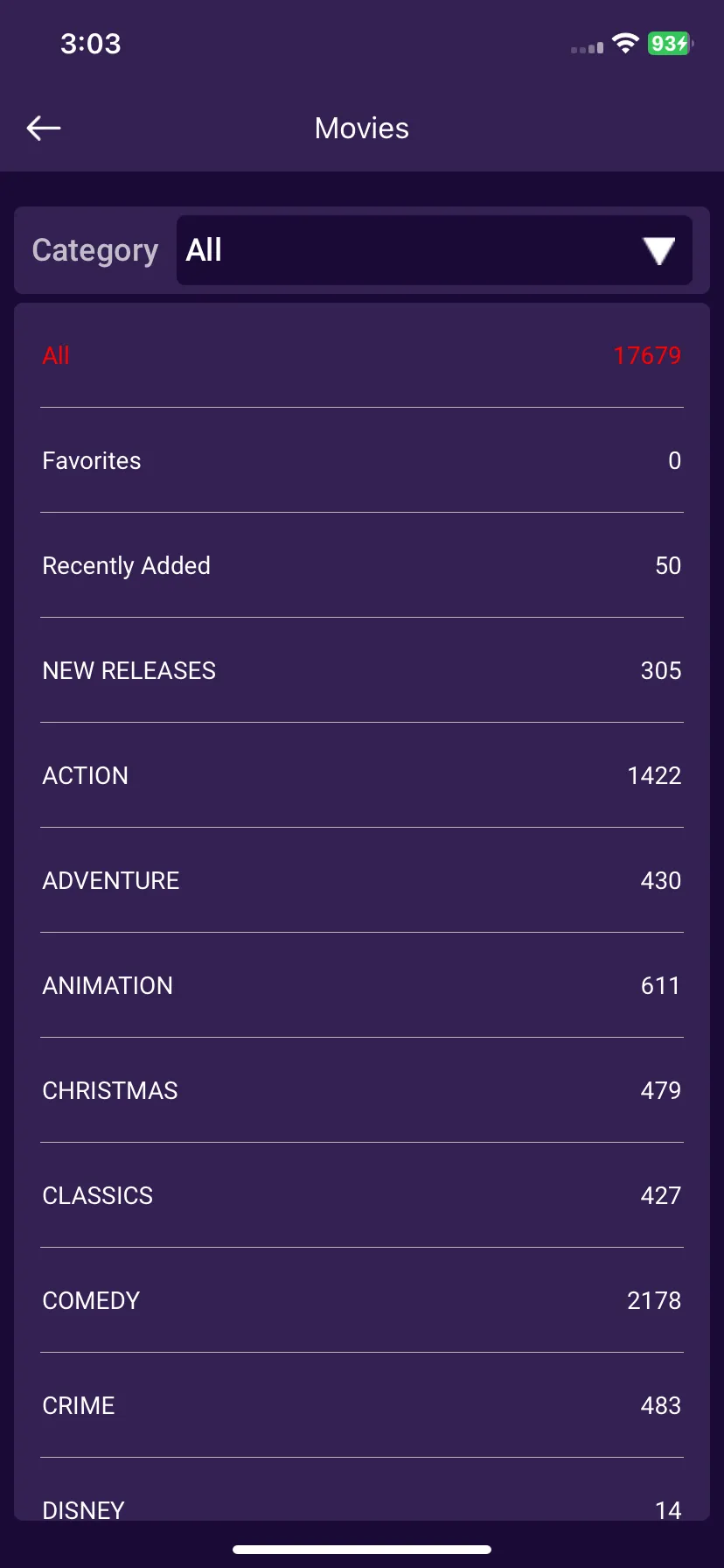
How To Access All Your Favorite Movies
5 min
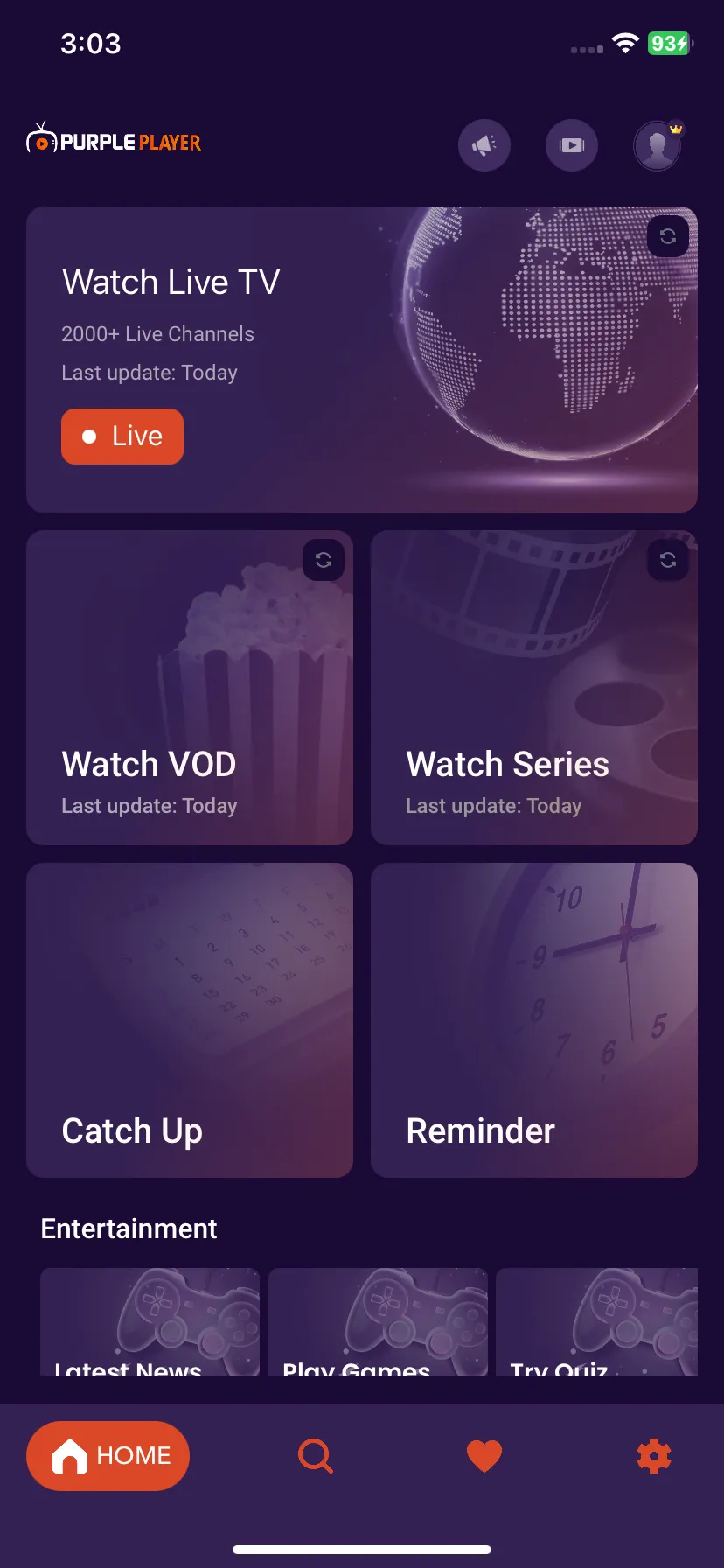
1: Watch VOD
Navigate to the top of the screen and, Click on the "Watch VOD" Button, as seen in the image below (marked in red)
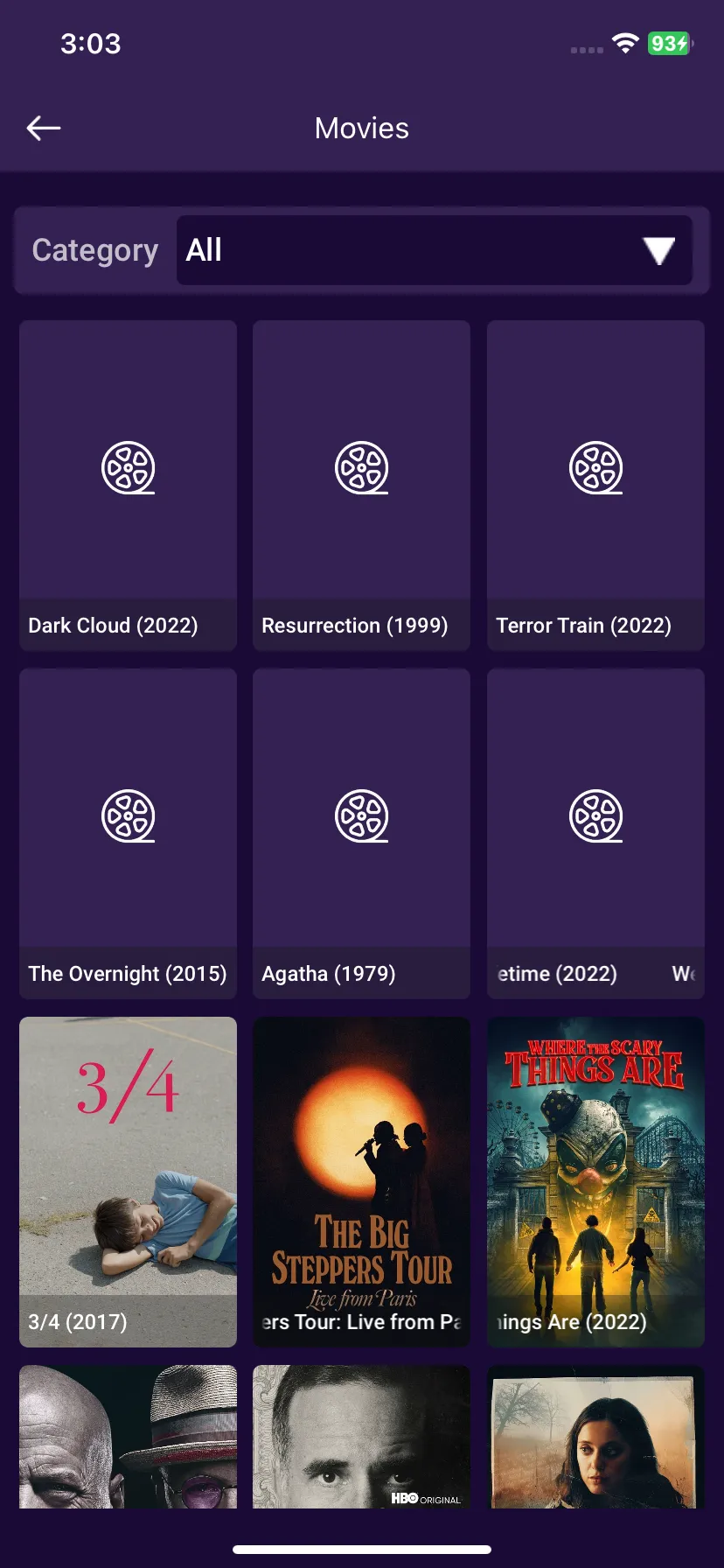
2: All Category
Click on All Category, as seen in the image below (marked in red)
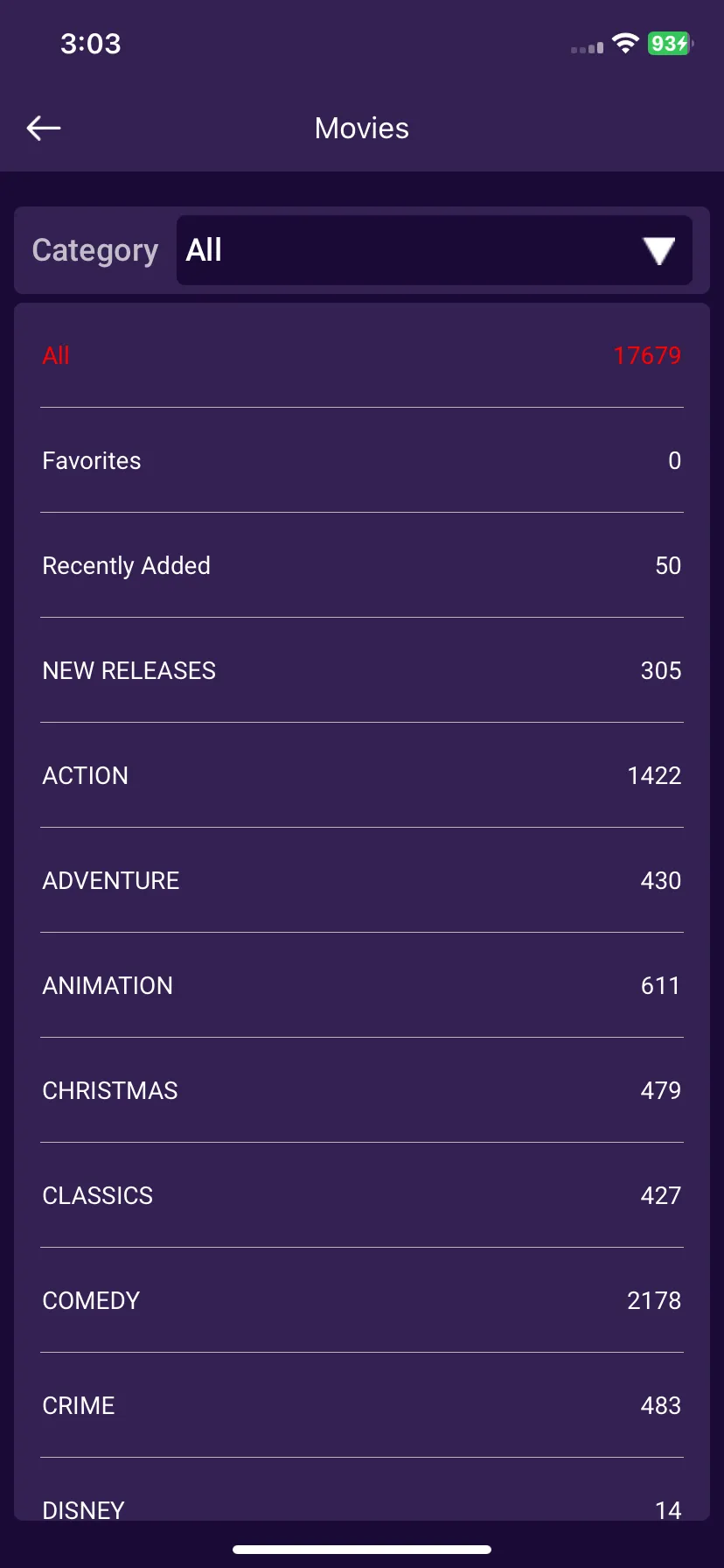
3: Favorites
From the dropdown menu, Click on Favorites, as seen in the below image (marked in red)
4: All Favorite Movies
Users can access all of their Favorite Movies from this section, as seen in the below image (marked in red)