
How to use different functions in Movies Full-Screen Player
4 min
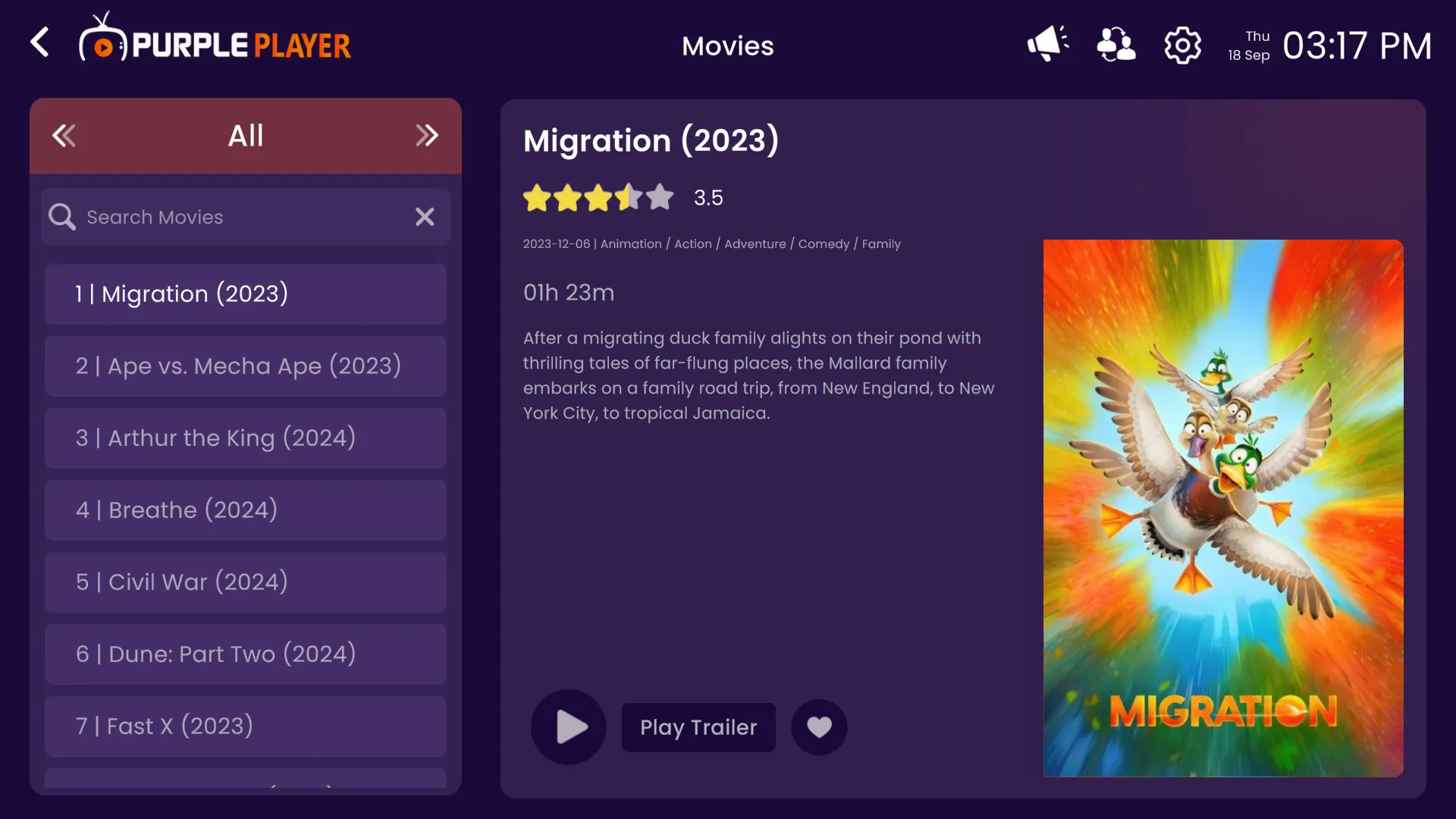
Step 1: Play Movie
Click on the Play button.
Step 2: Full-Screen Player
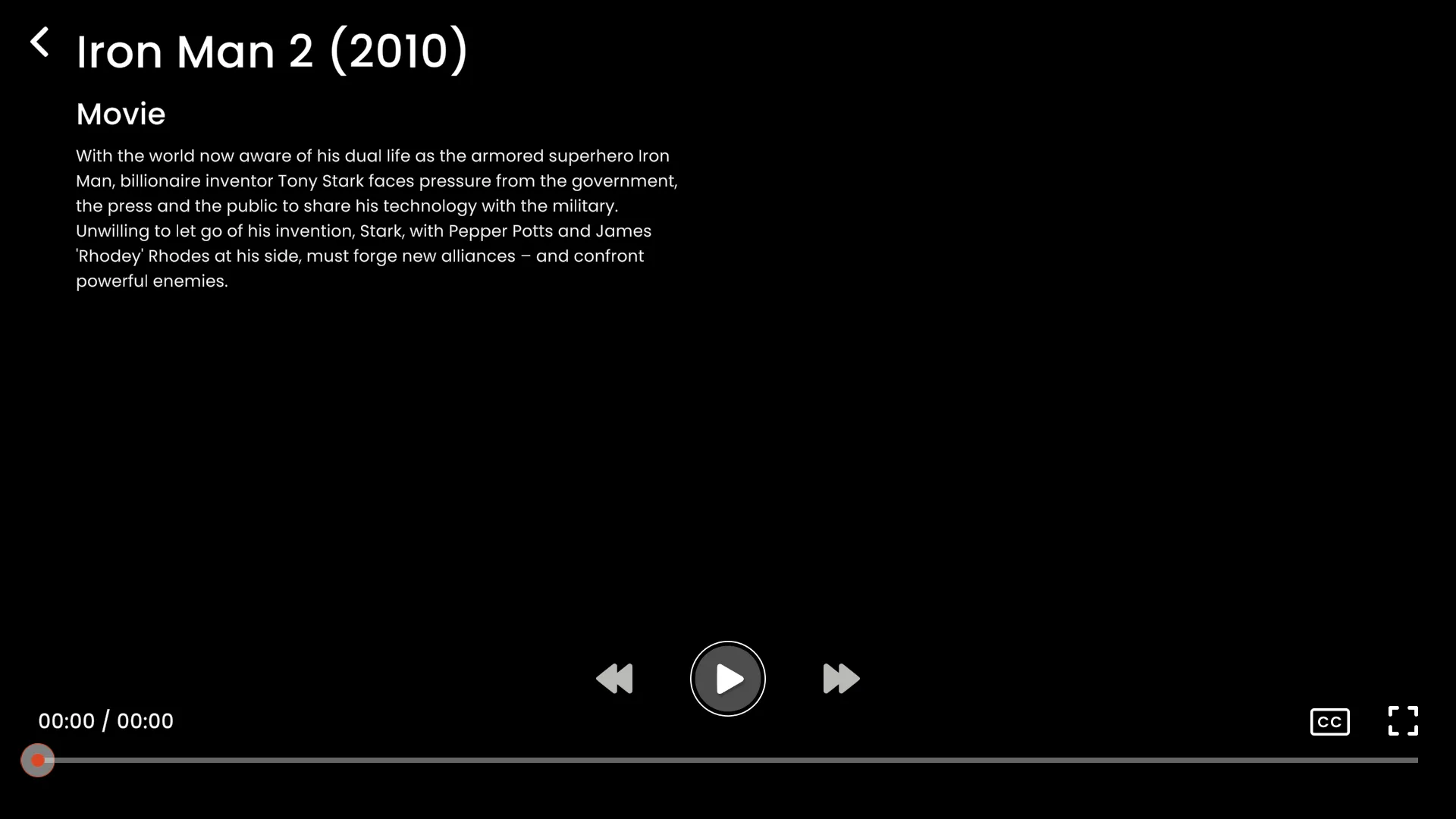
After clicking on the Play button, Full-Screen Player will open-up.
Step 3: Subtitles
Users can select different subtitles by clicking on the CC button, as seen in the image below (circled in red).