Initial Setup
3 min
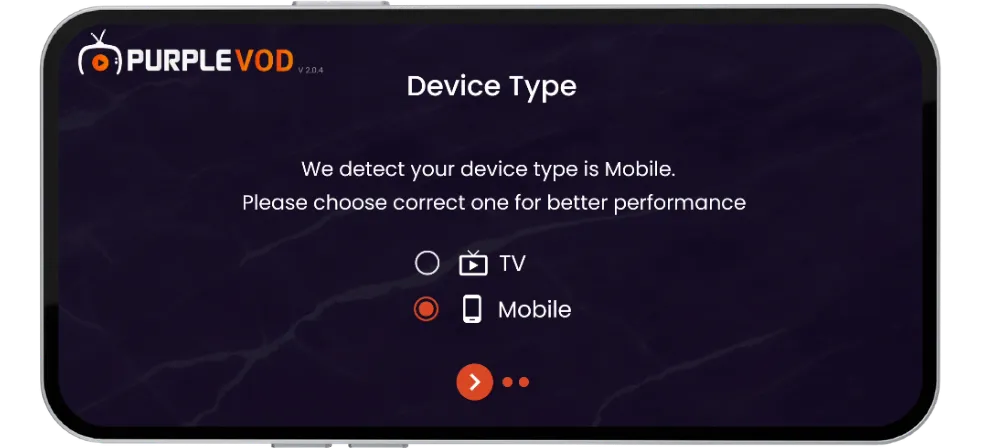
Step 1: Select Device Type
Select your device type from the available options: TV or Mobile. Tap the Next arrow to continue.
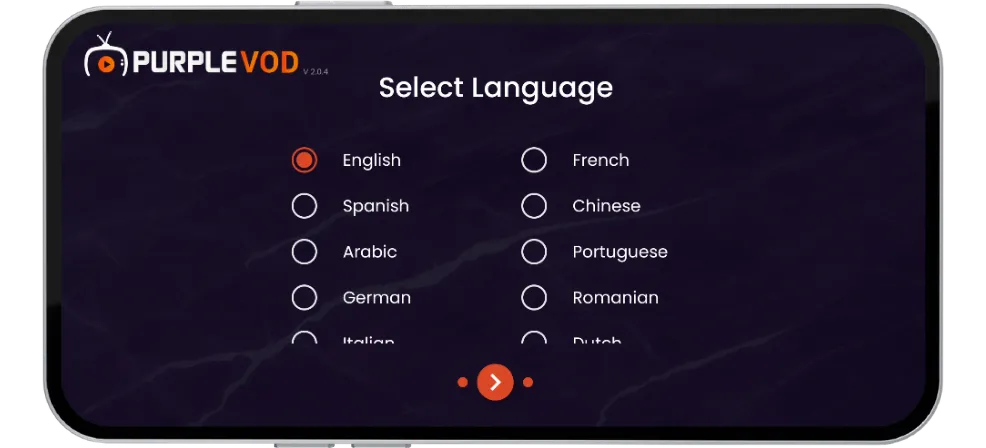
Step 2: Select Language
Choose your preferred language from the available options and tap the Next arrow to proceed.
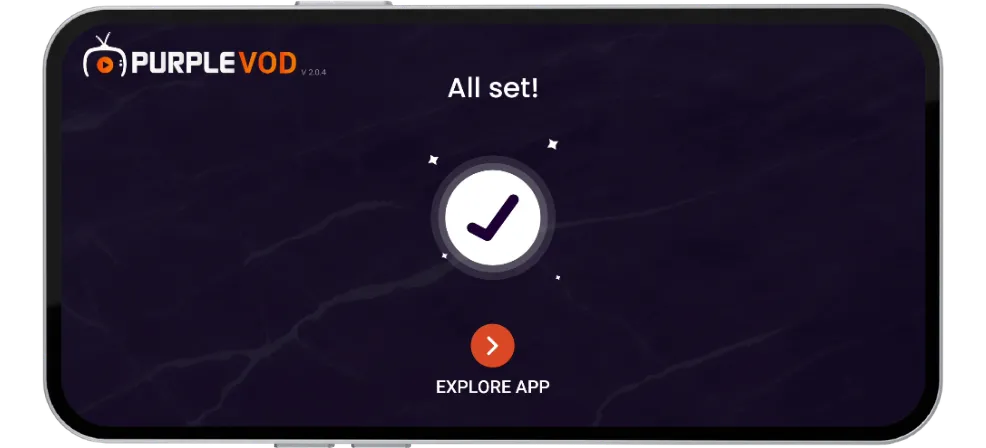
Step 3: Complete Initial Setup
Once the initial setup is complete, the All set! screen will appear. Tap Explore App to continue.
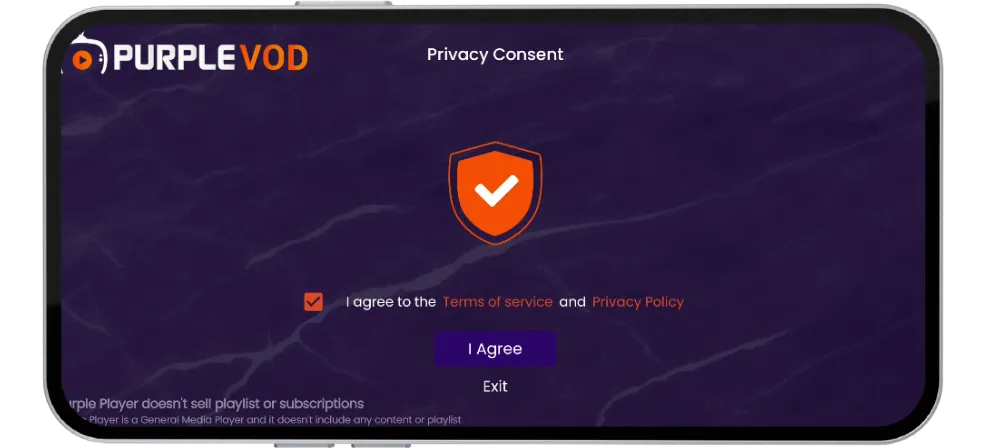
Step 4: Accept Privacy Consent
Review the Terms of Service and Privacy Policy, select the consent checkbox, and tap I Agree to proceed.