How to Add a Playlist
5 min
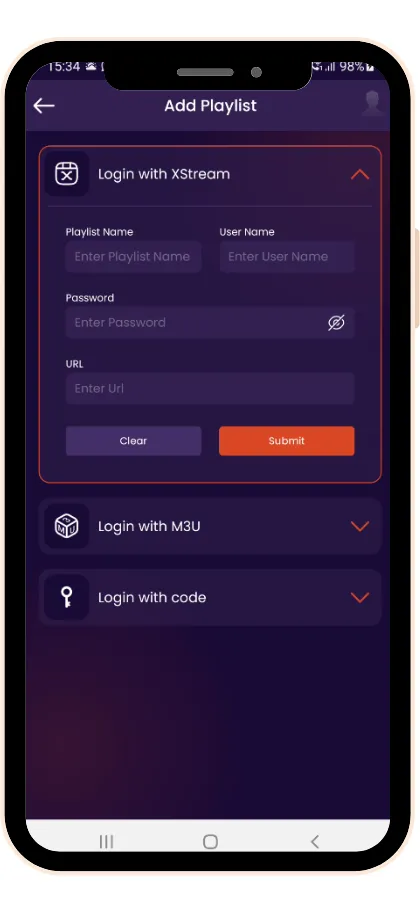
Step 1: Log in with Xtream
Select Login with Xtream and enter the following details:
- Playlist Name
- User Name
- Password
- URL
Tap Submit to add your playlist.
Step 2: Log in with M3U
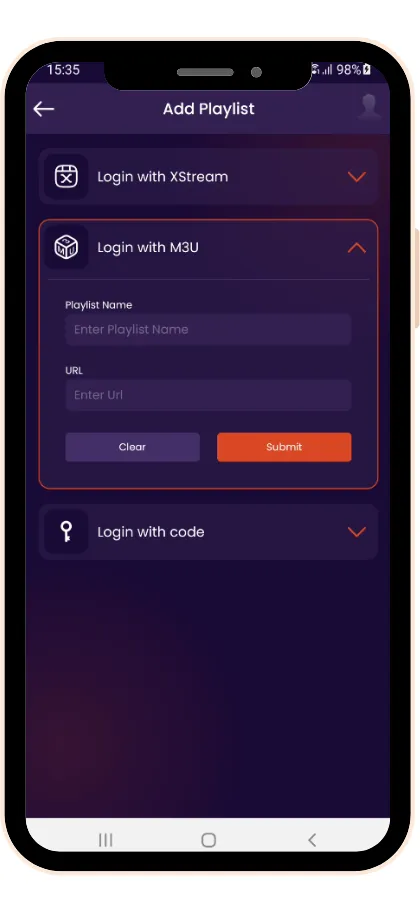
Select Login with M3U, enter your Playlist Name and URL, and tap Submit to continue.
Step 3: Log in with Code
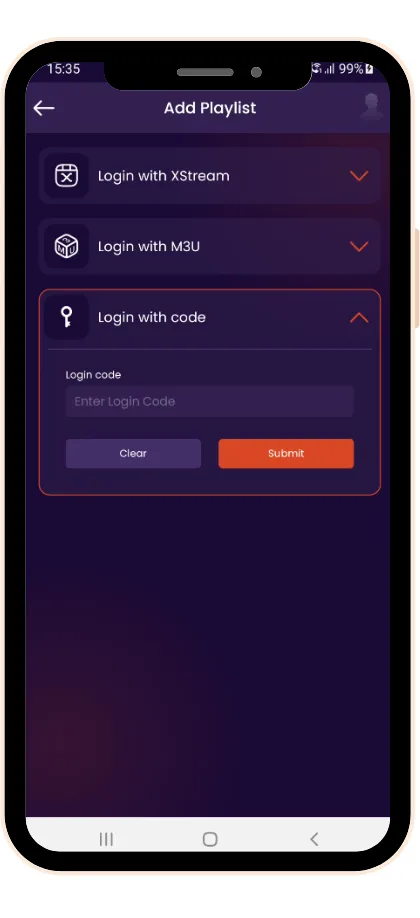
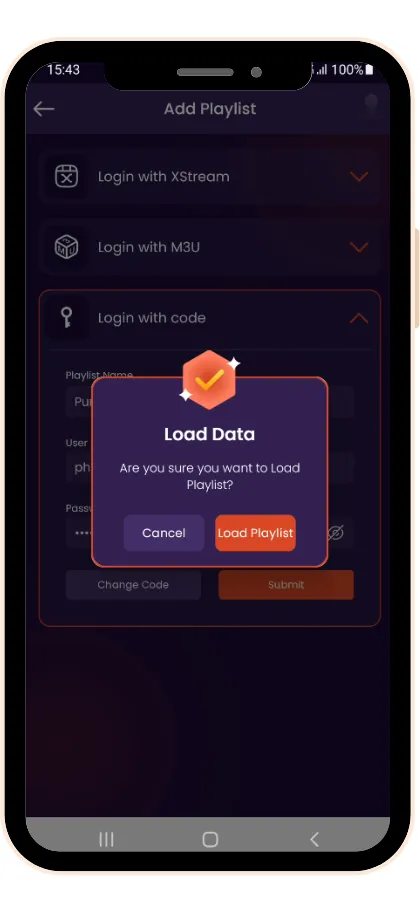
Select Login with code, enter your valid login code, and tap Submit.
Step 4: Load Playlist Data
When the Load Data confirmation pop-up appears, tap Load Playlist to proceed or Cancel to return to the previous screen.
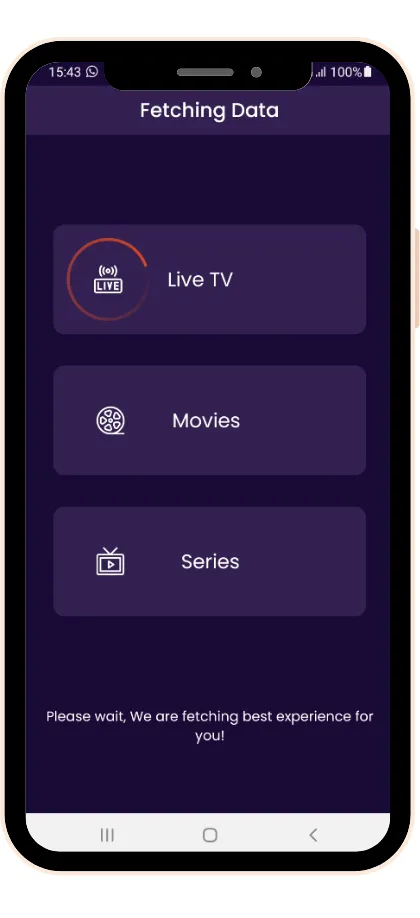
Step 5: Fetching Playlist Data
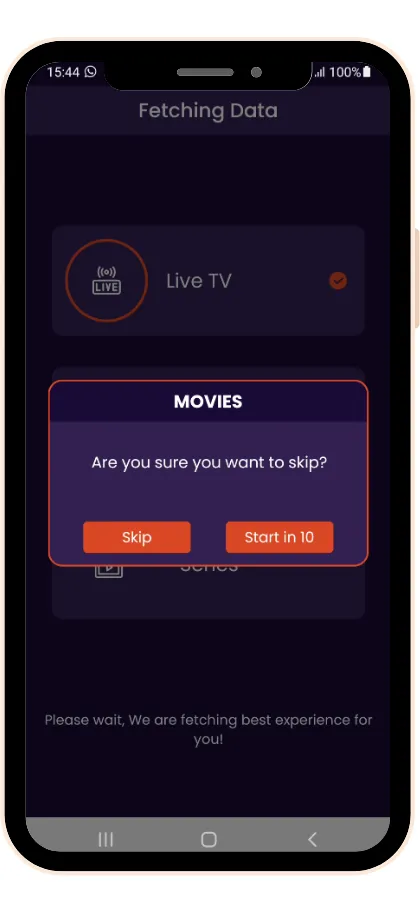
Wait while Purple Player fetches Live TV, Movies, and Series from your playlist.
Step 6: Skip Movies
Tap Skip if you do not want to load Movies, or allow the countdown to finish to continue fetching movie content.
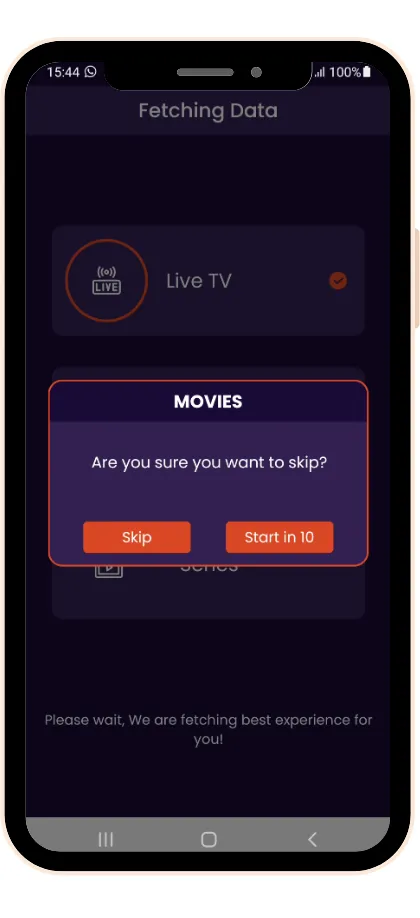
Step 7: Continue Loading Data
Tap Start in 10 or allow the countdown to finish to proceed with loading Movies.