
How to use the different features of the Live TV Mini Player
4 min
1: Mute
To Mute or Unmute a video, click on the mute button as seen in the image below (circled in red).
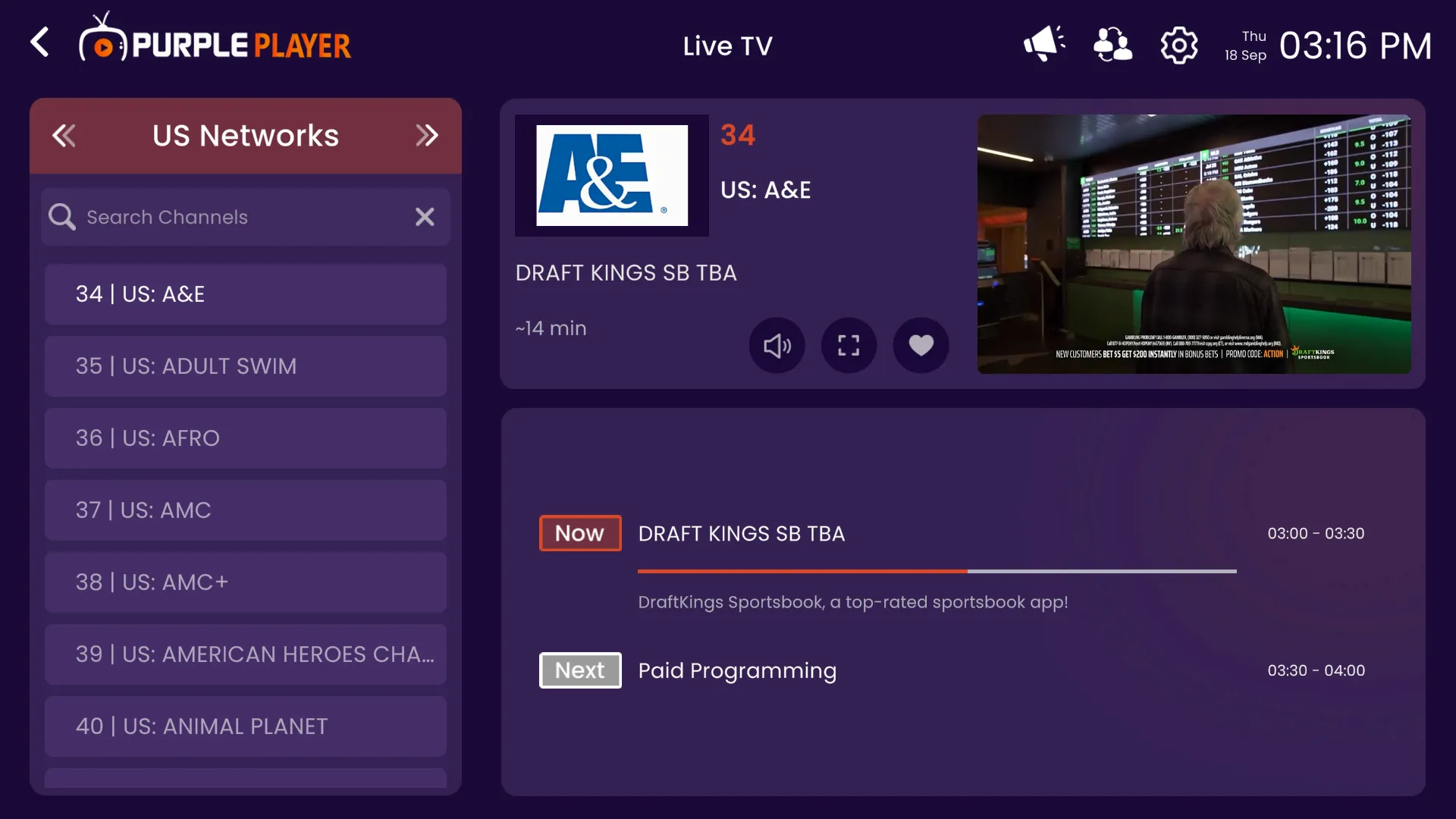
2: View Fullscreen
To view a channel in Full-Screen mode, click on the full-screen button as seen in the image below (circled in red).
3: Favorite Channels
To Add a channel to your favorite list, click on the Favorite button as seen in the image below (circled in red).