How To Set Parental Control in Purple iOS v3
4 min
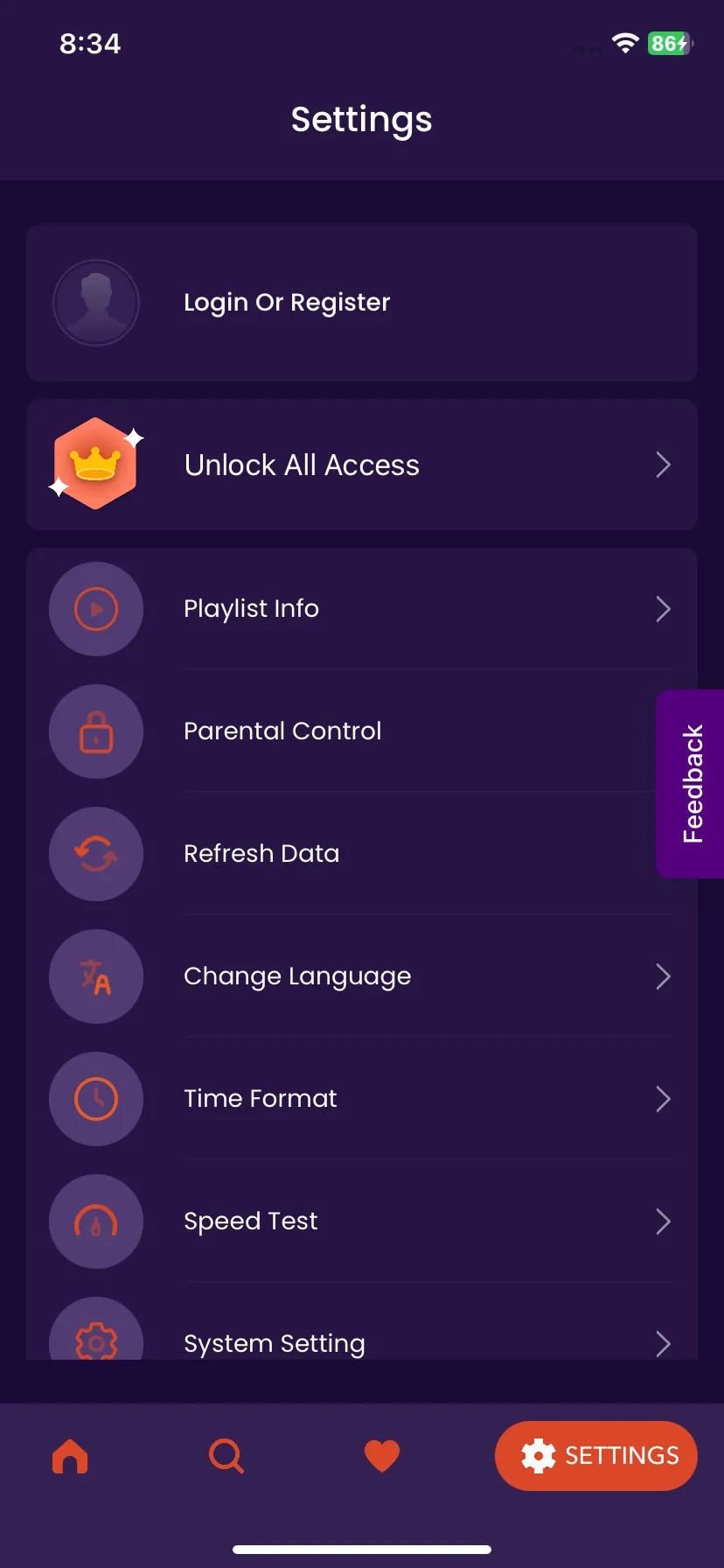
1: Settings
Click on "Settings" on Home Page, as seen in the image below (marked in red)

2: Parental Control
Click on "Parental Control", as seen in the image below (marked in red)
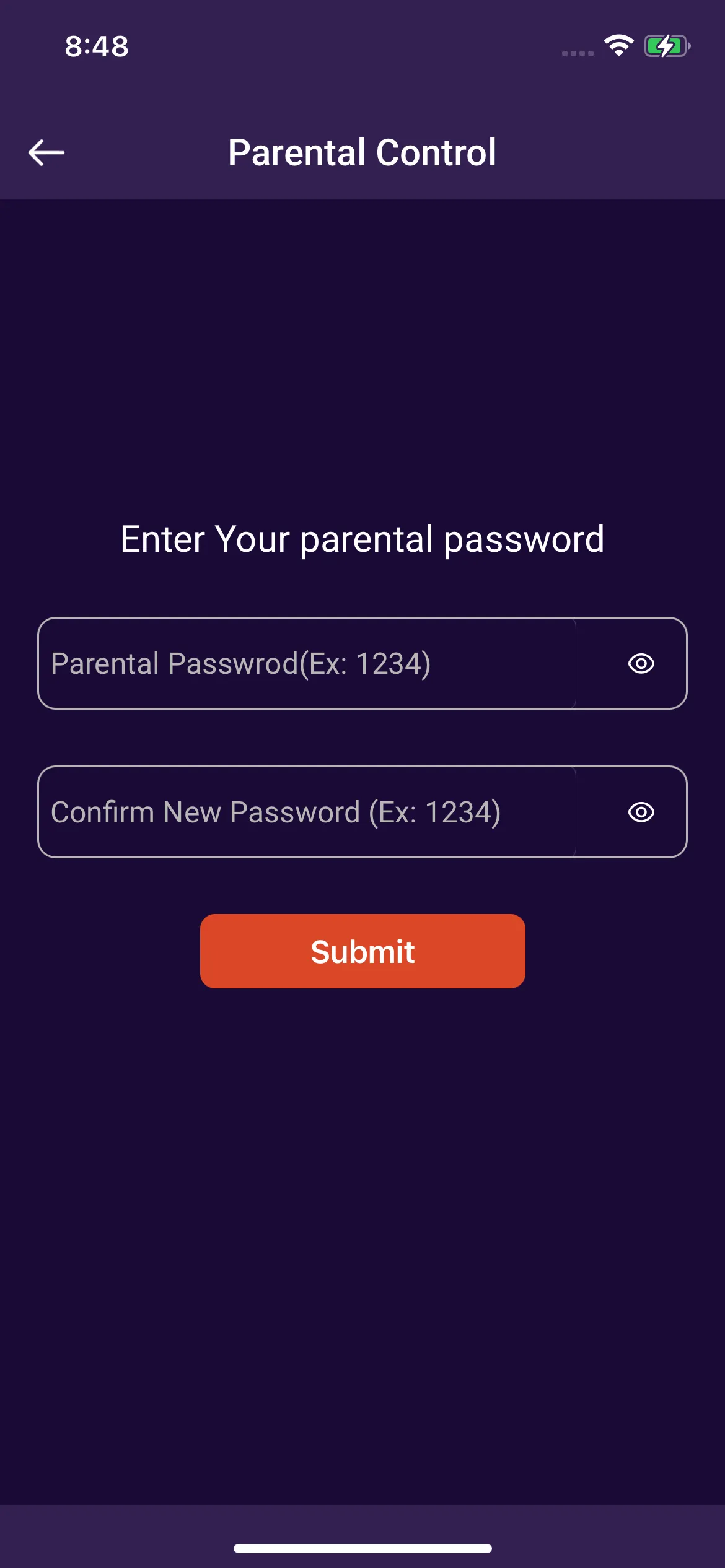
3: Password
Click on Set "Your Parental Password", enter the desired Pin, confirm the Pin again, and Click on "Submit", as seen in the image below