
Purple IPTV Dashboard Overview
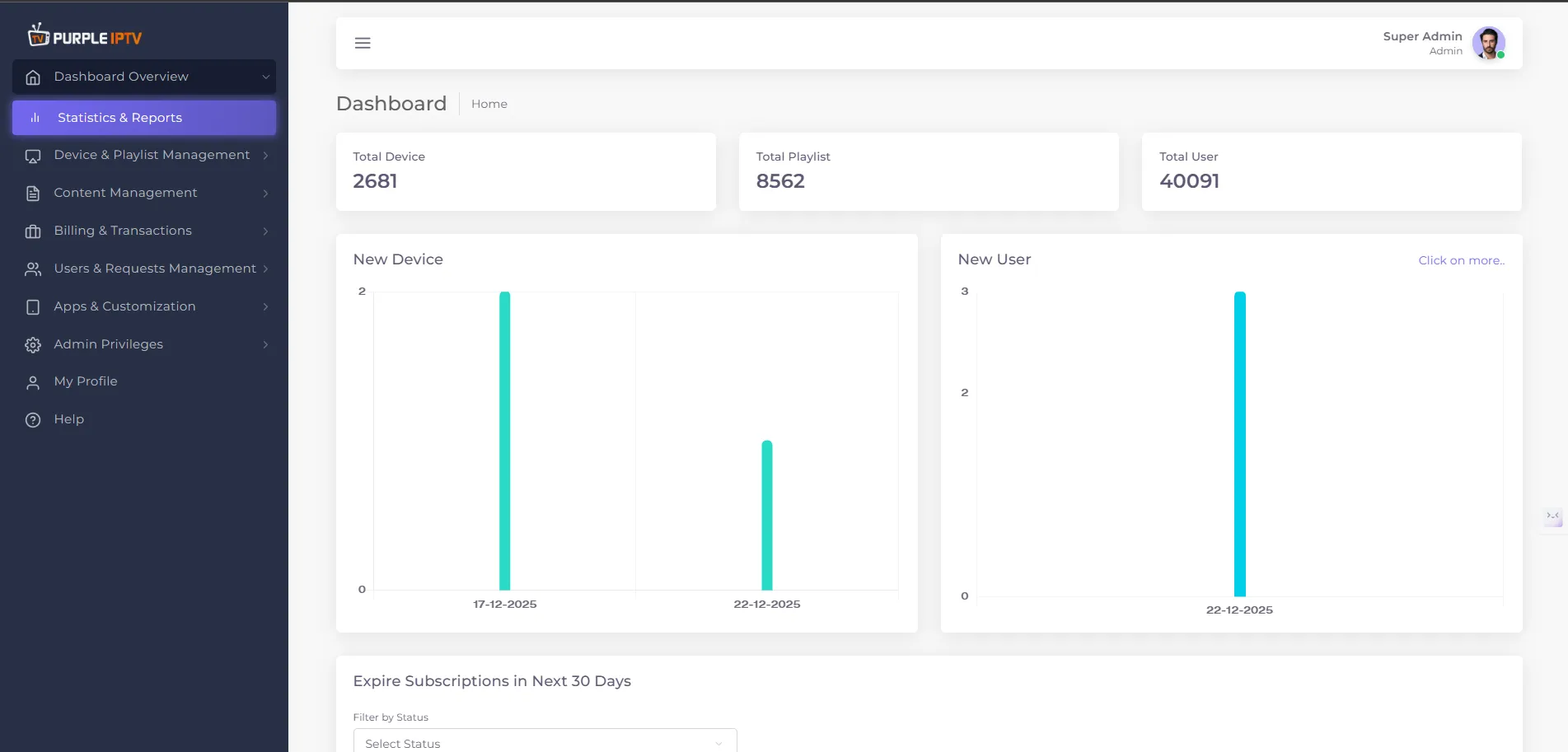
Purple IPTV Dashboard Overview
The Purple IPTV Dashboard serves as the central hub for managing users, devices, content, subscriptions, and system settings. It offers real-time statistics, easy navigation across features, and streamlined controls for efficient administration.
Key Highlights -
- Total Devices Managed - The number of active devices currently connected and managed through the dashboard.
- Total Playlists Available - The total count of content playlists accessible to users across the platform.
- Total Users - The overall registered user base who have access to the IPTV services.
- Quick Actions - Register new devices, add users, view expiring subscriptions, and access reports.
Accessing the Dashboard
To begin, log in to your Purple IPTV admin account. Upon login, you will land on the dashboard home.
Dashboard Components
Section | Description |
|---|---|
Statistics & Reports | View key metrics such as total devices, playlists, and users. |
Device & Playlist Management | Manage device lists, create and edit playlists, and back up device configurations. |
Content Management | Handle content uploads and organization. |
Billing & Transactions | Monitor invoices, credit history, coupons, and subscription plans. |
Users & Requests Management | Access user lists, handle reports, and respond to user requests. |
Apps & Customization | Install apps, manage templates, integrate VPN, and plugins. |
Admin Privileges & Settings | Control system settings, assign roles, and manage permissions for different admin users. |
Expire Subscriptions Overview | Quickly filter and view subscriptions that will expire in the next 30 days. |
Quick Actions | Add new devices/users, view most recent activity, and access help/documentation. |
Note: Purple Smart TV Products and services do not provide any content or playlists