How To Access User Playlist Information in Purple iOS v3
4 min
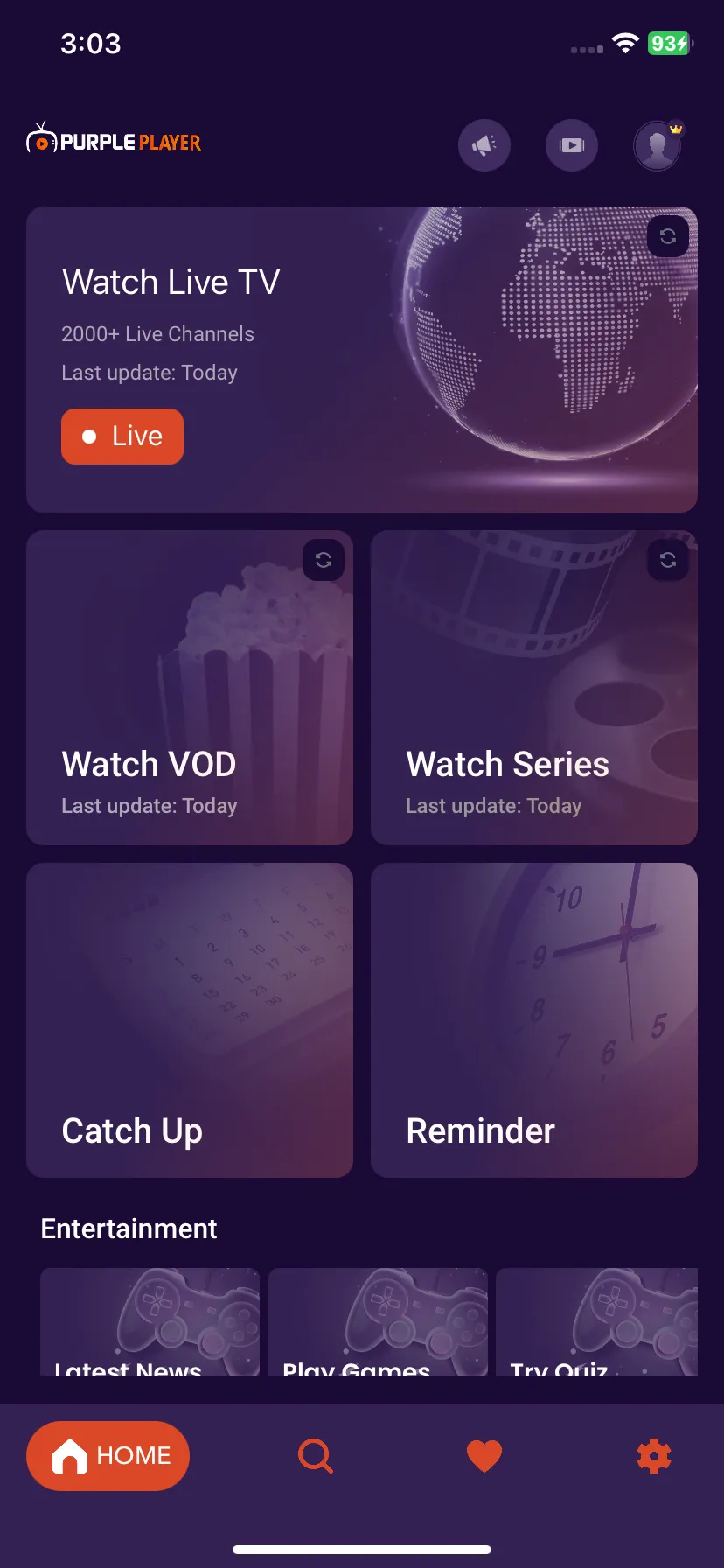
1: Settings
Click on the "Settings" icon on the bottom right of the Home Screen, as seen below image (marked in red)
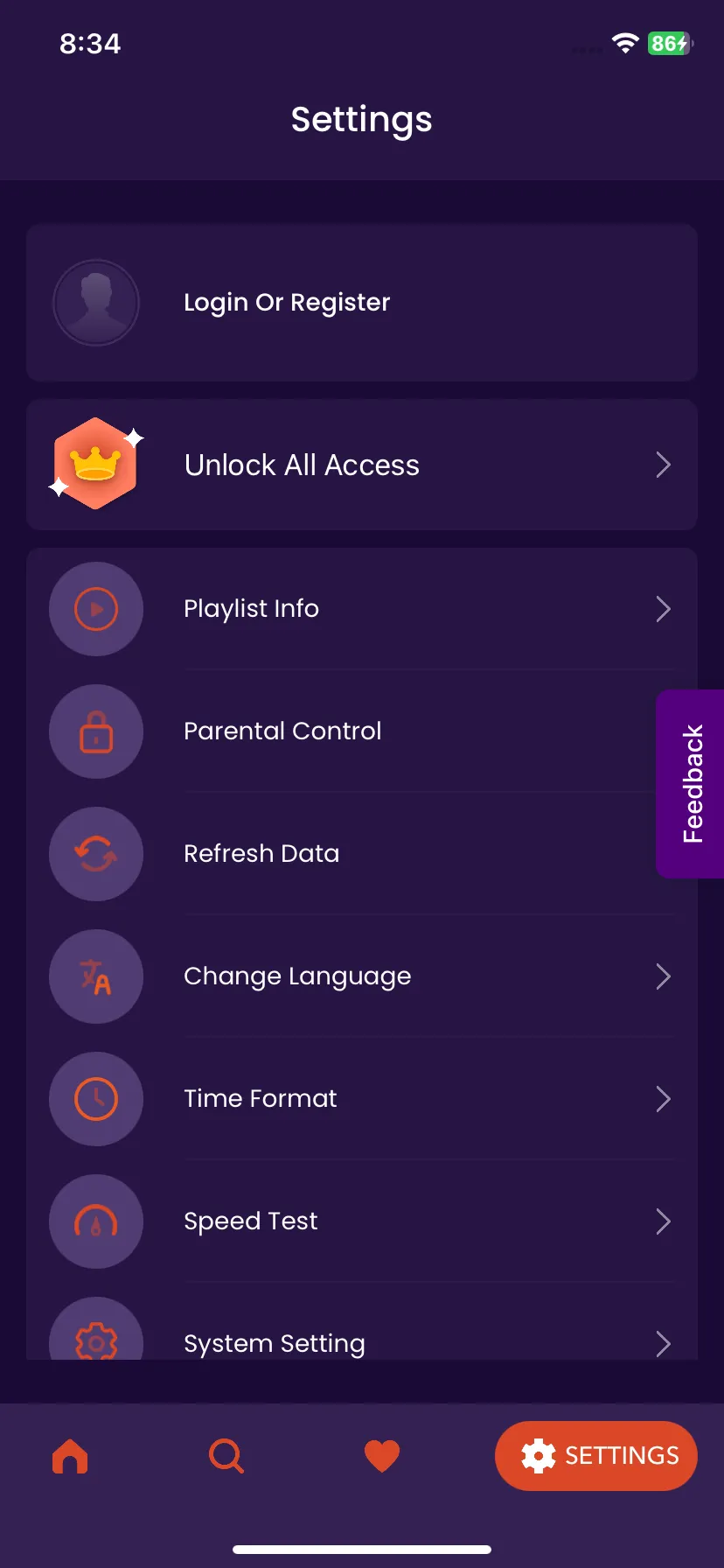
2: Playlist Info
Under the Settings, Click on the Playlist Info, as seen in the below image (marked in red)
3: Account Details
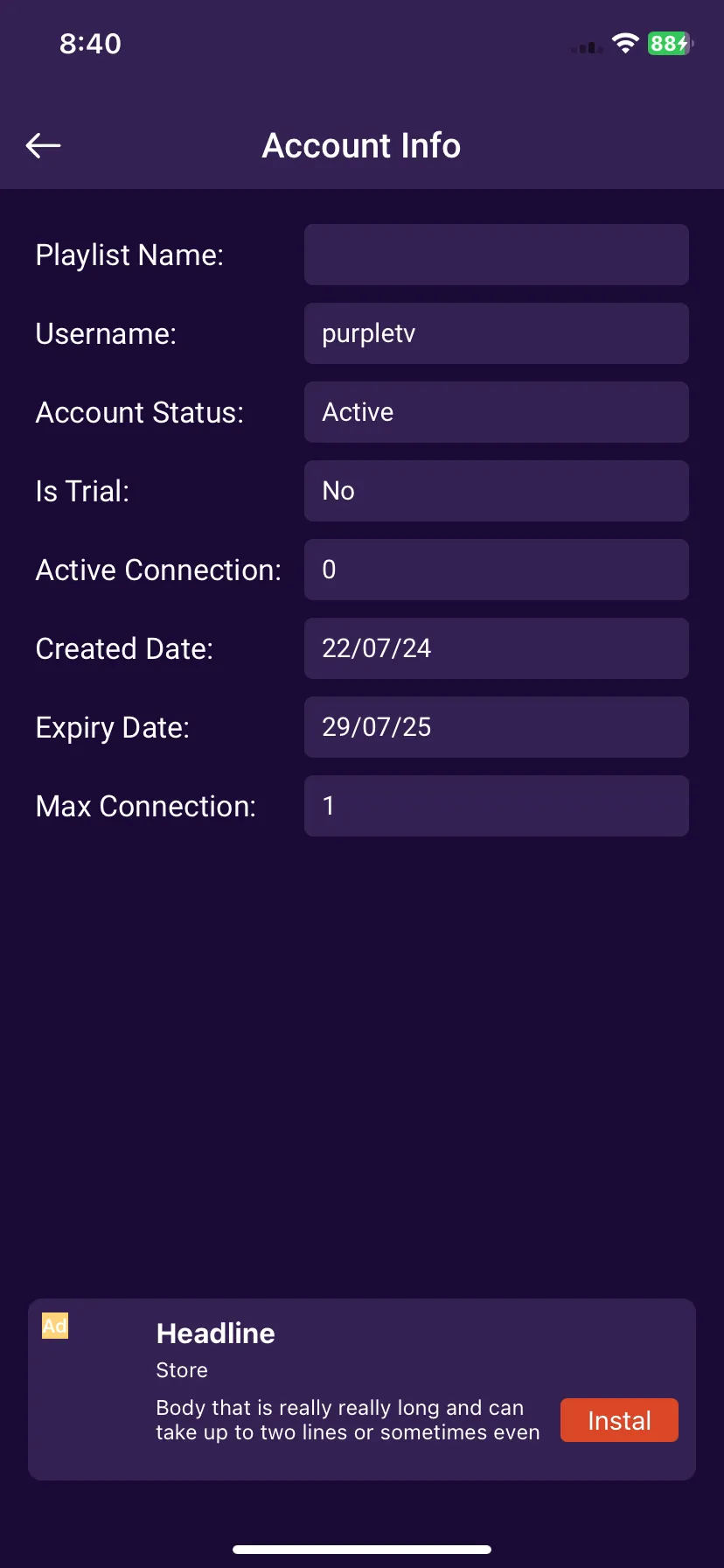
Display Of "Account Information" In Details