How to change time zone
2 min
1- After successfully installing the application, you will be welcomed by the "Home Screen" of Purple Tools.
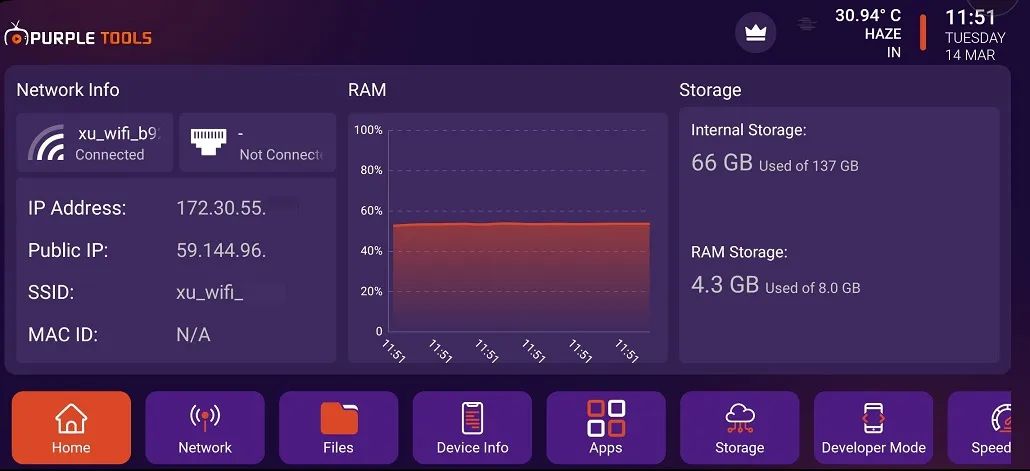
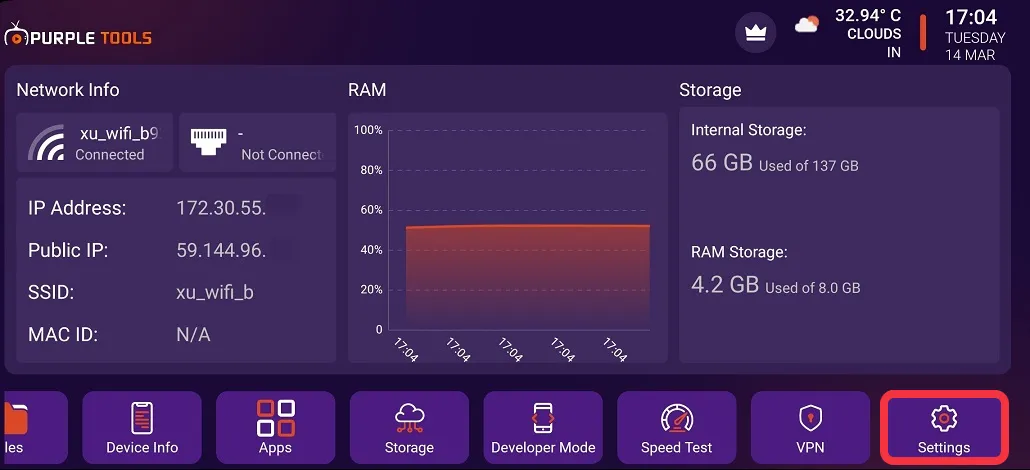
2- Click on "Setting", as seen in the below image (marked in red)
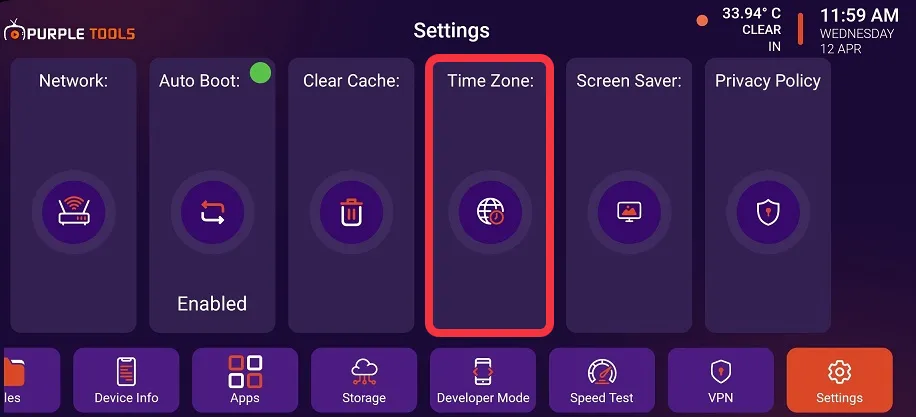
3- Click on "Time Zone", as seen in the below image (marked in red)
4- Click on "Change time zone", as seen in the below image (marked in red)
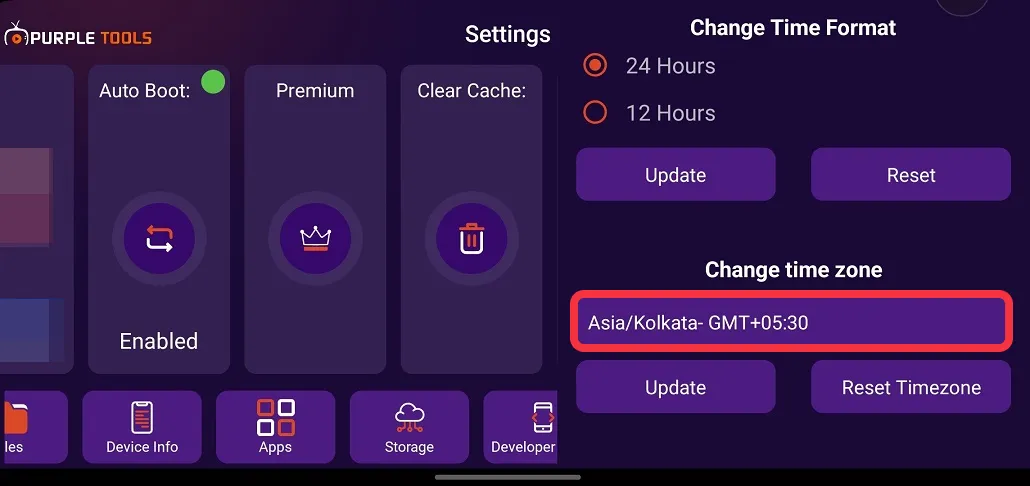
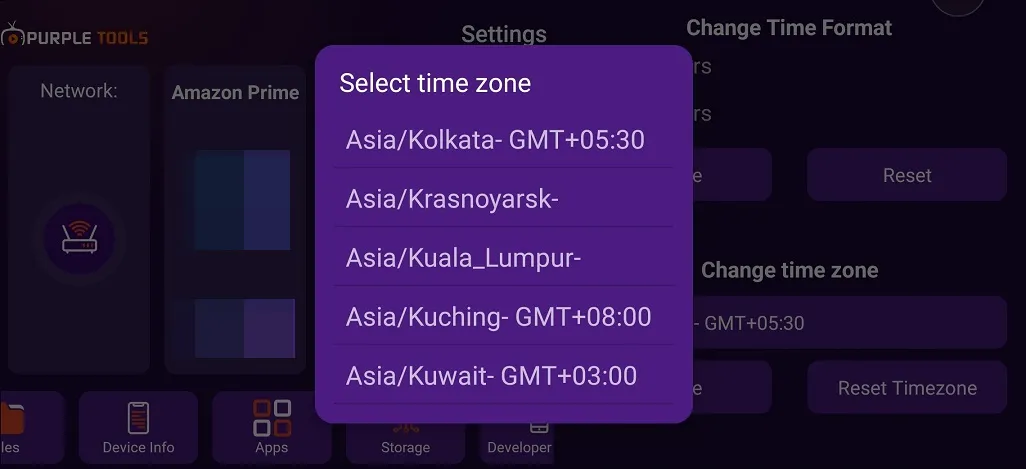
5- Select a "Time Zone" from the drop-down menu as per your preference, as seen in the below image
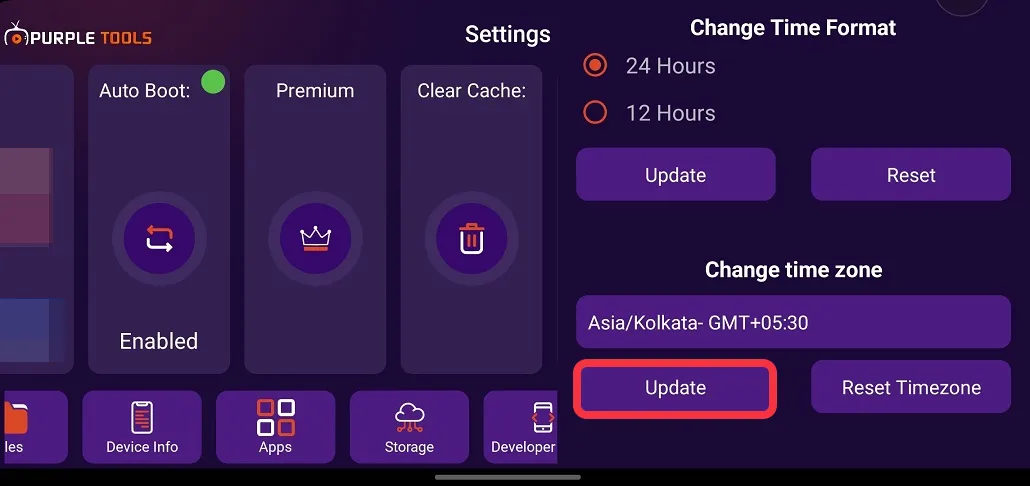
6- Click "Update" to save your changes, as seen in the below image (marked in red)