How To Set Parental Control In Purple Player Lite?
7 min
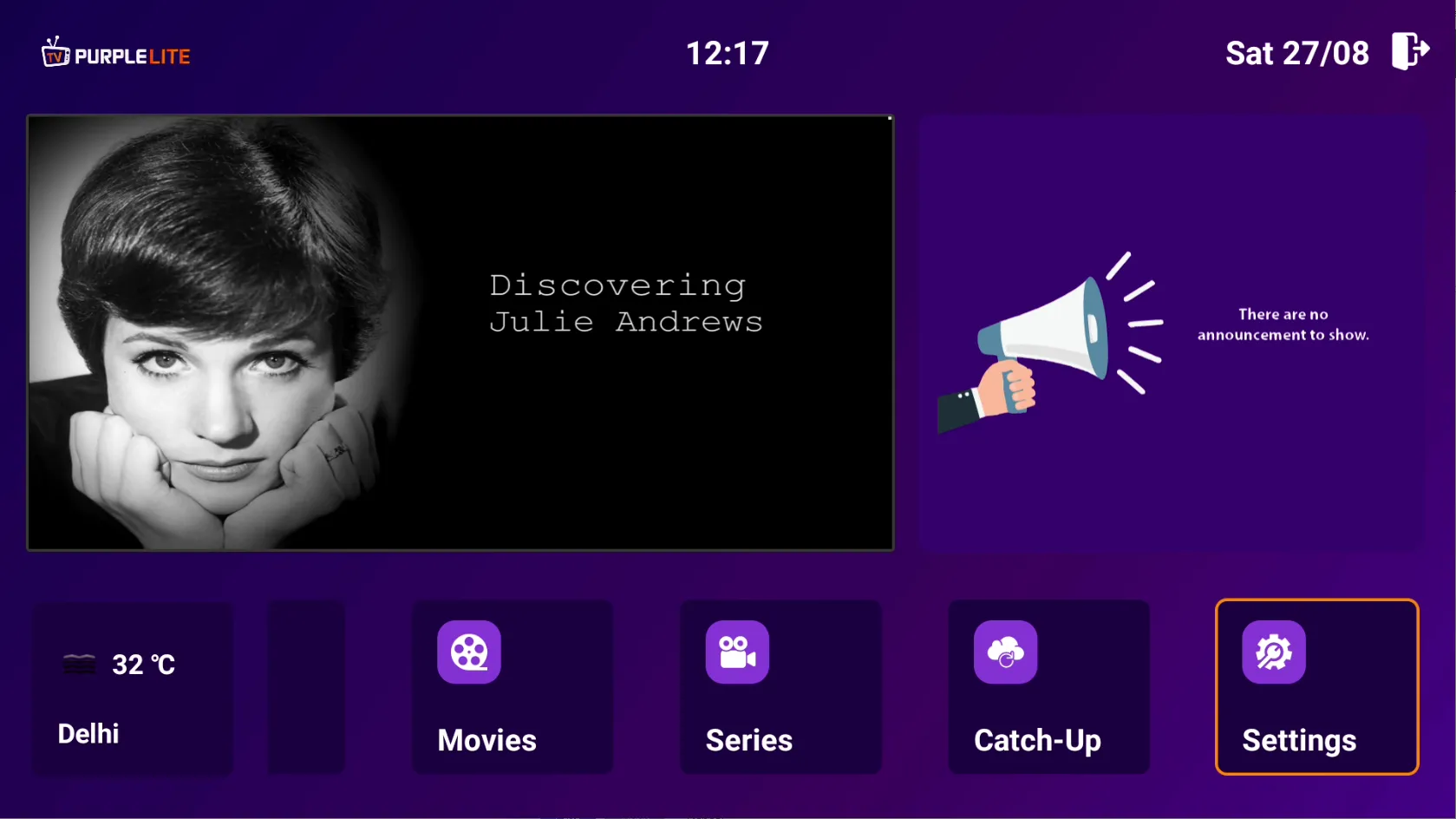
Step 1: Home Page
After successfully installing the Application, Select 'Settings' on Home Page
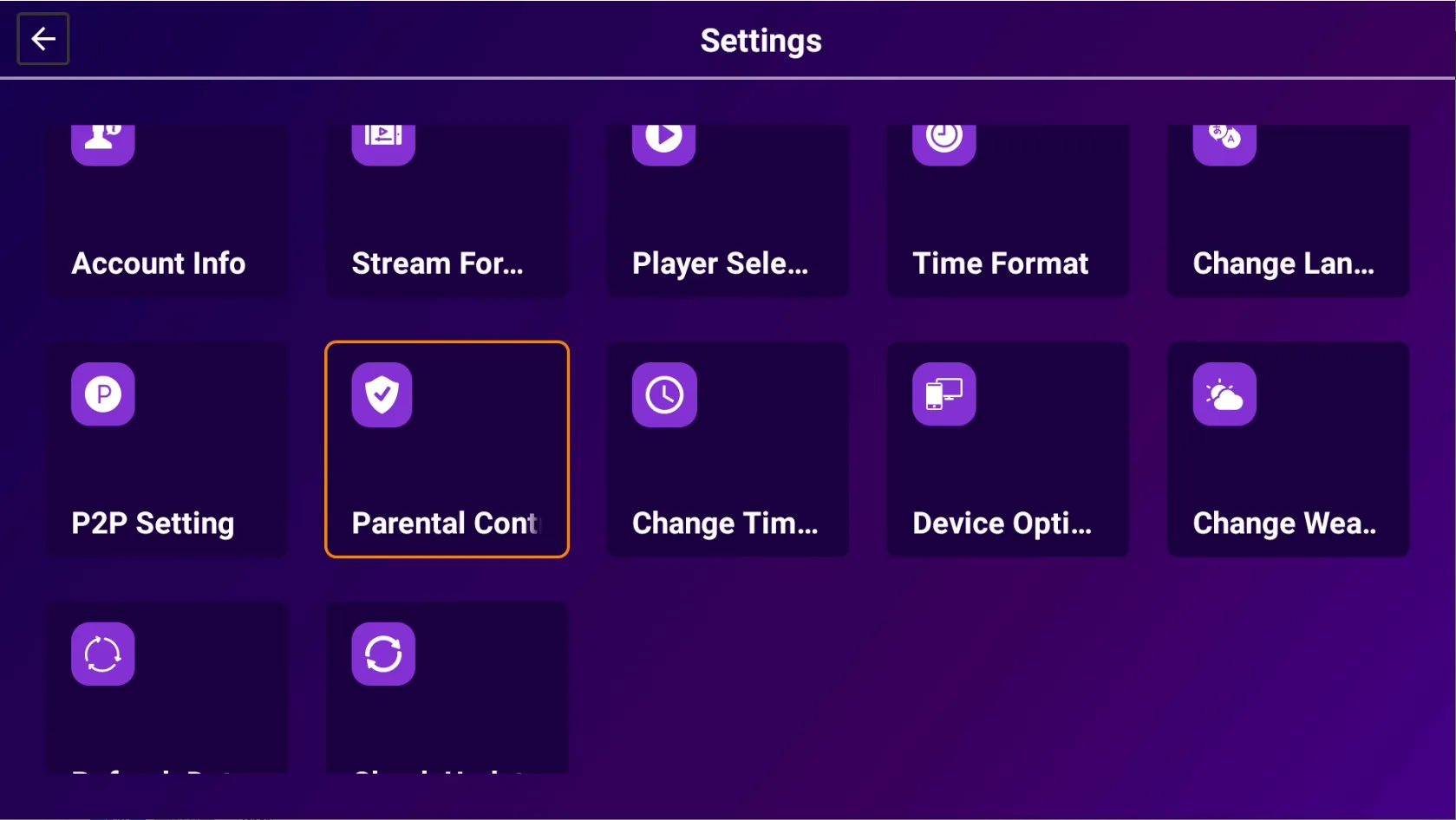
Step 2: Parental Control
Select 'Parental Control'
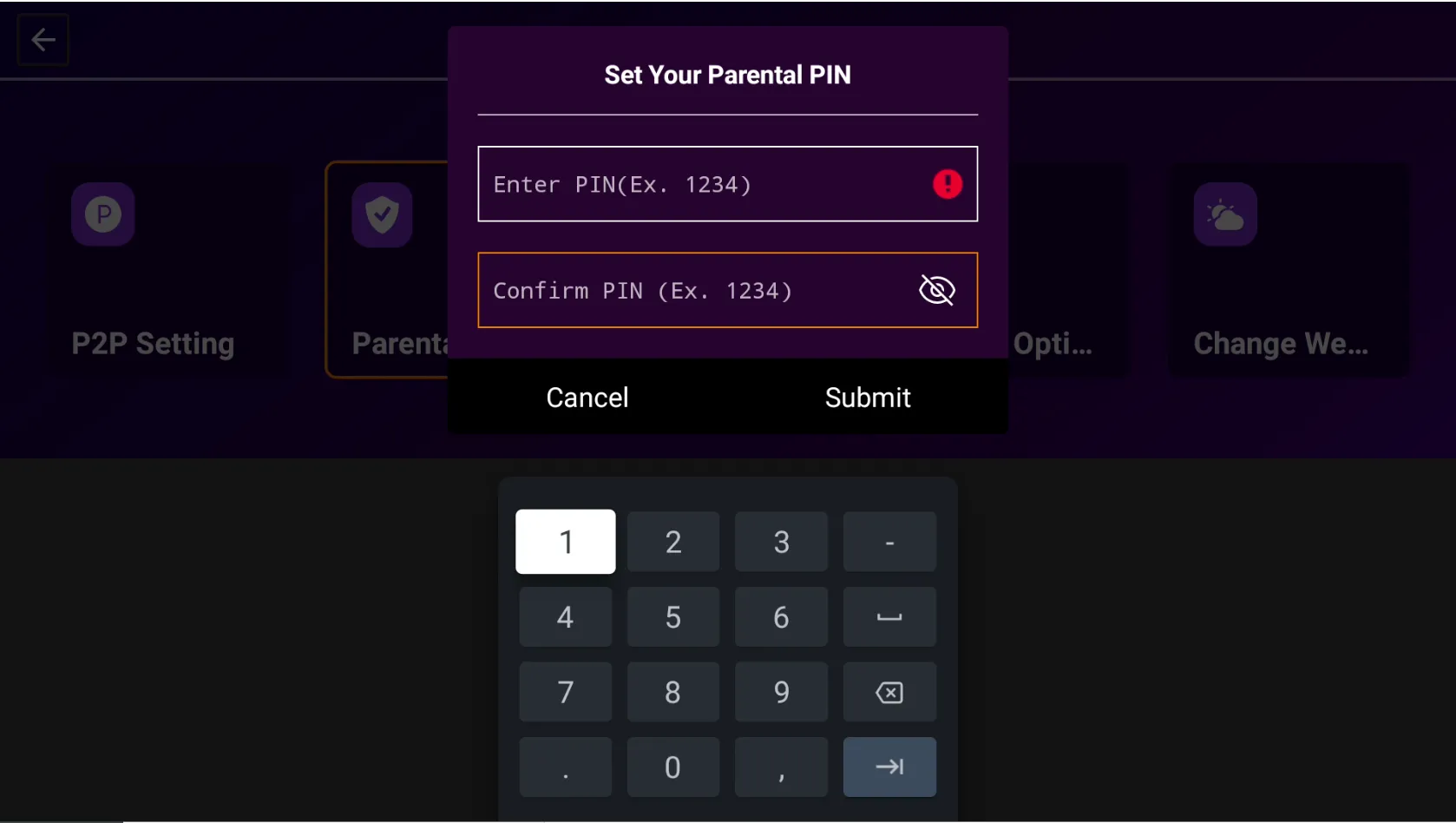
Step 3: Parental Pin
Enter a Four-Digit Parental Pin And Confirm the same Pin Click on 'Submit' To Set the Parental Pin
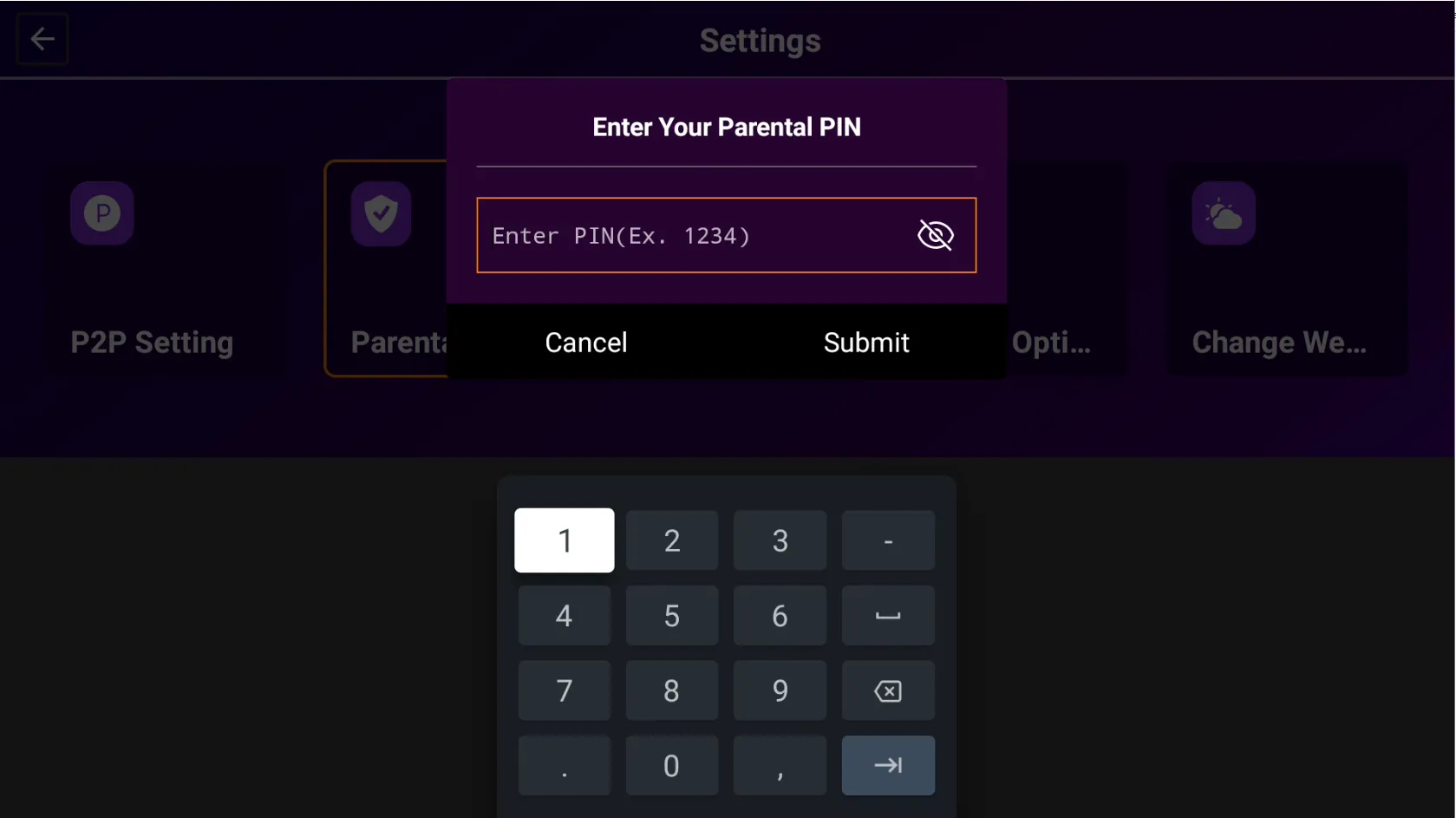
Step 4: Four Digit Pin
After Setting the Pin then Enter the same Four-Digit Parental Pin And 'Submit' it
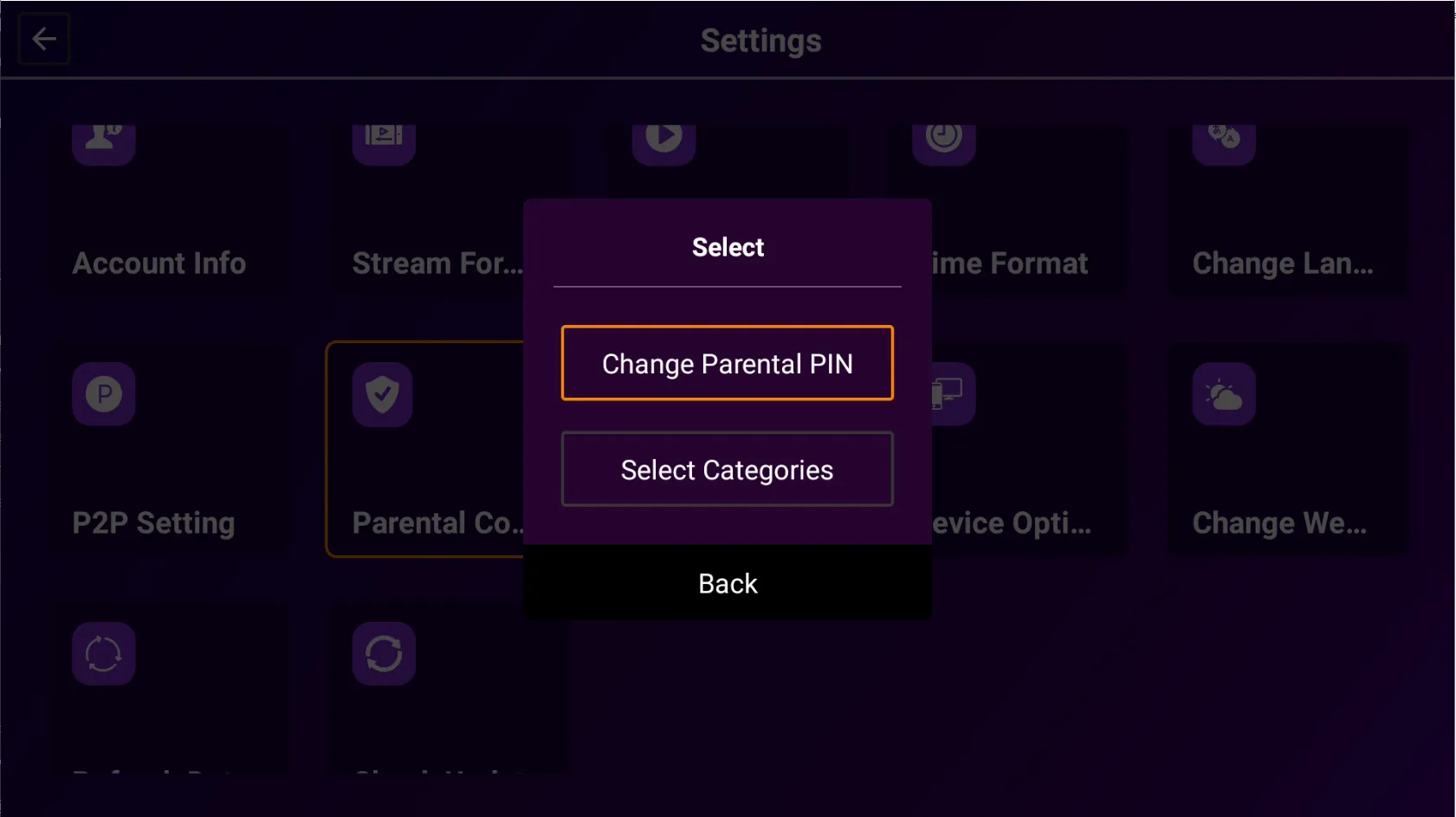
Step 5: Change Pin
You can 'Change the Parental Pin'
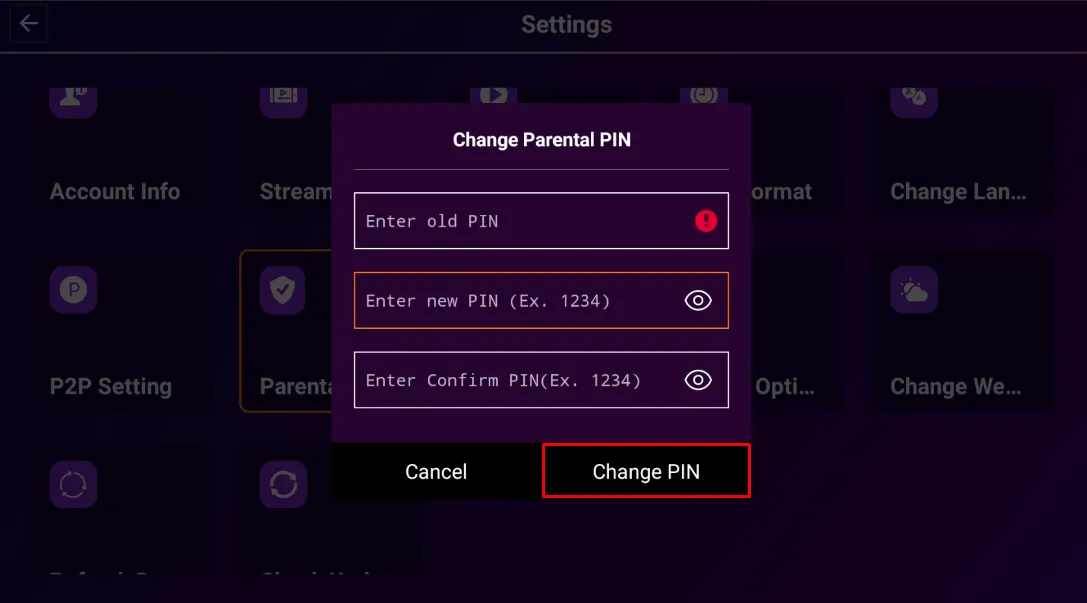
Step 6: Confirm Pin
Enter the Old Pin, New Pin, And Confirm the New Pin Click on 'Change Pin' to change the Four-Digit Parental Pin
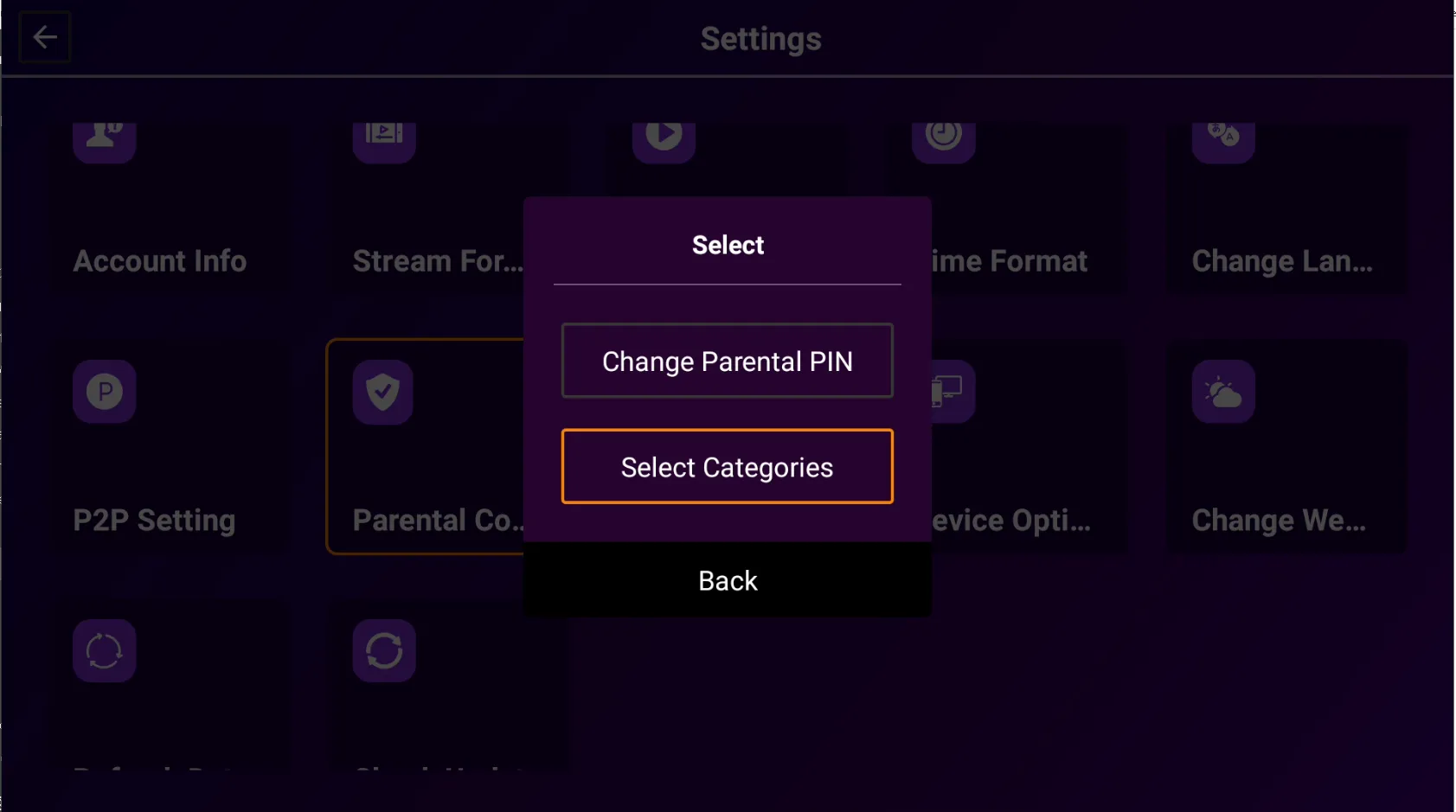
Step 7: Select Categories
Click on 'Select Categories'
Step 8: Select Categories List
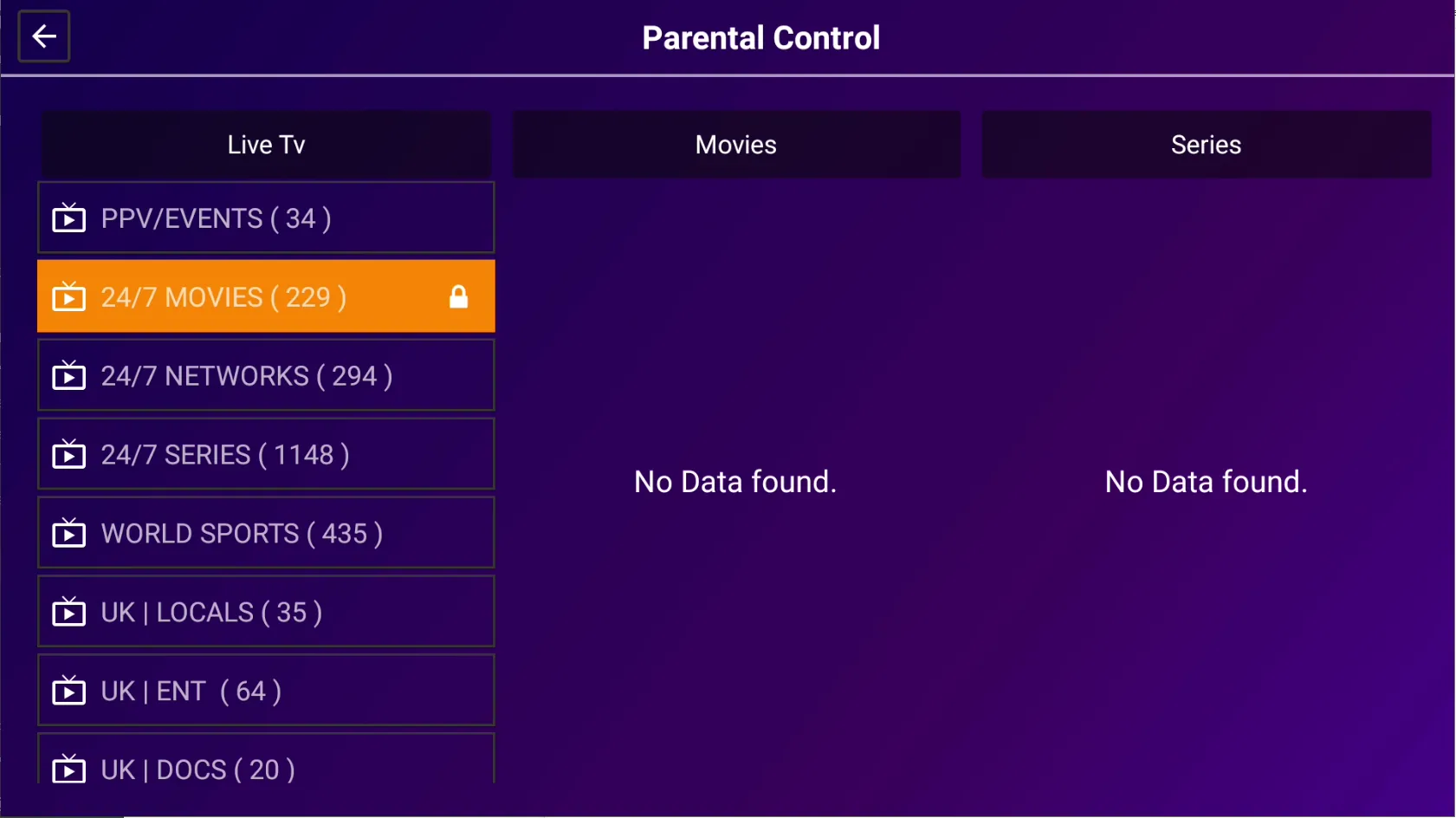
Display of Live TV, Movies, And Series Category List
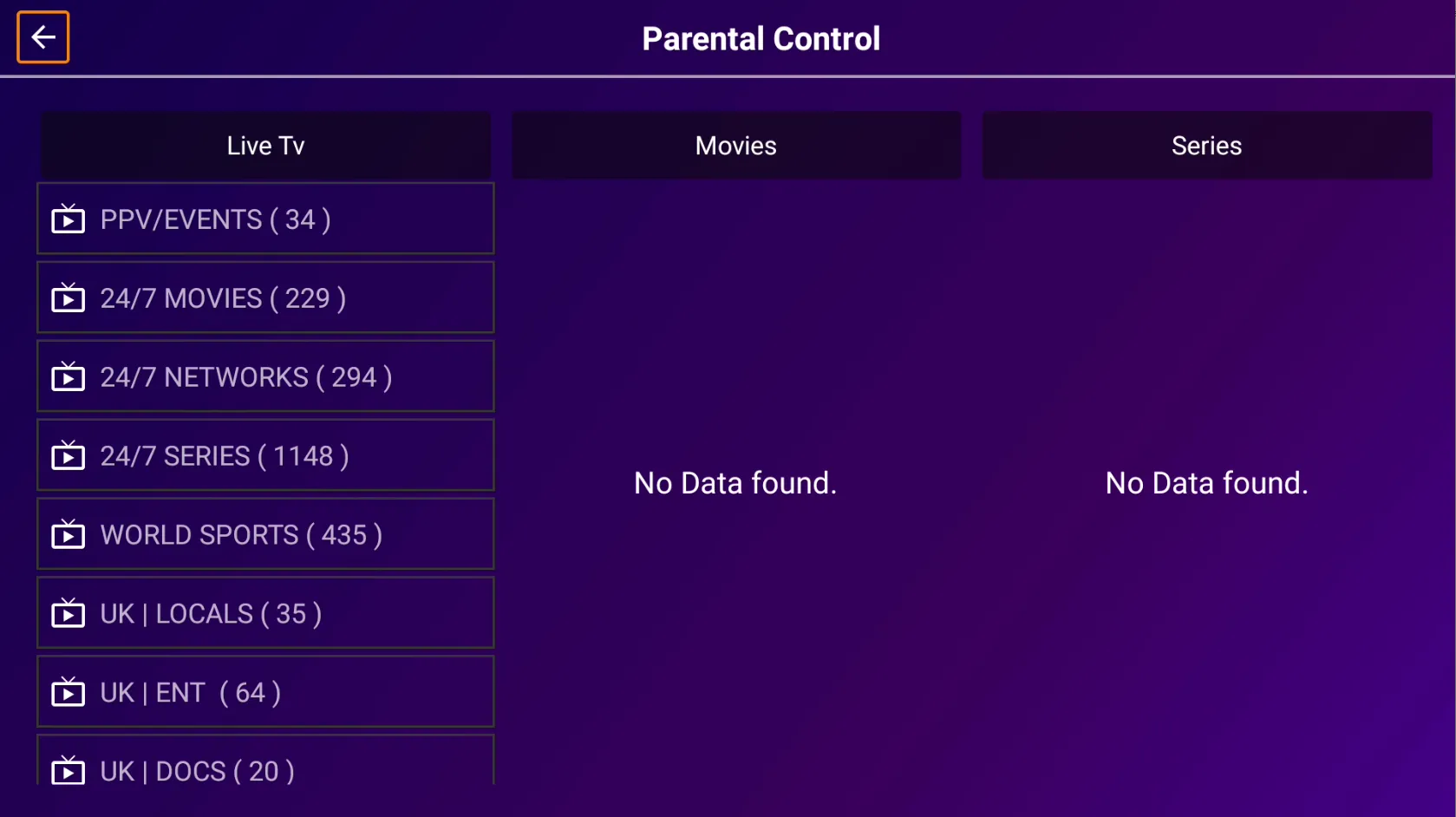
Step 9: Parental Lock Confirmed
Select the Live TV, Movies, And Series To Put Parental Lock On Them