How to Select Different Categories in Catch Up in Purple iOS v3
4 min
1: Catch Up
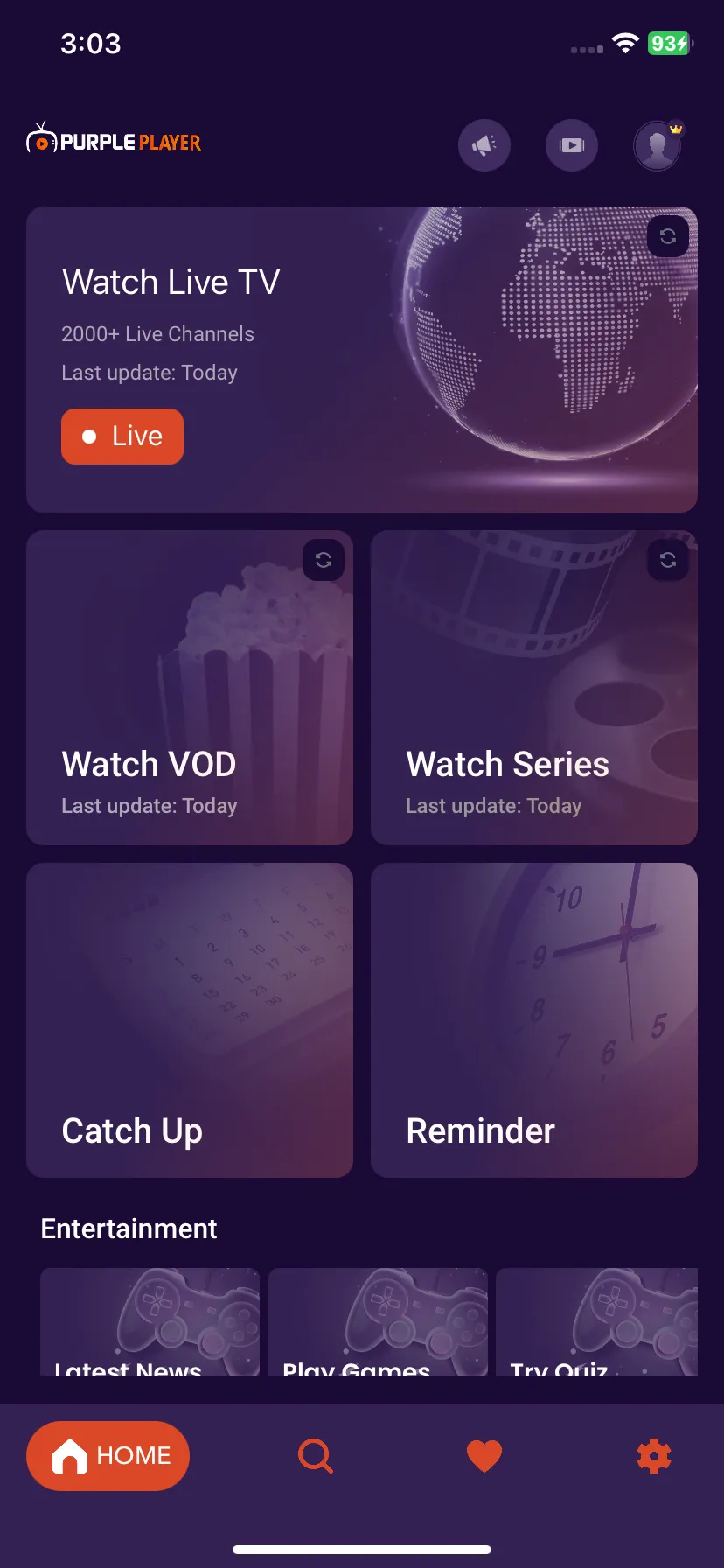
Navigate to the screen and, Click on the Catch Up Button, as seen in the image below (marked in red)
2: Access Different Category
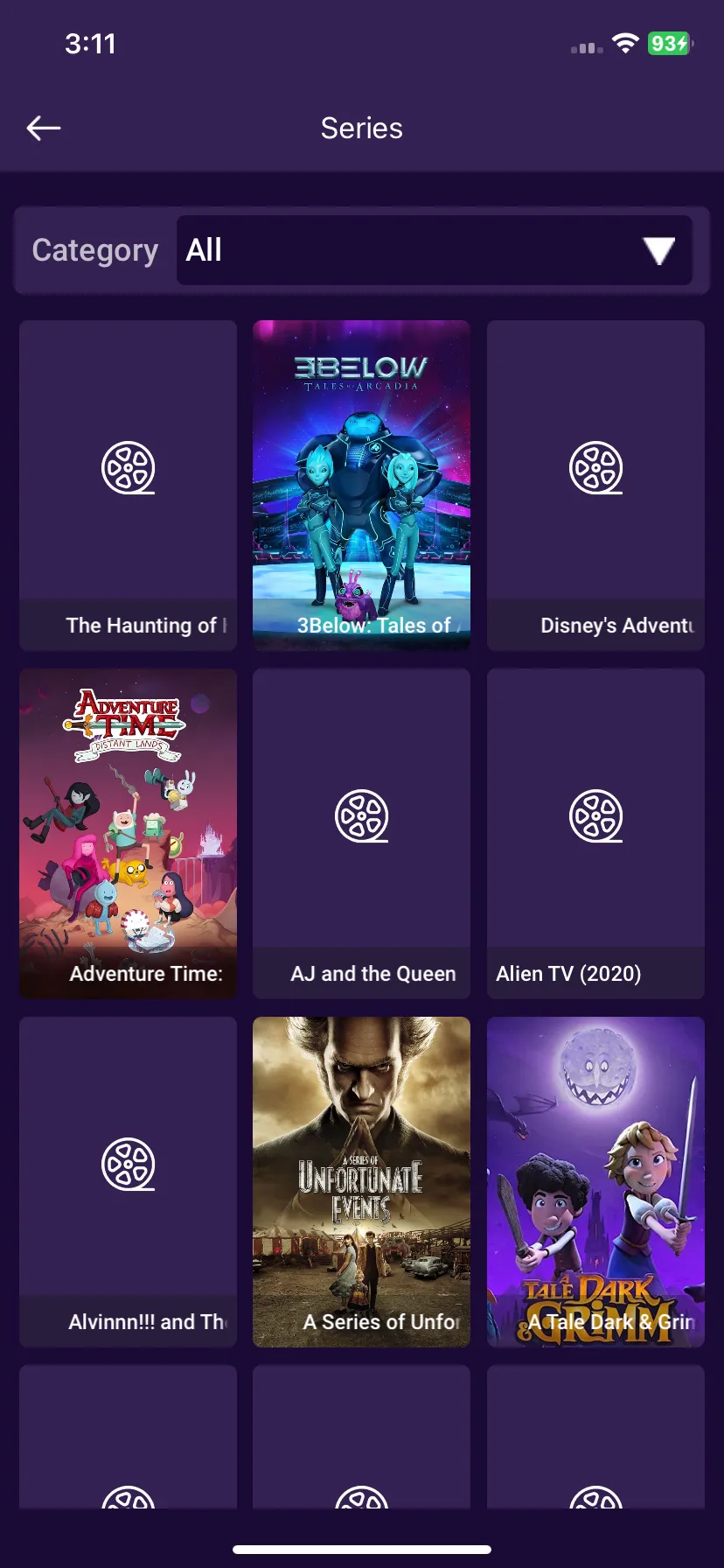
Users can choose different categories in Catch Up by Clicking on ALL, as seen in the image below (marked in red).
3: Selecting Different Categories
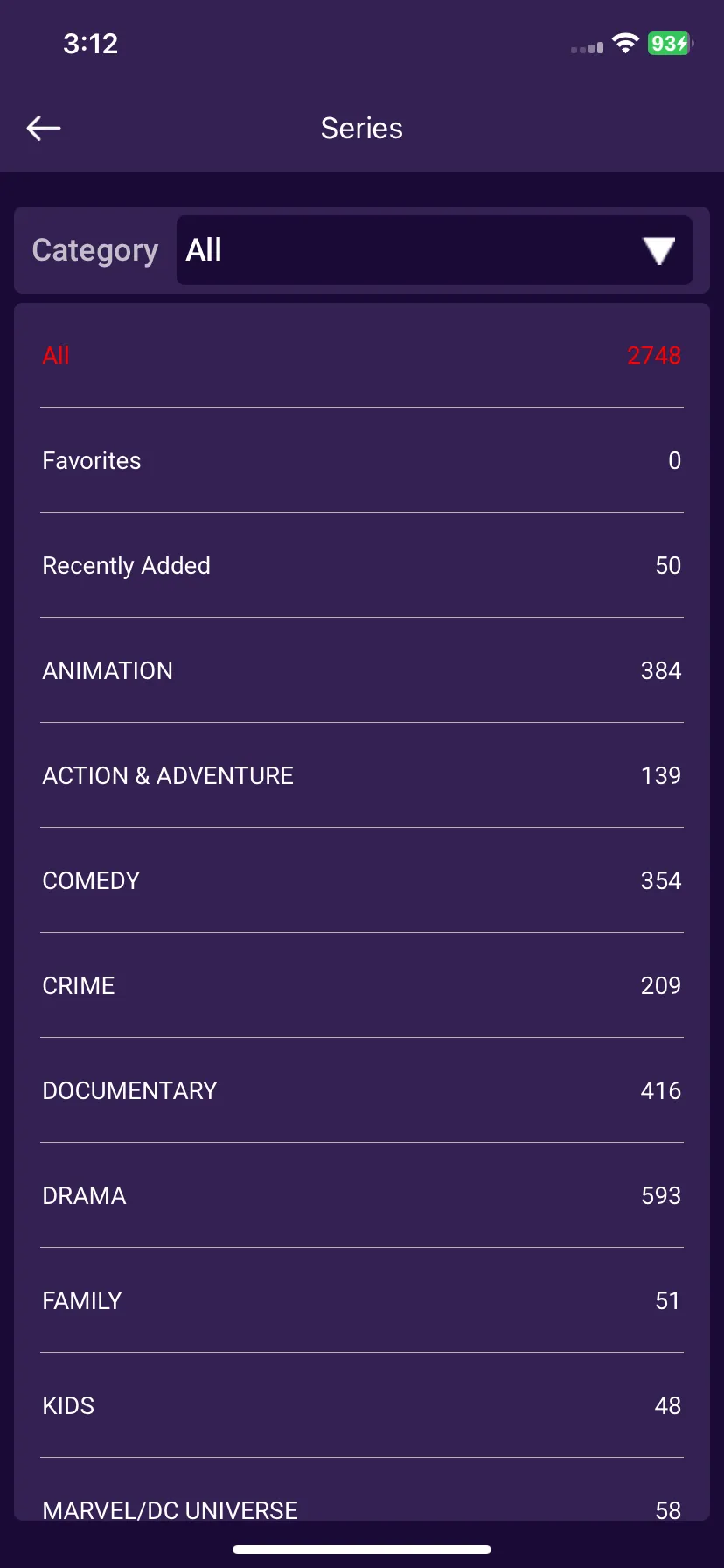
Users can choose different categories from the drop-down menu such as Recently Played, and Favorite as seen in the below image (marked in red).