How To Play Live TV Channel
5 min
Step 1: Home screen
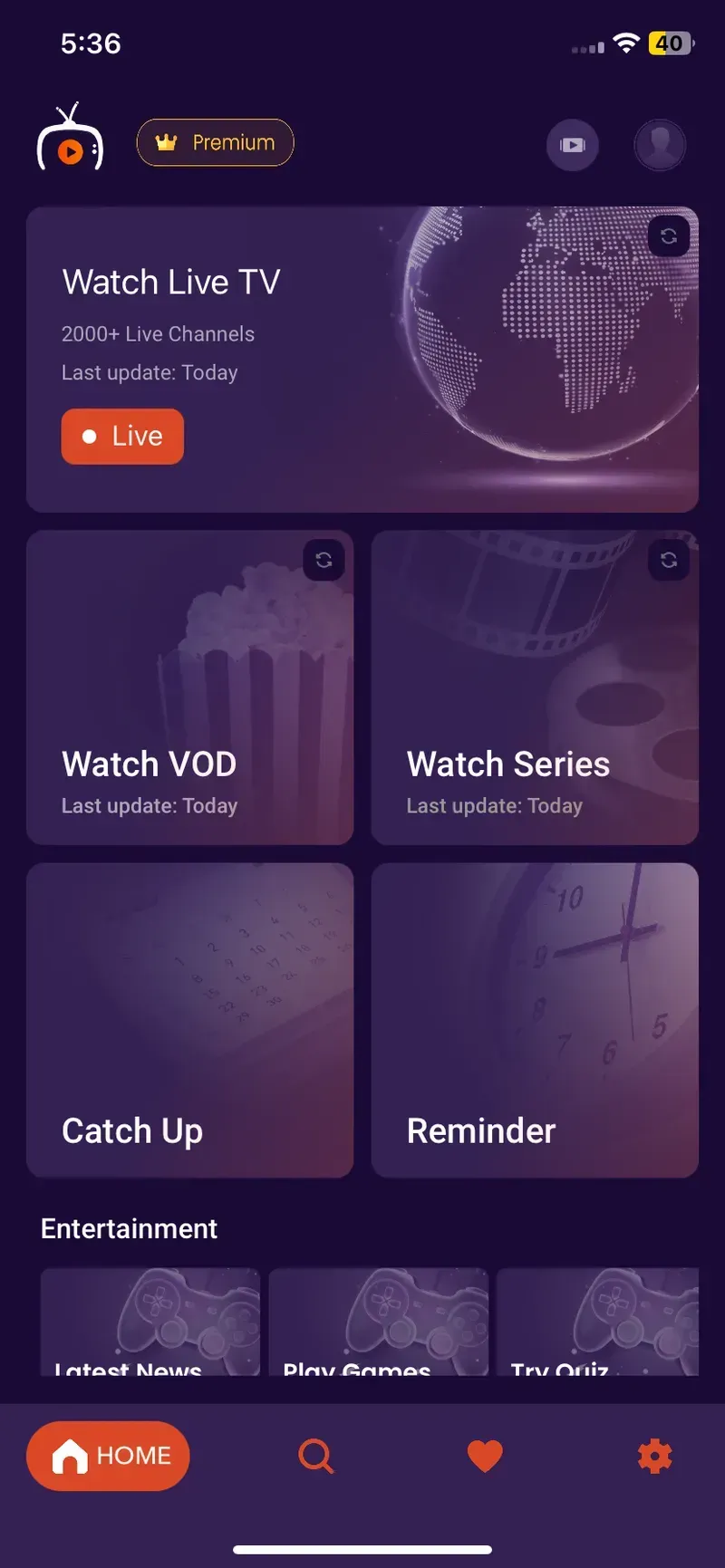
After Successfully adding your Playlist, users will be greeted by Purple iOS Home Screen
Step 2: Live TV
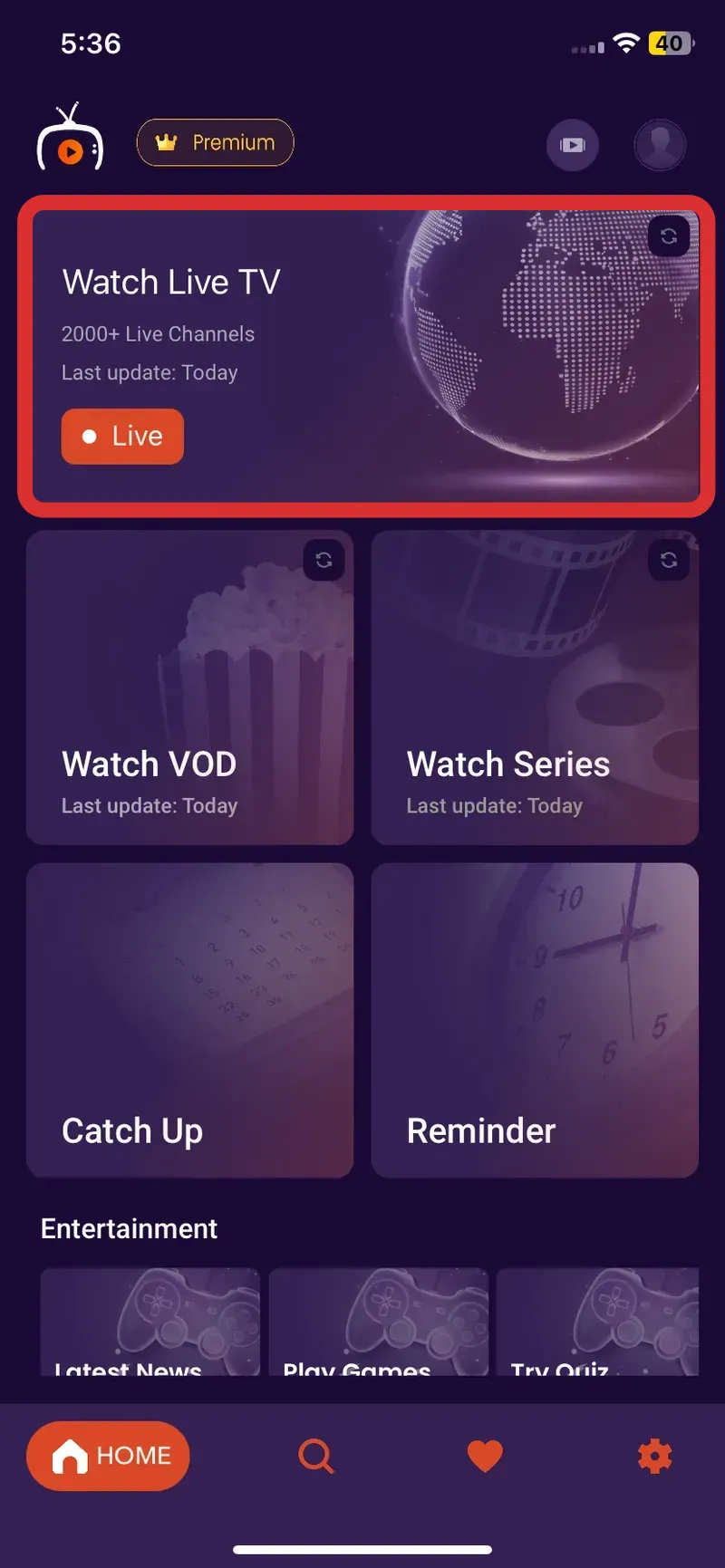
Navigate to the top of the screen and, Click on the "Watch Live TV" Button, as seen in the image below (marked in red)
Step 3: Channel List
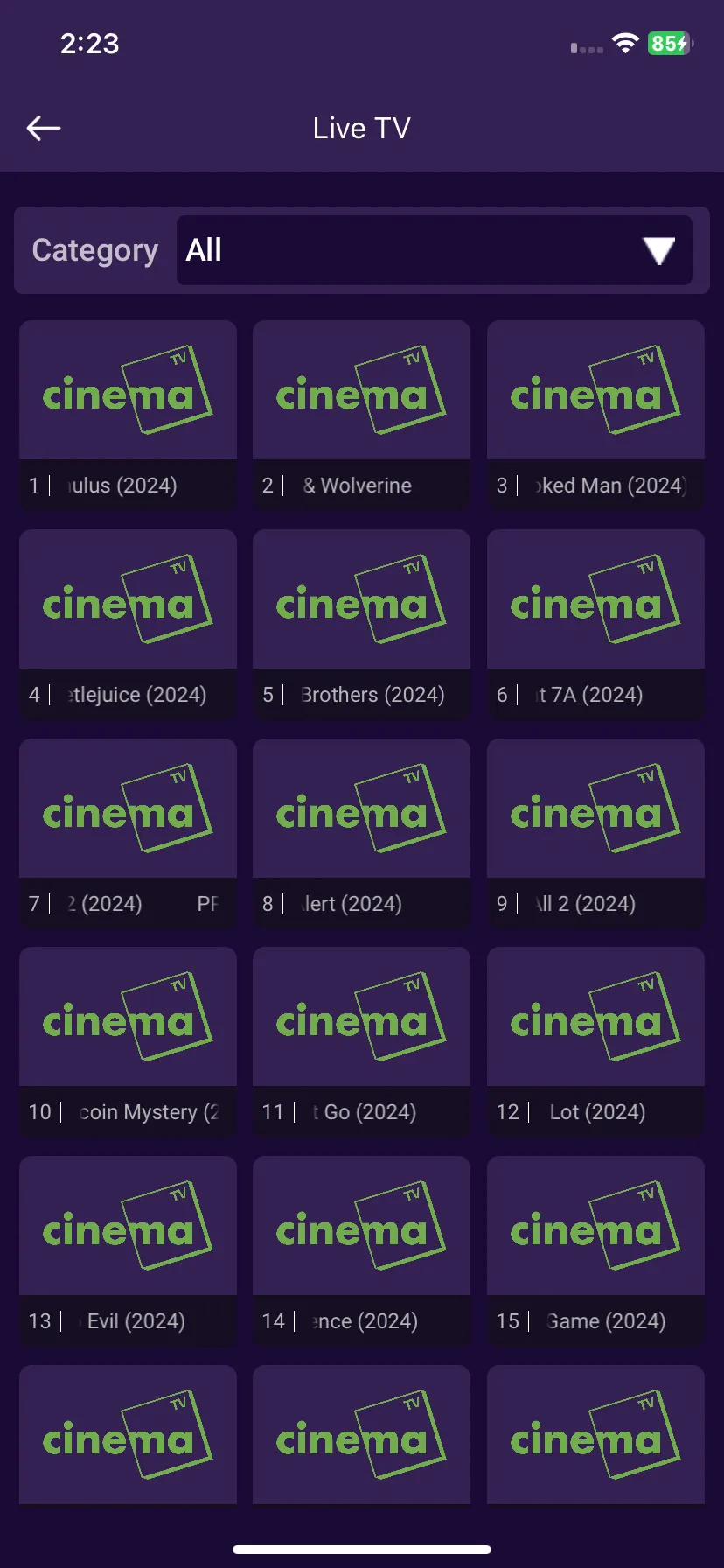
Click on any desired channel to Play, as seen in the below image
Step 4: Playing
Your selected Channel will start "Playing"