How To Disconnect DNS In Purple DNS?
2 min
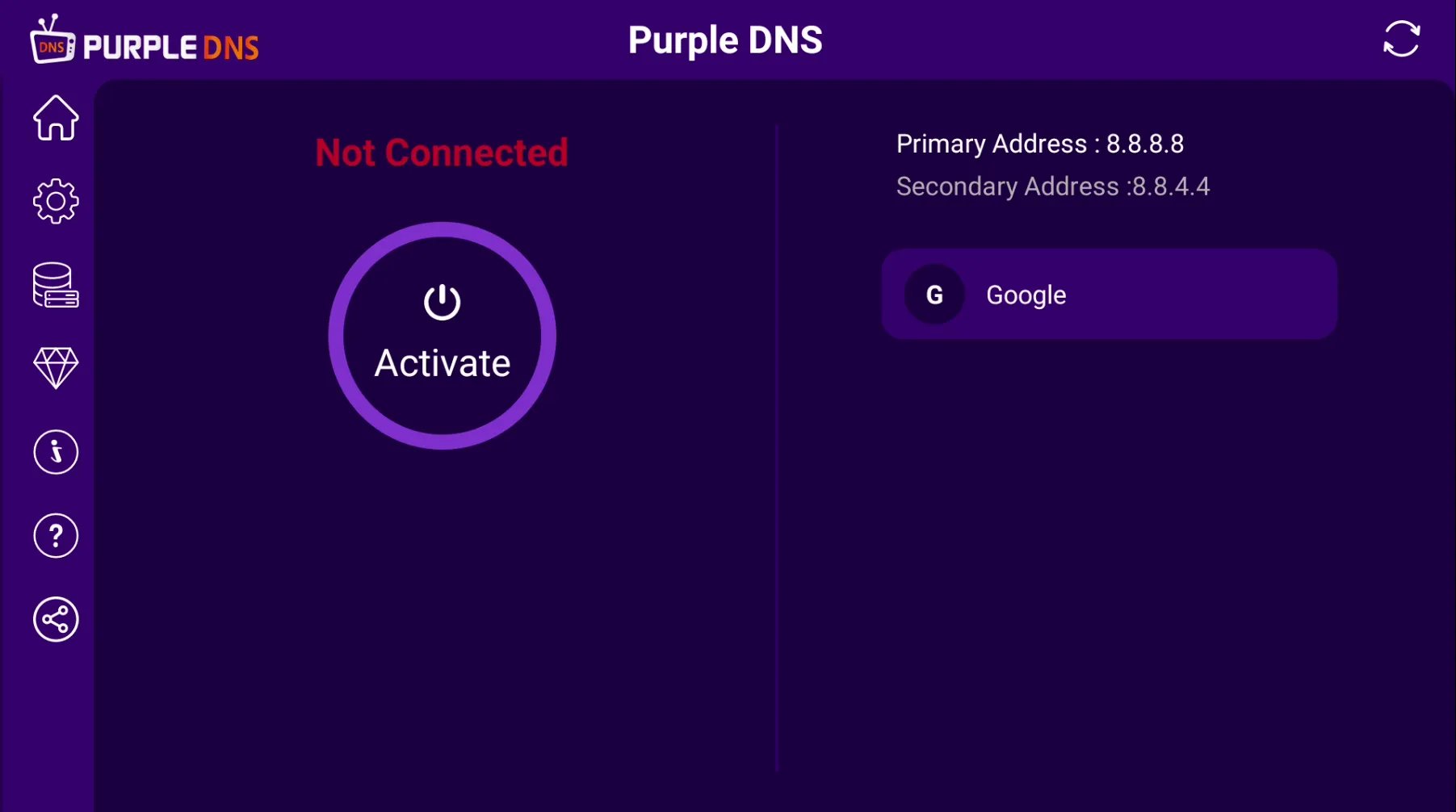
STEP 1- After successfully installing the application, Go to the Home Page of Purple DNS to connect to a DNS server
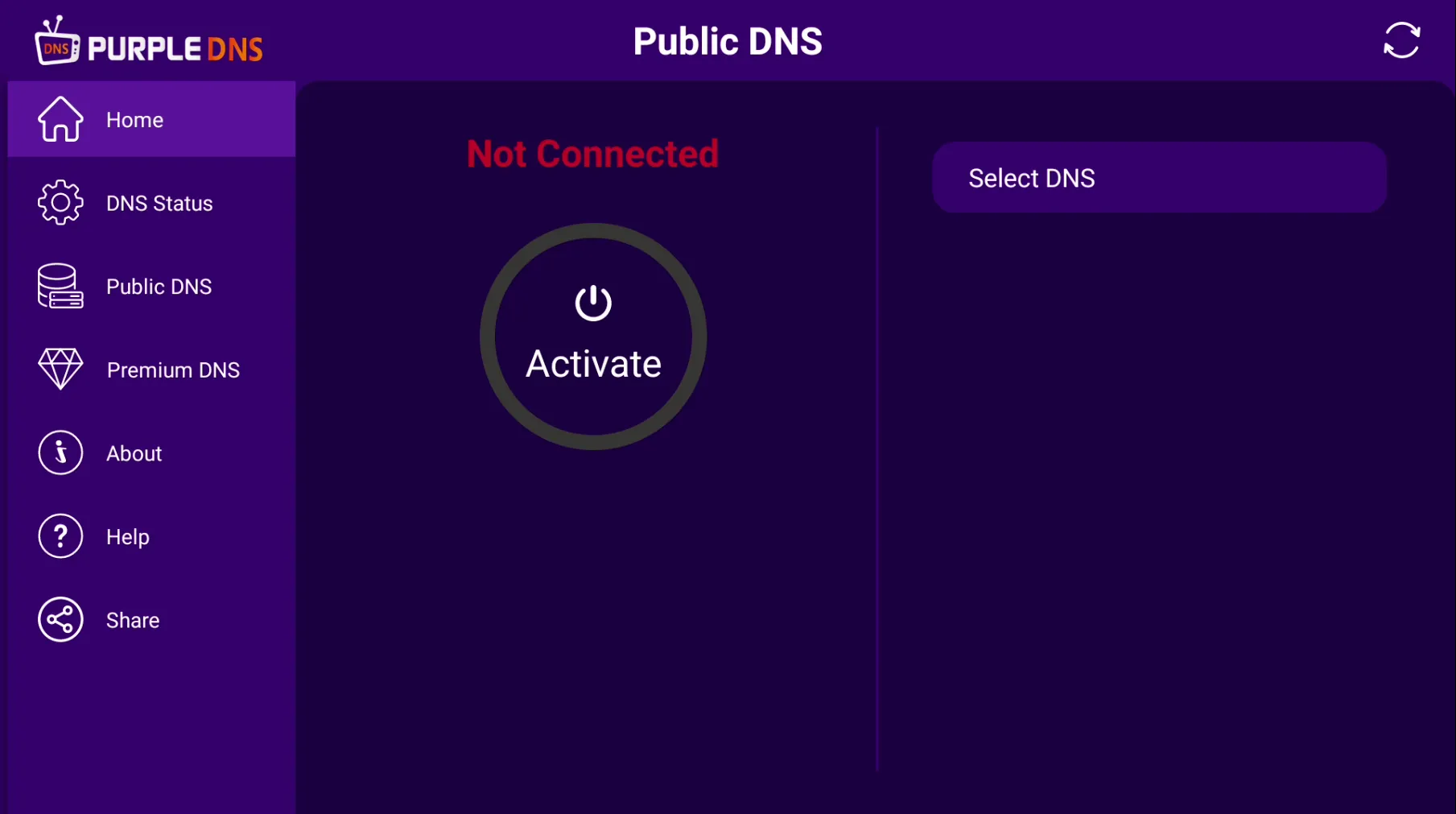
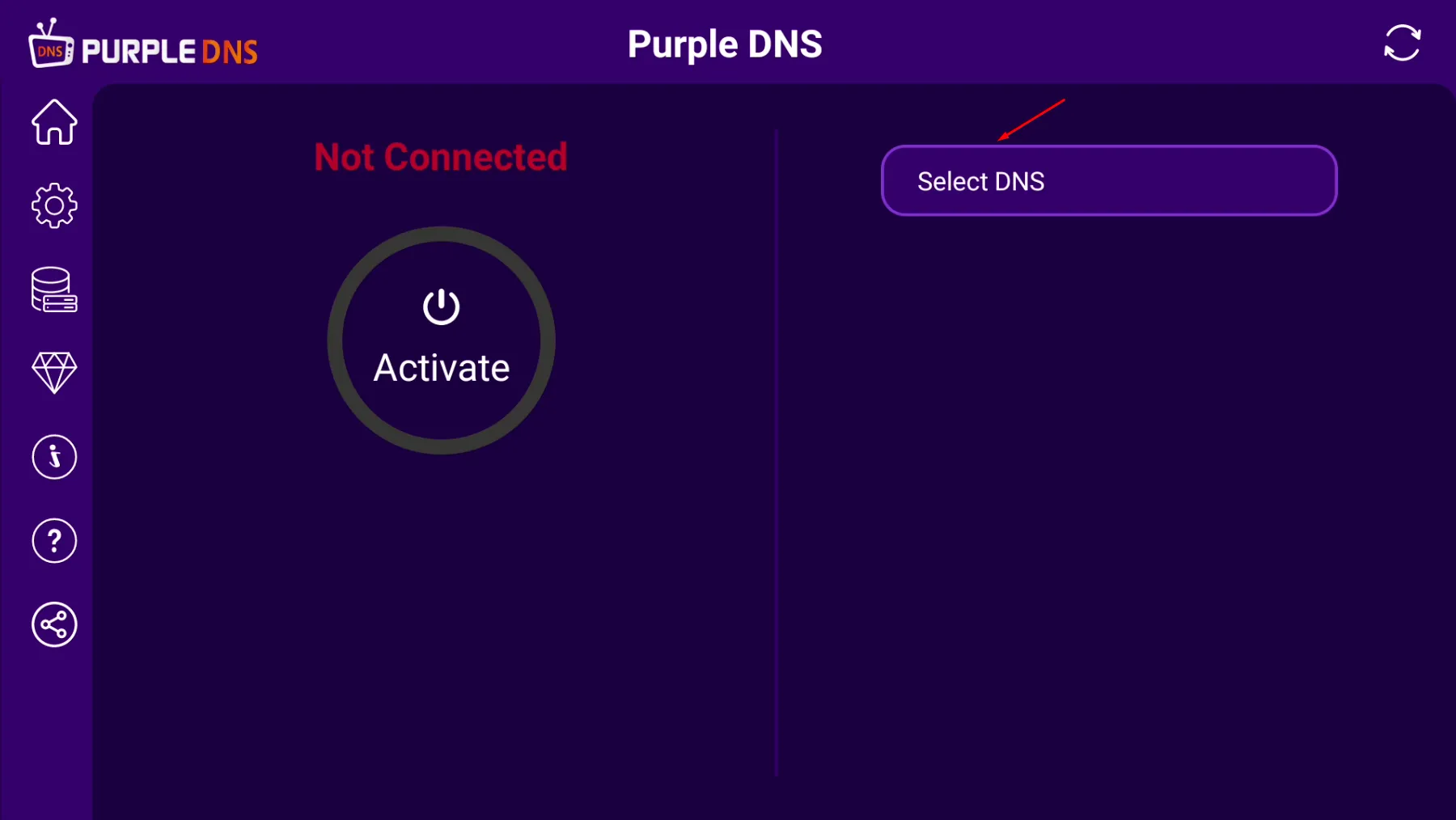
STEP 2- Click on the 'Select DNS' Button to Connect to any DNS server
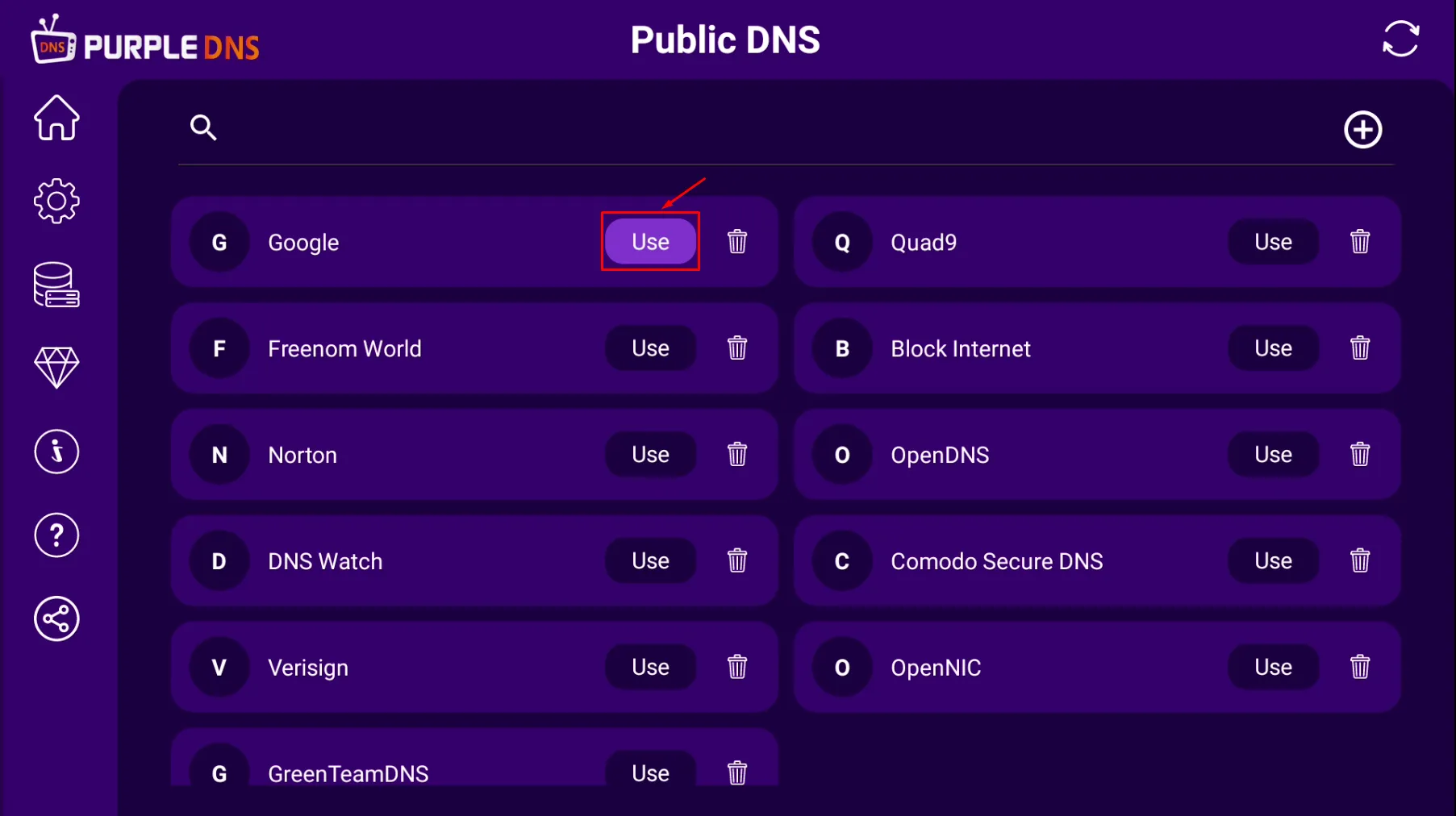
STEP 3- Click on the 'Use' Button To Connect to Any DNS server
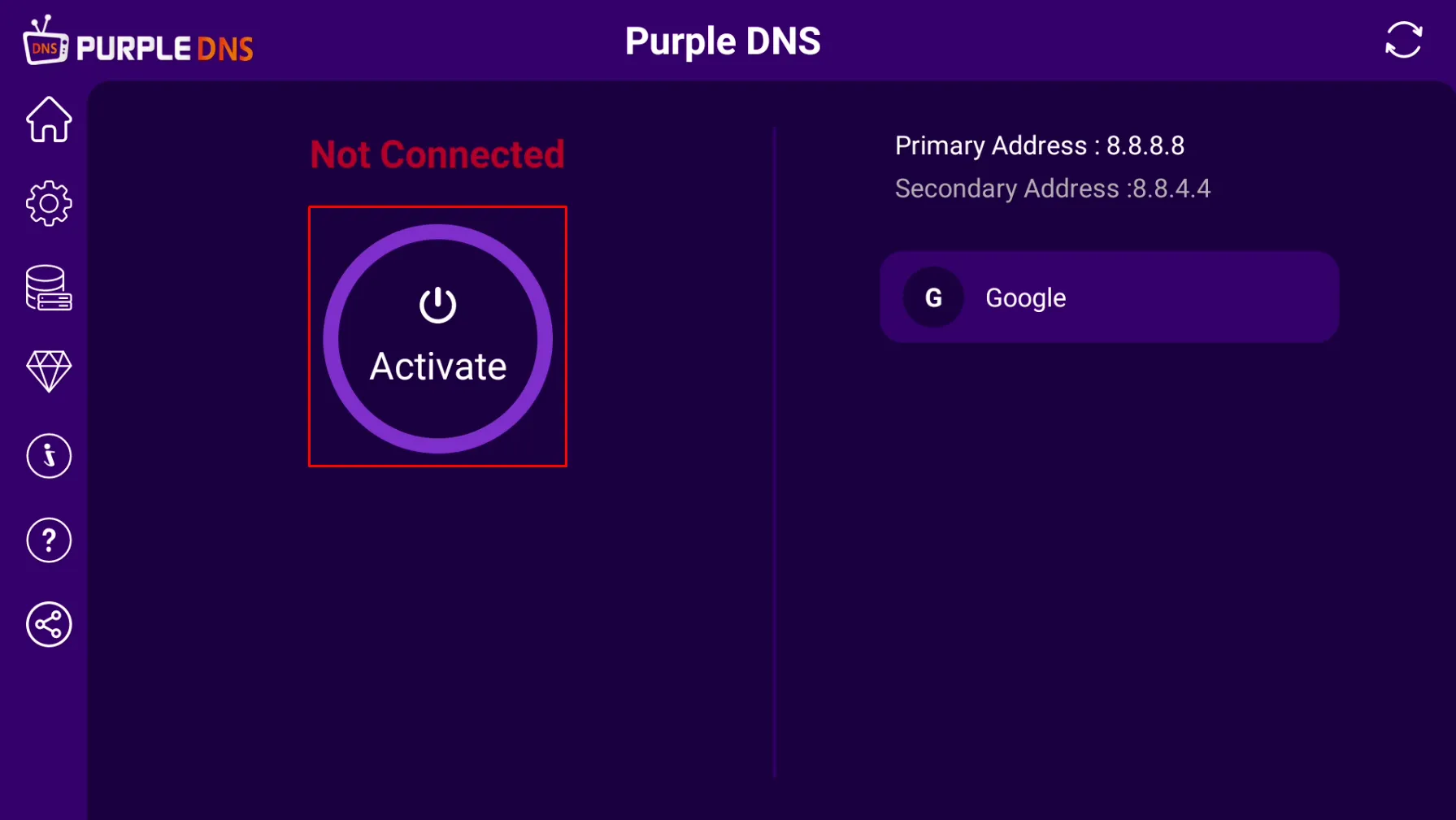
STEP 4- Click on the 'Activate' Button to Connect to the DNS server
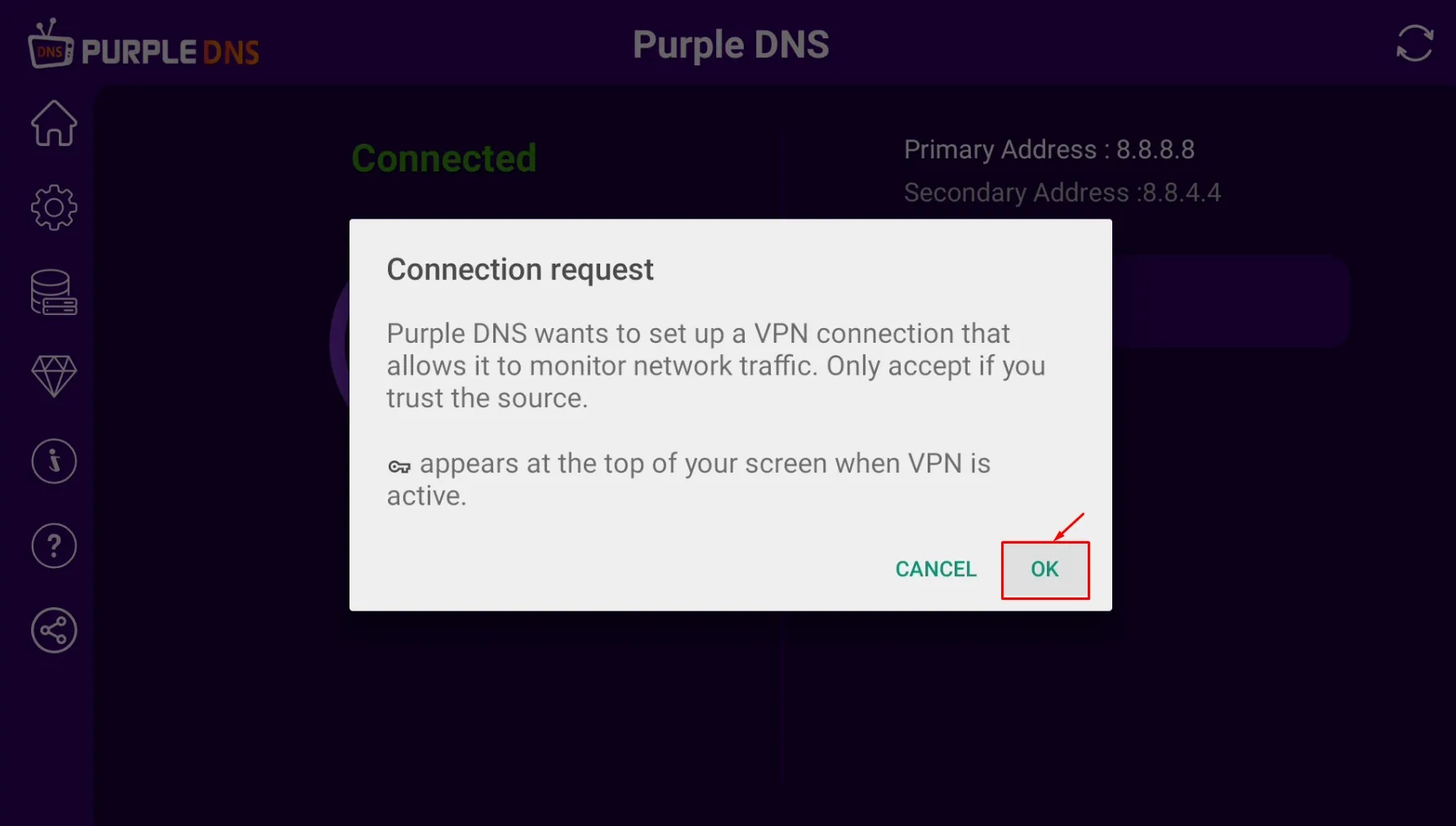
STEP 5- Click on the 'OK' Button to set up a VPN Connection
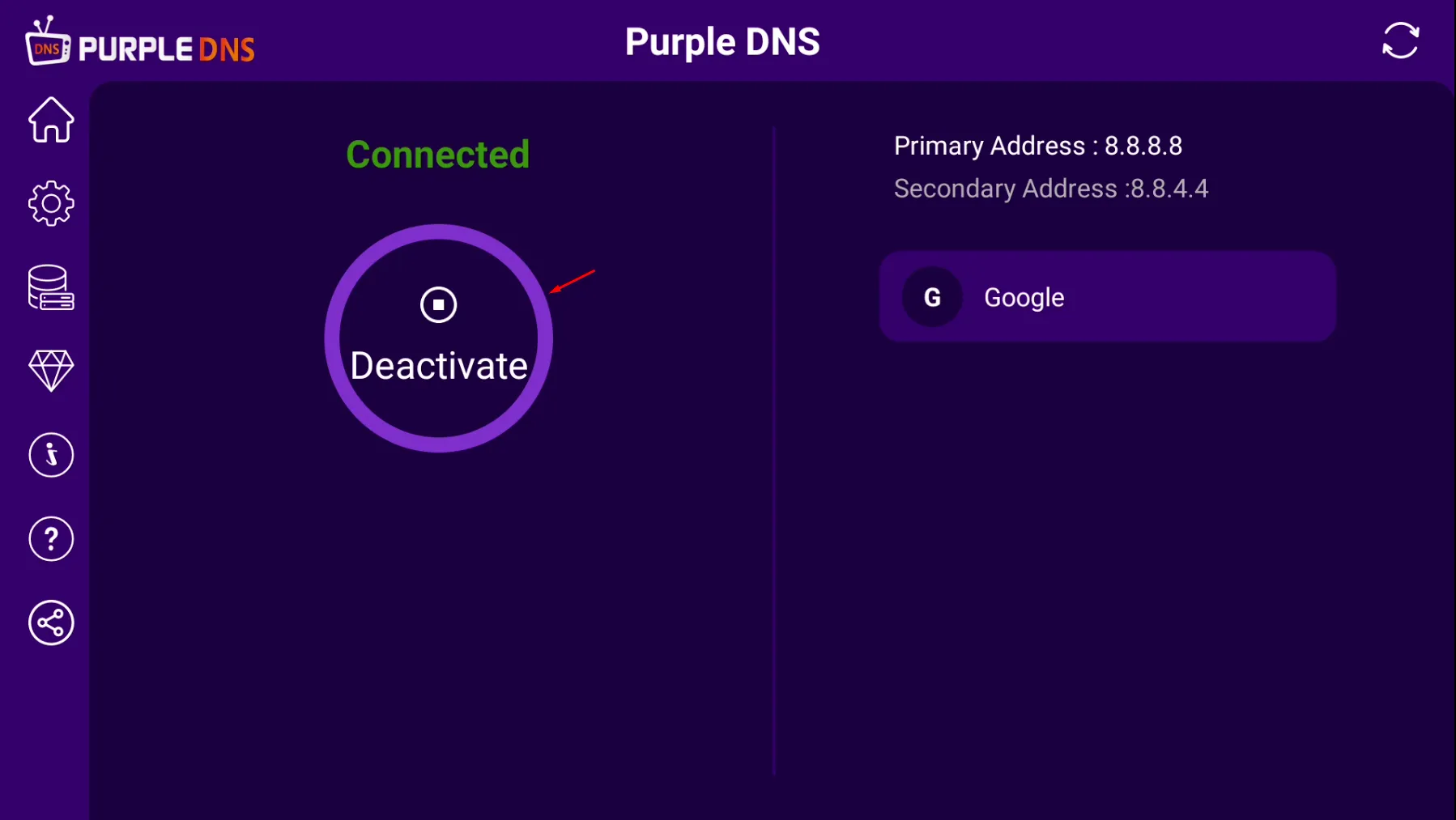
STEP 6- DNS Server is 'Connected' and Also Displays Primary And Secondary IP Addresses Click on the 'Deactivate' Button to deactivate the DNS server
STEP 7- DNS Server will be shown as 'Not Connected'