How To Clear Cache
5 min
1: Settings
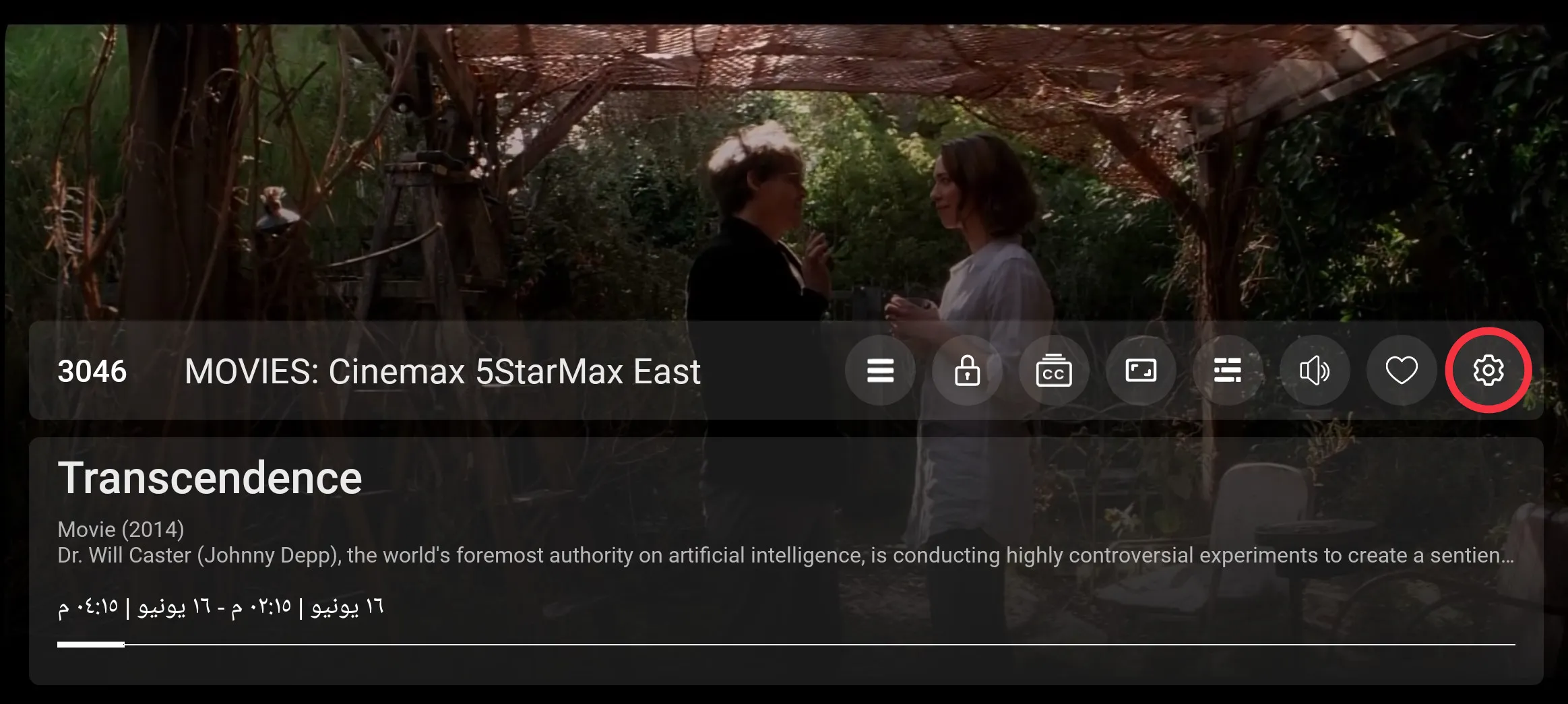
Click the setting button to open the setting screen, as seen in the below image (circled in red)
2: Click
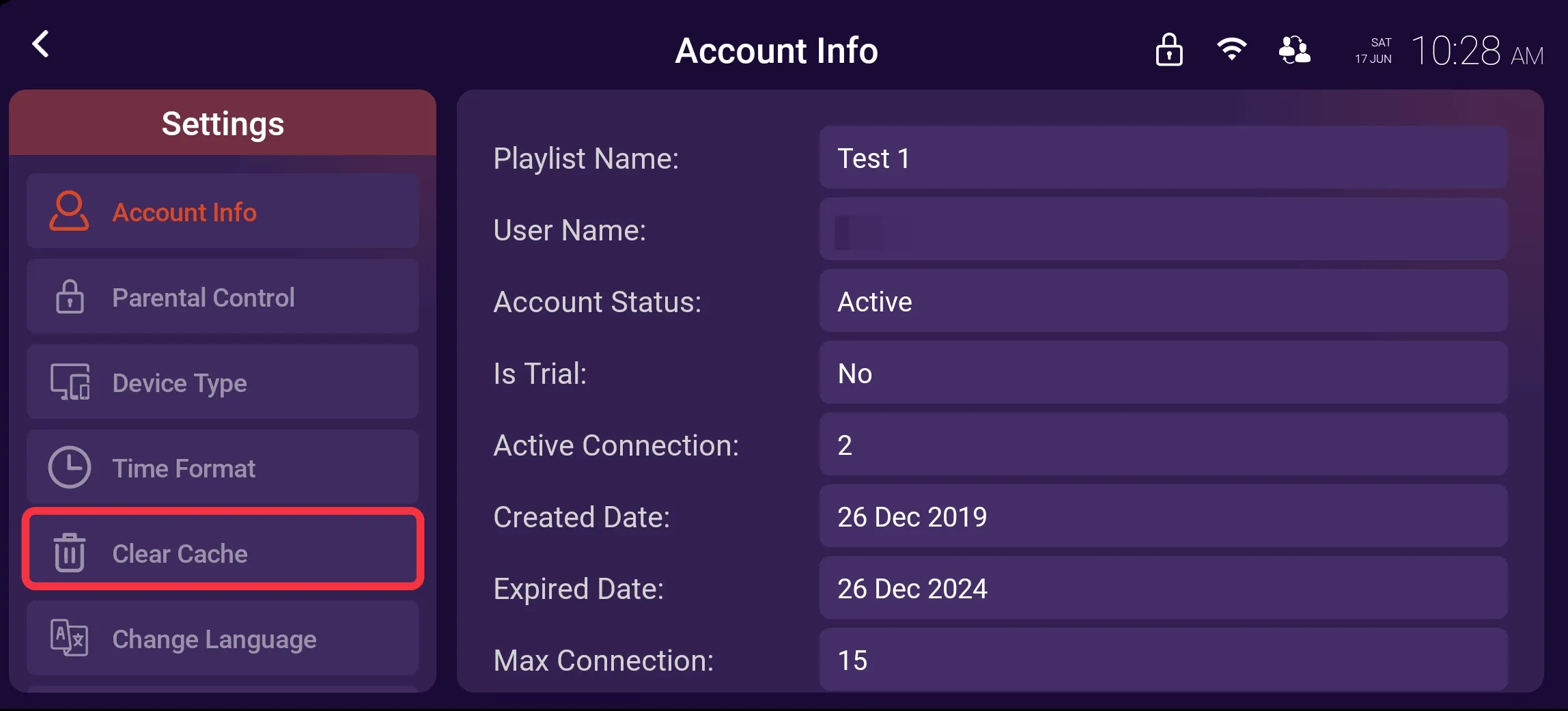
Click on Clear Cache, as seen in the image below (marked in red)
3: Clear Cache
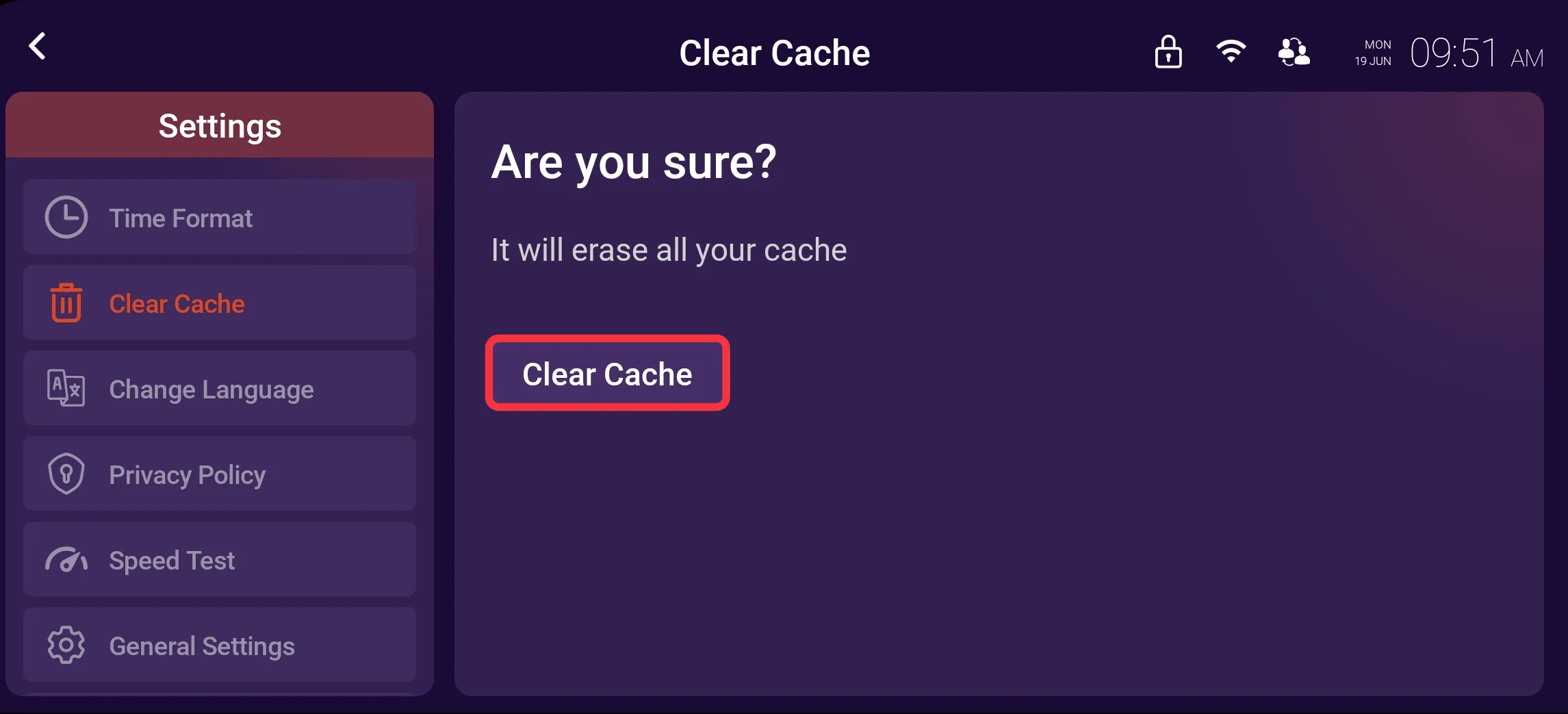
Click on Clear Cache button, as seen in the image below (marked in red)
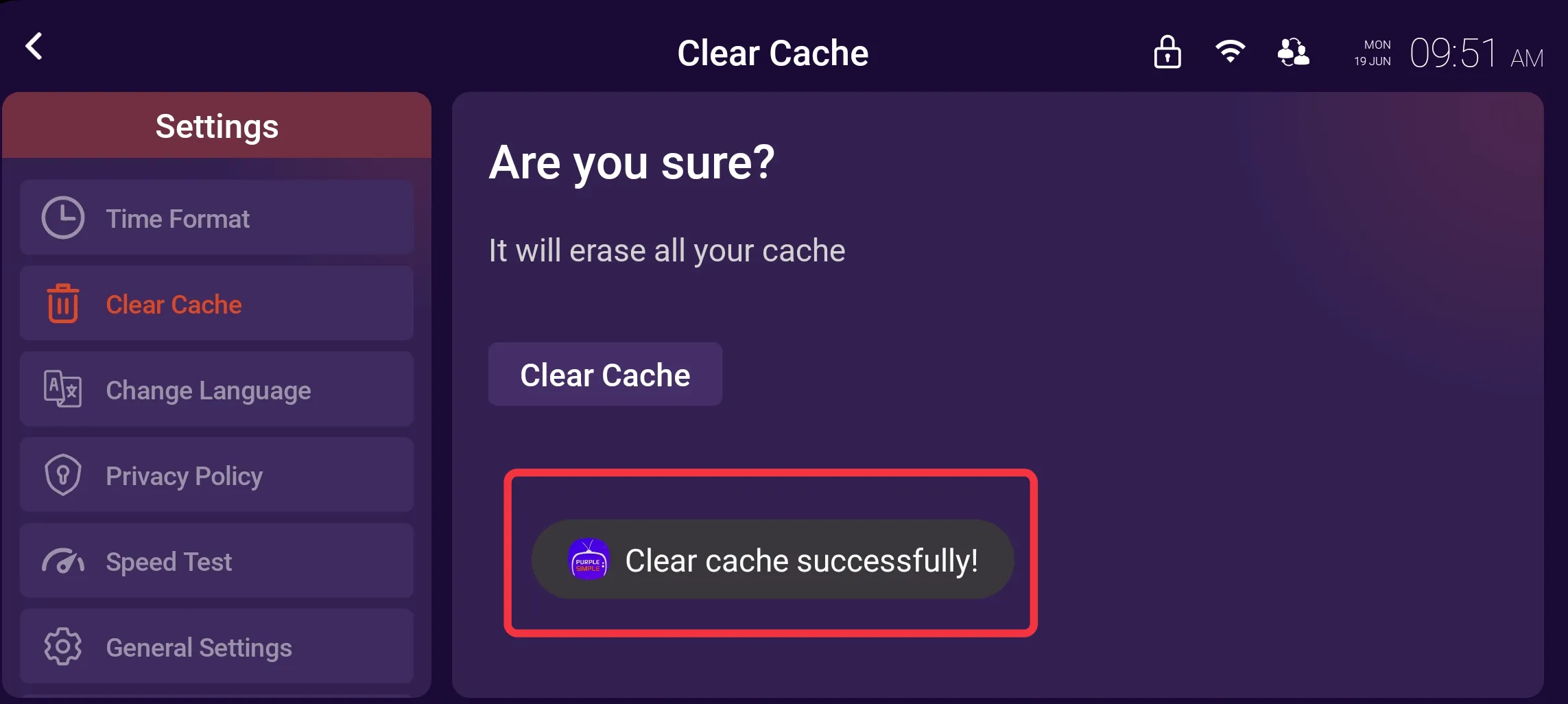
4: Clear Cache Successfully
After clicking on clear cache, the cache will be cleared, as seen in the image below (marked in red)