How To Change Stream Format
5 min
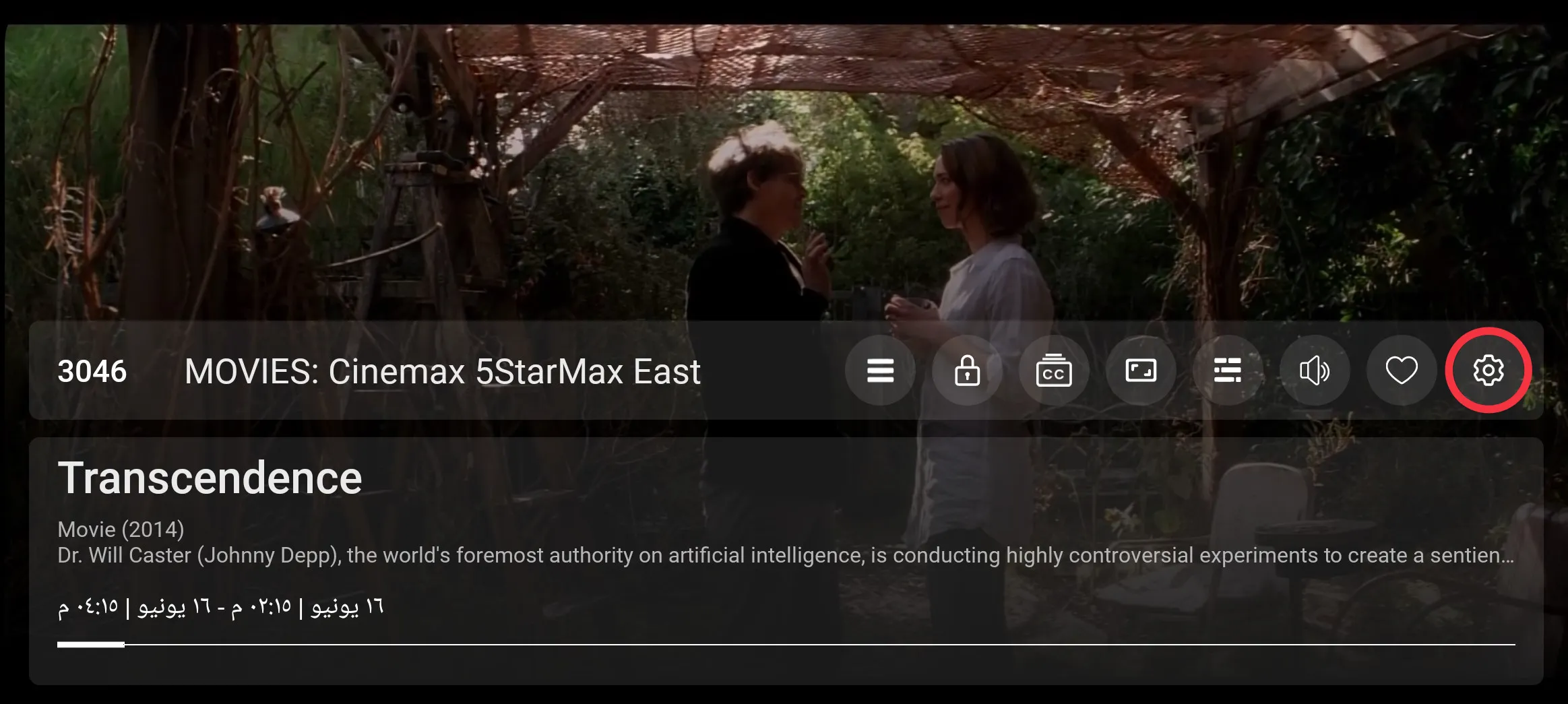
1: Settings
Click the setting button to open the setting screen, as seen in the below image (circled in red)
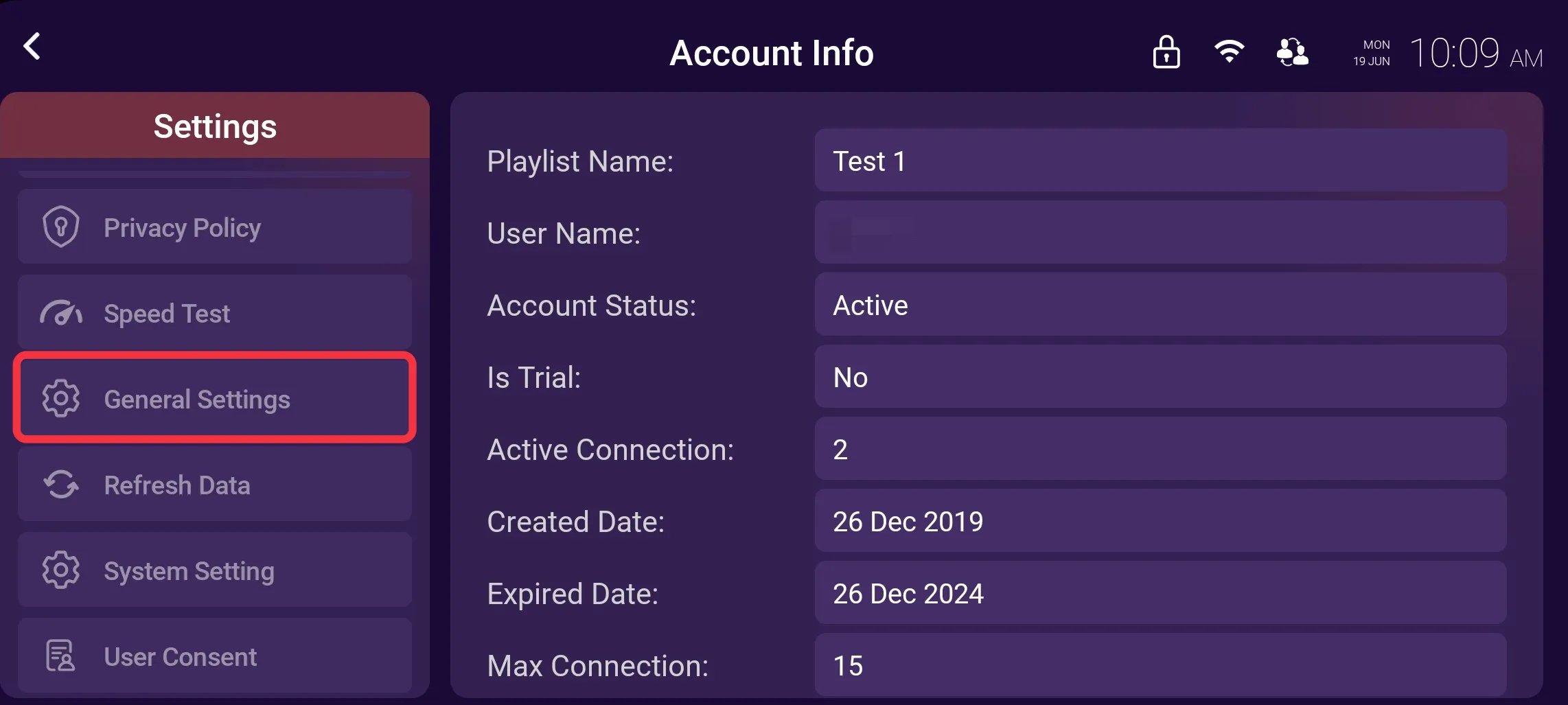
2: General Settings
Click on General Settings, as seen in the image below (marked in red)
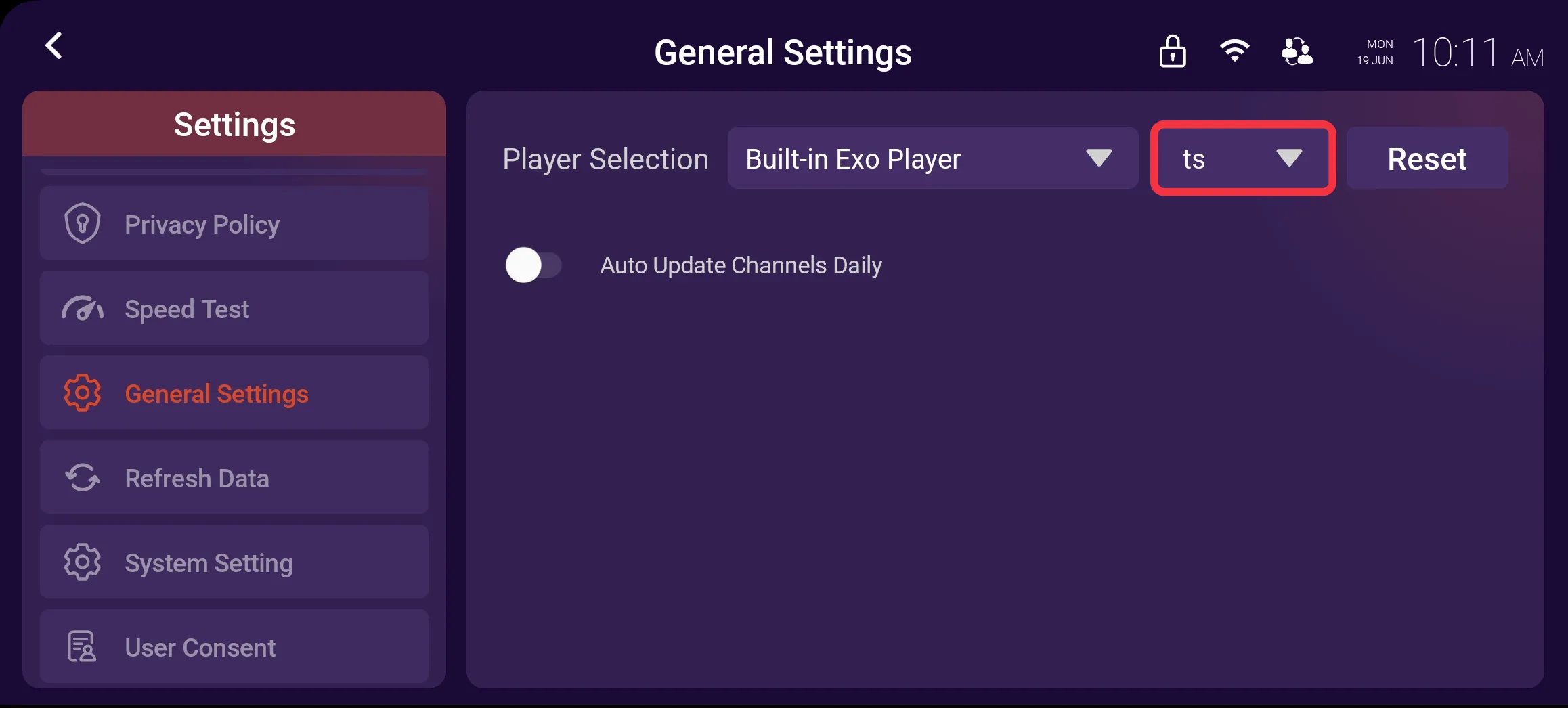
3: Stream Format
Click on Stream Format, as seen in the image below (marked in red)
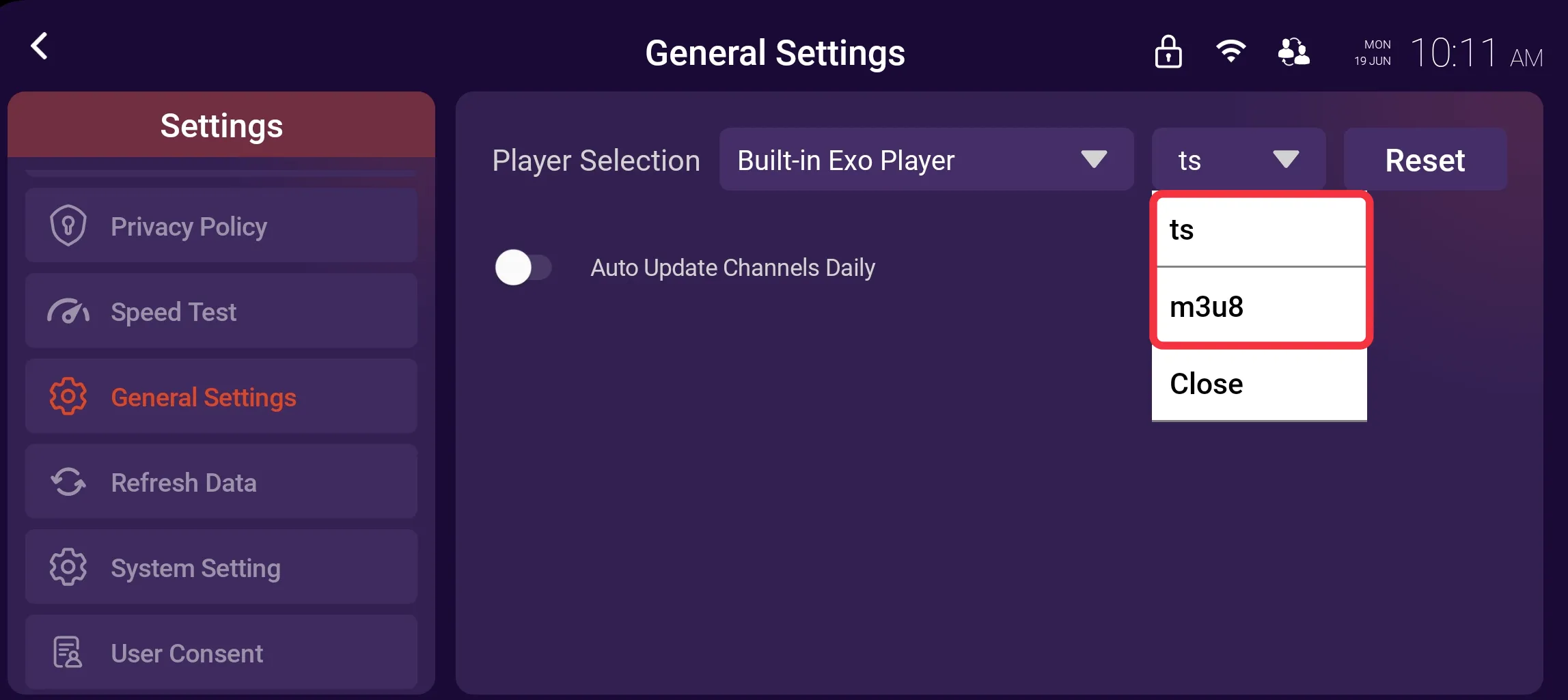
4: Select Stream Format
Select between Two Types of Formats (ts and m3u8) from the drop-down menu for playback, as seen in the image below (marked in red)