How to access your Network Details
1 min
1- After successfully installing the application, you will be welcomed by the Home Screen of Purple Tools.
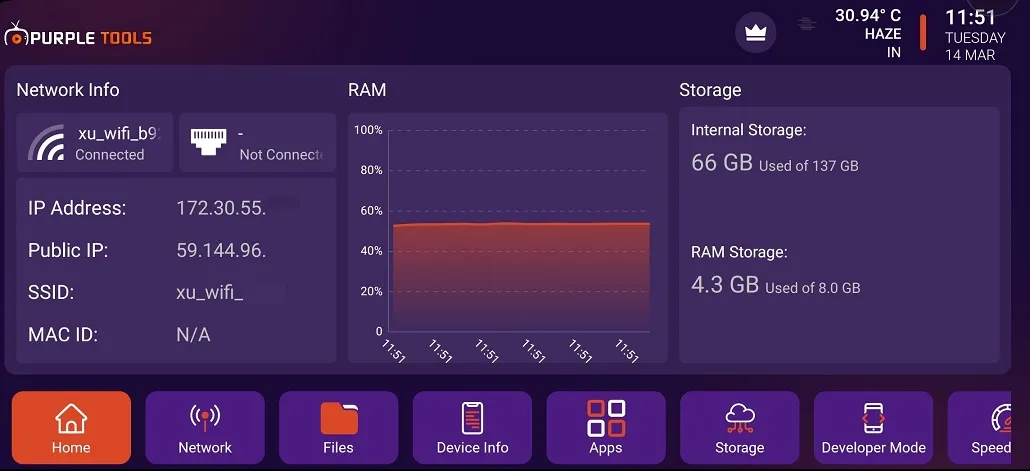
2- Click on "Network", as seen in the below image (marked in red)
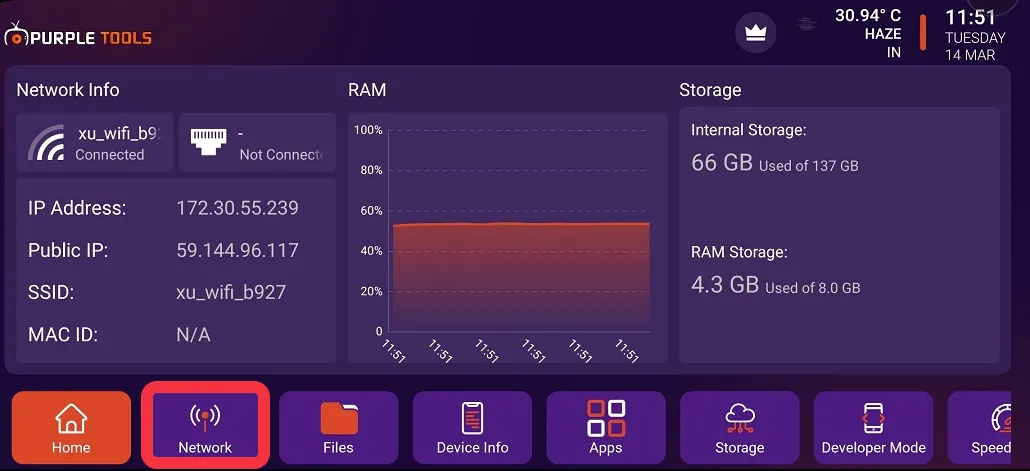
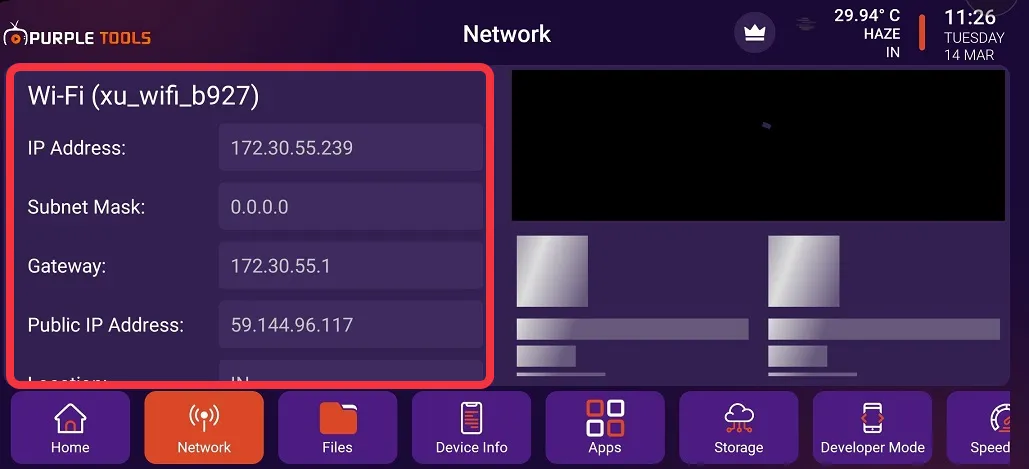
3- After clicking on Network, you can view all the details of "Network Information", as seen in the image below (marked in red)