How To Access Device Code History
4 min
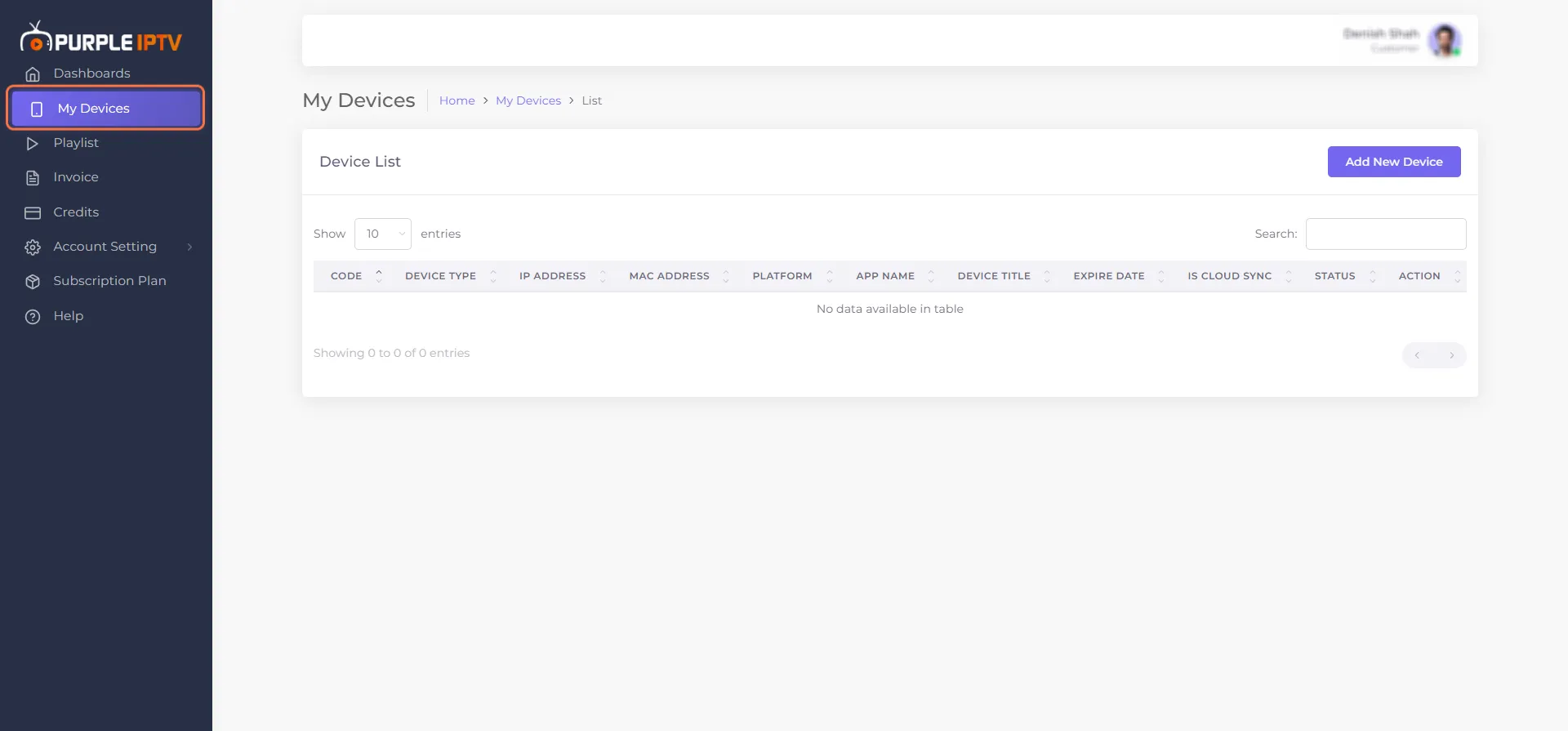
Step 1- Go to My Devices
Click on the 'My Devices' section
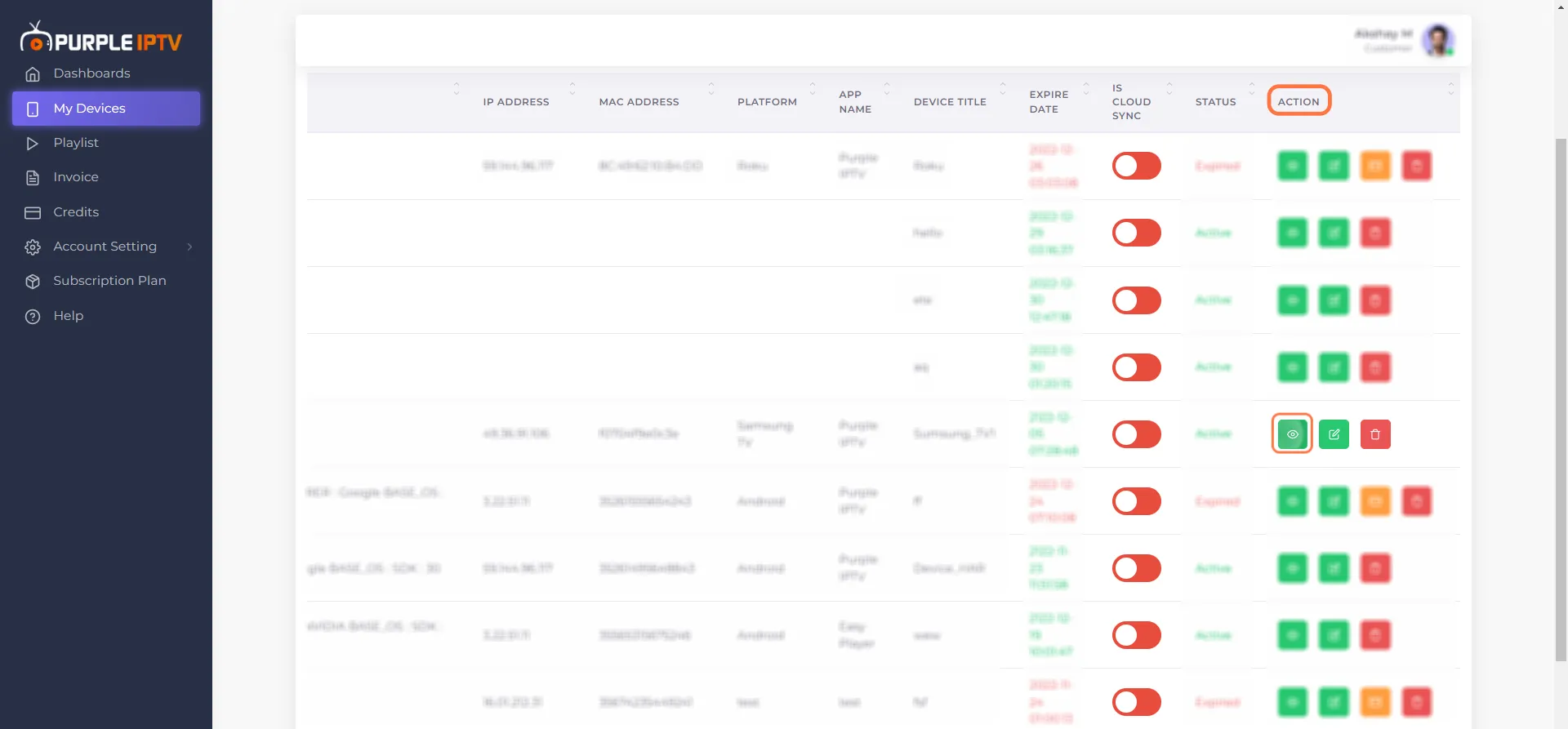
Step 2- Click on Device Code History
Go to the last column of Action, Click on 'Device Code' history
Step 3- Get Access to Code History
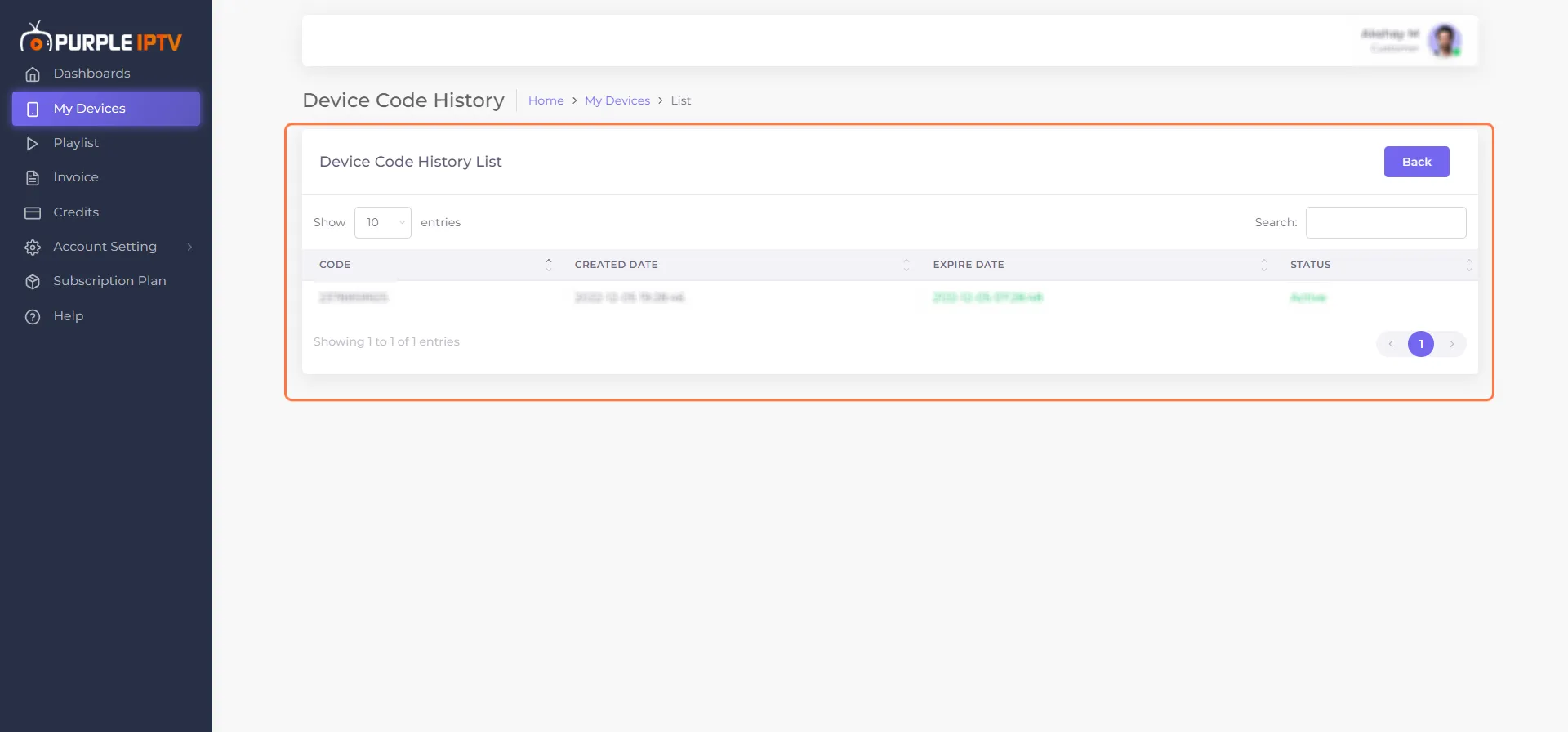
You can access all the details of your 'Device Code History List' such as -
- Code Number
- Created Date
- Expired Date
- Status