How to Use Different Functions in Live Tv Player
3 min
Step 1: Select Channel
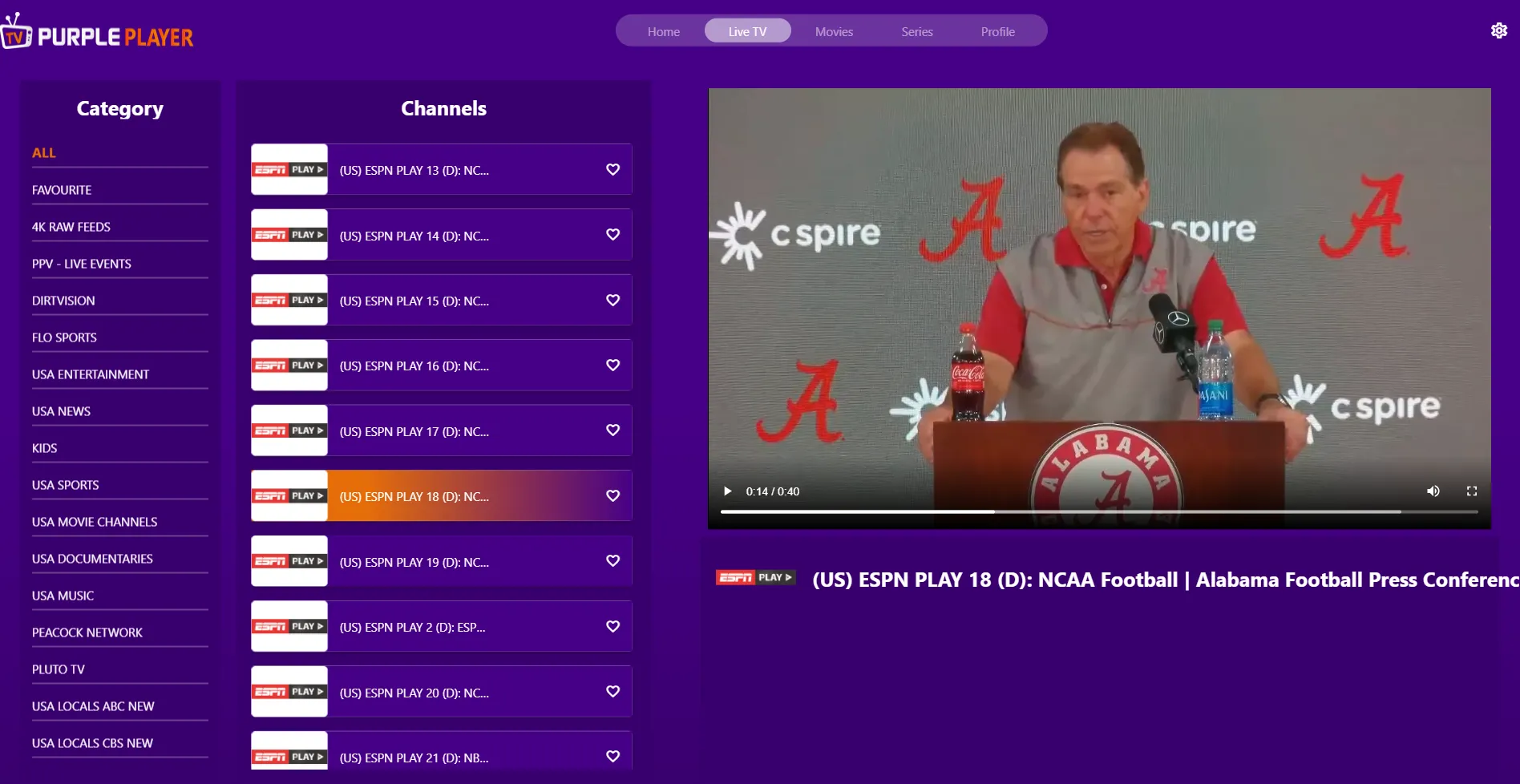
Click any desired "Channel" in the categorized list to play it
Step 2: Full Screen
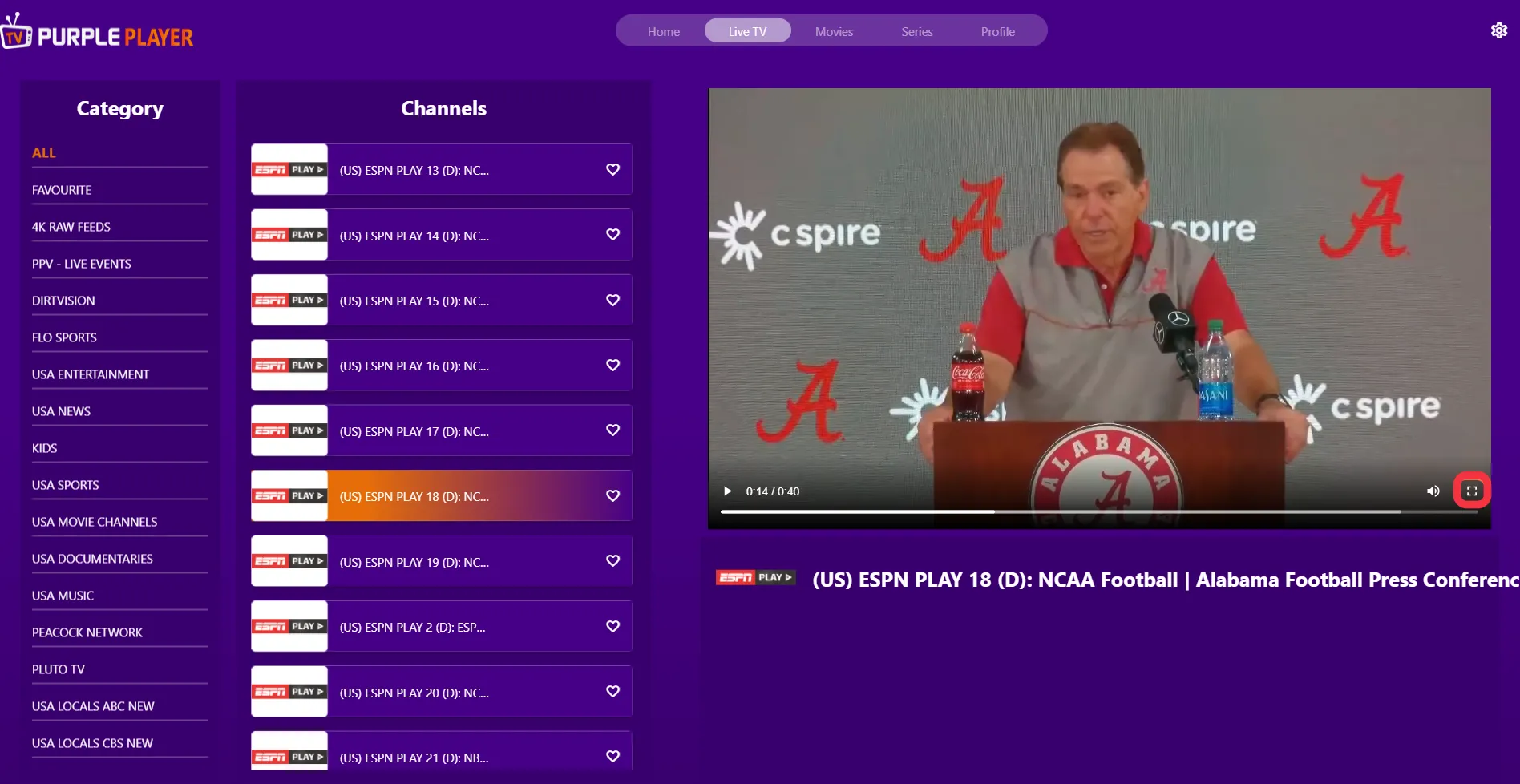
Click on the "Full-Screen" button, on the right side of the screen, as seen in the below image (marked in red)
Step 3: Play/Pause
Click on the "Play/Pause" button, on the left bottom corner of the screen (marked in red)

Step 4: Adjust Volume
By clicking the sound button, the user can adjust the "Volume or Mute/Unmute" the sound, as seen in the below image (marked in red)