How To Search for a Movie in Purple iOS v2
5 min
1: Home Screen
Click on the "Search icon," as seen in the image below (marked in red)

2: Movies tab
Click on the Movies tab, as seen in the image below (marked in red)
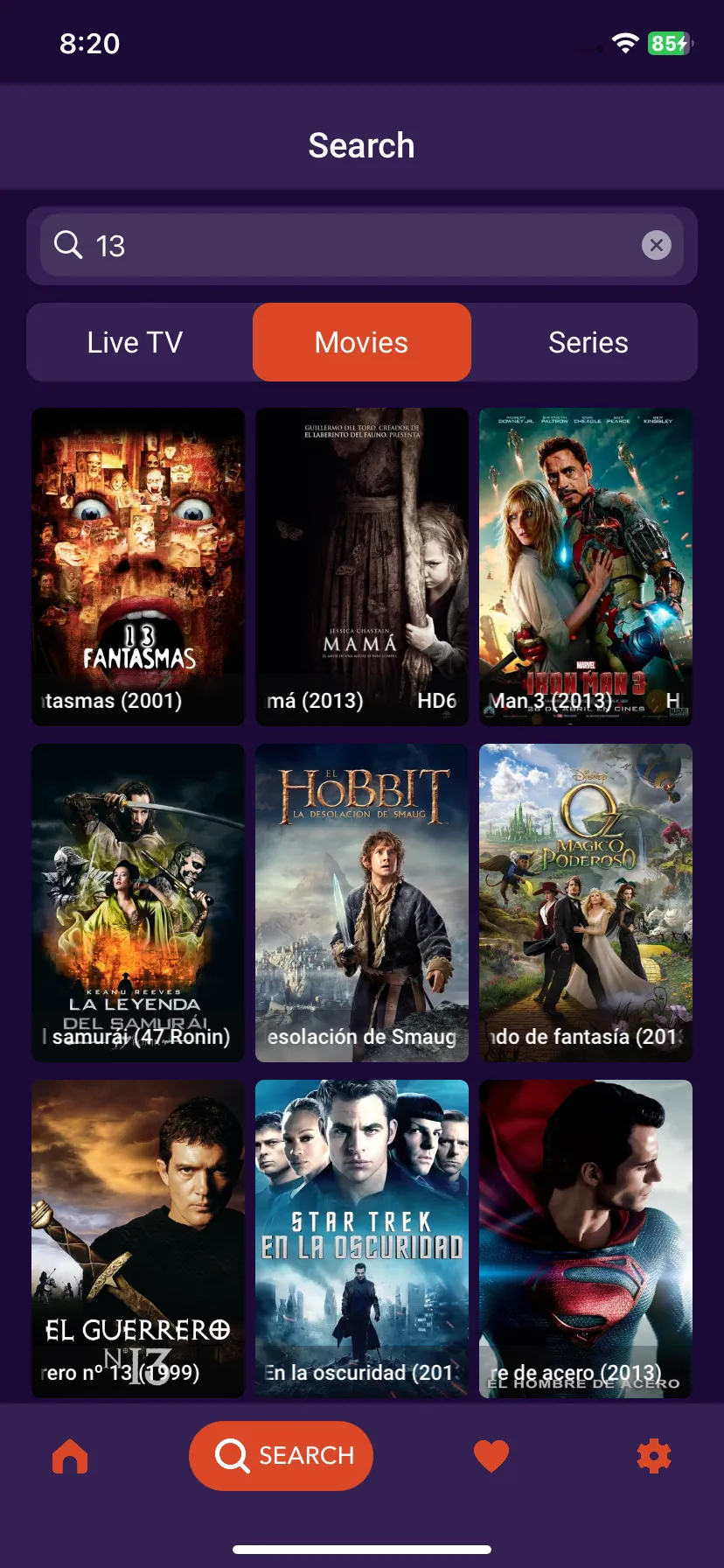
3: Search Movies
Type in the first few letters of the desired movie name in the Search Box, and all the related results will appear, as seen in the image below (marked in red)
4: Play Movie
Click on the desired movie to play