How To Play Series In IPTV Purple VOD Player?
7 min
Step 1: Home Page
After successfully installing the application, Click on the 'Series on the Home Page of the IPTV Purple Player VOD Player

Step 2: Category List
Select the 'Series' From the Series Category List
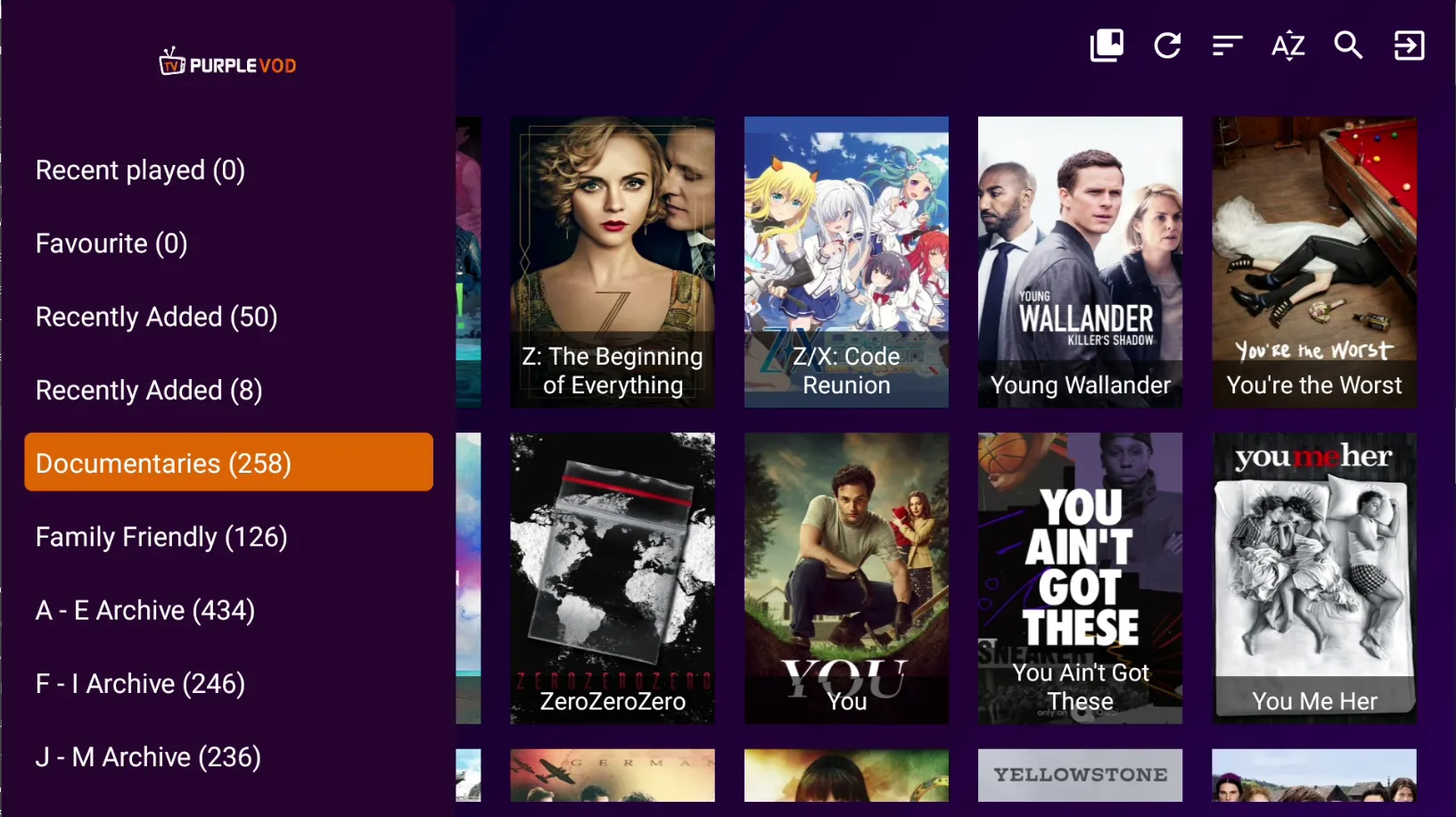
Step 3: Select Series
Select To Watch the Series Under a Selected Category List
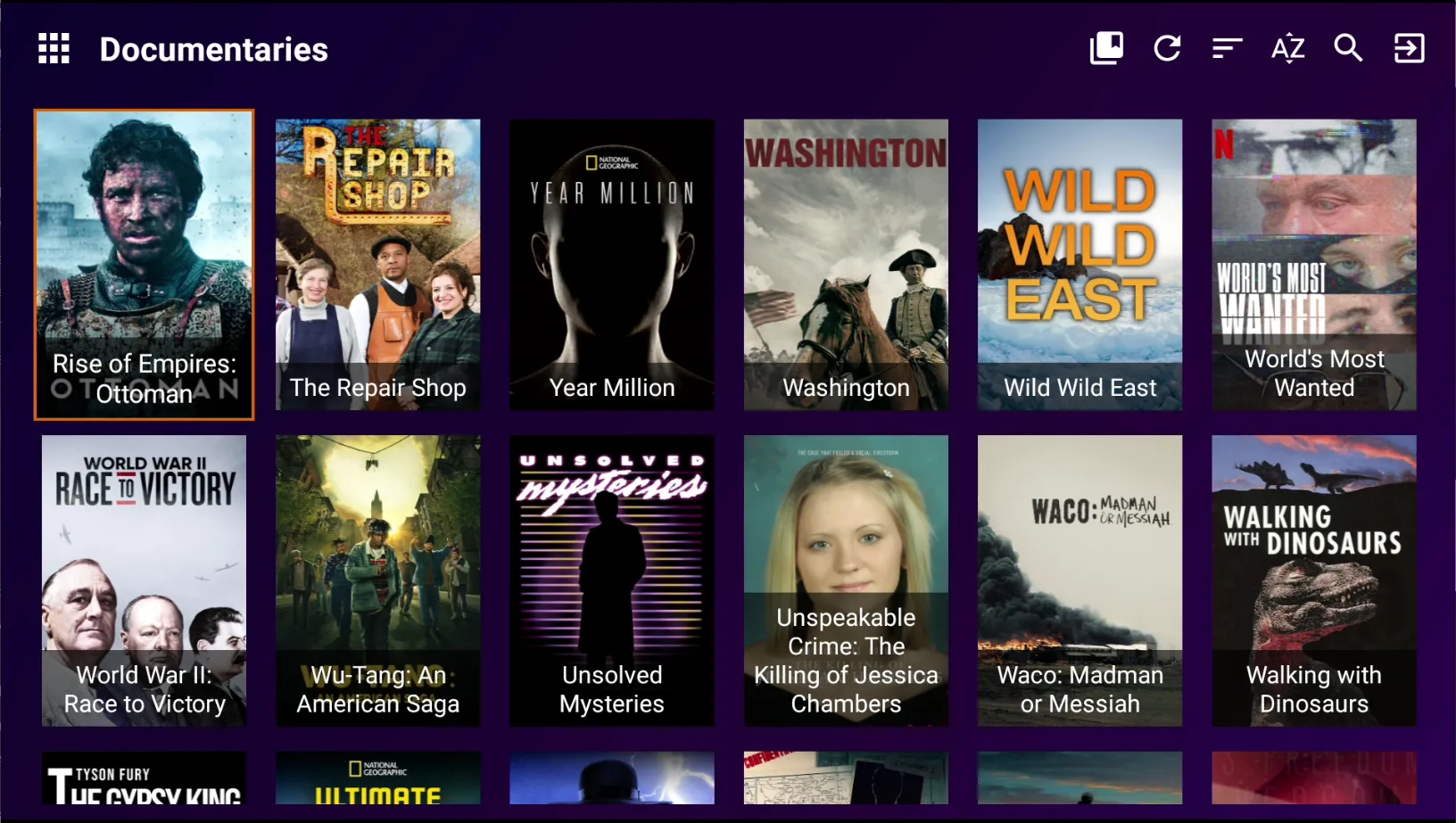
Step 4: Season
Click on the ' Season' Button to view the number of seasons available in the Series

Step 5: Select Season
Select To Watch Any 'Season' of the Series

Step 6: Select Episode
Select To Watch Any 'Episode' of Your Choice in the Selected Season

Step 7: Play
Click on the 'Play' Button to Watch Seamlessly the selected Episode

Step 8: Different Player Functionalities
Play, Pause. Rewind And Fast Forward to the Episode Select Aspect Ratio (Screen Size) And Video, Audio, or Text of the Subtitles in the Episode