How To Play Live TV Channel in Purple Player
4 min
Step 1: Home screen
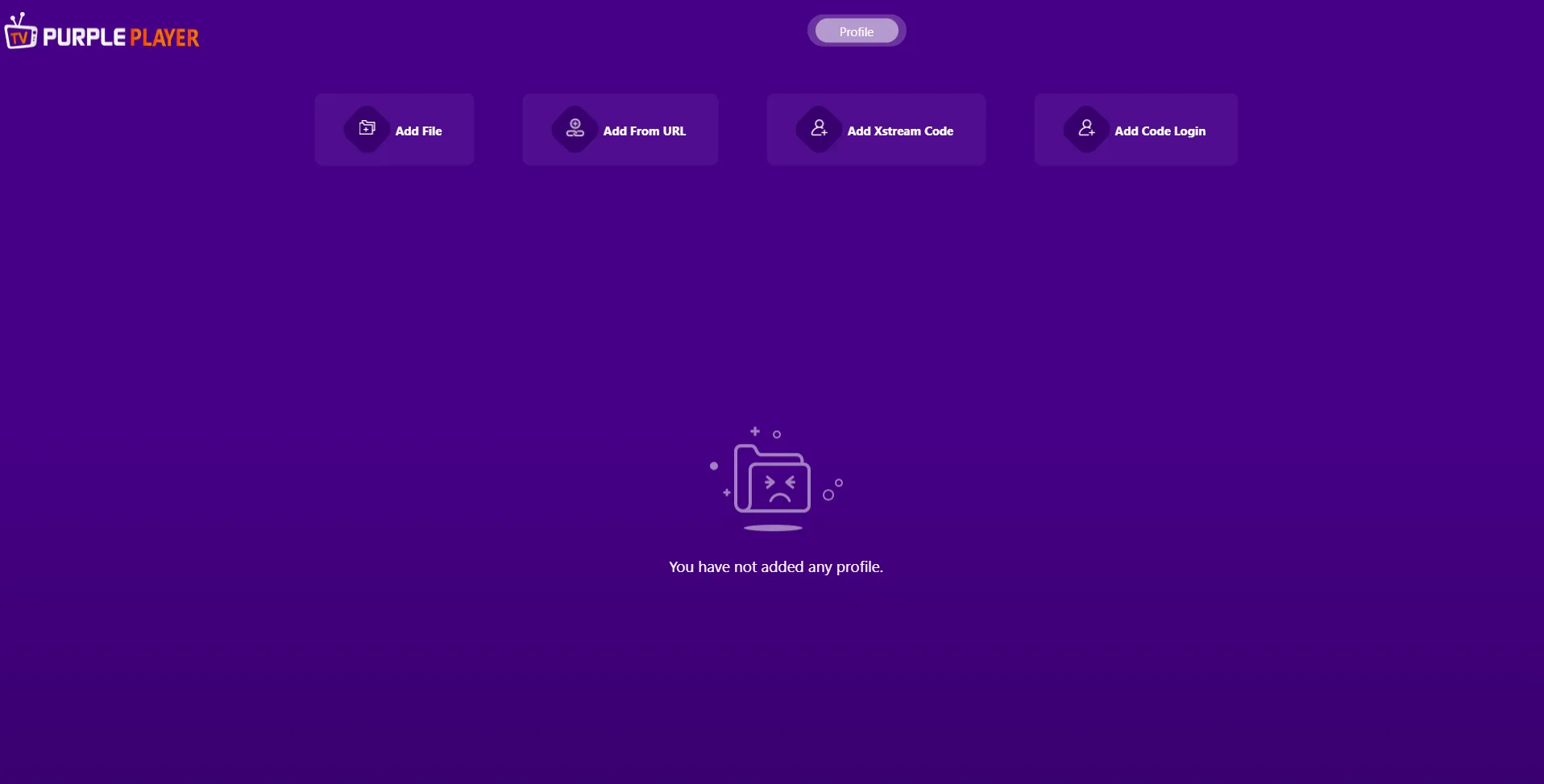
After Successful Login, users will be greeted by Purple Player "Home Screen"
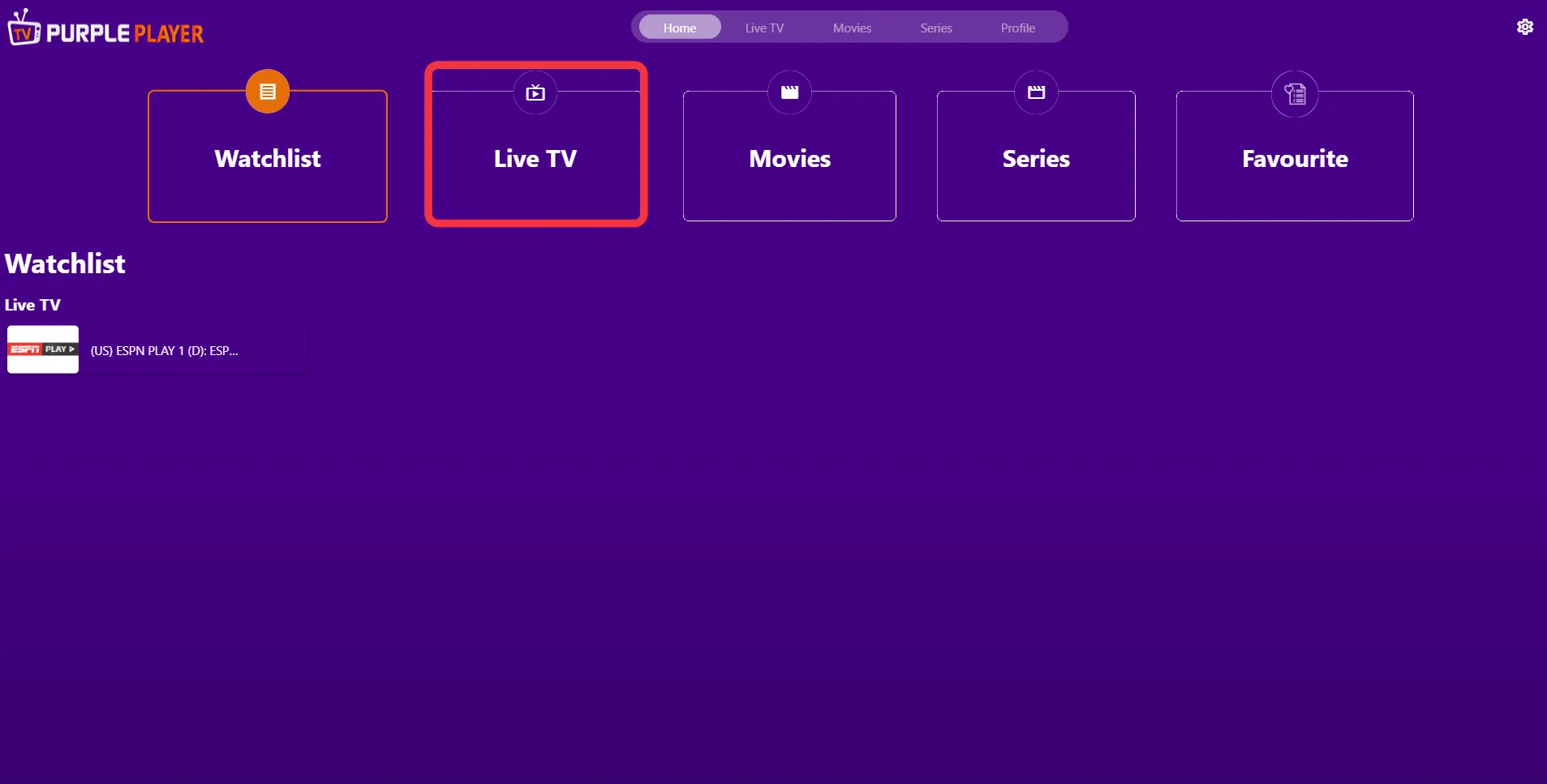
Step 2: Live Tv
Click on "Live TV", as seen in the image below (marked in red)
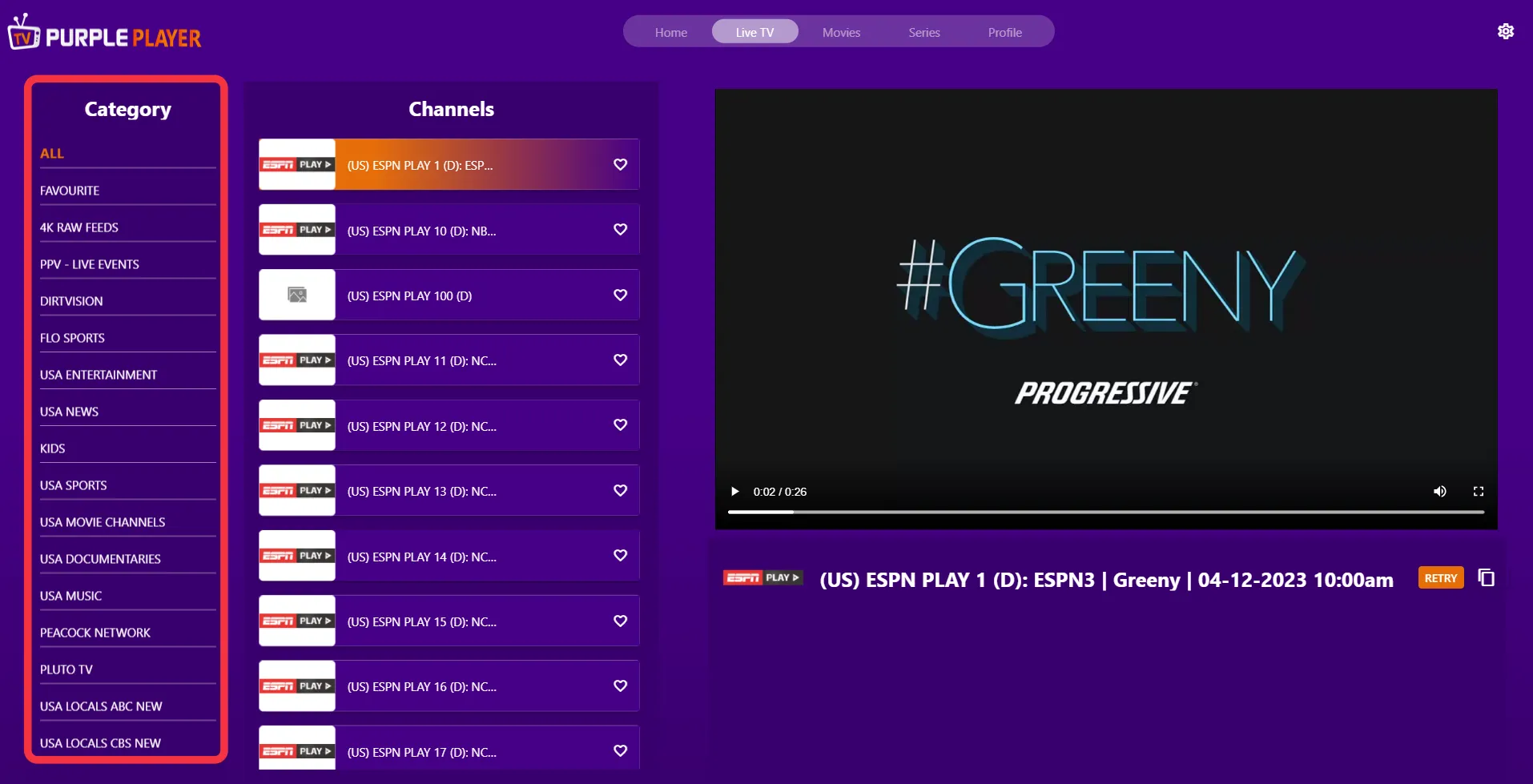
Step 3: List of Channel Categories
Users will be greeted by different "Categories List" of channels on the left side of the screen, as seen in the image below (marked in red)
Step 4: Select Channel
Click any desired "Channel" in the categorized list to play it
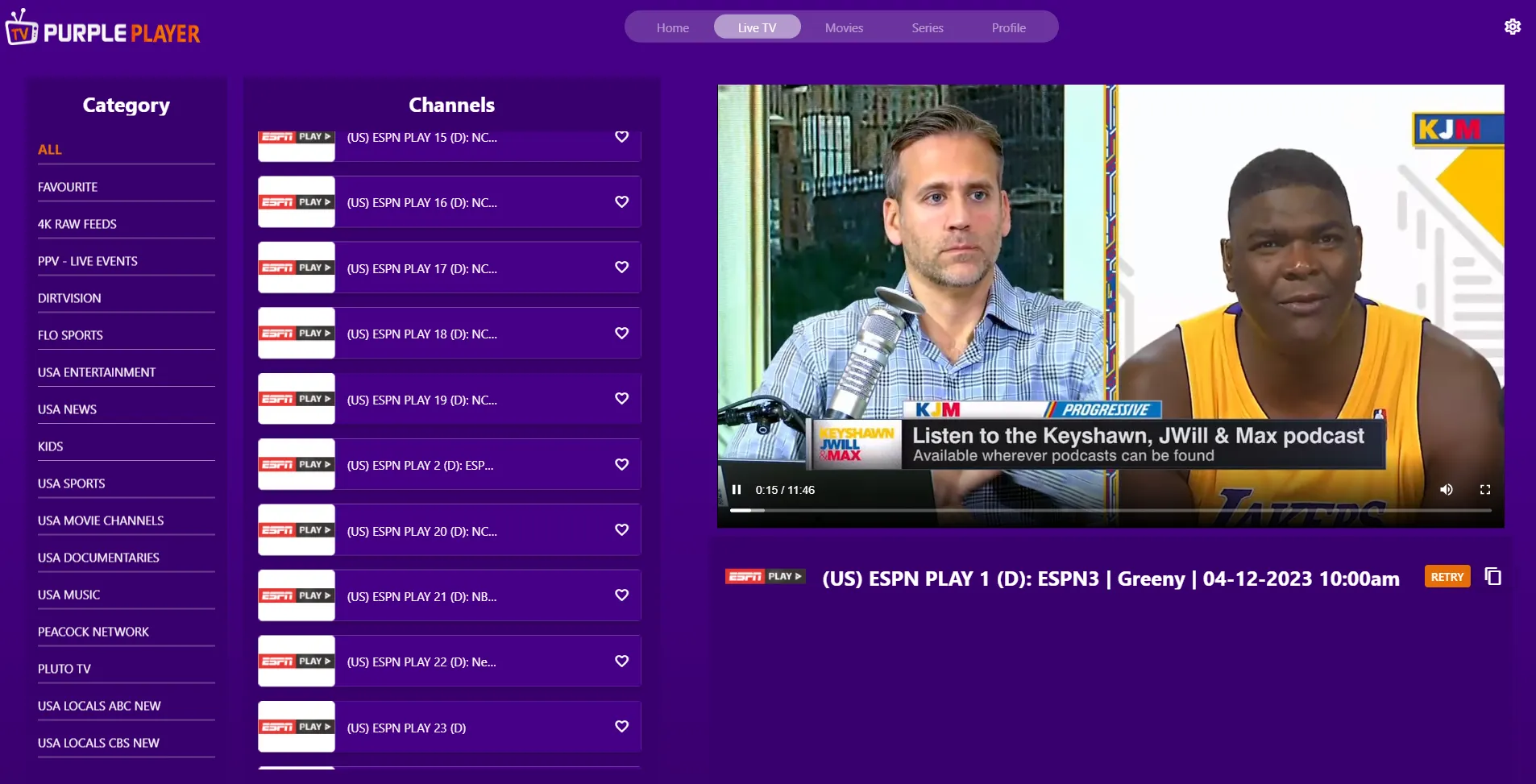
Step 5: Playing
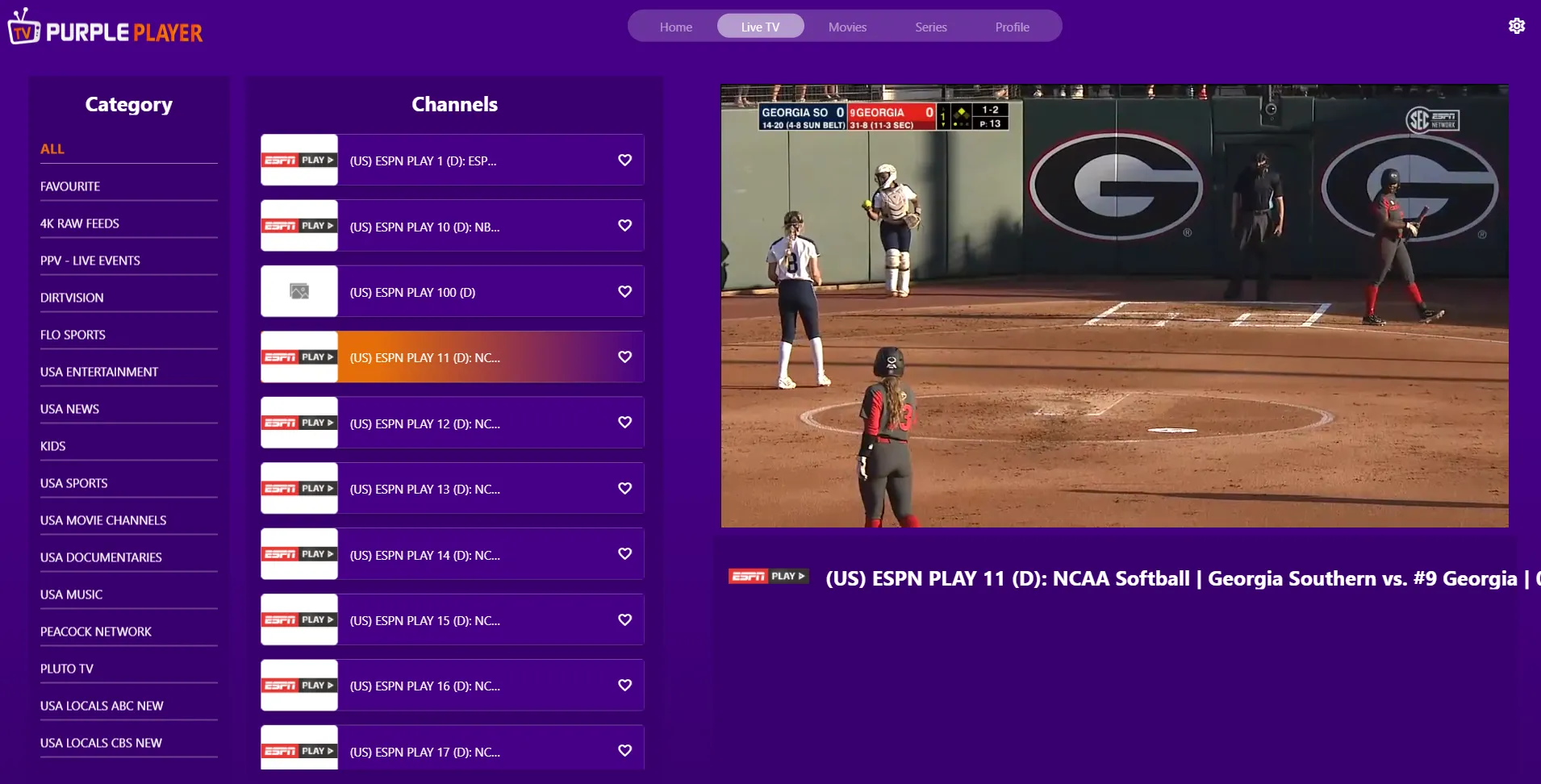
Playback of your "Selected Channel" will begin, as seen in the below image