
How to Hide Live Tv Categories
6 min
1: Settings
Click the setting button to open the setting screen, as seen in the below image (circled in red)

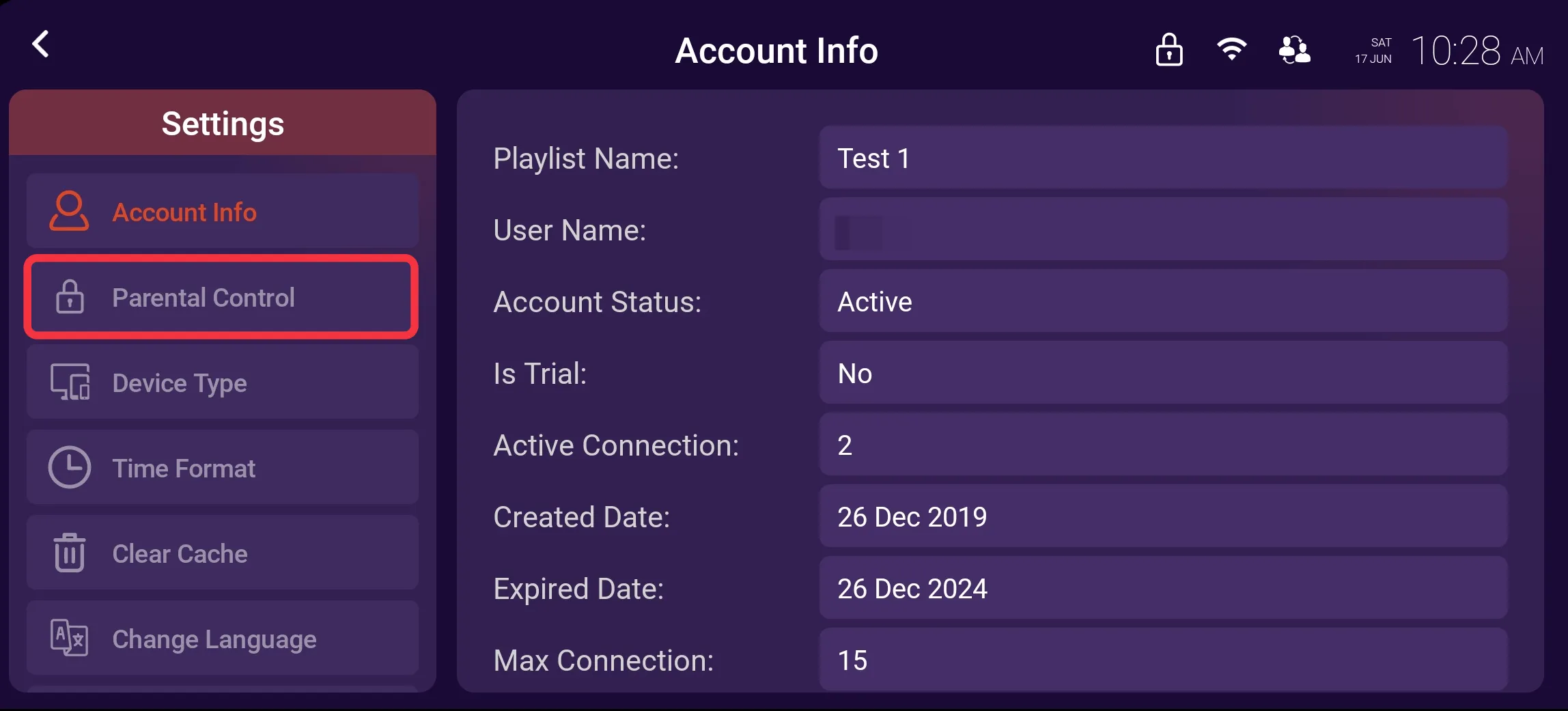
2: Parental Control
Click on Parental Control, as seen in the image below (marked in red)
3: Parental Password
Enter the Parental Password you have previously set, as seen in Image - 1 below (marked in red)
After entering the Parental Password, click on Submit, as seen in Image - 2 below (marked in red)


4: Hide Locked Categories
Toggle the button to hide locked categories, as seen in the image below (marked in red)
