How To Change Time Format In Purple Player Lite?
2 min
Step 1: Home Page
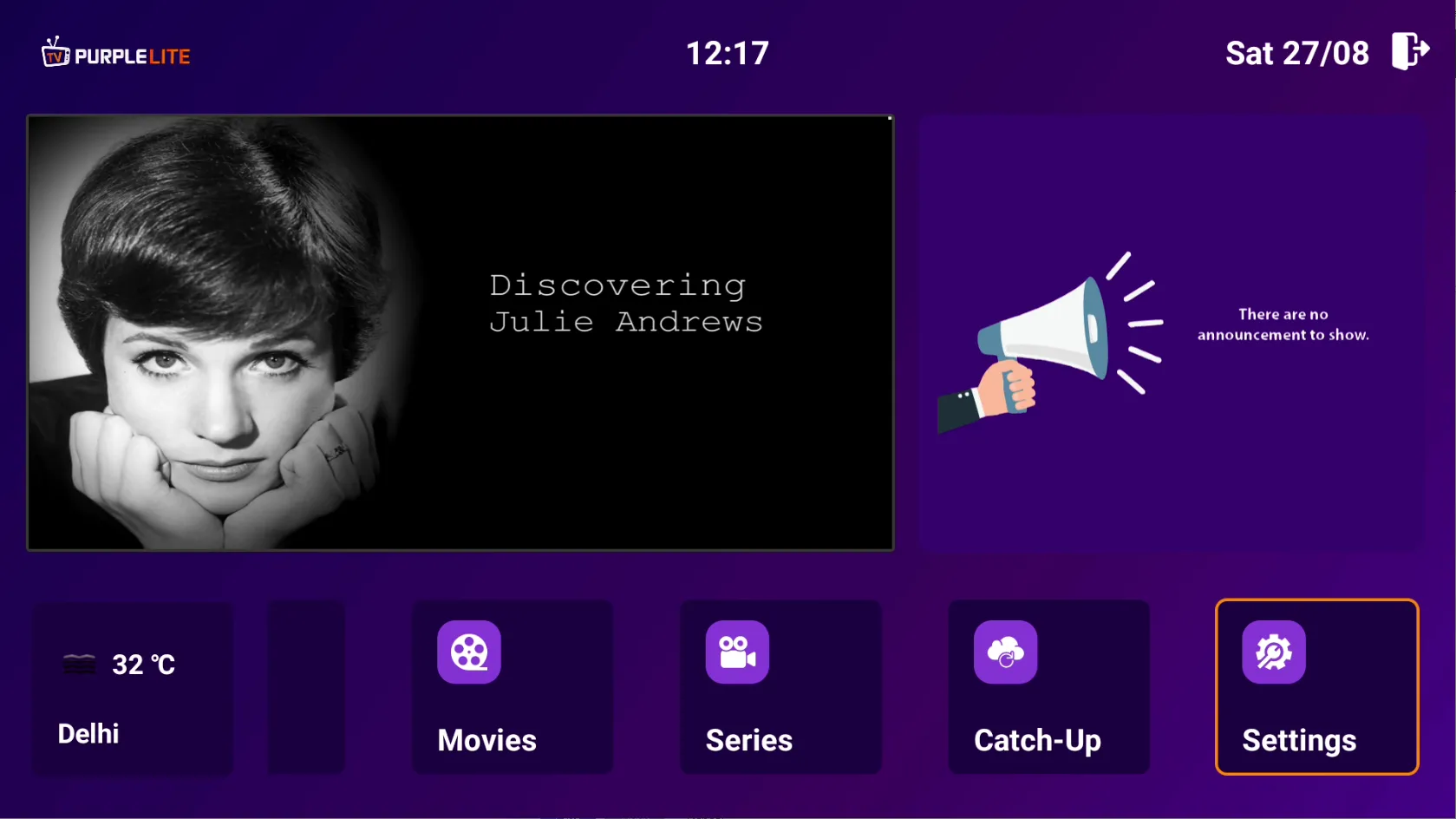
After successfully installing the Application, Select 'Settings' on Home Page
Step 2: Time Format
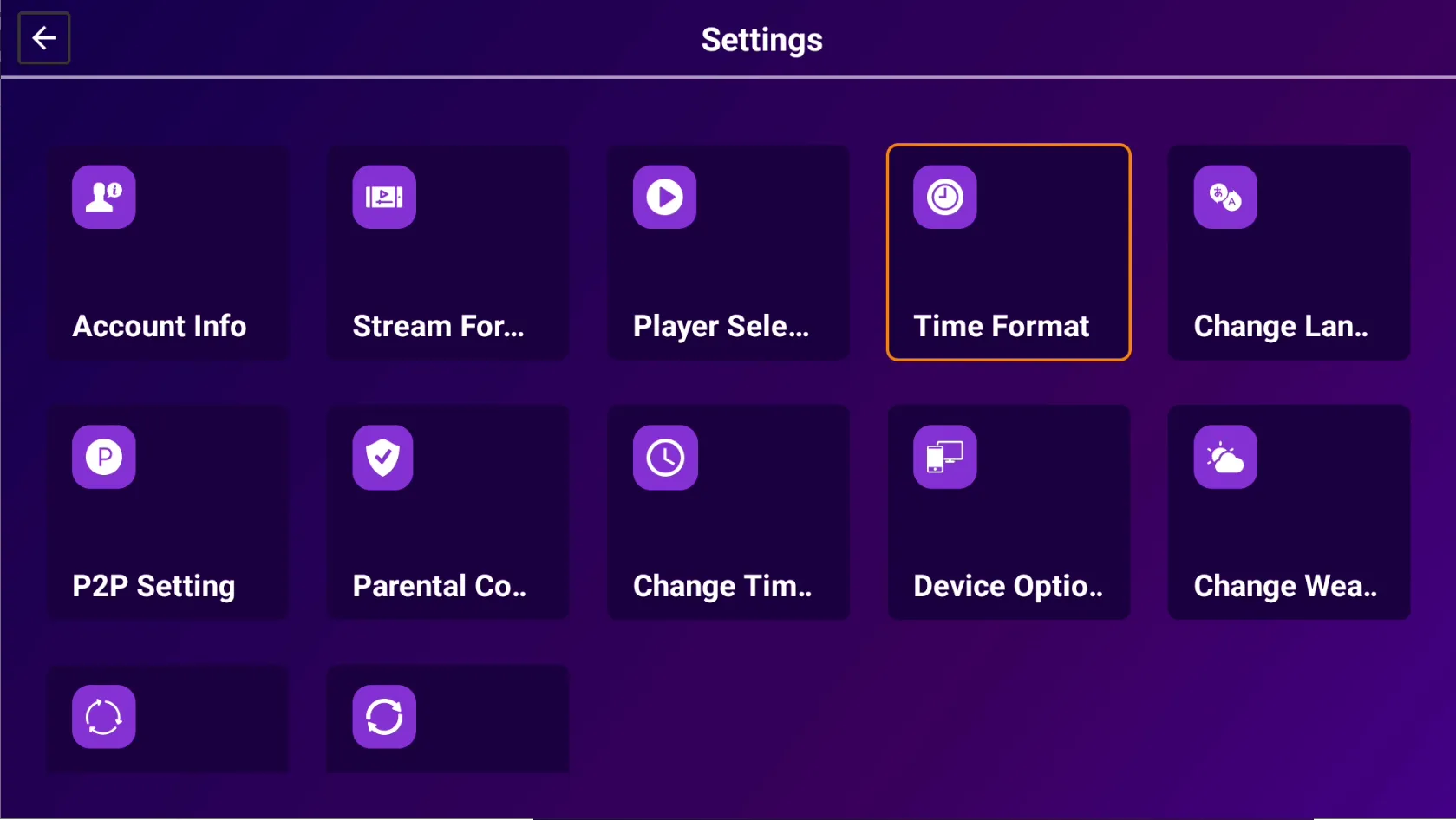
Click on the 'Time Format'
Step 3: 12 or 24
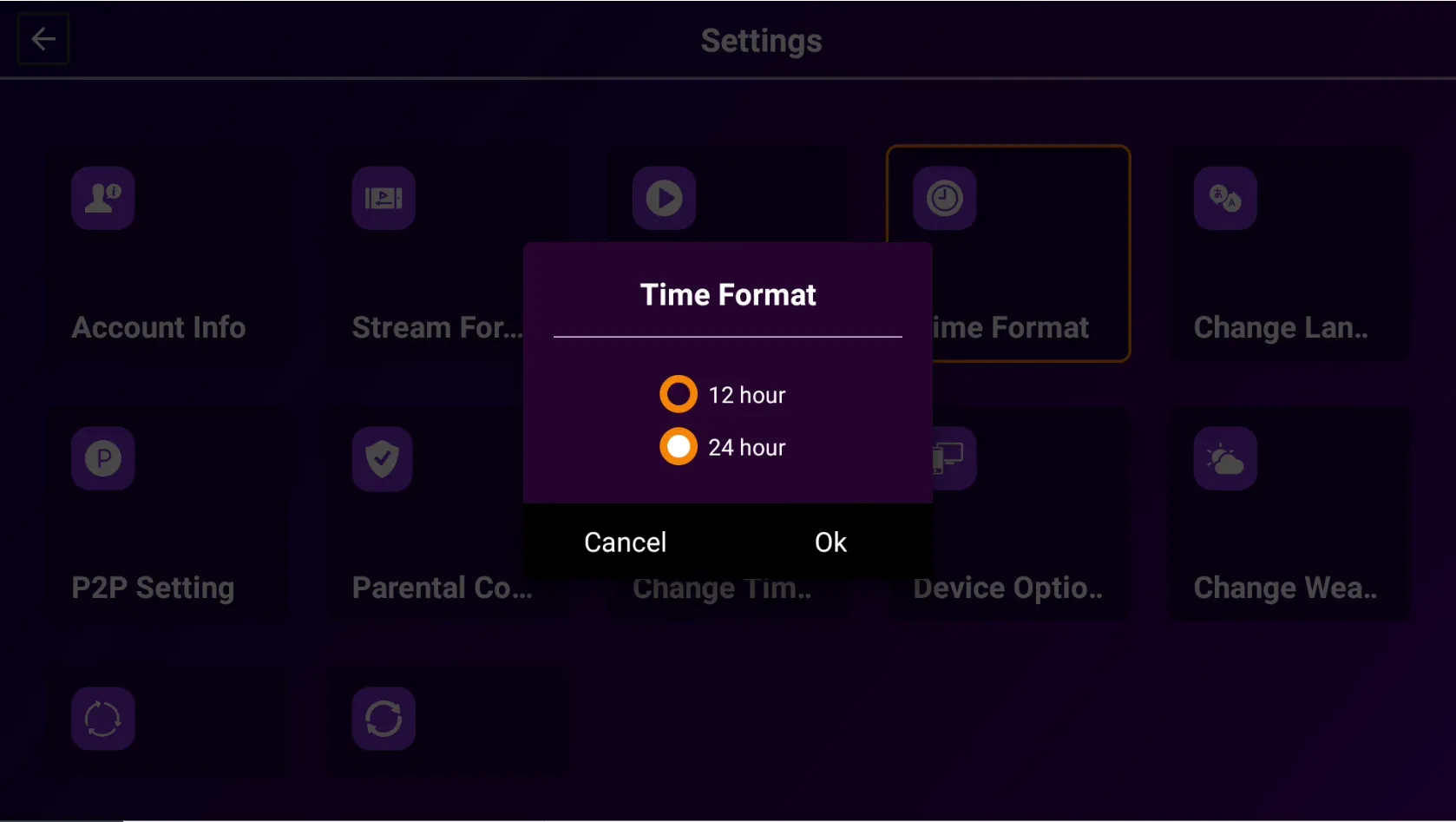
Select To Display Either 12 or 24-Hour Time Format in this Purple Player Lite App