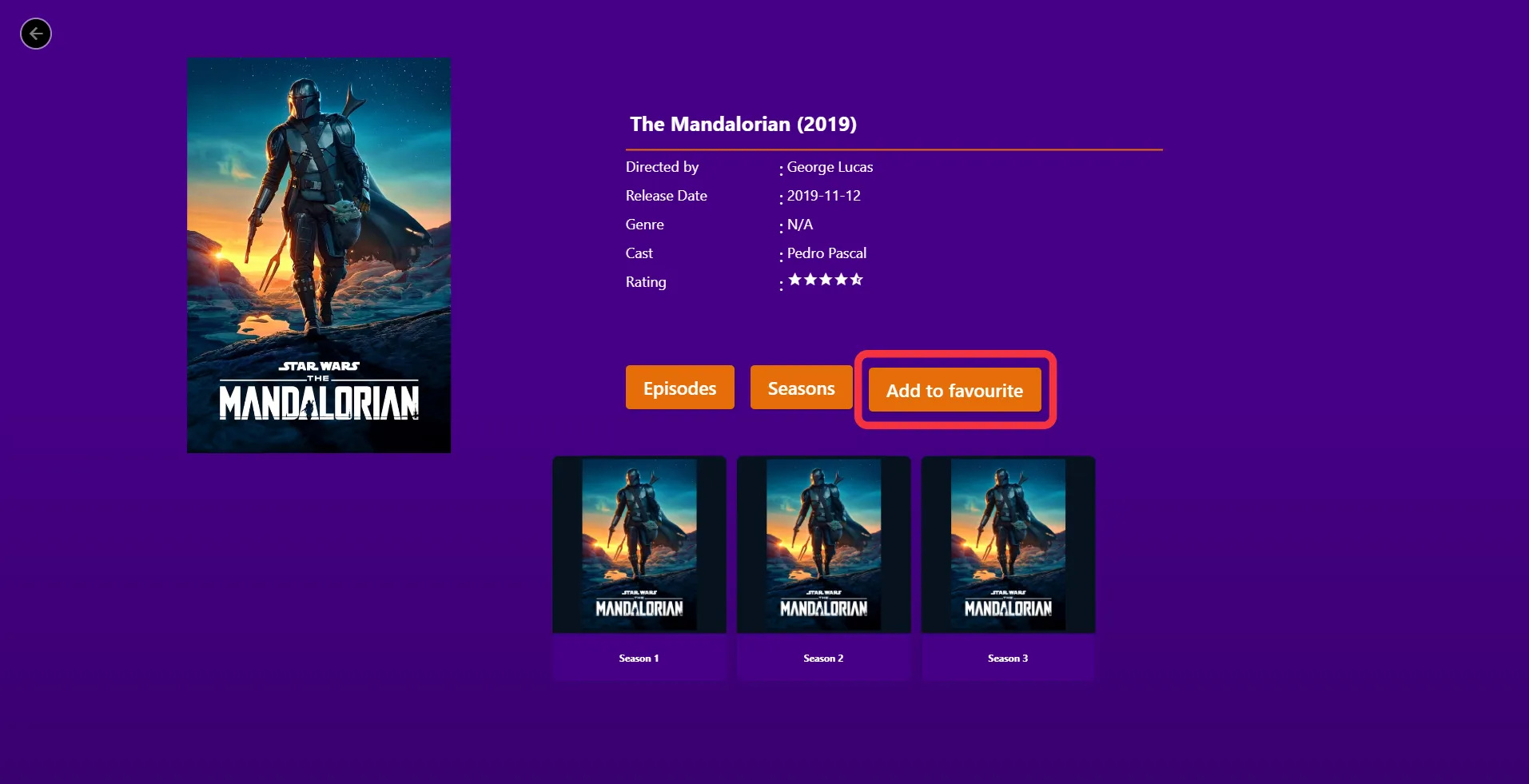
How To Add Series In Favorites List In Purple Player
4 min
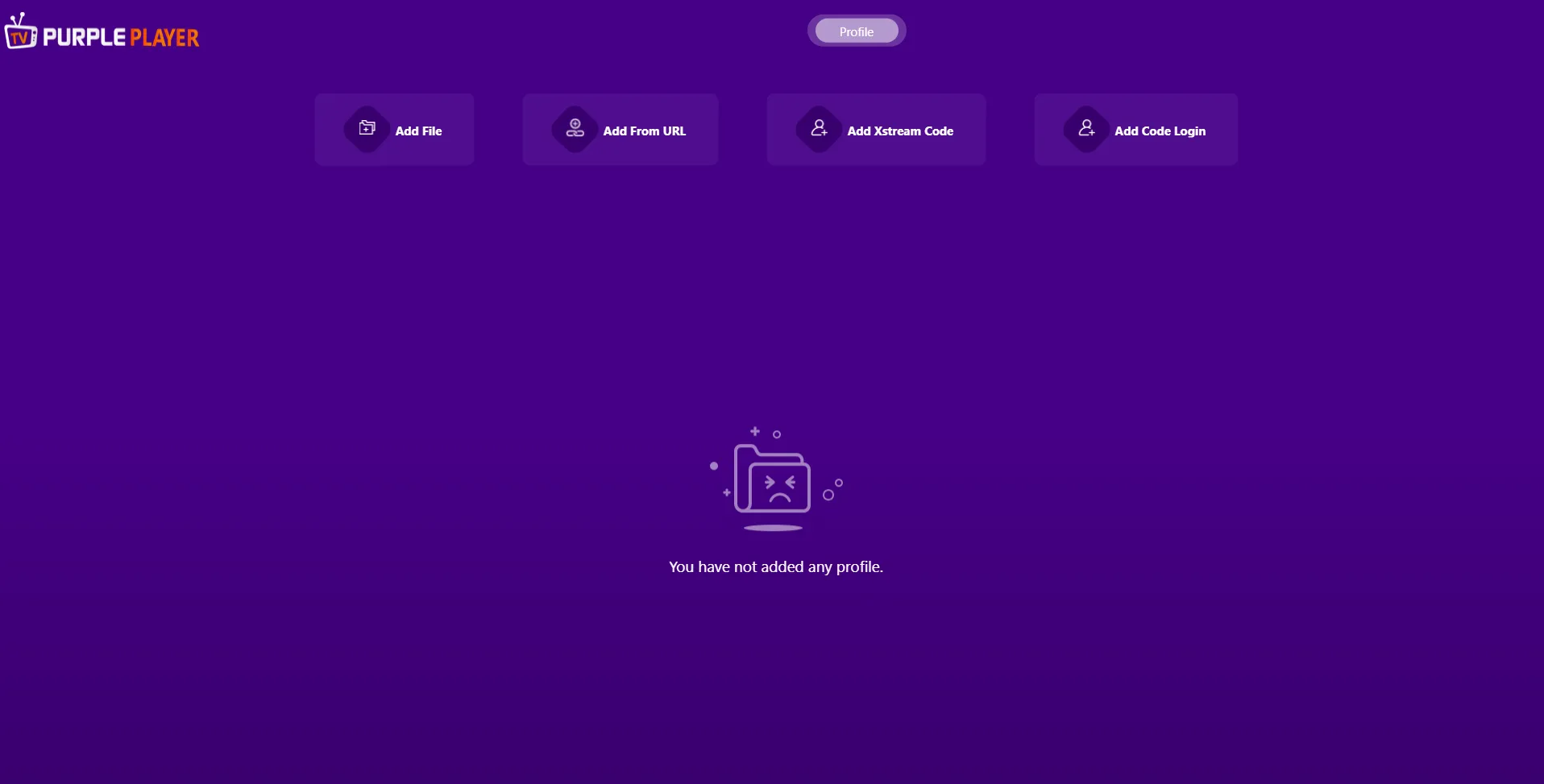
Step 1: Home screen
After Successful Login, users will be greeted by Purple Player "Home Screen"
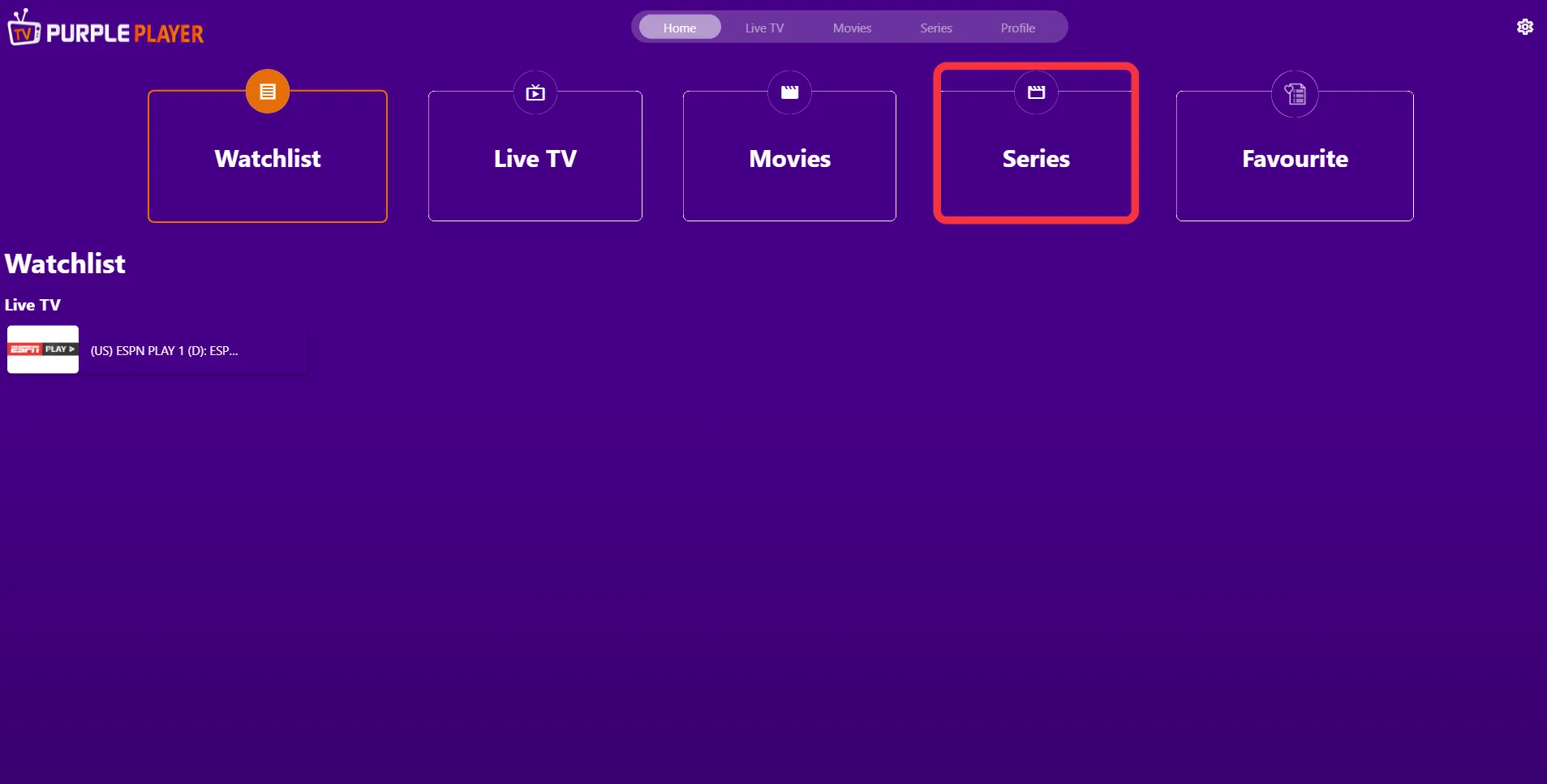
Step 2: Series
Click on "Series", as seen in the image below (marked in red)
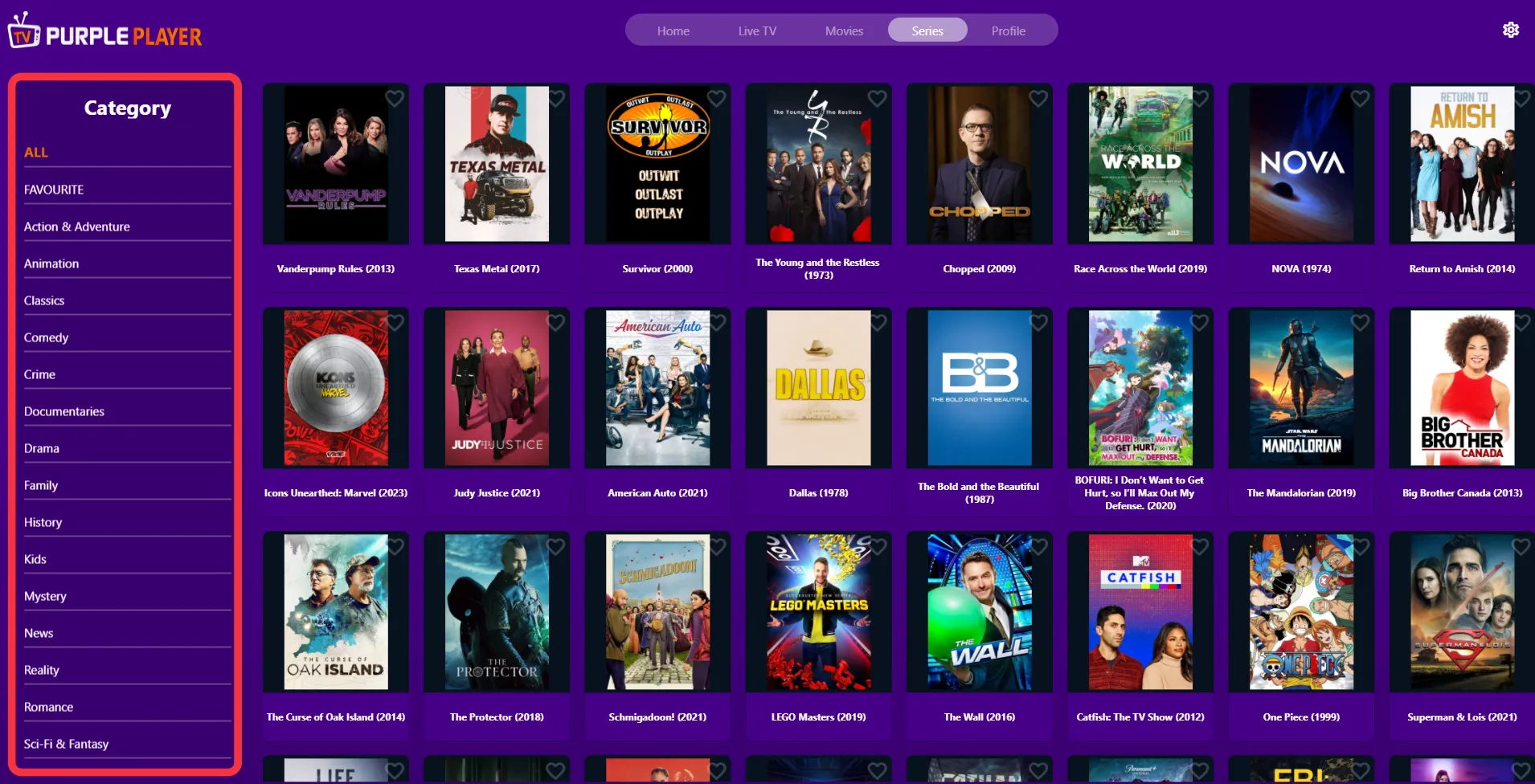
Step 3: List of Series Categories
Users will be greeted by a different "Categories List" of series on the left side of the screen, as seen in the image below (marked in red)
Step 4: Series Selection
Click any desired "Series" in the categorized list to play it
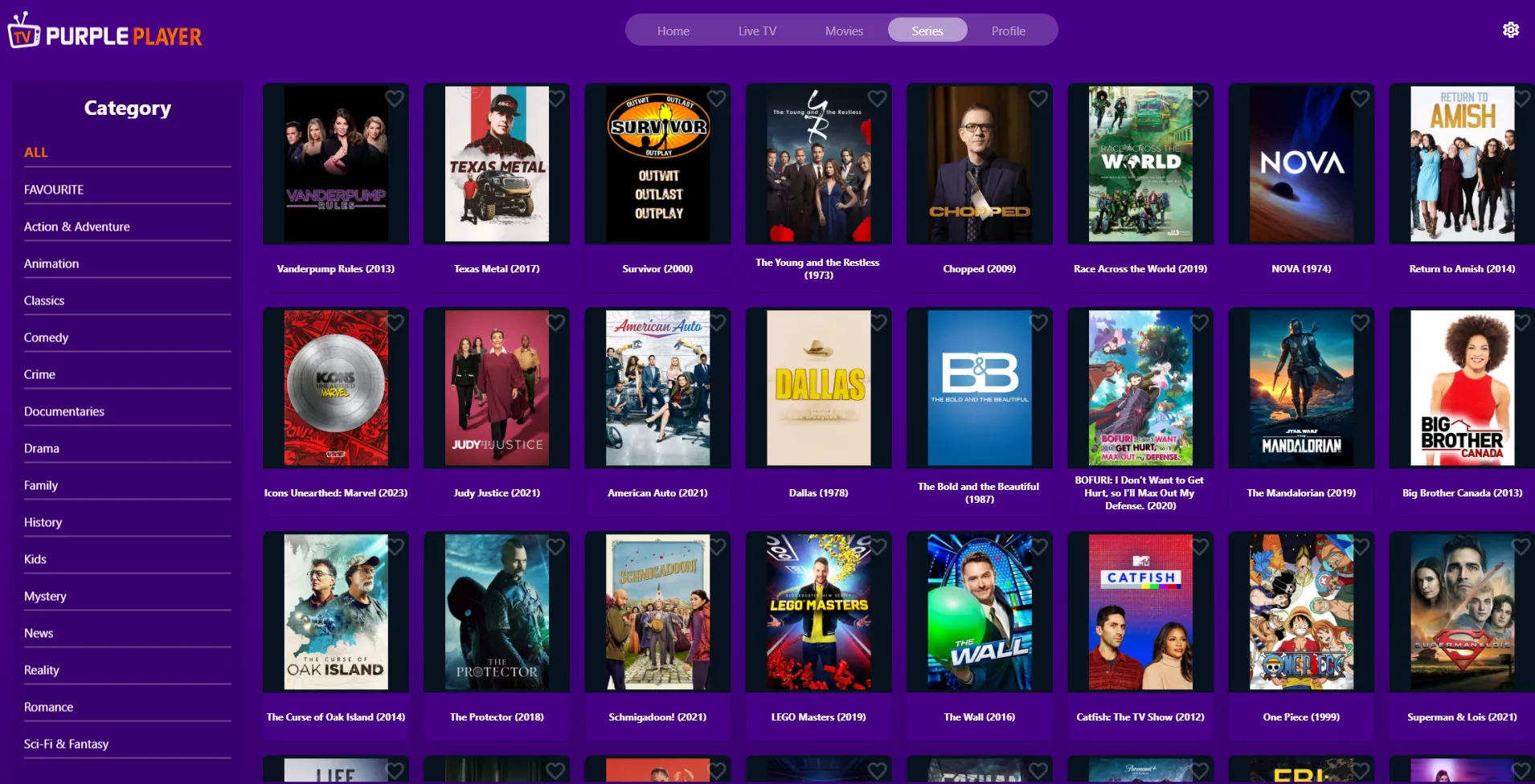
Step 5: Adding Favorite Series
To add your "Favorite series", click on the favorite button as seen in the image below (marked in red)