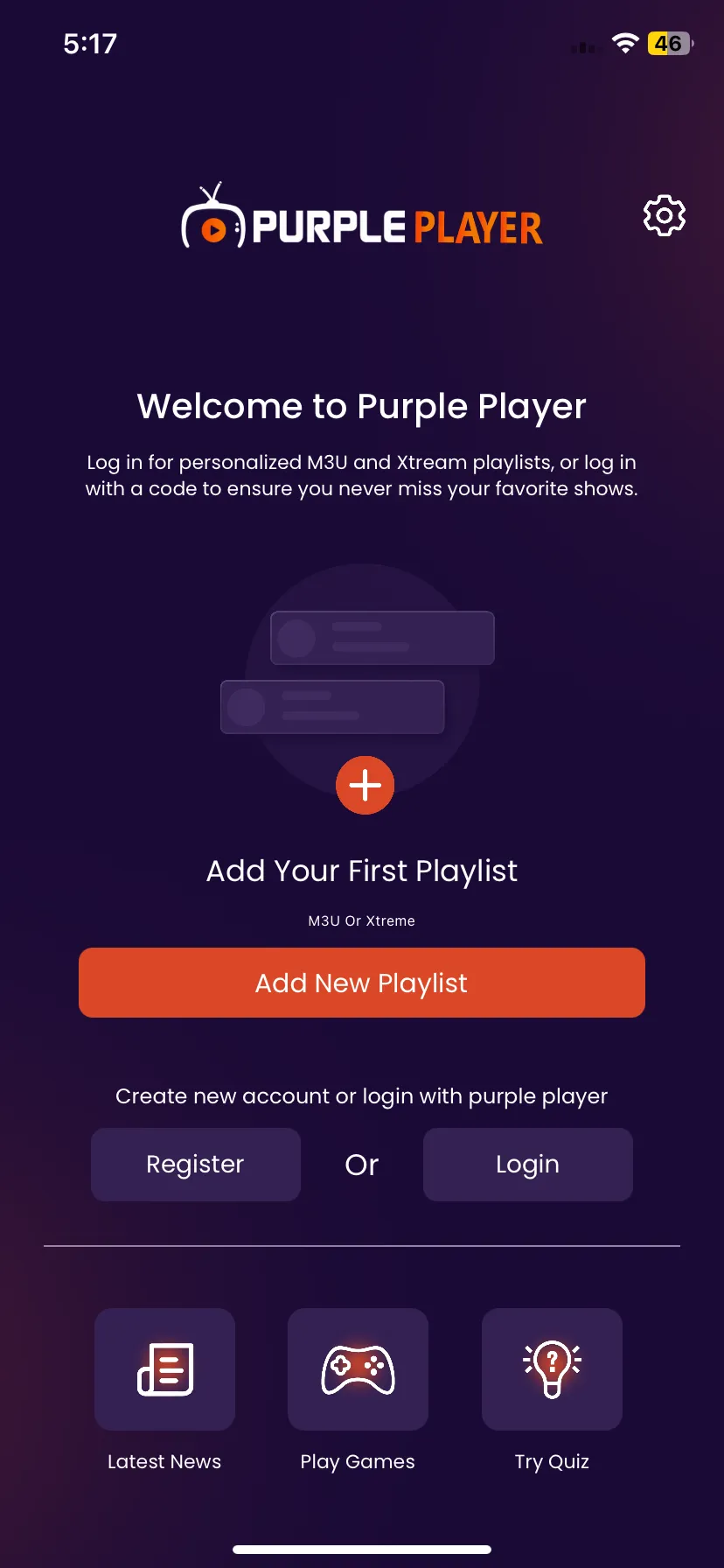
Getting Started
6 min
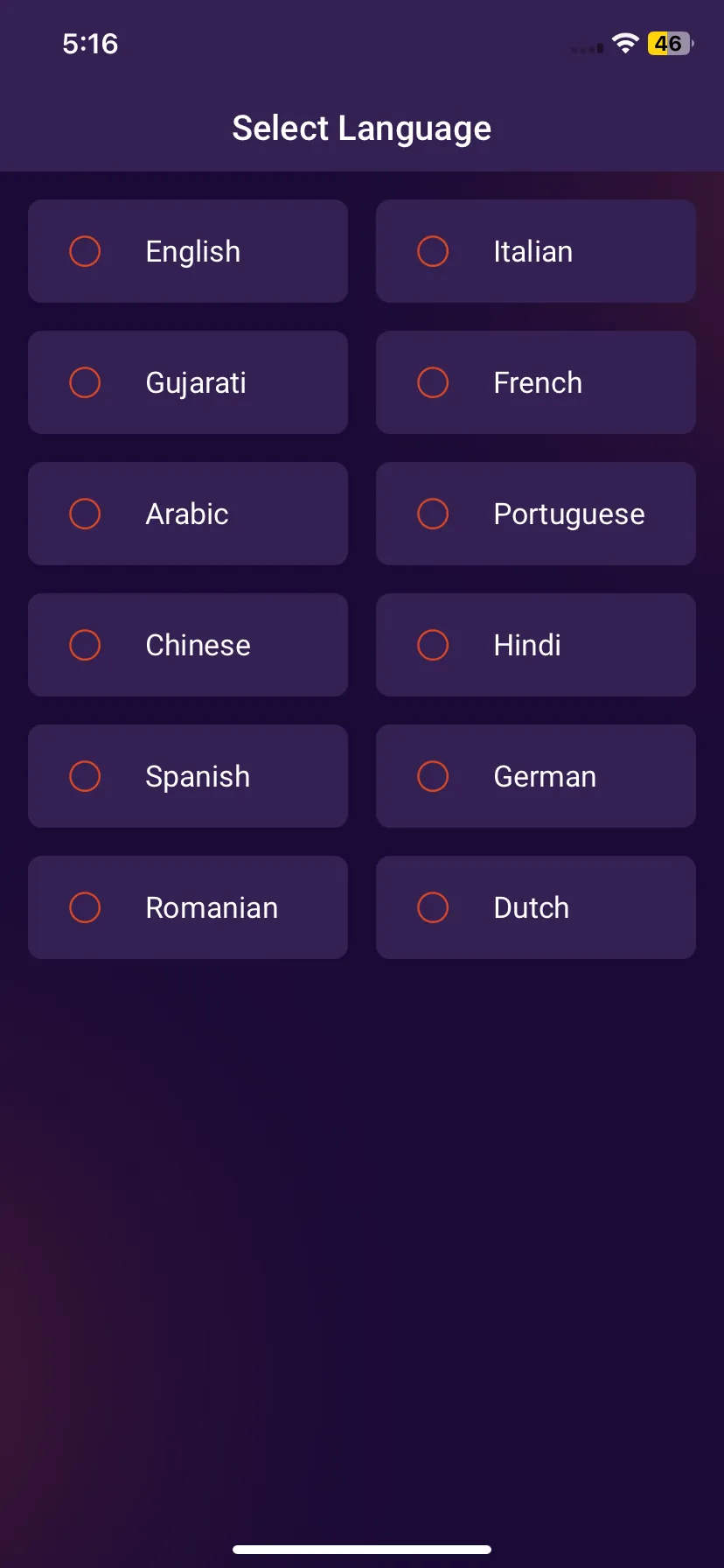
Step 1: Select Language
After the app has been successfully installed, open it and Select the Language you want to proceed with.
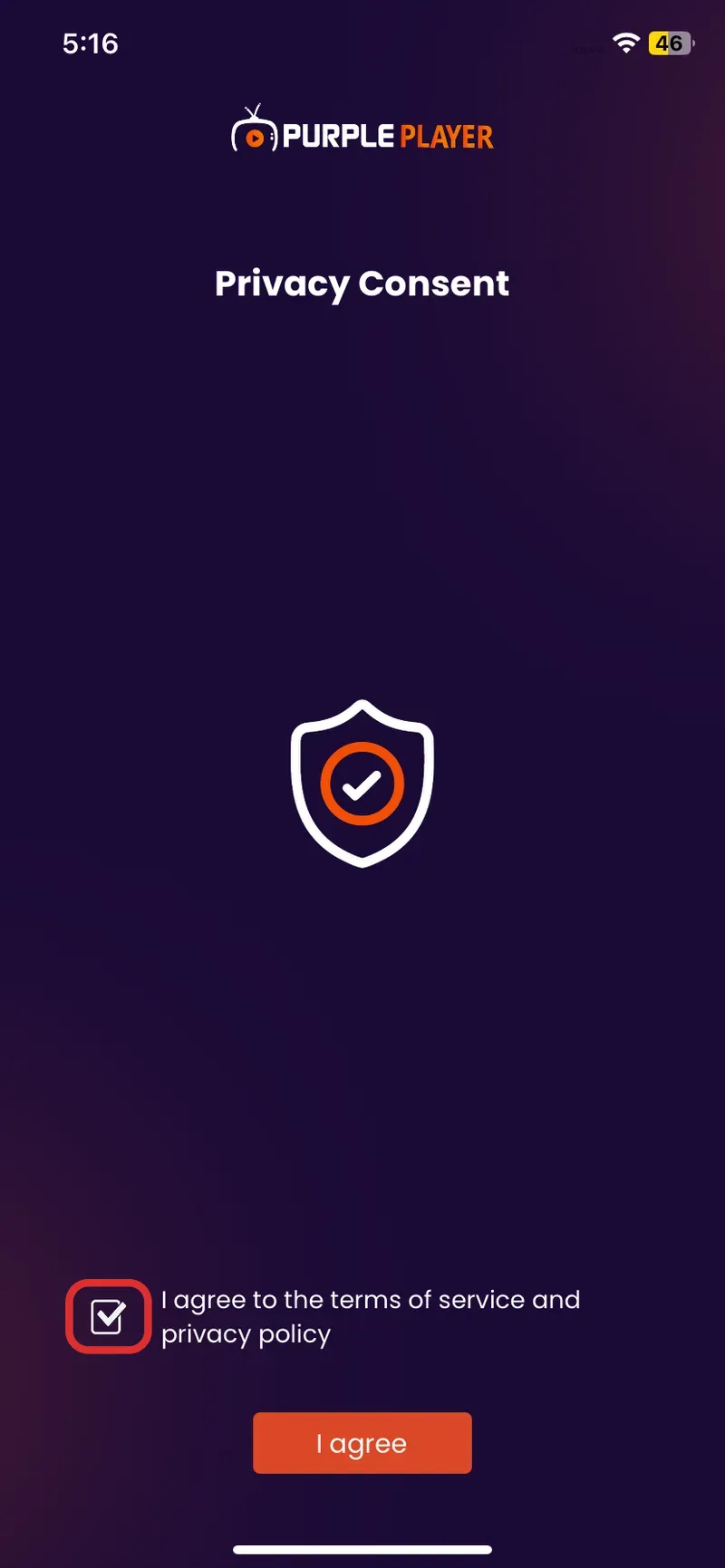
Step 2: Privacy Policy
Tick on Terms of Service & Privacy Policy, as seen in the image below (marked in red)
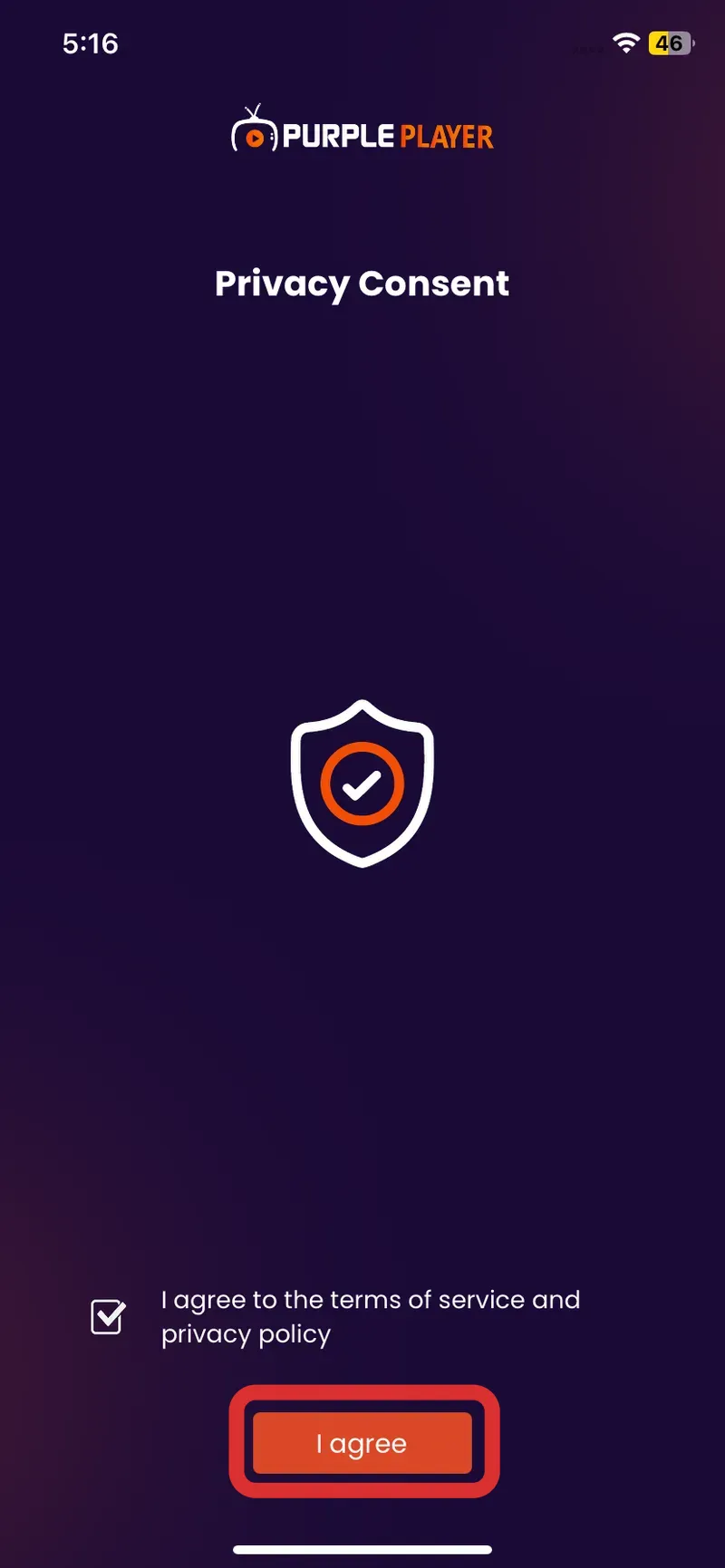
Step 3: I agree
Click on I agree button, as seen in the image below (marked in red)
Step 3: Skip
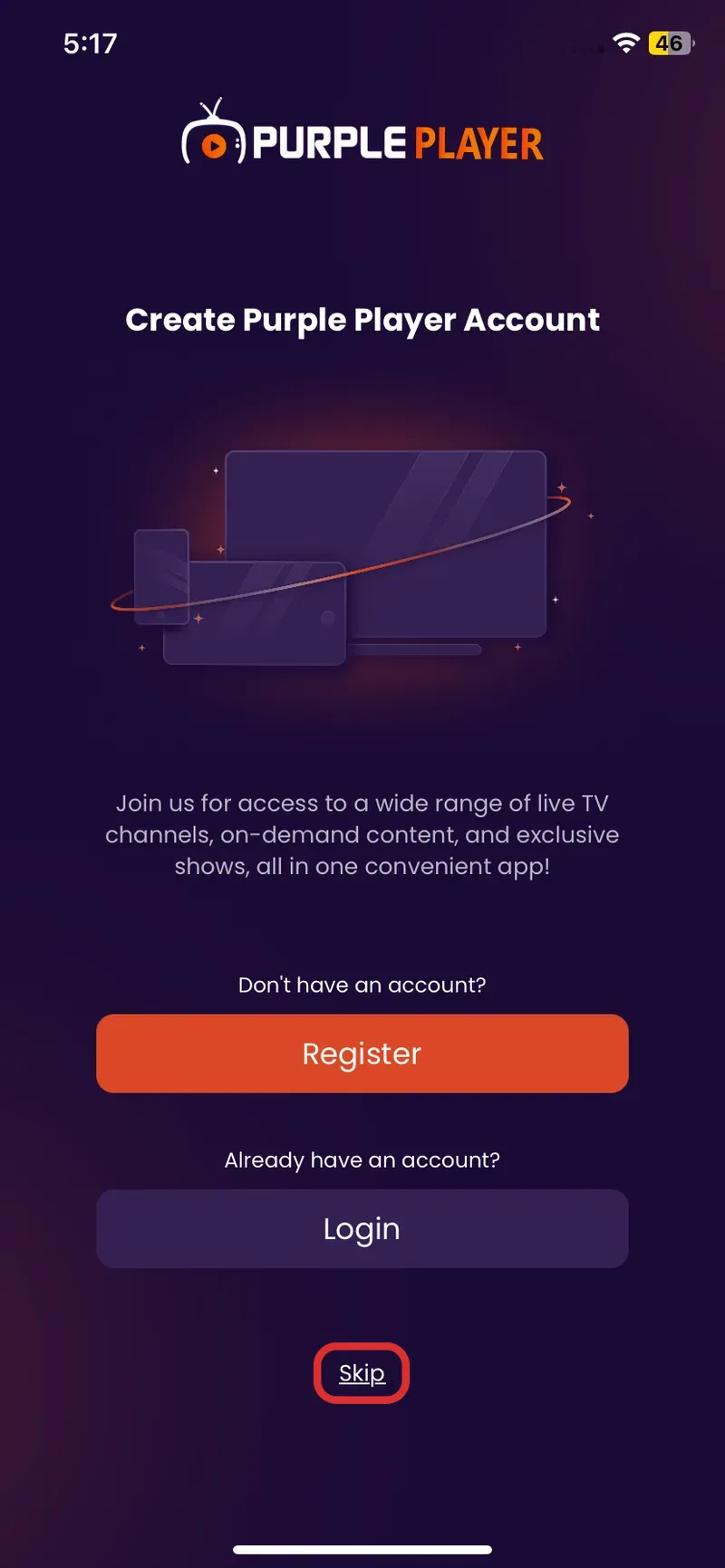
Step 4: Login Screen
After successfully completing the above steps, users will be directed to Purple Player Login Screen.