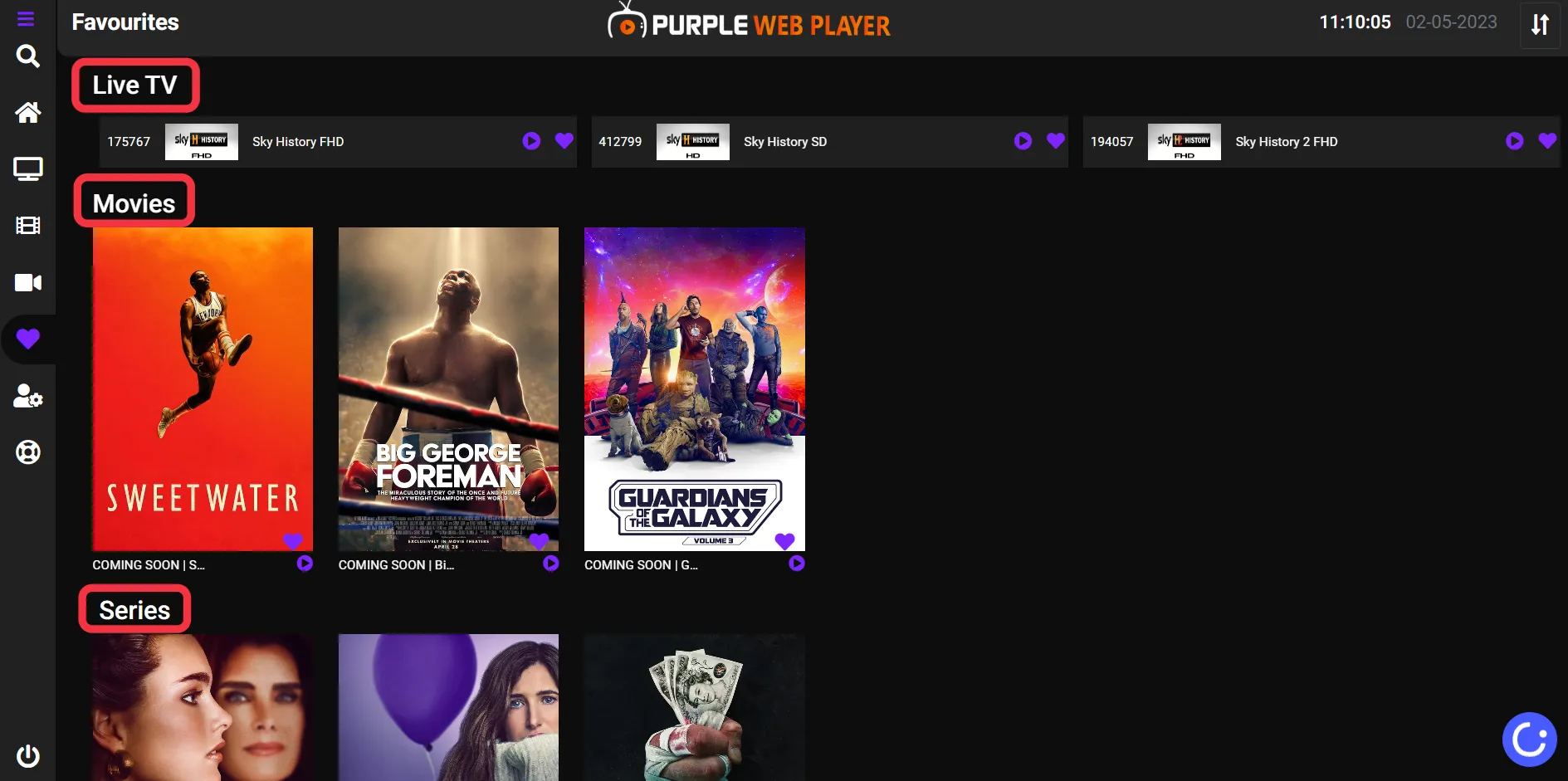
How to Access All your Favorite Lists in One Place
2 min
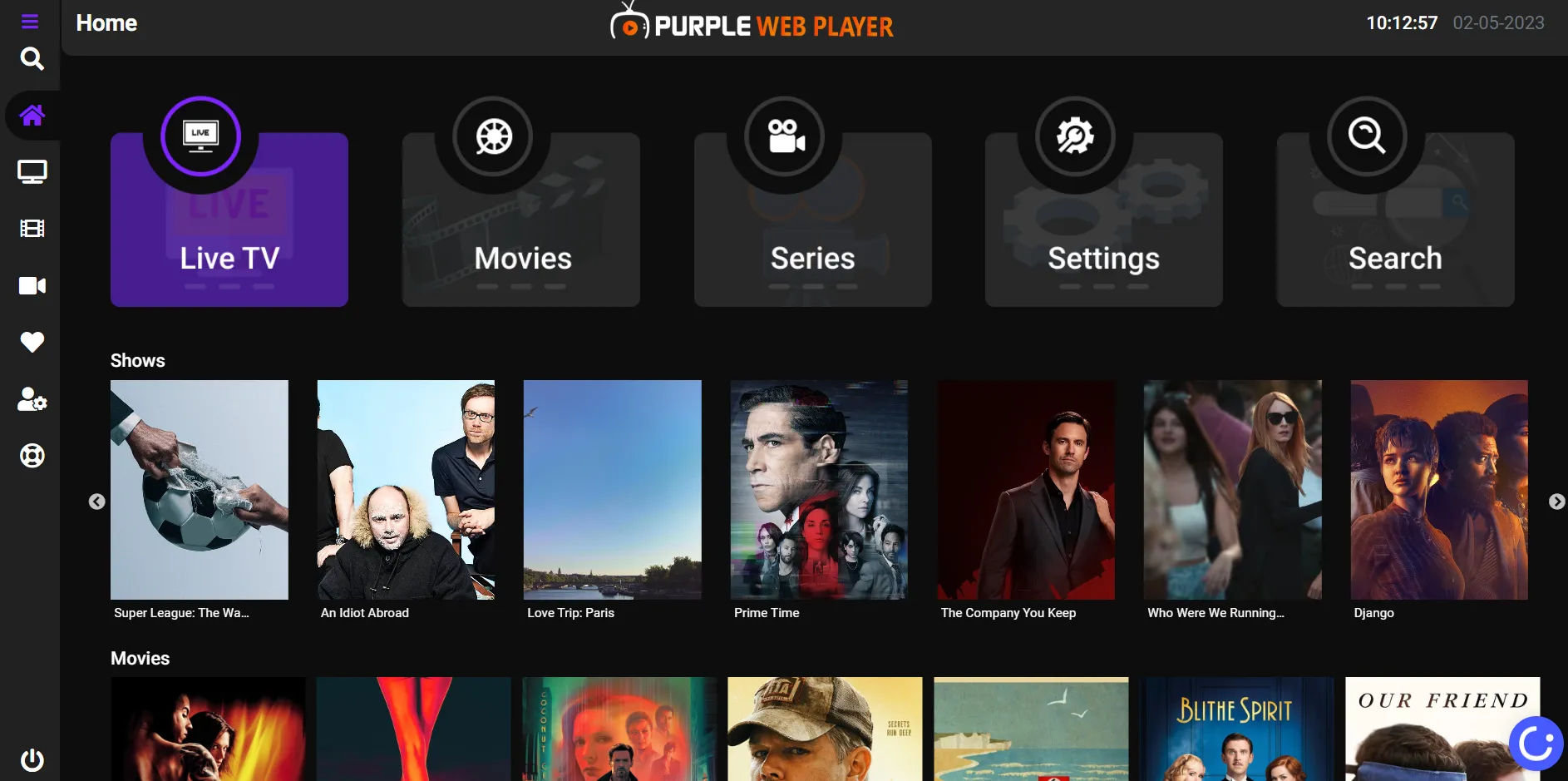
Step 1: Home screen
After Successfully adding your Playlist, users will be greeted by Purple Player Home Screen
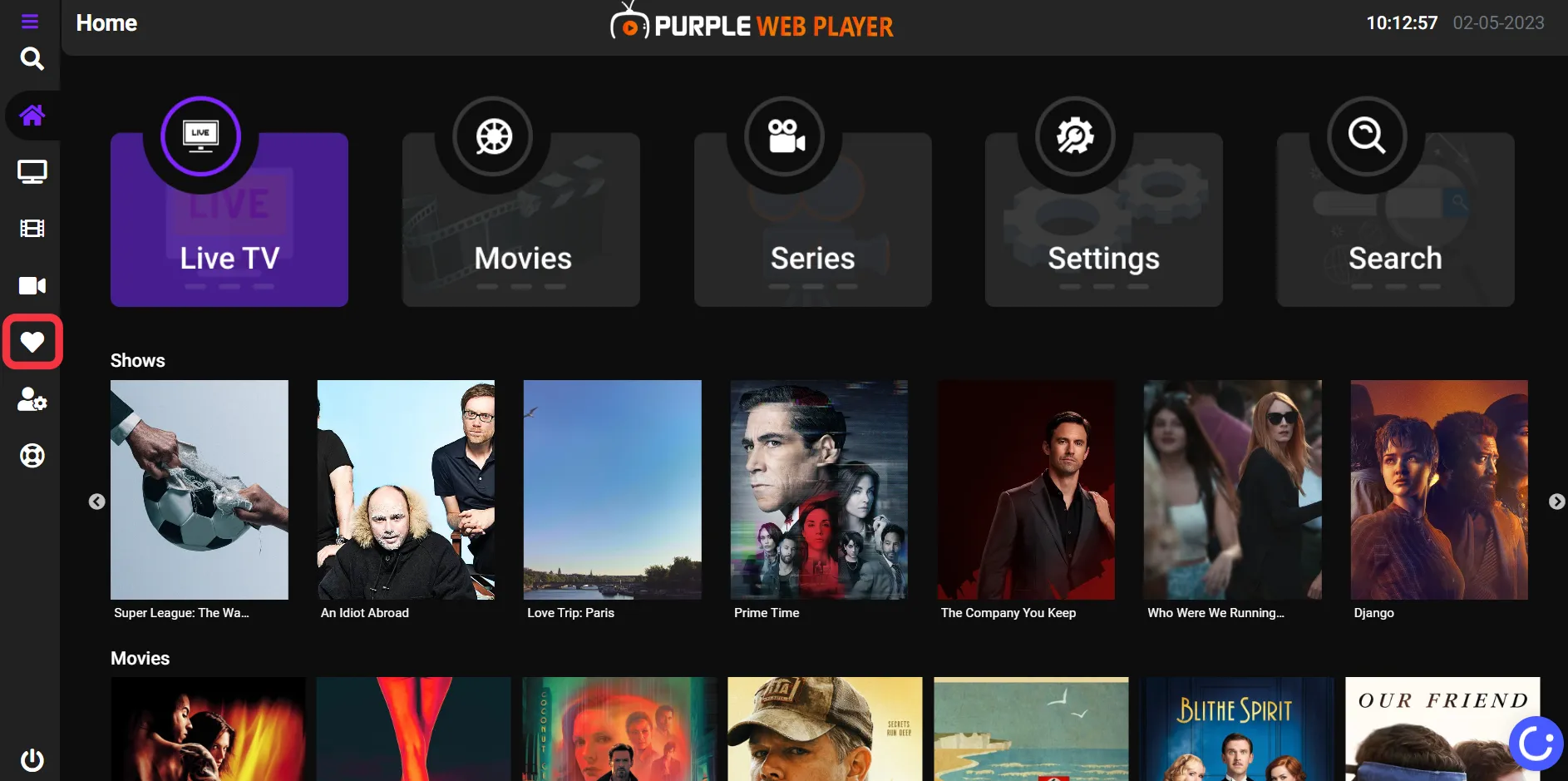
Step 2: Heart Icon
Click on the "Heart Shape Icon" Button, as seen in the image below (marked in red)
Step 3: Favorites
Users will find all their "Favorite Live TV, Movies, and Series" in the favorite section after clicking on it, as seen in the below image (marked in red)